

Sovereign_Skies
-
Posts
44 -
Joined
-
Last visited
Content Type
Profiles
Warranty Claims
Downloads
Forums
Store
Services
Downloads Plus Support
DOWNLOADS EXTRA
Everything posted by Sovereign_Skies
-
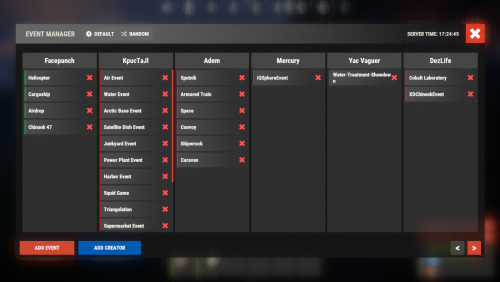 Highly recommend Deep Sea Options to control Deep Sea instead of Events Manager.
- 307 comments
-
- 1
-

-
- #eventmanager
- #manager
- (and 5 more)
-
It was mentioned in the patch notes that the deep sea event is like a server event and will be toggled. Do you plan to add it to the event manager so you can schedule it?
-
Are there plans to add the deep sea event to this?
-
.thumb.gif.5b451bea999e845f194c30f91f342bbc.gif) Just patch it, you can patch the map on a live server without data loss.
Just patch it, you can patch the map on a live server without data loss. -
This is the first time I'm trying to schedule everything like this and my first time modifying Bradley, so I'm not sure. I will look into it more. Thanks for the insight, you're probably right.
-
Thanks for getting back to me. I have confirmed it is *not* in the list of allowed vanilla events. I did see this in the console on plugin reload: [EventsManager] Vanilla events are disabled: event_roadbradley
-
I have "Disable vanilla auto events?": true, but Bradley continues to spawn normally, and I have no other plugins that manipulate Bradley. How do I disable that from spawning and control via Events Manager?
-
Hoping there is an update for 2025? Map is highly requested by players.
-
.thumb.gif.b22047505823f6b849692f2b28fdc083.gif) Eagerly awaiting this years update!
Eagerly awaiting this years update!- 23 comments
-
- 2
-
-
- #transylvania
- #halloween
- (and 7 more)
-
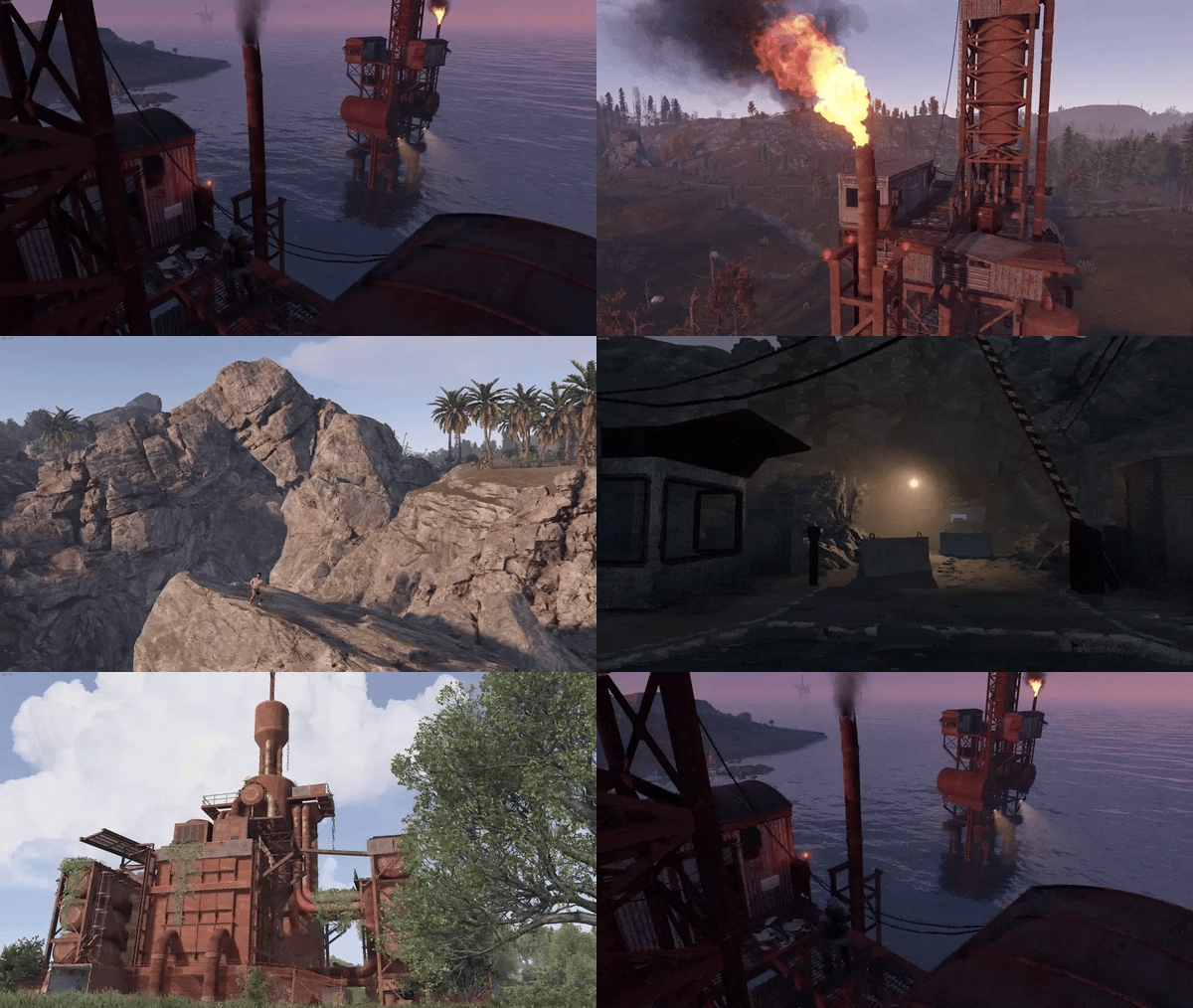 Can we get a Prim version of this map, pretty please?
 -
Where is the location for the fuse for the monument at Cobalt Industries? Can’t find out how to power the door to get to the loot.
-
 What are the skin ID's so I can add them to the shop?
 -
 Yep, as reported above, the plugin is broken.
 -
 Hello, I have two questions @TGWA, 1. Is there an option to turn off turrets upon dismount? 2. Is there a way to move the UI? Currently overlaps my HUD in the top right corner. Would just like to move it down. Or, if you know which line of code it's on so I can change manually? Thanks, love the plugin!
 -
 Can this be updated to include FF protection for Clan Allies? That way clan allies don't get shot by allied turrets, traps, and SAM sites.
 -
Plugin literally doesn’t work. Beware.
- 25 comments
-
- 1
-
-
- #plugin
- #admin tool
- (and 7 more)
-
 This link 404's now...I don't even see the discord.js generic egg anymore on the repo. Do you have a new link for this perchance? Also, @Amino, thanks for such a great Discord bot. I look forward to using it on my servers. Are there any plans down the road to add server restart notifications? This is one thing that I'd still need Rustcord for, but other than that I can yeet that plugin into the abyss and use your bot. Thanks again!
 -

ATM Machine and dynamic generation demo
Sovereign_Skies replied to Revolving DCON's topic in Show Off
The amount of time, effort, and care @Revolving DCONhas put into this plugin is amazing. While playing on his server, I’ve watched him develop and test these ATM’s and I can’t wait to see the finished product. The best part is, is that he truly just wants to make high quality plugins and release them for free for the betterment of the Rust community.
