


Depends on
Required for this file to work correctly.

Works with
Optional integrations and compatible files.
.thumb.gif.30bb4fb1ad6b9cbba98fad72b9533086.gif)




About Skills
Skills is a skill progression system for Rust servers with 71+ pre-configured skills in 13 categories. It includes 4 UI templates, a modal windows system, automatic migration from SkillTree/Skills V1 and an API. Players level up skills for resource gathering, crafting, combat and survival.


 Why choose Skills?
- Large skill library - 71+ pre-configured skills for every part of the game
- Ready to use - All skills are balanced and work out of the box
- Progression - 10 levels per skill
- Visual editor - Customize skills without writing code
- Integrations - Support for ServerPanel V1/V2/V4, Notify/UINotify and all major economy plugins
- Performance - Optimized for high-population servers
- Migration - Automatic data conversion from SkillTree and Skills V1
- Modal windows - Modal system for custom interfaces
- Multiple templates - Fullscreen, V1, V2, V4 ServerPanel templates
- Real-time notifications - Notify/UINotify support
 Video overview
 Showcase
Templates
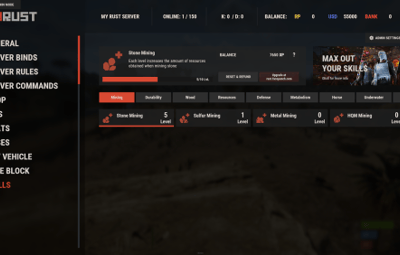
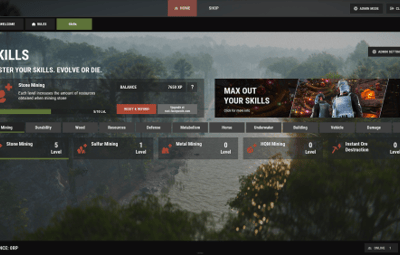
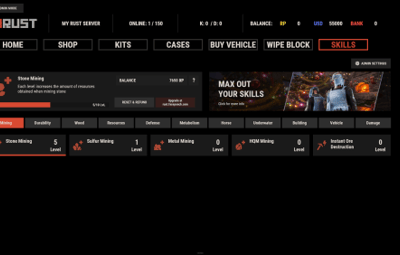
Fullscreen Template

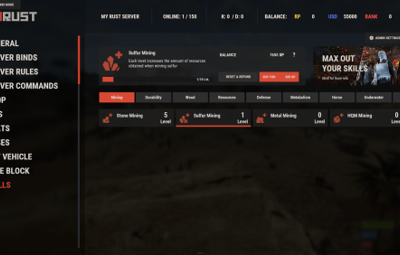
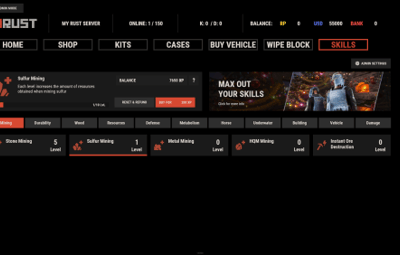
ServerPanel V1 Template

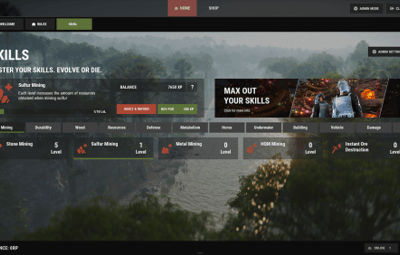
ServerPanel V2 Template

ServerPanel V4 Template

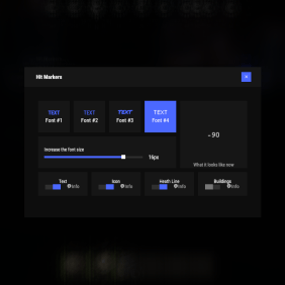
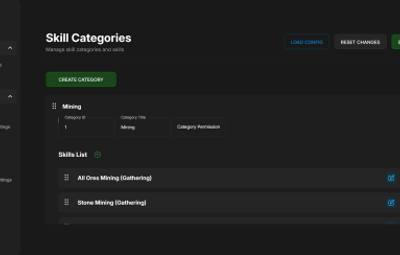
Modal Windows & Editor
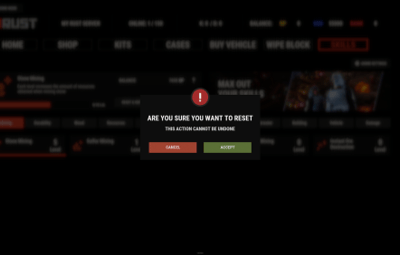
Modal Windows System

 All skills (71+)
Skills ships with pre-configured skills for every part of Rust gameplay. Each skill is ready to use and has a balanced 10-level progression.
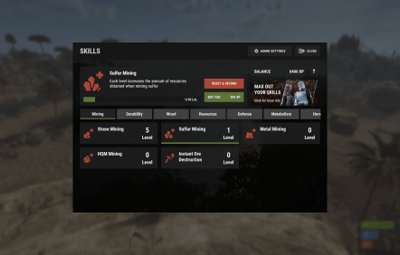
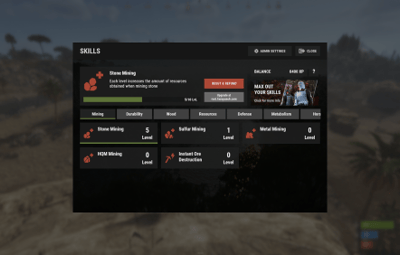
 Mining skills
- All Ores Mining - Boosts yields from stone, sulfur, metal, and HQM ore by up to 50%
- Stone Mining - Up to 50% more stone
- Sulfur Mining - Up to 50% more sulfur ore
- Metal Mining - Increased metal ore yields up to 50%
- HQM Mining - High-quality metal ore bonuses up to 50%
- Instant Ore Destruction - Chance to instantly destroy ore nodes (up to 20%)
 Durability skills
- Tool Durability - Reduces wear on gathering tools
- Weapon Durability - Preserves weapon condition in combat
- Clothing Durability - Slower armor wear
 Wood skills
- Wood Gathering - Increased wood collection from trees
- Instant Tree Chopping - Chance to fell trees instantly
- Coal Chance - Bonus coal drops from woodcutting
 Resources skills
- Smelted Ore Chance - Bonus metal from ore smelting
- Animal Butchering - More meat from animal carcasses
- Instant Butchering - Chance to butcher animals instantly
- Plant Gathering - Better yields from bushes and hemp
- Crop Harvest - Increased vegetable production
- Fishing - Improved fishing success and rare catches
- Instant Barrel Destruction - Instant barrel breaking chance
 Crafting skills
- Craft Duplicate - Chance for double crafted items
- Craft Speed - Faster crafting times
- Recycler Speed - Quicker recycling
- Furnace Smelting Speed - Faster ore smelting
- Component Find Chance - Bonus components from scrapping
- Cooking Speed - Faster food preparation
 Defense skills
- Fire Resistance - Reduced fire damage
- Fall Damage Resistance - Less fall damage
- Temperature Resistance - Better cold/heat protection
- Radiation Resistance - Reduced radiation damage
- Explosive Resistance - Protection from explosions
- Stand Up Chance - Higher chance to stand when wounded
- Melee Damage Resistance - Less melee damage taken
- Damage From Scientists Resistance - Reduced scientist damage
- Damage From Players Resistance - PvP damage reduction
 Animal & shark defense
- Animal Damage Resistance - Protection from animal attacks
- Shark Damage Resistance - Reduced shark damage
 Metabolism skills
- Hunger Metabolism - Slower hunger depletion
- Thirst Metabolism - Reduced thirst buildup
- Health Regeneration - Faster natural healing
 Horse skills
- Horse Speed - Faster horse movement
- Horse Damage Resistance - Horse takes less damage
- Horse Fall Resistance - Better horse fall survival
 Underwater skills
- Underwater Breathing - Extended underwater time
 Crate skills
- Crate Unlocking Speed - Faster locked crate opening
- Crate Extra Loot - Bonus items from containers
 Building skills
- Building Upgrade Cost - Reduced building upgrade costs
 Vehicle skills
- Fuel Consumption - Reduced vehicle fuel usage
- Vehicle Repair Cost - Cheaper vehicle repairs
- Air Vehicle Takeoff Speed - Faster helicopter takeoff
 Damage skills
- Damage To Scientists - Increased damage to scientists
- Damage To Animals - More damage to animals
- Damage To Players - Bonus PvP damage output
- Trap Damage - Increased trap and turret damage
 Combat skills
- Magazine Size - Larger weapon magazines
- Effect Duration - Longer buff/debuff effects
- Revive Healing - More health from revives
 Special skills
- Teleportation VIP - VIP teleport permissions
- Wipe Protection - Data protection across wipes
 Migration & Conversion
Skills supports data migration from popular skill plugins:
- SkillTree Plugin - Automatic conversion of player XP and skill levels
- Skills V1 - Full data transfer including custom skills and configurations
 Advanced features
- Modal Windows System - Create custom modal interfaces for extra features
- Multi-Template UI - Support for Fullscreen, ServerPanel V1/V2/V4 templates
- Real-time Notifications - Integrated Notify/UINotify system for skill progression alerts
- Advanced API - Developer API for third-party integrations
- ImageLibrary Integration - Offline image mode with automatic fallback
- Custom Economy Hooks - Economy integration through plugin hooks
- XP Transfer System - Transfer XP between players on death (configurable)
- Cooldown System - Configurable action cooldowns to prevent spam
 Commands
- /skills or /skill - Opens the skills interface
- skills.modal <modalID> - Open specific modal window
Admin console commands:
- skills.manage addxp <player> <amount> - Add XP to player
- skills.manage takexp <player> <amount> - Take XP from player
- skills.manage setxp <player> <amount> - Set player's XP balance
- skills.manage setskill <player> <skillId> <level> - Set skill level
- skills.manage giveskill <player> <skillId> <levels> - Increase skill level
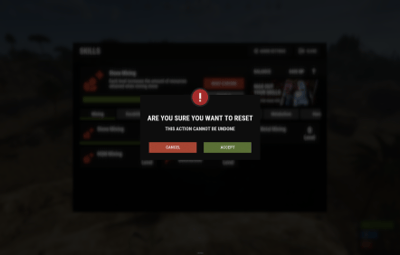
- skills.manage resetskill <player> <skillId> - Reset specific skill
- skills.manage resetall <player> - Reset all skills
- skills.manage info <player> - Show player skill information
Permissions
- skills.use - Access to skills interface (set in config as "Permission to use plugin (ex: skills.use)")
- skills.edit - Access to visual skill editor
- skills.xprate.vip - 1.5x XP rate bonus
- skills.xprate.premium - 2x XP rate bonus
- skills.xptransfer.vip - 75% XP transfer on death
- skills.xptransfer.premium - 100% XP transfer on death
- skills.gathering.level6-10 - Access to advanced gathering levels
 Developer API
Skills has an API for developers:
Methods:
-
API_GetPlayerSkillLevel(ulong playerId, int skillId)- Get player's skill level -
API_AddPlayerXP(ulong playerId, float amount)- Grant XP to player -
API_GetSkillInfo(int skillId)- Get skill configuration data -
API_OnGather(BasePlayer player, Item item)- Handle gather events -
API_OnSkillLevelUp(BasePlayer player, int skillId, int level)- Skill level up events -
API_GetSkillLevel(BasePlayer player, int skillId)→ int - Skill level -
API_GetSkillValue(BasePlayer player, int skillId)→ float - Skill effect value -
API_GetPlayerSkills(BasePlayer player)→ Dictionary<int, int> - All skill levels -
API_IsPlayerLoaded(BasePlayer player)→ bool - Player data loaded -
API_SetSkillLevel(BasePlayer player, int skillId, int level)- Set skill level -
API_ResetPlayerSkills(BasePlayer player)- Reset all skills
Hooks:
-
OnSkillsPlayerLoaded(BasePlayer player)- Player data loaded -
OnSkillsXPEarned(BasePlayer player, float amount)- XP earned from gameplay (not admin commands) -
OnSkillsXPBalanceChanged(BasePlayer player, float amount, float balance)- Called on every XP balance change, from any source (signed amount + resulting balance) -
OnSkillsSkillLevelUp(BasePlayer player, int skillId, int newLevel)- Skill upgraded. Return null to allow, string to deny
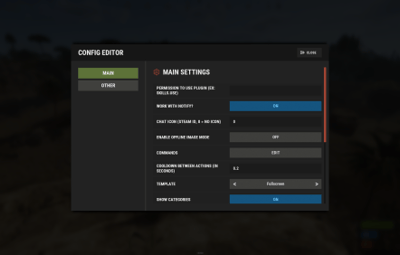
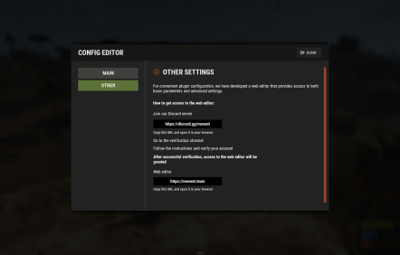
 Web Config Editor
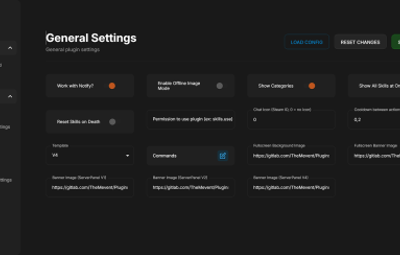
Manage the Skills settings in our web config editor. You change the config in a browser form instead of editing files on the server by hand.
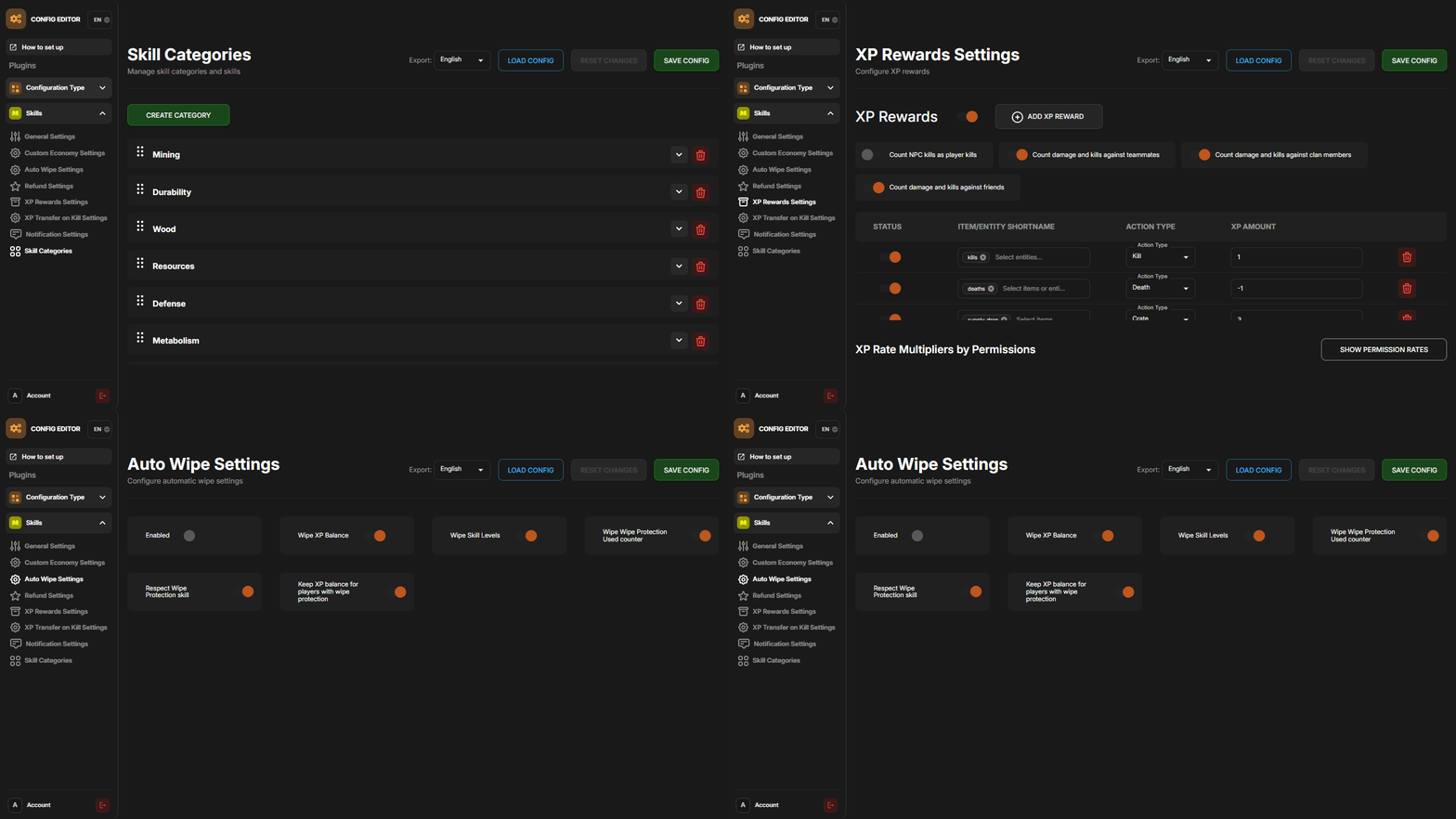
P.S. The web config editor is open to members of the "Skills" group in our Discord server. Join at https://discord.gg/mevent and ask for the group.
 FAQ
FAQ
Q: How many skills come with Skills?
A: Skills includes 71+ pre-configured skills in 13 categories, each ready to use with balanced progression.
Q: Do I need to configure anything?
A: No. All skills are pre-configured and balanced. Install the plugin, enable the skills you want and grant permissions.
Q: How does the XP system work?
A: Players earn XP through gameplay activities (mining, combat, crafting, etc.) and spend it to unlock skill levels.
Q: Can I customize skills?
A: Yes. Use the visual editor to change skill costs, bonuses and requirements, or to create new custom skills.
Q: What happens on server wipe?
A: That is configurable: you can keep skills/XP, reset everything or use selective wipe protection.
Q: Does it work with economy plugins?
A: Yes. It works with ServerRewards, Economics, BankSystem, IQEconomic and custom economy systems.
Q: Can I migrate from SkillTree or Skills V1?
A: Yes. Skills converts data from both plugins automatically and keeps all player progress.
Q: What are modal windows?
A: Modal windows are custom popup interfaces you can create for additional features like shops, information displays, or mini-games.
Q: Which ServerPanel versions are supported?
A: Skills supports ServerPanel V1, V2, V4 and Fullscreen templates, each with its own banner images and layout.
Q: Can I use custom images?
A: Yes. Skills works with ImageLibrary and has an offline image mode for custom skill icons and backgrounds.
Q: Is there a cooldown system?
A: Yes, configurable cooldowns stop action spam and keep the server load down.
Q: How does XP transfer work?
A: When enabled, a killed player passes a percentage of their XP to the killer.
Q: Can I limit skill access?
A: Yes. Skills can require permissions, playtime and other prerequisites.
Q: What's the performance impact?
A: Skills uses caching, batch processing and efficient data structures to keep the server load low.
Q: How do I add Skills to the ServerPanel menu?
A: You can do this directly from the ServerPanel in-game:
1. Open the ServerPanel menu in-game.
2. If you have permission to edit, switch the panel to edit mode so you can see the blue "EDIT CATEGORY" and "EDIT PAGES" buttons.
3. Choose the category where you want Skills to appear and click the "EDIT CATEGORY" button for that category.
4. While you are in this category in the ServerPanel, click the "EDIT PAGES" button to create a new page (or edit an existing one) for Skills.
5. For that page, set these exact parameters:
- Type: Plugin
- Plugin Name: Skills
- Plugin Hook: API_OpenPlugin
6. Save the changes. The Skills button will now appear in the ServerPanel in the category you selected.




.thumb.gif.30bb4fb1ad6b9cbba98fad72b9533086.gif)
.thumb.png.bcb832e22f0a48b6833fee517e444bff.png)
.thumb.gif.4707aef13cba7c3b9ad410f5f982b71c.gif)