Jump to content
Message added by Iftebinjan,

CUSTOMER SUPPORT 
For support or to report any issues with the plugin ASAP pls create a ticket on our Discord server.


Please allow at least 48 hours for response on site tickets as we all live in different time zones.  Not available during weekends.

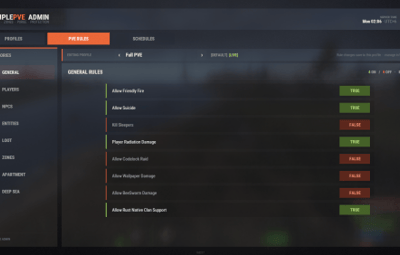
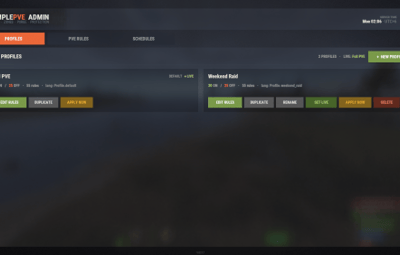
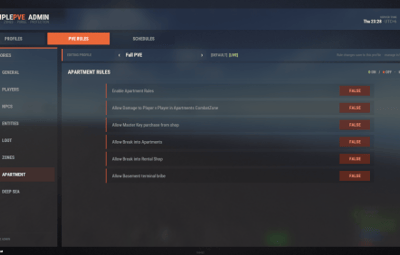
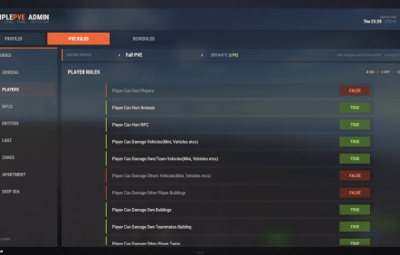
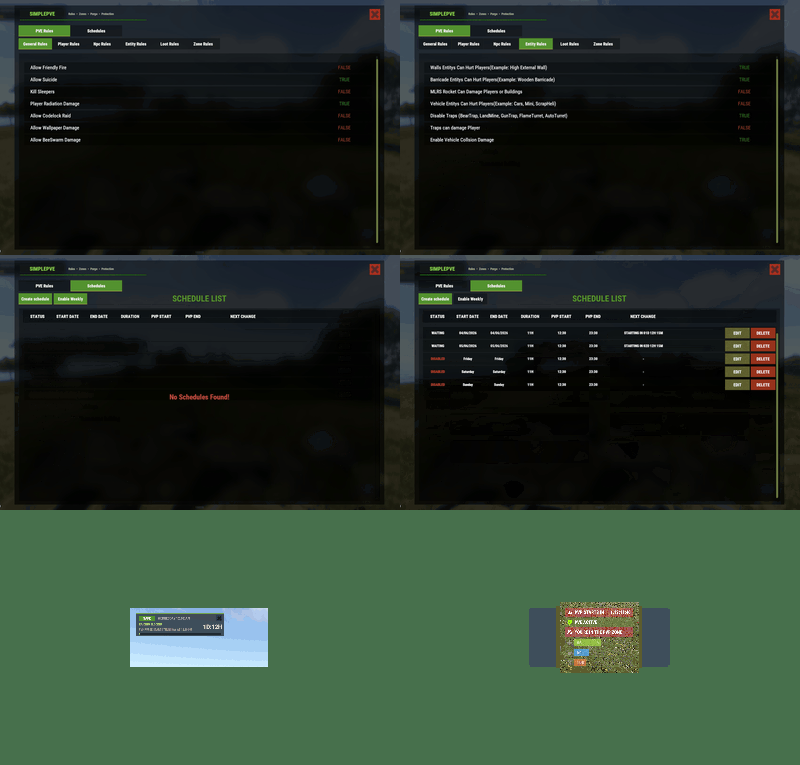
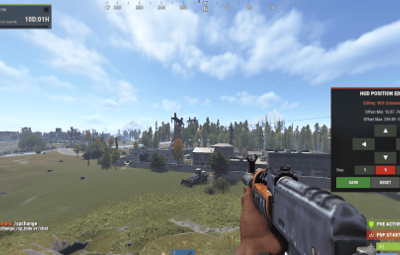
10 Screenshots

  • 95.4k
  • 3.2k
  • 269.3 kB

This area is for discussion and questions. Please use the support area for reporting issues or getting help.

Recommended Comments


virus

Posted

image.png.9a114181e183a4fd7b4d2296a231cf97.png

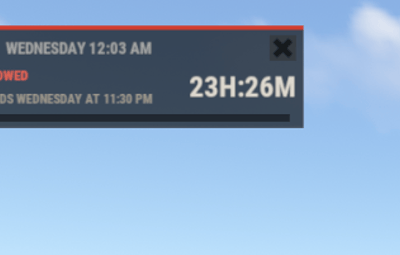
what is it related to

Iftebinjan

Posted

1 hour ago, virus said:

image.png.9a114181e183a4fd7b4d2296a231cf97.png

what is it related to

It might be something with the map spawning Halloween dungeon,
try restarting the server, without any plugins see if this still happening. 

DarkSilver

Posted

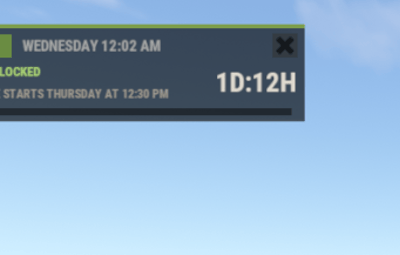
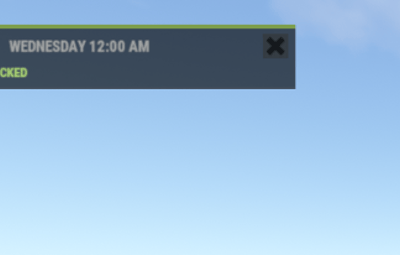
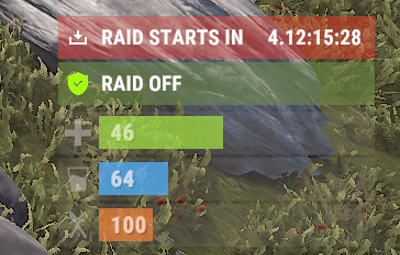
hi, how do i get this ? is not showing in my server just the little green tag with PVE


image.png.9d744e4abe1acf6f736af6151f512554.png 

miniMe_rust

Posted

16 minutes ago, DarkSilver said:

hi, how do i get this ? is not showing in my server just the little green tag with PVE


image.png.9d744e4abe1acf6f736af6151f512554.png 

You need to install SimpleStatus alongside SimplePVE to get that status display. 


  • Like 1
DarkSilver

Posted

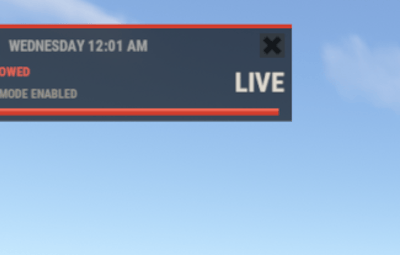
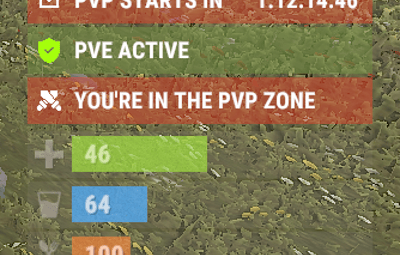
Morning, quick question when entering a pvp zone can this be adjusted to show you are on PVP ZONE
image.png.fc423dd81edd0ea840a57897244a1193.png

miniMe_rust

Posted

6 hours ago, DarkSilver said:

Morning, quick question when entering a pvp zone can this be adjusted to show you are on PVP ZONE
image.png.fc423dd81edd0ea840a57897244a1193.png

It usually does exactly that: The little overlay turns red and reads PVP when you're inside a PVP zone.

Rush

Posted

Did something break? I can't change TO PvE now and it it's bassackwards now

Iftebinjan

Posted

5 hours ago, Rush said:

Did something break? I can't change TO PvE now and it it's bassackwards now

Is everything alright? Any issues, you can open a ticket

Grumpy Old Man

Posted

wondering if the mannequin will be included one day ?


thanks 


image.png.0602210034baca2a110d8cb47a7b9e8a.png

  • Like 1
Rush

Posted

Unsure what happened but this was a major spam error across the console in about 15-20 errors listed. 

error1.PNG

aRandumDude

Posted

When "Player SamSite Ignore Players" is "True" 

SamSites still target Hot Air Ballons. Just wanted to pass it on!


Thanks

BeePssY

Posted

does this have like truepve where if pve enabled turrets wont target players?

miniMe_rust

Posted

13 hours ago, BeePssY said:

does this have like truepve where if pve enabled turrets wont target players?

Yes, you can set the rules to disable traps (incl. Turrets) and/or prevent damage to a player from traps.

fullwiped

Posted (edited)

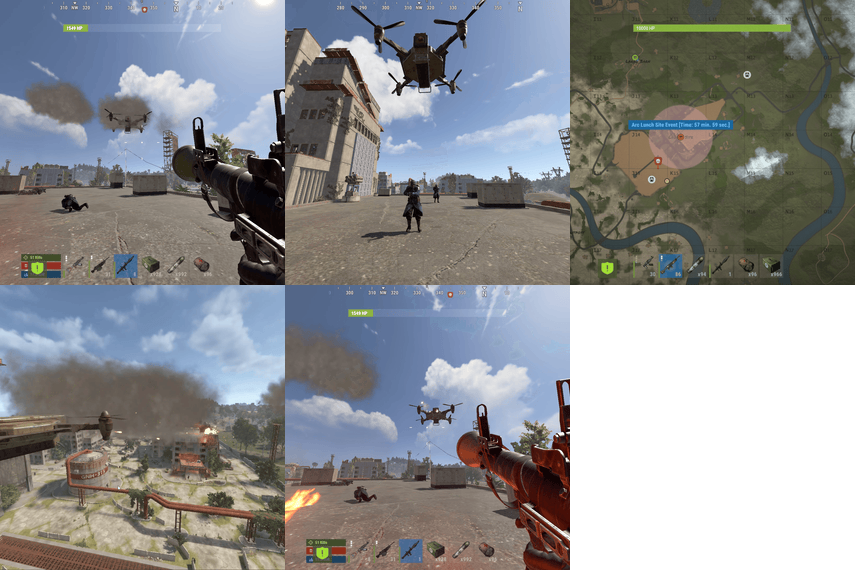
Hello @Iftebinjan, the PvE GUI warning is triggered because bullets hit the armored train while shooting NPCs, not because NPCs are immune to damage. Could you please advise how we can prevent or fix this?

We noticed that when we set "Player Can Damage Other Player Buildings" to True, the GUI no longer appears when the train takes damage. However, since we are running a full PvE server, this setting is not really suitable for us.

image.png.188040581cfc3b2628258087ba9ce0e4.png
 

53n513 (2).png

53n513 (1).png

Edited by fullwiped
miniMe_rust

Posted (edited)

10 hours ago, fullwiped said:

Hello @Iftebinjan, the PvE GUI warning is triggered because bullets hit the armored train while shooting NPCs, not because NPCs are immune to damage. Could you please advise how we can prevent or fix this?

We noticed that when we set "Player Can Damage Other Player Buildings" to True, the GUI no longer appears when the train takes damage. However, since we are running a full PvE server, this setting is not really suitable for us.

image.png.188040581cfc3b2628258087ba9ce0e4.png
 

53n513 (2).png

53n513 (1).png

Hey @fullwiped, I can't speak for @Iftebinjan but to me it looks more like a problem with Armored Trains not considering PvE environments. Plugins like SimplePvE recognize e.g. ZoneManager or other event zones like Raidable Bases etc. and let them manage damage and stuff regardless of the surroundings being PvE. This happens transparently and works fine. In my eyes the right call would be to reach out to the Armored Trains author and ask them to check whether they can establish such a zone around their event train to allow proper function also in PvE environments. Just my 2 cents.

Edited by miniMe_rust
  • Like 1
Iftebinjan

Posted

12 hours ago, fullwiped said:

Hello @Iftebinjan, the PvE GUI warning is triggered because bullets hit the armored train while shooting NPCs, not because NPCs are immune to damage. Could you please advise how we can prevent or fix this?

We noticed that when we set "Player Can Damage Other Player Buildings" to True, the GUI no longer appears when the train takes damage. However, since we are running a full PvE server, this setting is not really suitable for us.

image.png.188040581cfc3b2628258087ba9ce0e4.png
 

53n513 (2).png

53n513 (1).png

I know a reason which might cause this issue if train rails owner is not set to 0, 
Either I will test this myself and see if anything i can do this from my end.

  • Like 1
fullwiped

Posted

5 hours ago, Iftebinjan said:

I know a reason which might cause this issue if train rails owner is not set to 0, 
Either I will test this myself and see if anything i can do this from my end.

Thanks for looking into this, we really appreciate it. Hopefully a proper solution can be found, looking forward to your findings after your tests. 

Create an account or sign in to comment

You need to be a member in order to leave a comment

Create an account

Sign up for a new account in our community. It's easy!

Register a new account

Sign in

Already have an account? Sign in here.

Sign In Now
  • Like 9
  • Love 9

User Feedback

2.1m

Downloads

Total number of downloads.

10k

Customers

Total customers served.

145.7k

Files Sold

Total number of files sold.

3.1m

Payments Processed

Total payments processed.

×
×
  • Create New...

Important Information

We have placed cookies on your device to help make this website better. You can adjust your cookie settings, otherwise we'll assume you're okay to continue.