aSaHi_HAL9000
-
Posts
7 -
Joined
-
Last visited
Content Type
Profiles
Warranty Claims
Downloads
Forums
Store
Services
Downloads Plus Support
DOWNLOADS EXTRA
Everything posted by aSaHi_HAL9000
-
 The investment for the purchase of this plugin has really paid off and is a real added value for every server. It worked for me out-of-the-box without any problems and the price is more than fair!
 -
 Hi! Interesting plugin, but are individual skins of the boxes displayed in the overview, or always only the default skin?
 -
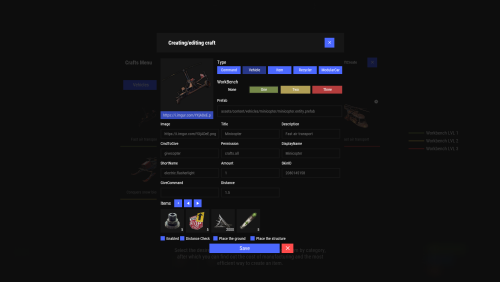 Hi! Every time if i want to edit an item the plugin generates a new one with a blank image.... So again: How can i remove an Item from Crafts? It Can't be the solution to remove and reinstall the whole plugin ... Please give me a hint - maybe i am blind, but i cant find a "remove" or "delete" button ....
 -
 Hi! What are the percentage chances distributed if you specify multiple Gifts for a given number of players? THX!
 -
 This is so usefull. We are running over 100 Plugins und keeping them up to date was really pain in the butt.
 -
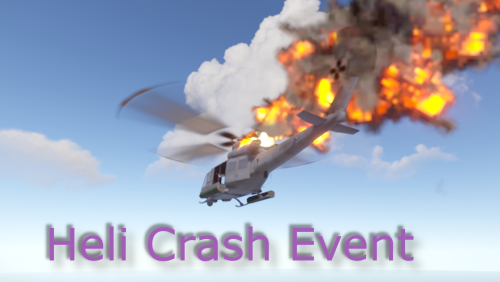 It would be very nice if you could add (in analogy to the ArmoredTrain and Convoy plugins) two start/stop chat commands: /HeliCrashStart and /HeliCrashStop So we can trigger the event independent of the number of players... Thanks a lot!
 -
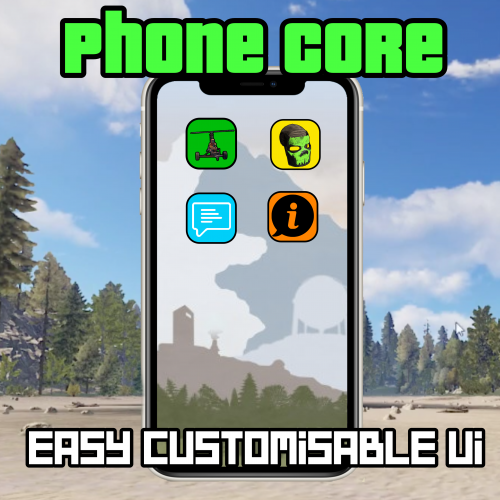 Hi! Nice Plugin! But is it possible to add the option that a command isnt executed? I use it as an admin tool für short cuts. In example if i made a page for the "Zones" plugin, there are many options to write after the main command. /zone_edit <zone ID> or /zone <flag> <value>. So <zone ID>, <flag> or <value> is that what i want manually add to the chat. If i click the button "Zone Edit" chat output should be "/Zone_edit " without ENTER.
 -
Hi! How can i remove an item? If i add some components it works great, but i if i changed the amount of some components then a new item appears in the list. If i click the gears, there is no red "x" to remove this new item. My first "solution" was to remove the plugin from the server and reinstall. But this is really pain in the butt if you have to start over and over again on every happy little accident Pls help