
-
Posts
976 -
Joined
-
Days Won
5
Content Type
Profiles
Warranty Claims
Downloads
Forums
Store
Services
Downloads Plus Support
DOWNLOADS EXTRA
Reels
Everything posted by Mabel
-
Changed Status from Pending to Closed
-
Changed Fixed In to 1.0.5
-
Thanks for the report, ive fixed and updated it now
-
The first permission is working, but seems there is a issue with the others Thanks for letting me know and i will fix that now and update
-
ok, i am loading my test server now to check it for you
-
Hello, yes it still works, have you granted the permissions?
-
Spams the following error Server Exception: Building Manager NullReferenceException at (wrapper managed-to-native) UnityEngine.Component.get_transform(UnityEngine.Component) at BaseEntity.WorldSpaceBounds () [0x00000] in <770d4a4ee8094cedbf547ea77d66f0a6>:0 at BaseEntity.GetNearestBuildingPrivledge () [0x00000] in <770d4a4ee8094cedbf547ea77d66f0a6>:0 at BaseEntity.GetBuildingPrivilege () [0x00000] in <770d4a4ee8094cedbf547ea77d66f0a6>:0 at DecayEntity.GetBuildingPrivilege () [0x00011] in <770d4a4ee8094cedbf547ea77d66f0a6>:0 at DecayEntity.DecayTick () [0x0008b] in <770d4a4ee8094cedbf547ea77d66f0a6>:0 at ServerBuildingManager.Cycle () [0x00157] in <770d4a4ee8094cedbf547ea77d66f0a6>:0 at (wrapper dynamic-method) MonoMod.Utils.DynamicMethodDefinition.ServerMgr.Update_Patch0(ServerMgr) UnityEngine.DebugLogHandler:Internal_LogException(Exception, Object) UnityEngine.DebugLogHandler:LogException(Exception, Object) UnityEngine.Logger:LogException(Exception, Object) MonoMod.Utils.DynamicMethodDefinition:UnityEngine.Debug.LogException_Patch1(Exception, Object) MonoMod.Utils.DynamicMethodDefinition:ServerMgr.Update_Patch0(ServerMgr)
-
Exception while calling NextTick callback (ArgumentNullException: Value cannot be null. Parameter name: key) at System.Collections.Generic.Dictionary`2[TKey,TValue].FindEntry (TKey key) [0x00008] in :0 at System.Collections.Generic.Dictionary`2[TKey,TValue].ContainsKey (TKey key) [0x00000] in :0 at Oxide.Plugins.RustRewards+<>c__DisplayClass74_1.b__0 () [0x00070] in :0 at Oxide.Core.OxideMod.OnFrame (System.Single delta) [0x00051] in :0 Getting this since the latest update
-
 Looks great, appreciate it
 -
That would be useful if you can add to revoke permissions/groups on wipe I have away to do it now but would be better if it was incorporated in the plugin
-
I use this system for a long time now, so I know it works We do it by creating a group for each tier of base and assigned the permission to each group, then on completion they will be added to the group and granted entry into the next tier. they you can simply clear the players from those groups on new wipe If you need help understanding it contact my via discord and I can show you how we do it, I am not home until tomorrow though, but happy to show you then
-
You can achieve this already using the raid ladder "Ranked Ladder": { "Award Top X Players On Wipe": 0, "Enabled": true, "Show Top X Ladder": 10, "Assign Rank After X Completions": { "Assign To Owner Of Raid Only": false, "Easy": 10, "Medium": 10, "Hard": 10, "Expert": 10, "Nightmare": 10 }, Give the default group `raidablebases.easyraid` permission and have it assign the player `raidablebases.medraid` on completion of the 10 raids
-
 Apart from the one issue I reported it's been great
 -
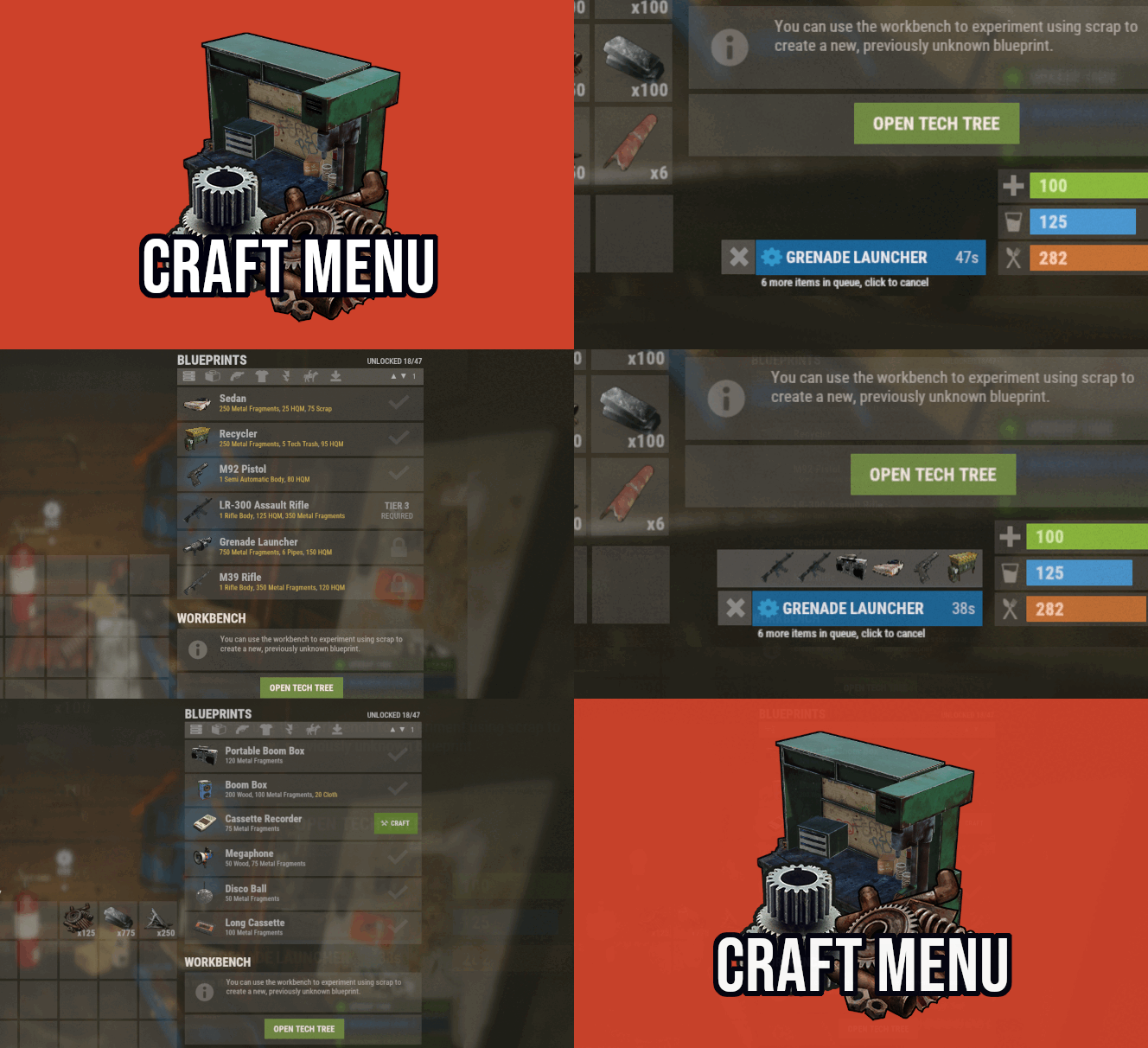 No possible to edit those. That is native ui of workbench when opening it via inventory the pick up button is a addition that David added to let players pick up there bench
 -
Its the correct file but they haven't updated the version number
-
It wasn't made by Chaos, and they work differently, but you do you if you can't wait for the developer too implement his fix people have real life that comes first and the plugin has been great for years until facepunch made this change
-
That fix has issues 1. Its placement is blocking the industrial crafter 2. It's not a "easy" fix for this plugin as it would only work for plugins that already used a command to open there menu
-
Changed Status from Pending to Closed