
-
Posts
171 -
Joined
-
Last visited
Content Type
Profiles
Warranty Claims
Downloads
Forums
Store
Services
Downloads Plus Support
DOWNLOADS EXTRA
Reels
Everything posted by NINJA WORKS
-
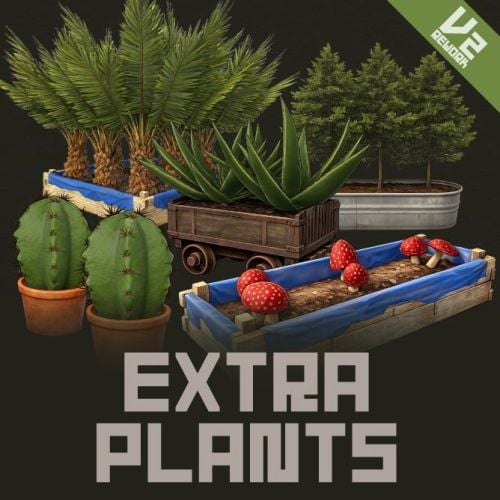 If you grow the red seeds, you can harvest four types of vegetables. These are simply apple items with added skin ID, and they behave the same as apples when eaten. We are currently developing a plugin to give each of them different calories, water content, and HP. We are currently working on optimizing the handling of the Carbon because it currently behaves differently from Oxide.
- 59 comments
-
- 2
-

-
- #rust
- #facepunch
- (and 12 more)
-
Thanks ! We plan to add tournament scheduling, comprehensive statistics, and rankings to the fish collection screen. This month, we're working on another new plugin, so implementation may take some time.
- 1 reply
-
- 1
-
-
Could you please send me the configuration file so I can verify if this is a bug?
-
Verification: The Batch Harvest Special Plants setting has been successfully added in the update from the previous version You do not need to delete the configuration file..
-
"Batch Harvest Special Plants": false, "Enable Dispenser Gather Seed Drops": true, "Dispenser Gather Seed Drops": { "wood": { Please set "Batch Harvest Special Plants" to true. If the settings are not added after the update, you will need to remove the settings in the ExtraPlants.json file and reload the plugin.
-
Plugin Updated We've added a feature that allows players to obtain seeds from various sources, such as chopping wood, gathering wild mushrooms and hemp, and mining ore.
-
We sometimes hold discount sales when there are major changes to the plugin.
- 59 comments
-
- 1
-
-
- #rust
- #facepunch
- (and 12 more)
-
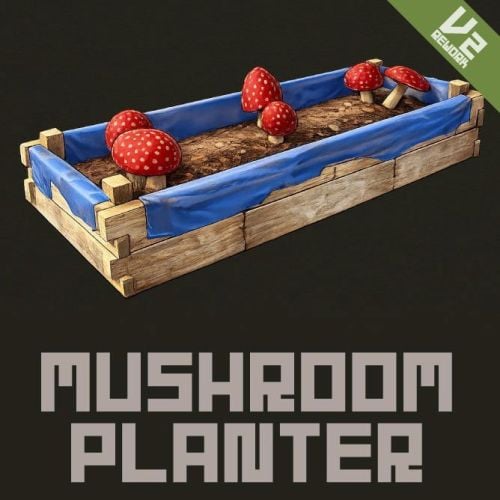 Seed drops from wild plants will be implemented in ExtraPlants as well.
 -
UPDATED [Fix] - Fixed a bug in OnItemUse. [Add] - Mushroom seeds (Mushroom Mycelium) can now be obtained from wild mushrooms.
-
.thumb.gif.85db1086c3a89ac3c74d631b5eb77942.gif) Hello. I don't have that plugin, but I'll try using the hook. Does the drone that appears in that plugin have a special name?
Hello. I don't have that plugin, but I'll try using the hook. Does the drone that appears in that plugin have a special name? -
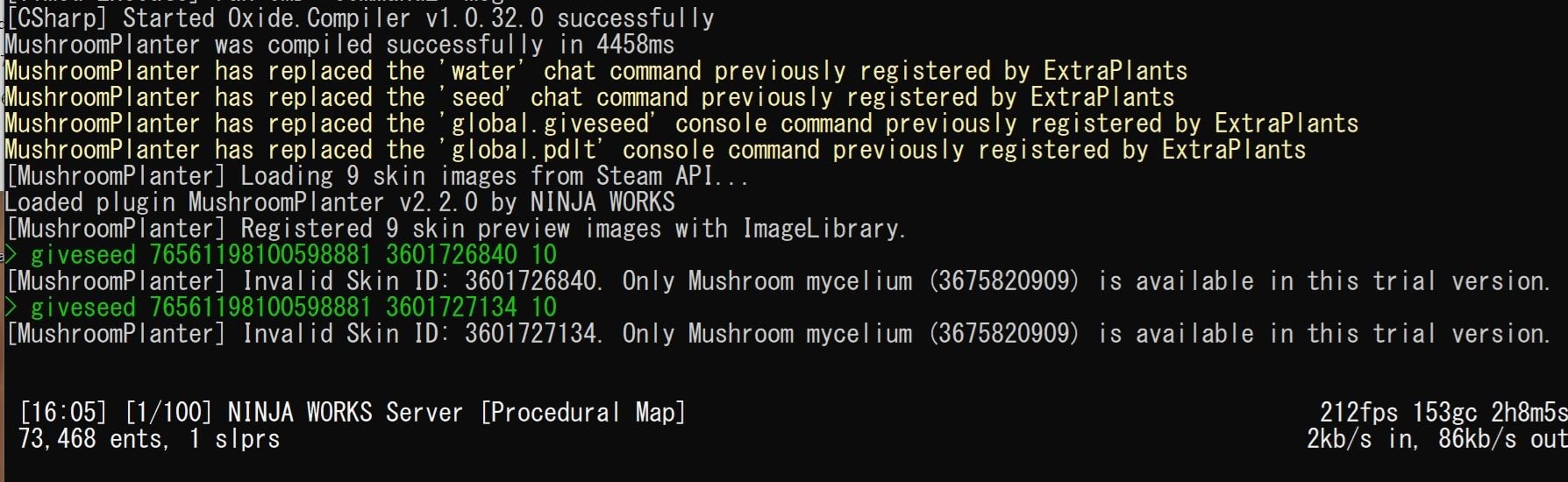
Just now, I verified that if you enter the "giveseed" command with the free Mushroom Planter plugin installed, it returns this error regardless of the type of seed, and you get nothing. Furthermore, I confirmed that entering the "/seed" command only yields mycelium. It's possible that Mushroom Planter is still installed on your server.

-
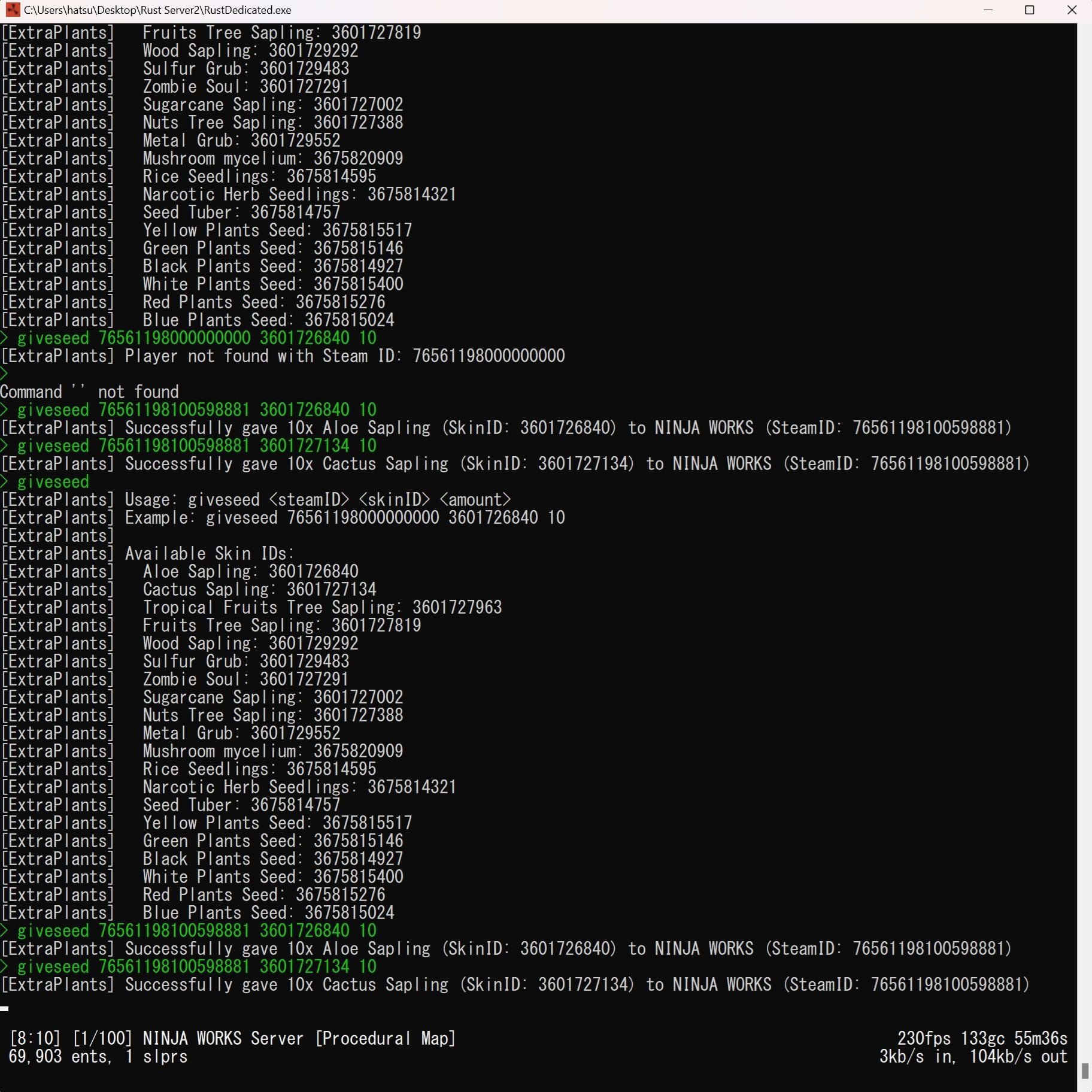
You need to use server console commands, not F1 player console commands. Enter the command from the server console and check if you have obtained the item. Also, if you have the free Mushroom Planter plugin installed, please remove it. This allows you to check whether you have given an item to a player. If you only enter "giveseed," instructions on how to use it will be displayed.
-
Have you seen the command usage instructions? You previously used `/seed 76561198009580988 3601727819 25`, but this usage is incorrect. The `/seed` command is designed to retrieve all seeds registered in the configuration without requiring any input of IDs or quantities. Only administrators can execute this command. To obtain seeds individually, please use server console commands. Example: `giveseed 76561198000000000 3601726840 10` `giveseed 76561198000000000 3601727002 10` However, we understand that giving items solely through commands is inconvenient. We will improve the system so that players can obtain seeds from gathering wood and stone.
-
-
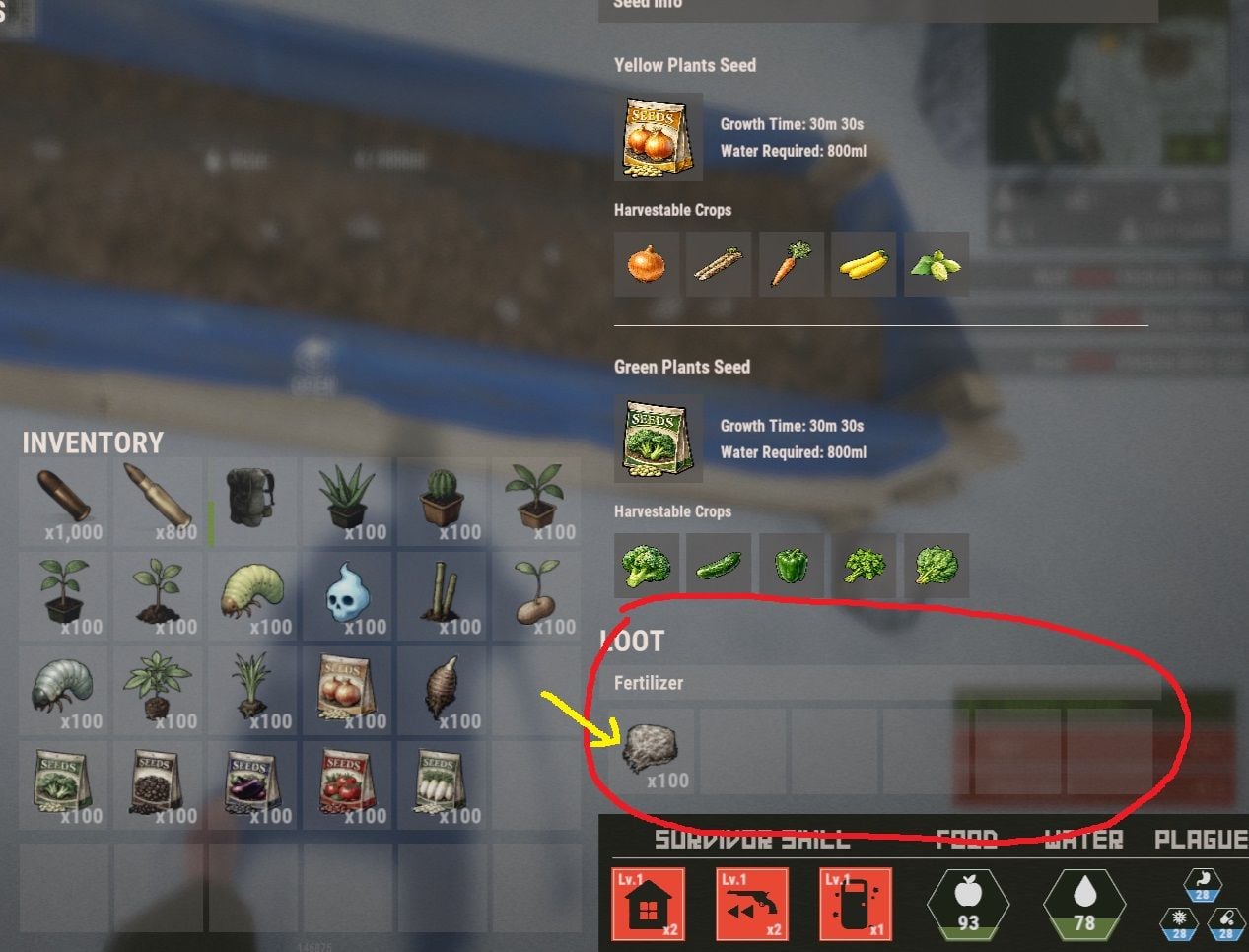
I will send you an image for explanation.
-
We understand that the image you provided shows the skinned fertilizer being added via command, which is normal operation. The skinned fertilizer obtained via command is placed in the fertilizer storage of the planter box and used as a seed. This plugin cannot directly plant the fertilizer as a seed on the planter. For more details, please see the plugin details video or explanation.
-
You cannot use the URL of an image uploaded to an external image sharing site to display a custom item icon. To change the image, you need to register the skin image and skin ID in the Steam Workshop. Then, change the skin ID of the type you want to change the image for in config.json. (Seed Skin ID) For uploading to the Steam Workshop, there is a Custom Icon Creator: https://codefling.com/tools/custom-icon-creator Note that the ImageLibrary is used solely to improve the loading performance of custom item icons.
-
Have you changed your skin ID? Could you tell me a little more about that?
-
We haven't tested it yet, but we'll consider it based on load time and performance.
-
You can either add the item to your shop, or use the Extra Gather Bonuses plugin to grant items when gathering resources. https://umod.org/plugins/extra-gather-bonuses ex { "Shortname": "fertilizer", "Amount min": 1, "Amount max": 5, "Skin": 3675820909, "Display name": "Mushroom mycelium", "Chance": 10 }
-
We are currently working on improving the system, and an update is expected within this month.
-
I checked the code and found no bugs. FishingRods' probability settings only converge after hundreds of tries. If you set the value to 100, the probability of getting a fish with rarity 1-5 will be 100%, but it will be chosen randomly from that list.
-
UPDATED - Added an option to settings to only show logs of suicides or self-deaths. - Added a command to toggle the display of the kill log and kill notifications on/off.
-
Hello. Adding level-specific fish traps will take time. It is possible to add a setting so that only default fish can be caught from fish traps.
-
Please delete your config before updating the plugin.