
-
Posts
92 -
Joined
-
Last visited
Content Type
Profiles
Warranty Claims
Downloads
Forums
Store
Services
Downloads Plus Support
DOWNLOADS EXTRA
Everything posted by NINJA WORKS
-
.thumb.gif.bc4c90f2bbe81c697c930552f09e0dcf.gif) Thank you. We will consider adding a setting to include cases where the person committed suicide.
Thank you. We will consider adding a setting to include cases where the person committed suicide. -
 https://discord.gg/HSnPb2zdgF
 -
Changed Status from Pending to Fixed
-
SMALL FIX - When creating a config, all skin items based on Rotten Apple were change to Apple by default (because Rotten Apple is limited to a stack of 1). If you installed a previous version and have already changed it or don't care, you don't need to update this, or you can manually change apple.spoiled to apple. I'm currently working on a mod that gives each food its own unique effect and stack number.
-
https://discord.gg/ZURnz9MHXz I have a Discord server but it is not active.
-
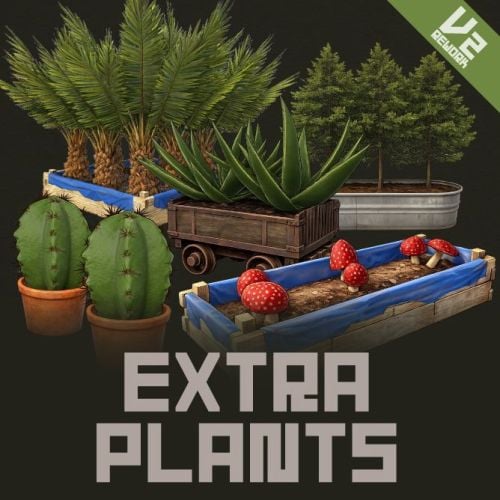
Plugin updated. [Changes] - Fixed an issue where placing the same seed in multiple planter slots would only cause it to grow in the preferred slot. - Conflict error with other spawning mods. Fixed OnEntityKill hook. - Added config : Added setting to enable seeds (defaults to True). If False, the seed details will not be displayed in the UI that appears when opening the planter.
- 36 comments
-
- 1
-

-
- #rust
- #facepunch
- (and 12 more)
-
Plugin updated. [Changes] - Fixed an issue where placing the same seed in multiple planter slots would only cause it to grow in the preferred slot. - Conflict error with other spawning mods. Fixed OnEntityKill hook. - Added config : Added setting to enable seeds (defaults to True). If False, the seed details will not be displayed in the UI that appears when opening the planter.
-
Sorry, I don't have Auto Farm so I can't check or verify compatibility.
-
Did you edit AutoFarm at the time? I don't have that plugin, but if you can fix it with ExtraPlants I'll try that.
-
We are currently working on a fix and will update you within the next few hours.
-
It has been reported that this issue occurs due to conflicts with other plugins. We are currently investigating the details.
-
Hello. Does this mean that this happens when the same seed is placed in all slots? In that case, I have confirmed that only the seed in slot 1 grows once per grow time. This can be fixed. I have confirmed that if you put different seeds in each slot, it works properly according to the grow time settings.
-
Does your RUST server not allow some seed types?
-
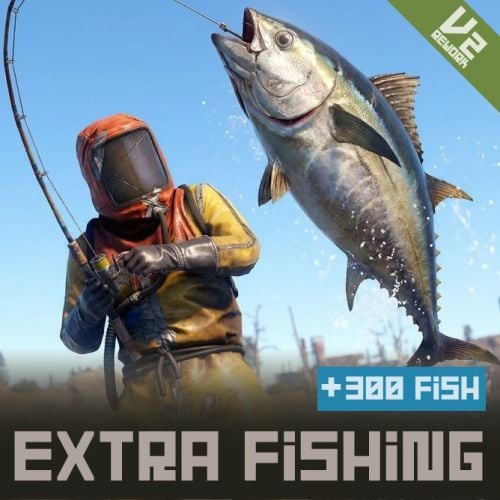 Has the config been reset since the update? No settings have been added in this update, so the Config will not be initialized. "EnableFishStackLimit": true, If you set this to false, you can stack fish, but the size and weight of the item will not be saved. When selling, the value will be calculated as "FishBaseValuesForDisableFishStackLimit" × "RarityMultipliers". changed to this setting require a server restart.
 -
Sorry. If the developer provides an API, it may be possible to link them together.
-
Integration with other paid plugins is not guaranteed and requires support from the plugin developer.
-
It will be held during the next plugin update.
-
Thank you! If you would like, please leave a review. If you encounter any problems, please contact us. You can also send us a DM.
-
 Updated fix.
 -
Hello! Thank you for reporting the issue. We'll fix it right away!
-
Version 1.0.2
27 downloads
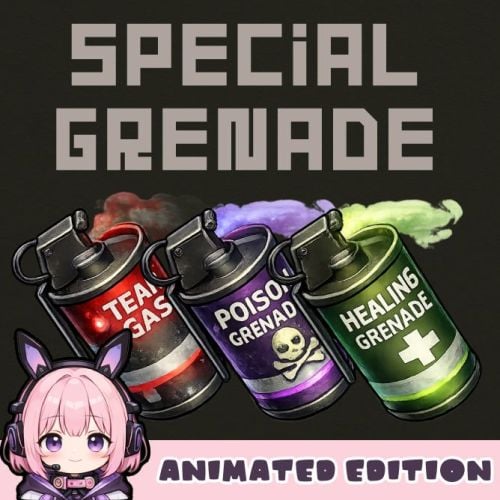
Special Grenade -Animated Edition- SpecialGrenade adds three unique smoke grenade variants to your Rust server, each with distinct visual effects and gameplay mechanics. Transform standard smoke grenades into powerful tactical tools with poison damage, healing, or tear gas effects. Each grenade type features stunning visual effects including animated screen overlays, colored sphere indicators, and immersive sound effects that enhance gameplay without compromising performance. Features Poison Grenade (Toxic) - Deals continuous damage to players and NPCs within the smoke radius - Purple-colored visual sphere indicator - Animated poison screen overlay effect - Hazmat suit protection option - Configurable damage per second for players and NPCs separately Healing Grenade - Heals players within the smoke radius over time - Green-colored visual sphere indicator - Animated healing screen overlay effect - Configurable heal amount per second - Hazmat suit protection option Tear Gas Grenade - Causes blindness and visual impairment - Red-colored visual sphere indicator - Animated tear/blink effect with eye-watering visuals - Dynamic smoke overlay animation - Hazmat suit protection option Configuration { "Toxic Grenade Settings": { "Skin ID": 3650606945, "Display Name": "Poison Grenade", "Damage Per Second": 10.0, "NPC Damage Per Second": 10.0, "Effect Duration (seconds)": 45.0, "Show Sphere": true, "Hazmat Protects From Effect": true, "Enable Sound": true }, "Healing Grenade Settings": { "Skin ID": 3650606786, "Display Name": "Healing Grenade", "Heal Amount Per Second": 1.5, "Effect Duration (seconds)": 20.0, "Show Sphere": true, "Hazmat Protects From Effect": false }, "Tear Gas Grenade Settings": { "Skin ID": 3650607092, "Display Name": "Tear Gas Grenade", "Blindness Duration (seconds)": 60.0, "Smoke Duration (seconds)": 45.0, "Show Sphere": true, "Hazmat Protects From Effect": true, "Enable Sound": true }, "Enable Image Preload On Connect": true } Command Console Command : givegrenade <SteamID> <SkinID> <amount> Give grenades to a specific player Example (Gives 10 Poison Grenades to the specified player.) givegrenade 76561198012345678 3650606945 10 Chat Command : /grenade Give all grenade types to yourself (Admin Only) Important Notes - Requires ImageLibrary plugin for visual effects - If the NpcSpawn plugin is installed, NPC smoke grenades will randomly choose between tear gas or poison. - Hazmat suit protection can be toggled per grenade type - Image preloading recommended for best performance - The smoke duration cannot be set to more than 45 seconds. - It seems that certain server services do not allow you to download imgur images. In that case, please download all imgur images manually, upload them to another image upload site, and specify the URL. (Data folder) Contact VOID / NINJA WORKS DISCORD : https://discord.gg/U8uxePjSyA MADE IN JAPAN$15.00 -

Version 1.1
14 downloads
QR Logo QRLogo is a plugin that displays a custom QR code on player screens in Rust servers. Display your server's Discord invite link, website, social media accounts, and more as a QR code that players can easily scan with their smartphones. A small QR code icon is always displayed in the top-left corner of the screen. When clicked, it expands to the center of the screen with a **smooth animation**. Click anywhere on the screen to collapse it back to its original size. Features - Automatically generates QR codes from configured URLs - No external libraries or image files required - Full URL encoding support - Freely adjustable display position - Configurable sizes for normal and expanded views - All settings managed via config file Technical Specifications - QR Code Standard: QR Code Version 1-20 supported - Error Correction Level: M (Medium) - ~15% data recovery capability - Rendering Method: Pixel-by-pixel drawing using CUI panels Recommended Use Cases - Discord Server Invite Links - Server Website / Wiki - Voting Sites (Rust-Servers.net, etc.) - Donation Pages - Social Media Accounts (Twitter/X, YouTube, etc.) - Server Rules Page Configuration { "QrUrl": "https://codefling.com", "LogoAnchorX": 0.29, "LogoAnchorY": 0.98, "LogoSizePx": 80.0, "ExpandedSizePx": 500.0, "EnableAnimation": true, "QrModuleColor": "0 0 0 1", "QrBackgroundColor": "1 1 1 1" } Important Notes - If the URL is too long, it may be difficult to scan. You may need to resize it in the configuration. - We recommend using a URL shortening service. - If the URL is too long, the animation may be slow. Please set whether or not to animate depending on the length of the URL. Contact VOID / NINJA WORKS DISCORD : https://discord.gg/U8uxePjSyA MADE IN JAPANFree -
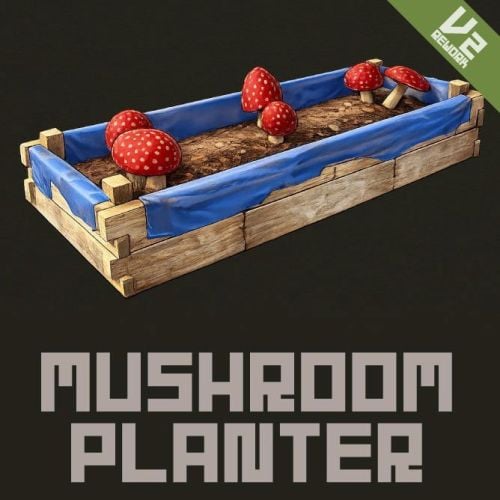 Hello. I don't have that plugin and can't test it. I think there's a high possibility that problems will occur.
 -
Hello. In vanilla, if items with the same short name each have a different skin ID, you won't be able to select that skin in the vending machine. To sell individual skins, you'll need to use "Custom Item Vending" or something similar. https://codefling.com/plugins/custom-item-vending
-
 Hello. This plugin does not disable the server's anti-cheat, but rather simulates a double jump by placing the player on a transparent object and lifting them up. The player does not actually flying. It simulates gravity/physics (rigid body speed) to control upward movement. Also, if you set the value too high in the settings, it may be detected as a flyhack. It works against Rust's default anti-cheat, but is not invincible to advanced detection.
- 3 comments
-
- 1
-

-
- #rust
- #facepunch
- (and 8 more)