
-
Posts
75 -
Joined
-
Last visited
Content Type
Profiles
Warranty Claims
Downloads
Forums
Store
Services
Downloads Plus Support
DOWNLOADS EXTRA
Everything posted by Bears
-
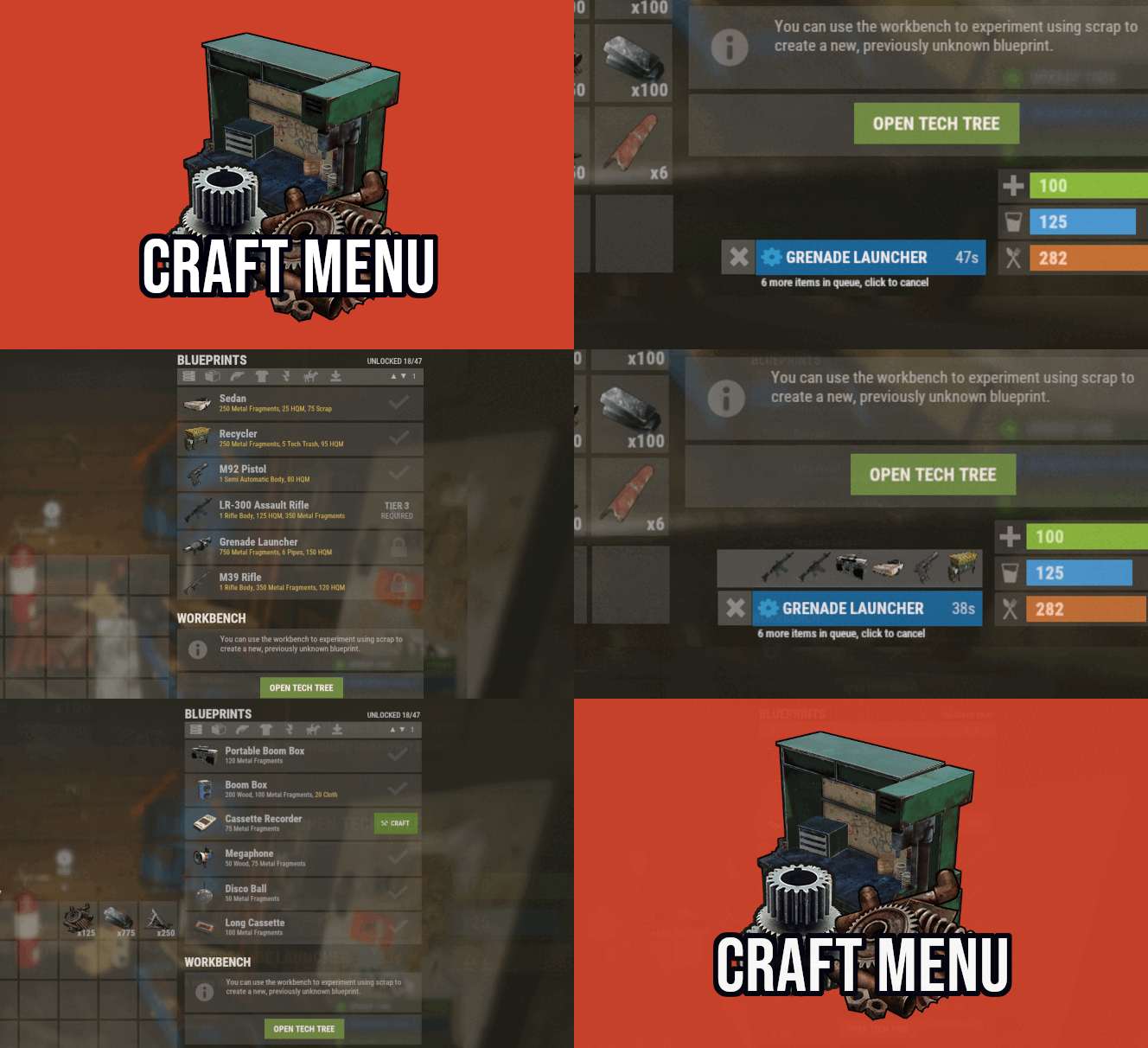 Hello, is it possible to hide the entire window section which has the big green buttons "OPEN TECH TREE -T1" (T2, T3)? These three huge green buttons are not working properly and I would rather have the extended list of blueprints there just how it was before the workbench update rather than use that entire precious space used up by the huge green rectangular buttons. Or please change the interface to have these buttons much smaller for example to the right of the "pick up workbench" button. All three of them can fit there.
 -
Can you make a /chat command to open the craft menu while we are waiting for the workbench implementation?
-
No craft menu button when opening the workbench after the wipe. Please fix this.
-
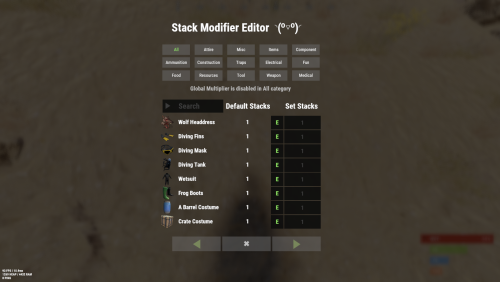 Stacks are completely broken
 -
 The time shown with the message in discord is off by 3 hours. As you can see below it says 01:48 but it should say 04:48. How to change that? Update Checker: 6 Jun 2024 01:48 All plugins have the latest version
 -
 Hello. Is it possible to add the payout reward currency to the lang file so that instead of Economics I would be able to change it to my own custom currency, for example Coins?
 -
Hello, is NpcRaiders compatible only with Rust-Kits plugin by k1lly0u from umod, or also compatible with Kits plugin by Mevent from codefling?
-
@Khan you keep deleting our messages here almost every time we post an issue. You should really get to the bottom of fixing the stacking issue. I am staying on v 2.4.3 because any version after that is causing more and more issues which I have posted here but you just deleted all my messages. You also start blaming the other plugins such as HeliSignals that they somehow started causing issues with stacks right after some magical coincidence after you started releasing version updates to StackModifier. lolz
-
just installed 2.5.2 and from the first looks of it the conveyors are pushing things into the furnaces and refineries as expected. Had to change this from false to true in the config to make it working. "Disable Industrial Conveyor Patch (true = disabled)": true Thank you for fixing this!
-
I do not use Extended Industrial. The issue with industrial conveyers (vanilla) goes away right after unloading StackModifier 2.5.0
-
why should we? thanks for fixing this.
- 201 comments
-
- 1
-

-
- #stacks
- #rust stacks
- (and 22 more)
-
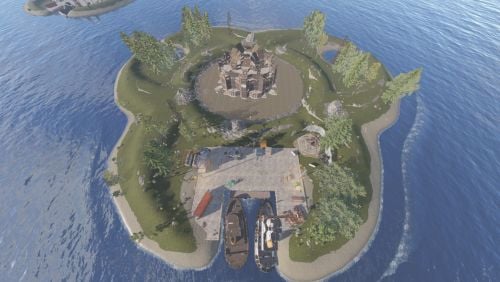 Does the island fit your infernal bases?
 -
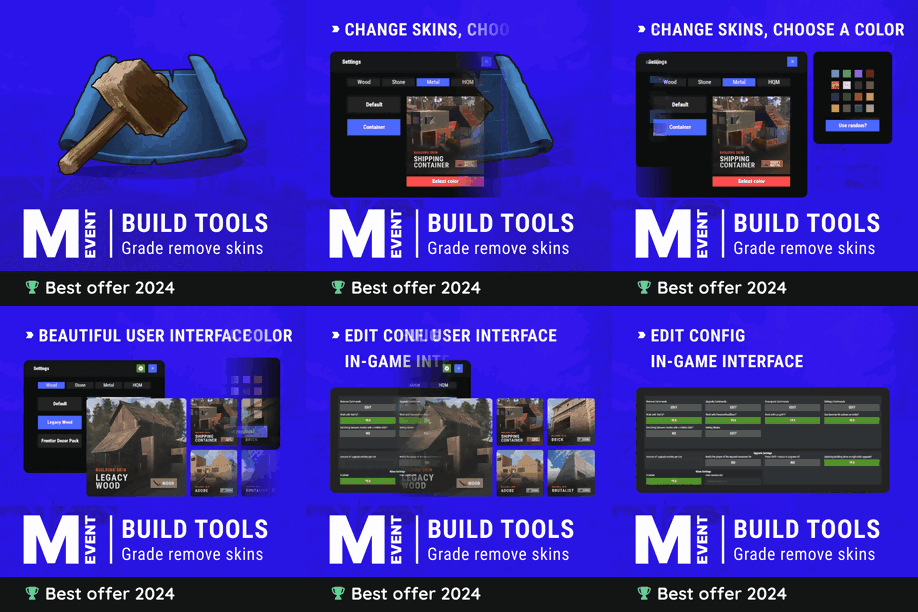 Hello, is it possible in the active icon settings for the default mode of the hammer to be Repair and of the building planner to be Twig just like in Vanilla? Or not have any mode active automatically at all but still have the Active Item Settings enabled "true"? "Active Item Settings": { "Enabled": true, "Items": { "hammer": { "Enabled": true, "Default Mode": "Remove", "Ignored Skins": [ 1196009619 ], "Save the selected mode when closing?": false }, "toolgun": { "Enabled": true, "Default Mode": "Remove", "Ignored Skins": [], "Save the selected mode when closing?": false }, "building.planner": { "Enabled": true, "Default Mode": "Stone", "Ignored Skins": [ 1195976254 ], "Save the selected mode when closing?": false } }
 -
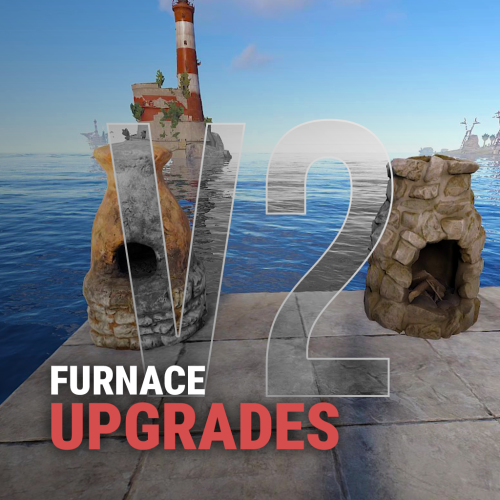 Why is it a benefit to increase the fuel burning rate? Is it possible to actually make it burn slower if I change the multiplier to less than 1 for example 0.5?
 -
Hi. Is it possible for to big green UPGRADE button to become less visible for exampled grayed out or transparent after completely upgrading the furnaces?
-
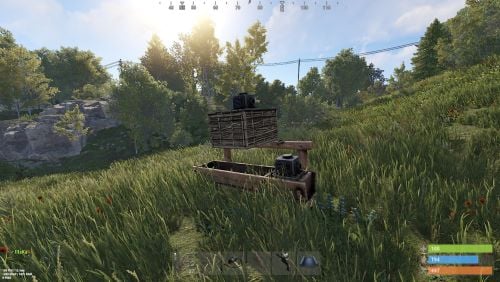 was this added? It does not say what was changed in the new version.
 -
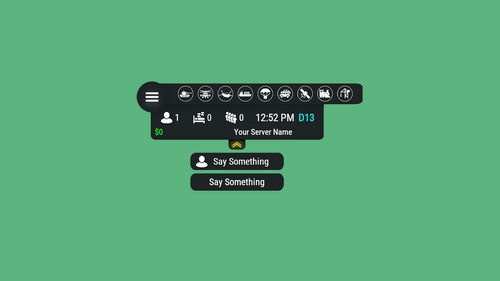 With the option to only show active events, when there are more than 8 active events the icons shift to the left and overlap with the "burger button" and look bad. Is it possible to make them extend to the right without shifting to the left similar to how the icons extend to the right when using the option to show both active and inactive events at the same time?
- 604 comments
-
- 1
-
-
- #hud
- #interface
- (and 6 more)
-
this is awesome! thank you!
- 604 comments
-
- 1
-
-
- #hud
- #interface
- (and 6 more)
-
I mean are there raidable bases icons and if not are they being planned to be added ?
-
 Before switching to the paid Server Hud I was using the free Magic panel from umod and a free extension from codeling Magic Raidable Base Panel 1.0.0. It just shows the Raid Base event when a player buys raid-base it in the game.
 -
Raidable Bases planned?
-
Its like feeling special to be the first one to ask, and at the same time feels like someone showed a middle finger How many people had to ask you to make the other icons?
-
Hello. Is there an icon in any of the packs for RaidableBases events plugin? If not where can I get one?
-
 Hello. I'm setting up an event icon in Hud plugin for HeliSignals What are the the start and stop hooks for HeliSignals please? I need to put something similar to this in the config, but only for HeliSignals events "Hook OnEventStart": [ "OnDefendableBasesStart" ], "Hook OnEventStop": [ "OnDefendableBasesEnd"