Jump to content

Monster

Creator
  • Posts

    1,123
  • Joined

  • Last visited

  • Days Won

    10

Everything posted by Monster

  1. There's no way to order the buttons. Buttons are displayed by the following method: first those by permissions, then those for all players and at the end those buttons created by the player. Unless you change the code a bit so that the buttons by permission are at the end of the list.
  2. Monster

    Economics Format

    1008 line in the code. “N2" replace with “N0" and remove/replace the $ symbol at the end of this text.
  3. Most likely “legacy wood pile" is inherited from the same class as stones. That's why it works that way. I think I'll add in an update the ability to enable/disable stones/woods individually.
  4. Monster

    XSkinMenu

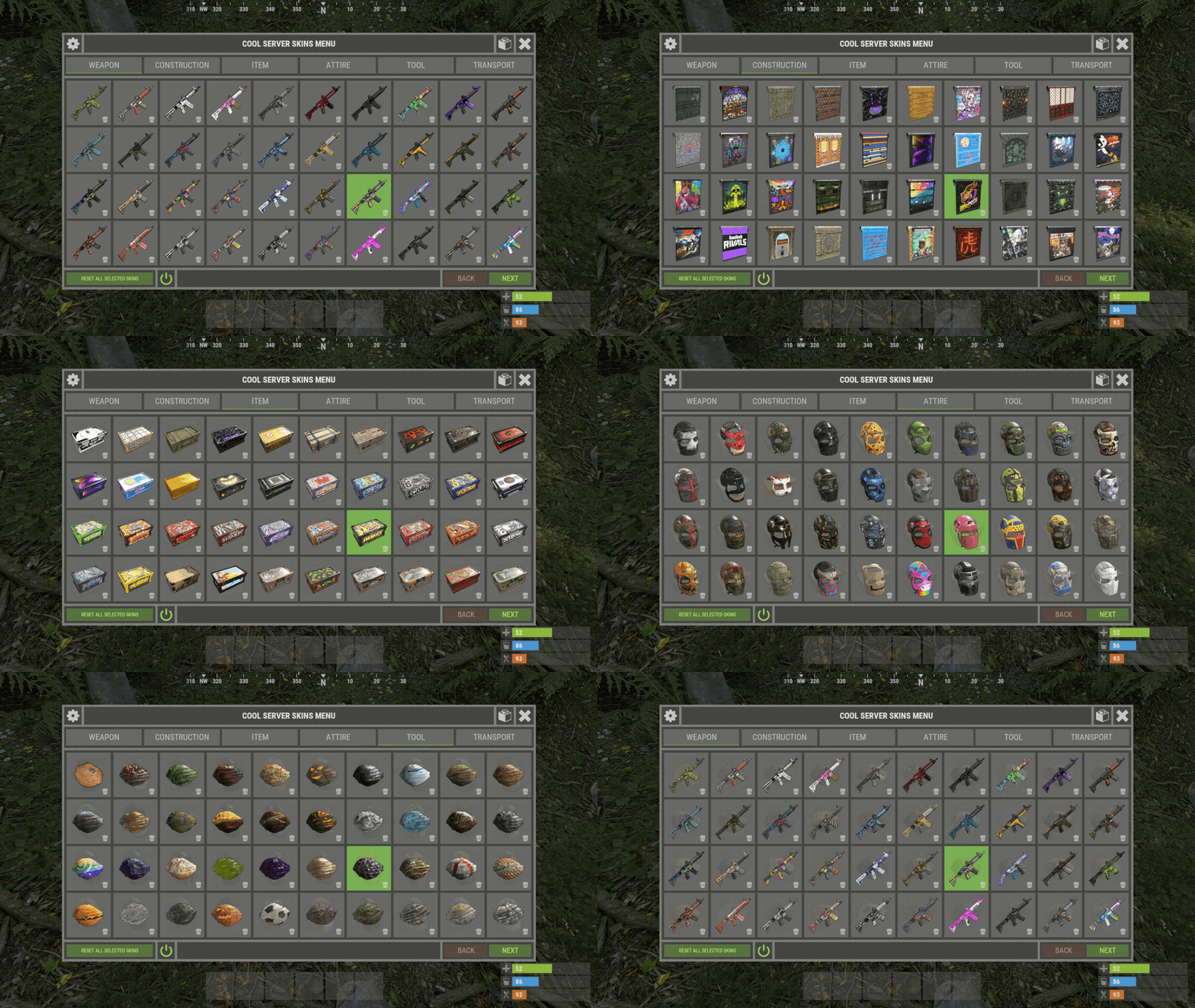
    @SEORA_JP Write me in Discord ( monster__dev ) or open a support request.
  5. Monster

    skins

    I already answered you, it happens every 1-5 weeks. They can add a whole month's worth of skins at one time. You can also manually add new skins with console commands.
  6. Monster

    skins

    "Generate/Check and add new skins accepted by developers or made for twitch drops": true, Plugin parses skins from server memory. Developers add new skins to the server memory once every 1-5 weeks. Therefore, new skins may be added with a delay.
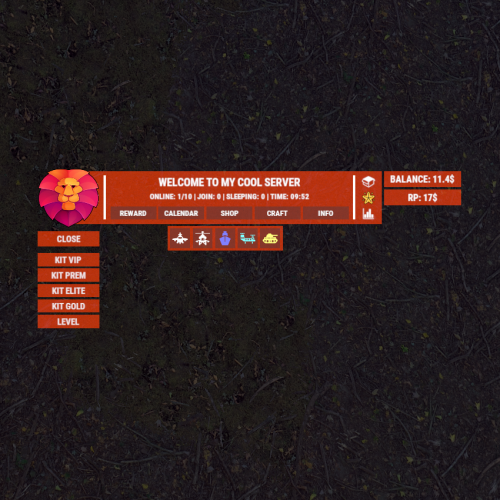
  7. You can change the colors in the code. But I will try to add them to the configuration. It is possible to display at the same time. The configuration is full of coordinates. You need to change the coordinates of the panels.
  8. Monster

    No icons on the menu

    If you delete this file, you must delete the ImageLibrary data as well. It is recommended to delete ImageLibrary after every wipe.
  9. Monster

    No icons on the menu

    Yes, that's them. I assume the `sv.files.***.db` file was deleted when you wiped the server?
  10. Monster

    No icons on the menu

    ImageLibrary data has been deleted?
  11. Monster

    No icons on the menu

    After what actions did this happen? Plugin reload, server restart, server wipe or something else?
  12. Monster

    Keycard pickup and swipe

    Hi. Pickup - is not sure if it can be traced. Card swipe, yes, I'll add that.
  13. Monster

    XStatistics

    @ManOWar "0.75 0.95 0.41 0.7" : "0.92 0.59 0.56 0.7" - Find these colors in two places in the code. You can replace them with this color - "0.517 0.521 0.509 1" I'll add those colors to the configuration.
  14. ["gates.external.high.stone"] = 0, ["wall.external.high.stone"] = 0 It's for stone ( Adobe ). ["gates.external.high.wood"] = 0, ["wall.external.high"] = 0 It's for the wood ( Legacy ). But the skins are not officially released yet.
  15. Monster

    XSkinMenu

    @JuanAntonioMena I have no idea. I already wrote, all technical questions to the plugin support. Or write to me in Discord - monster__dev
  16. Monster

    Failed to Restart

    Wait for a new case (which I don't believe). This message-log appears in the server console when the restart is skipped.
  17. Monster

    Failed to Restart

    Do a search in the server logs - ( RESTART CANCELED! ONLINE PLAYERS MORE THAN )
  18. Monster

    Failed to Restart

    Maybe the restart was missed due to players online more than 14?
  19. Monster

    XSkinMenu

    @JuanAntonioMena The XSkinMenu configuration has a blacklist of skins. Add all skins from VehicleBuy to that list.
  20. Replace 'testridablehorse' with 'ridablehorse2' in the code and configuration. And test the horses again. It is also likely that 'ridablehorse2' is missing from the player data. I will try to update the plugin within a few days.
  21. Monster

    XSkinMenu

    Technical questions should be addressed to the plugin support. Open a ticket in support. But as I see, you have a new account and have not purchased the plugin, so we can't help you.
  22. Monster

    Failed to Restart

    Send your configuration.
  23. Yes, I'll add.
  24. Version 1.0.2

    22 downloads

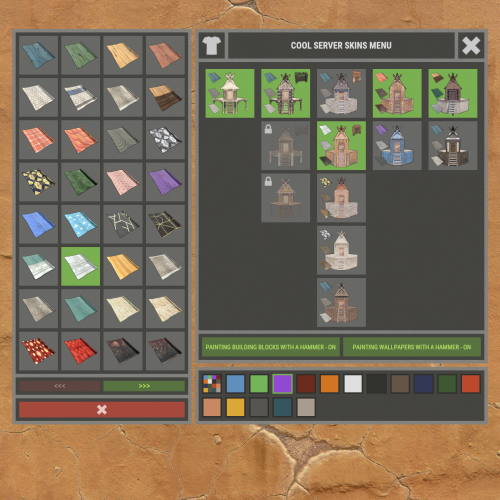
    XNPCVendingSkinMenu - NPC Vendings/Shopkeepers skin menu for your server. -> In the code you can switch the plugin language - LanguageEnglish = true <- Key Features Optimization of the interface for different monitor resolutions. Storing NPC data in - oxide/data/XDataSystem/XNPCVendingSkinMenu There is a lang ru/en/uk/es. Sound effects when interacting with the menu. Vending settings: skin and automatic application. Shopkeeper settings: clothing, weapon(belt), skins, item in hand and automatic application. Easily copy your inventory with one click of a button. [ Clothing and belt with skins and modules are copied. ] Ability to change the skin of an item. Just click on it. Ability to display NPCs on the map - all of them or individually. Ability to teleport to NPCs. [ Select an NPC from the list if there are 2 or more NPCs. ] If there is no NPC on the map, it will be displayed in transparent color in the menu. NPCs that are not in the plugin data will be automatically copied and added as soon as they are spawned. The plugin only copies and modifies default NPCs. This allows you to use custom NPCs from other plugins without problems. [ OwnerID(vendings and shopkeepers) and SkinID(shopkeepers only) == 0 ] The NPC is automatically changed after loading the plugin. For an NPC to be changed, its settings must be activated. Brief description of the buttons: Permissions xnpcvendingskinmenu.admin - access to menu and settings. Commands [ChatCommand] /npcvendingskin - open menu. [ConsoleCommand] npcvendingskin.savedata - command for additional saving of changes. [ Optional. The plugin will automatically save the information when you unload it. ] Config { "General settings": { "SteamID profile for custom avatar": 0, "Chat prefix": "<size=12><color=#FFFFFF50>[</color> <color=#00FF0050>XNPCVendingSkinMenu</color> <color=#FFFFFF50>]</color></size>\n" }, "GUI settings": { "Color_background_1": "0.517 0.521 0.509 0.95", "Color_background_2": "0.217 0.221 0.209 0.95", "Color_background_3": "0 0 0. 0.9", "Button color (icons)": "1 1 1 0.75", "Block color": "0.517 0.521 0.509 0.5", "Color of the active button next": "0.35 0.45 0.25 1", "Color of the inactive button next": "0.35 0.45 0.25 0.4", "Text color of the active button next": "0.75 0.95 0.41 1", "Text color of the inactive button next": "0.75 0.95 0.41 0.4", "Color of the active button back": "0.65 0.29 0.24 1", "Color of the inactive button back": "0.65 0.29 0.24 0.4", "Text color of the active button back": "0.92 0.79 0.76 1", "Text color of the inactive button back": "0.92 0.79 0.76 0.4" } }
    $18.99

About Us

Codefling is the largest marketplace for plugins, maps, tools, and more, making it easy for customers to discover new content and for creators to monetize their work.

Downloads
2.5m
Total downloads
Customers
11.3k
Customers served
Files Sold
161.4k
Total sales
Payments
3.5m
Processed total
×
×
  • Create New...

Important Information

We have placed cookies on your device to help make this website better. You can adjust your cookie settings, otherwise we'll assume you're okay to continue.