

Works with
Compatible add-ons, packages, or tools that pair well with this resource.
-
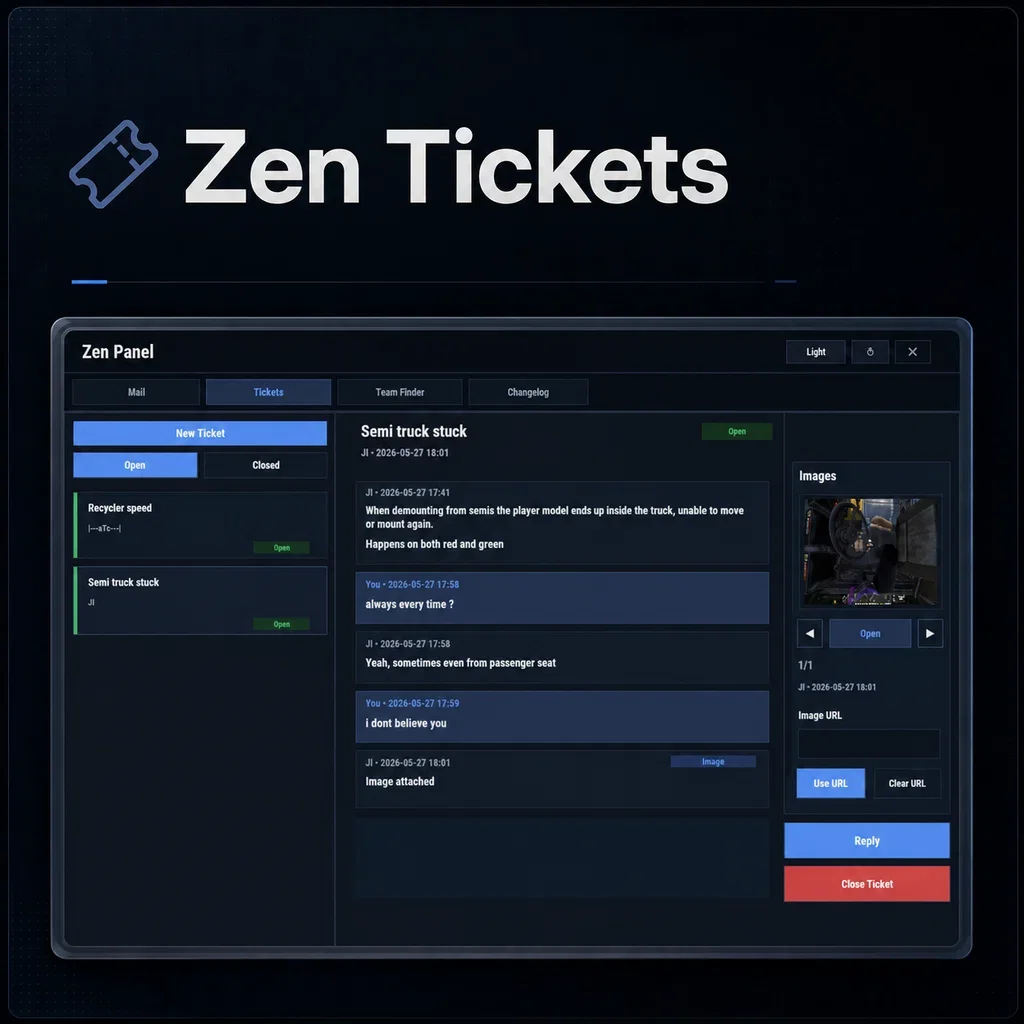 Zen Tickets Optional
 -
 Zen Team FInder Optional
 -
 Server Rewards Optional
 -
 TC Bank Optional
 -
 Custom Item Manager Optional
About Zen Mail
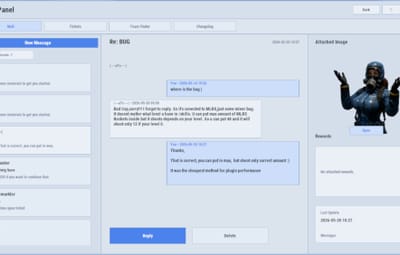
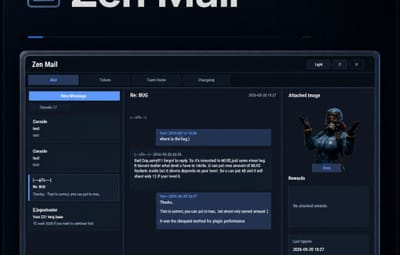
Zen Mail is an in-game mail and notification system for Rust servers, allowing players to send “emails” to online and offline players. Admins will also benefit from being able to include attachments such as items, commands, and economy rewards. With permission, players can also attach images via URL.
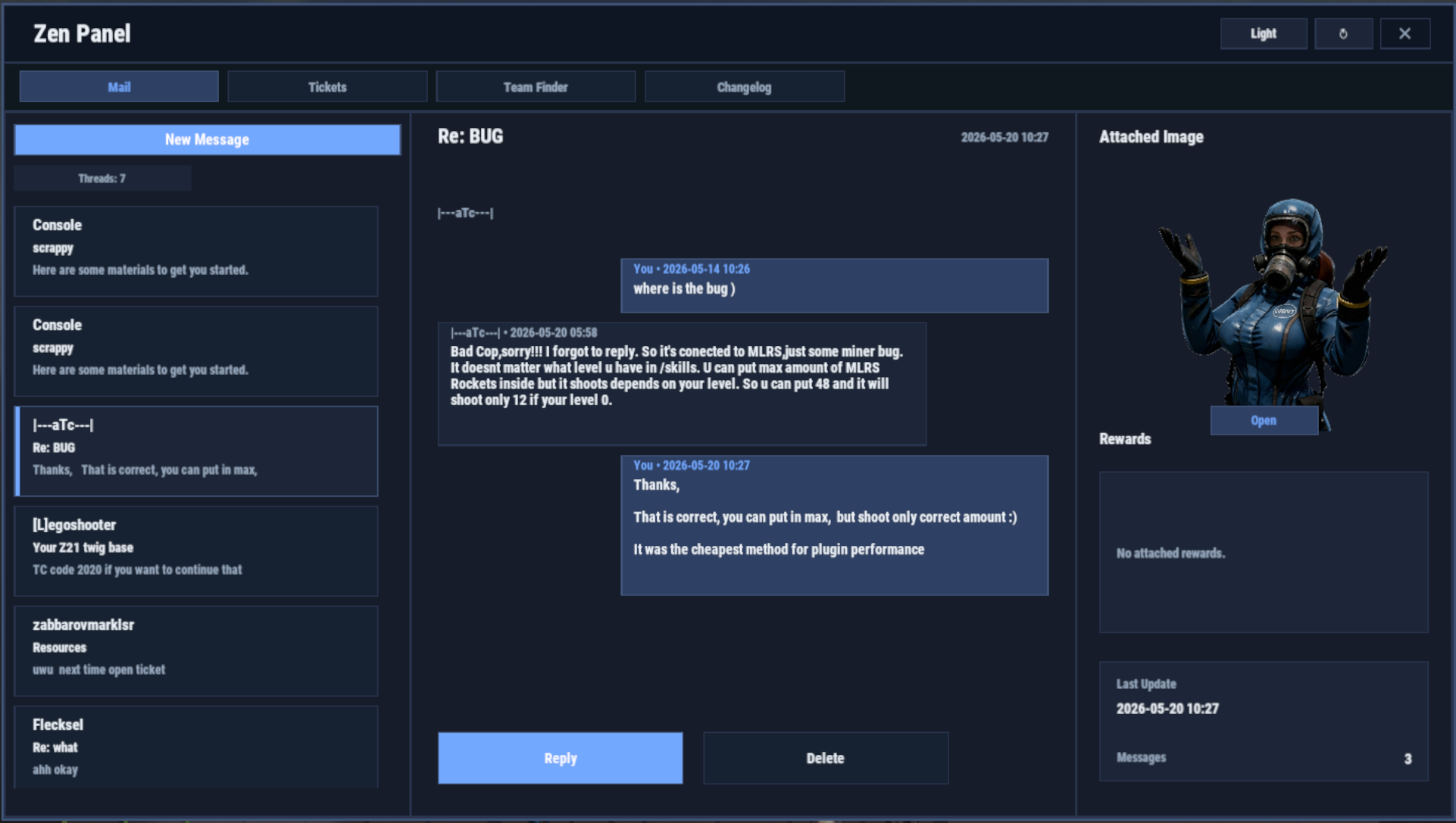
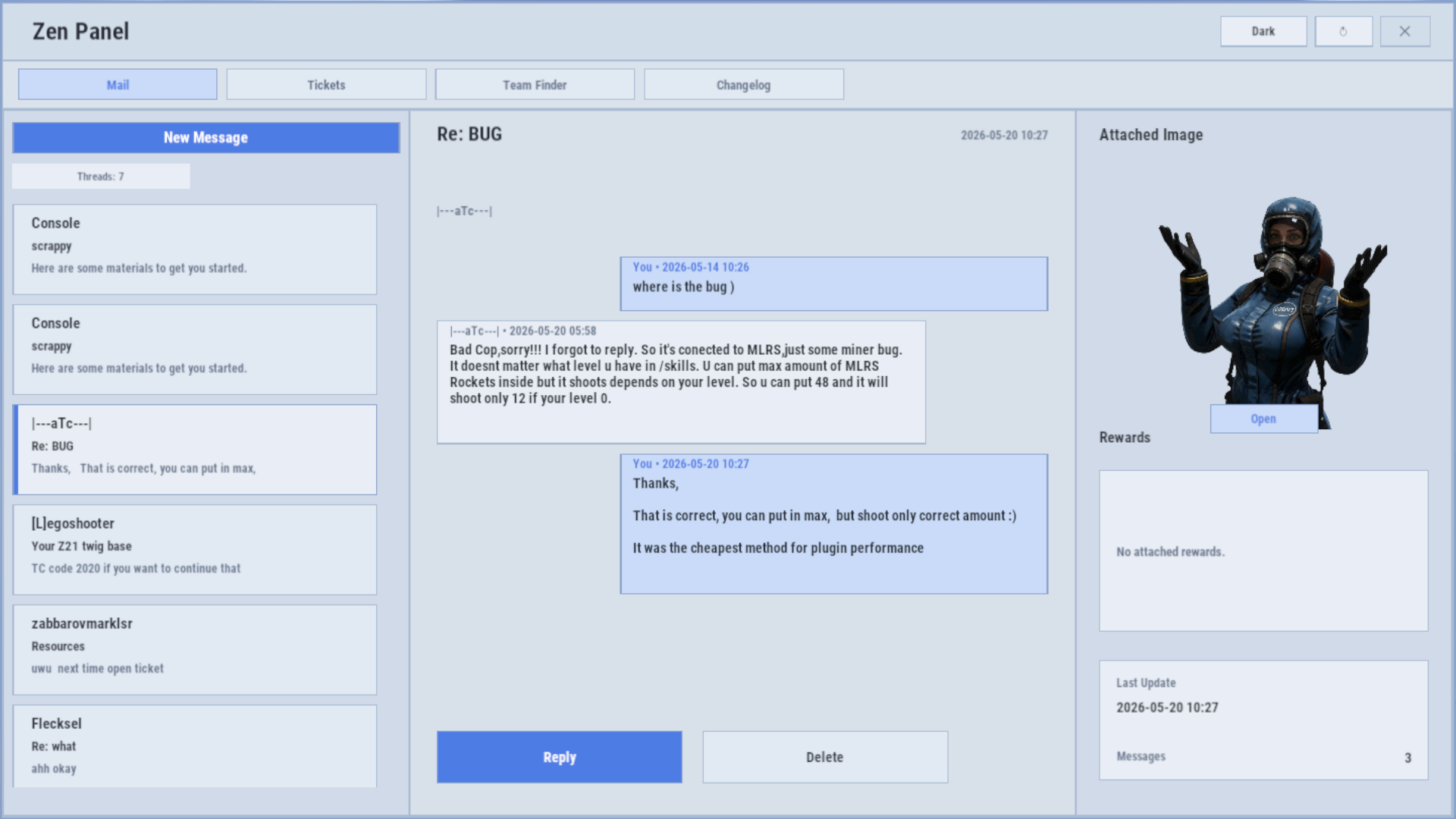
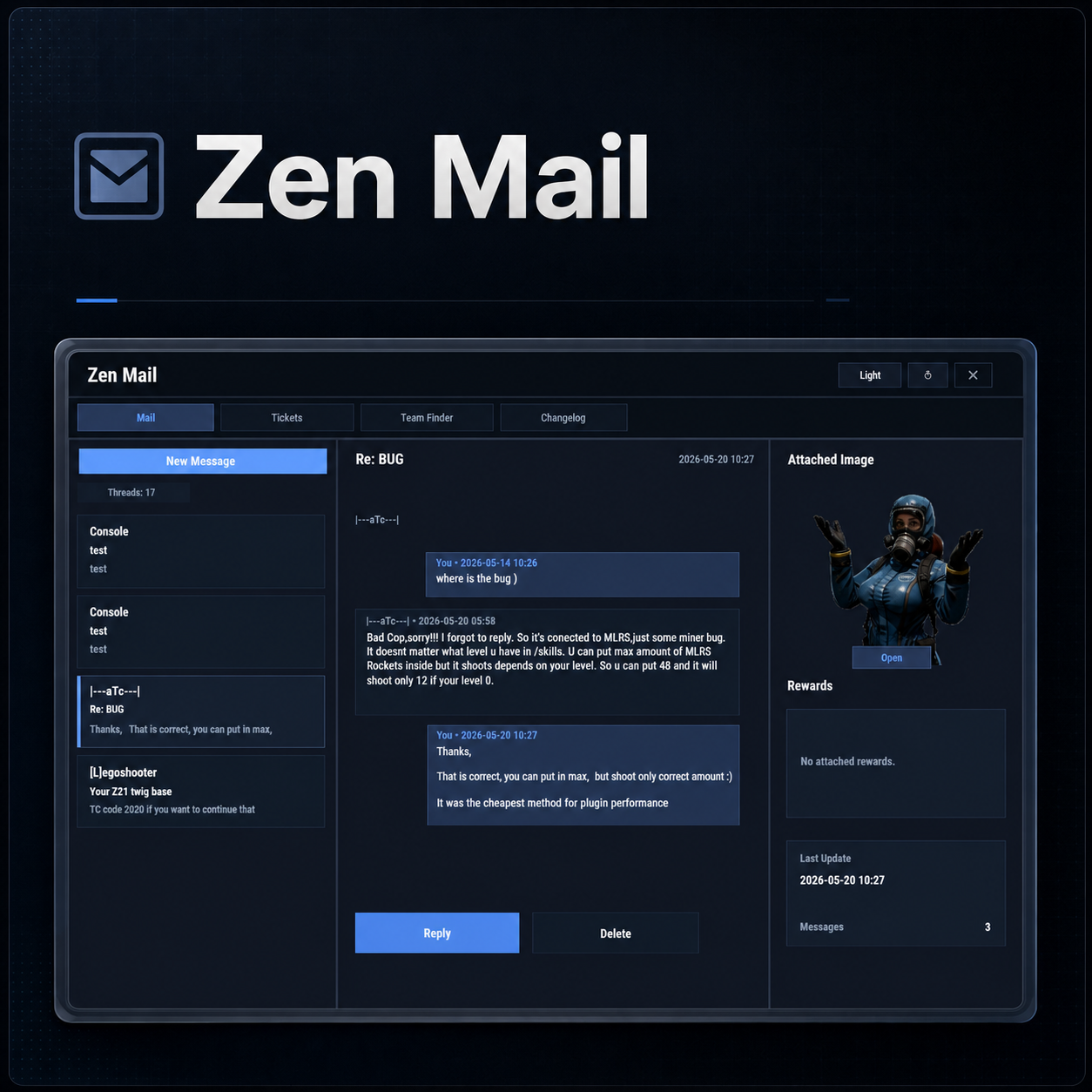
Designed for wipes, announcements, rewards, crash compensation, support, and direct communication, Zen Mail ensures both online and sleeping players receive admin messages, while also providing threaded conversations—replies are appended to the original message, so players can follow the full back-and-forth via a simple UI they can access at any time.
Perfect For
- Admin announcements
- Server rules and new player welcome messages
- Compensations
- Reward delivery
- Event prizes
- Player to Player communication
Core Features
Persistent inbox per player
- Messages are delivered even when players are currently offline
- Configurable inbox limits per player - oldest message deleted if limit exceeded.
- Optional wipe-based inbox clearing
Simple message creation
- Ability to input subject and message content
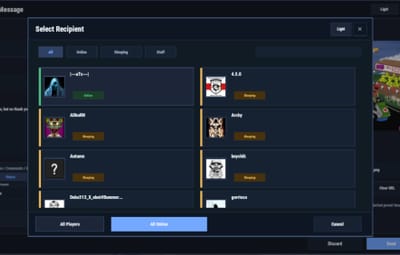
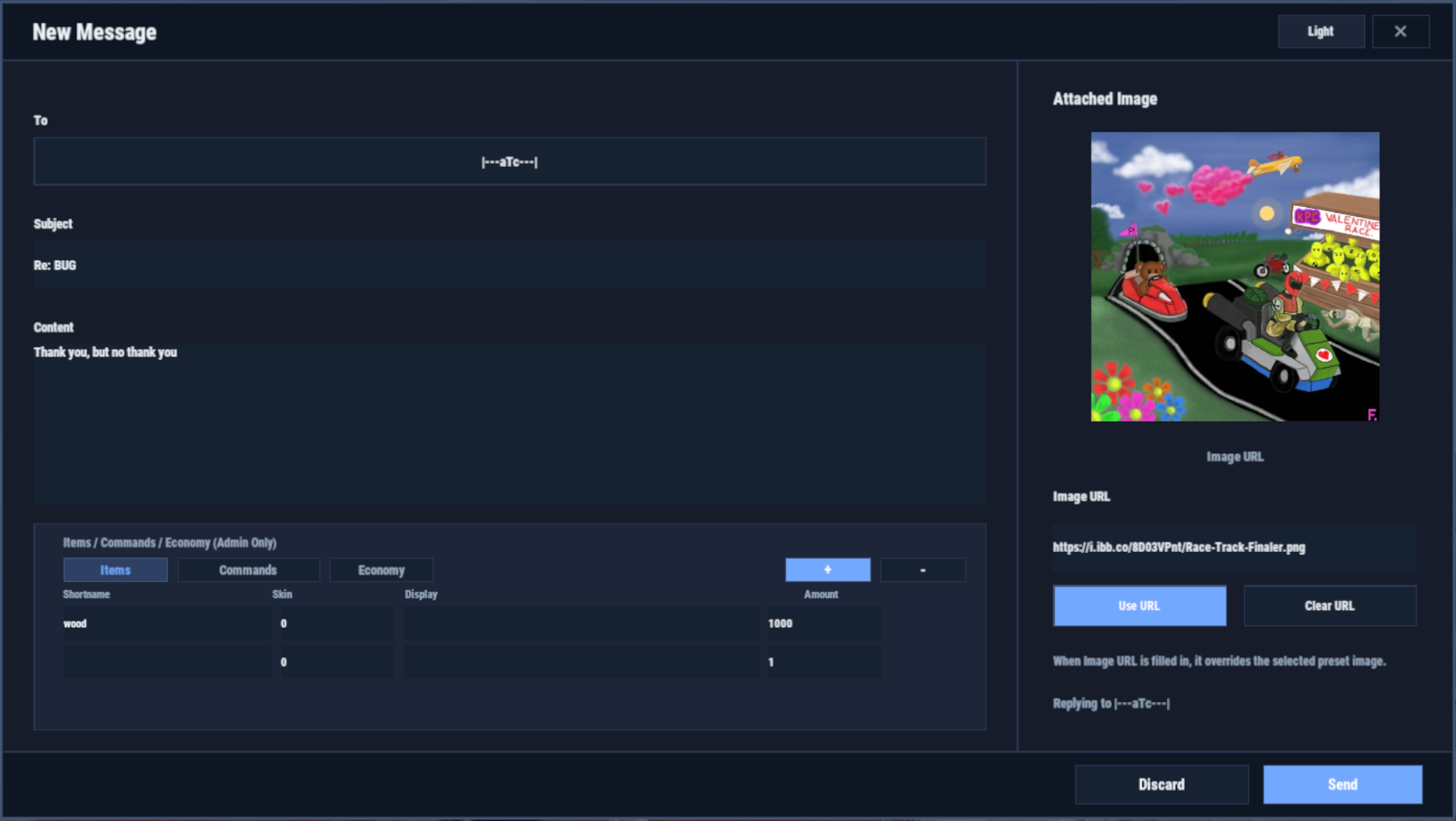
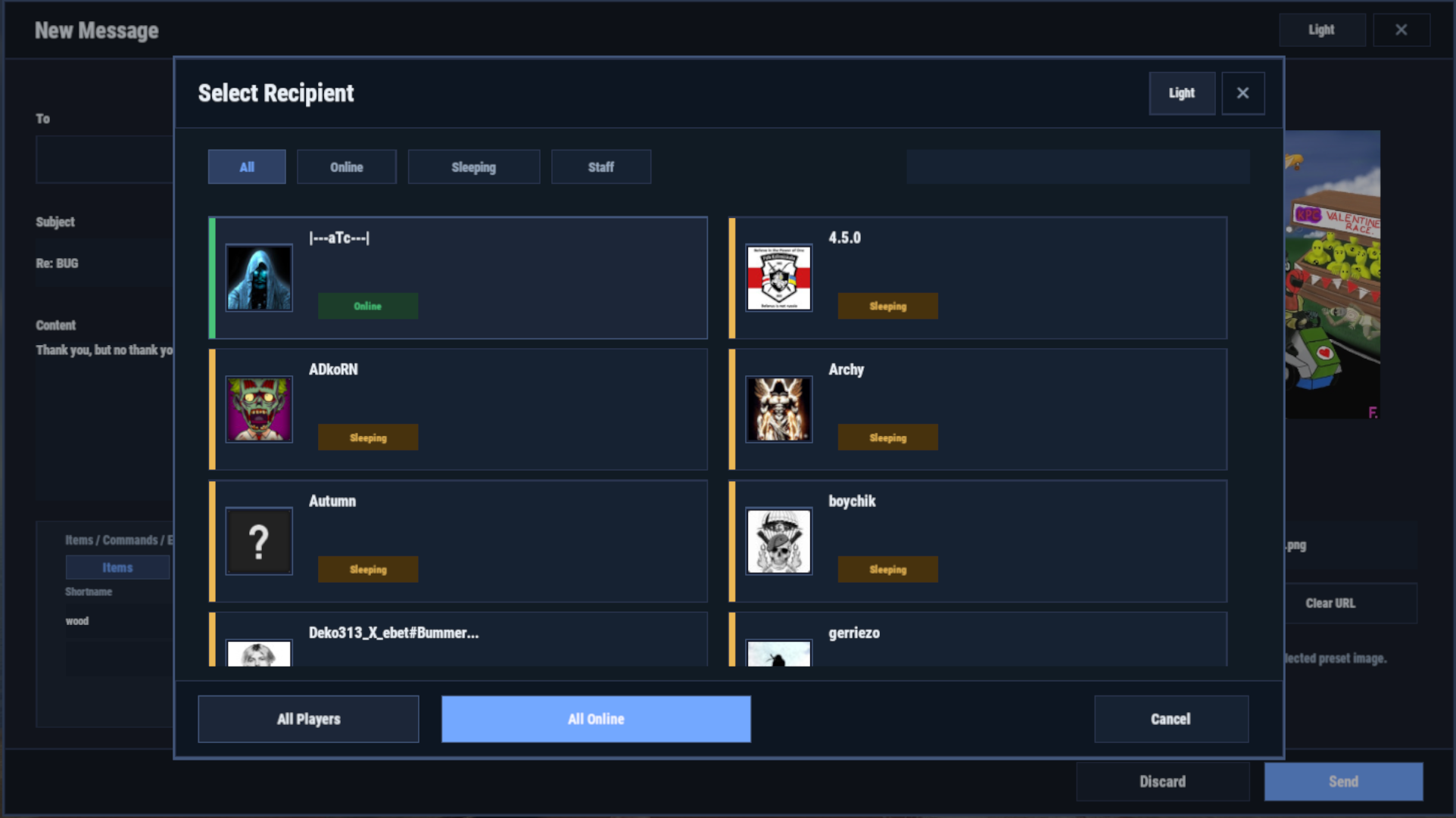
- Recipient can be easily selected via a player picker UI, with unique colors and tags for Online/Sleeper/Staff
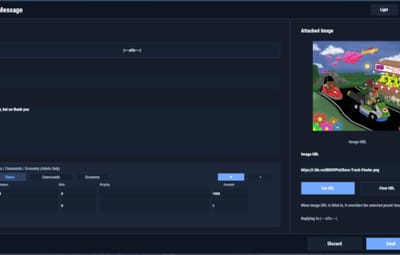
- Images can be attached to messages through either image URLs pre-configured, or by supplying an image URL (permission required)
- Clean scrollable UI and configurable max length for long messages.
- Admins can easily include a combination of items, economies, or commands ran against the recipient.
- Messages and attachments can also be created via console commands, perfect for use in other plugins.
Unread notifications
- Notification delivery and visual/audible cue driven by Zen Panel
Attachments & Rewards
Each message can include any combination of:
- Item rewards
- Multiple items per message
- Custom display names
- Optional skin IDs
- Inventory-safe claiming
- Image from a pre-configured list or directly via an image URL
Command rewards
- Ability to run server commands on claim
- Supports placeholders to ensure command is run against the recipient (%steamid%)
- Repeatable command execution via amount entry
Economy rewards
- Economics
- ServerRewards
- TCBank
- each handled independently, with clear failure feedback if unavailable or failed
Players claim attachments directly from the inbox with a single click
Admin & Console Tools
Send messages with attachments:
- Using In-game UI
- Using Console commands
- Attach items and pre-configured images using simple flag-based commands
- Ability to include item/command/economy attachments is admin permission based
Target:
- Individual players
- All players (Online and Sleepers)
- Online players only
Customization/Config
- Customize HUD icon and unread indicators via Zen Panel
- Configure which user groups are displayed as Staff
- Add pre-configured images (samples included)
- Configure max subject/message lengths
- Configure maximum amount of threads for a player inbox to hold
-
Configure if messages are cleared on server wipe.
Chat Commands:
/inbox - Opens the Inbox UI where players can view and send/reply messages
/sendmail "PlayerName" - optional chat command to send message to specific player without going through inbox/player picker
/inbox_top - Admin command to view players with largest inbox sizes
/inbox_clear "PlayerName" - Admin command to clear a specific player's inbox
Permissions:
zenmail.send - required to be able to send messages
zenmail.admin - required to add attachments via UI and run admin commands
zenmail.imageurl - required to attach images through a URL
 Console command functionality
Console commands can be used for both messaging and attachment delivery using flags, with included option to select which image will appear in the message
Basic command structure is as follows:
mail.send <playername OR SteamID> "<subject>" "<content>" [flags]

mail.sendall "<subject>" "<content>" [flags]
Available flags are desribed below and may be used multiple times and in any order:
Image Flag:
-img <number>
Sets the message image.
- Uses the image list from the config
- Index starts at 0
- 0 = first image, 1 = second, etc.
_______________________________
Item Flag:
-item <shortname> <amount> <skinId> optional:"displayName"
Adds an item attachment.
- skinId may be 0
- Custom name is optional
- If omitted, the item’s default name is used
_______________________________
Commands Flag:
-cmd "<name>" "<command>" <amount>
Runs a server command when claimed.
- amount specified how many time to run the command. It defaults to 1
- Supports %steamid% and %name% wildcards - useful when sending to all players or via other plugins.
- "name" is what the player will see as the attachment name (instead of seeing the command itself)
_______________________________
Economy Flag:
-eco <type> <amount>
Adds a currency attachment.
- Supported types:
- Economics
- ServerRewards
- TCBank
_______________________________
 Example Console Commands:
Below are some example console commands.
- Note you can use \n\n for following text to start as a new paragraph
Simple message only to single player(with image)
mail.send PlayerName "Welcome!" "Welcome to the server. Enjoy your stay!" -img 0
Simple message only to all players (with image)
mail.sendall "Server Notice" "Welcome to the server everyone!" -img 0
Single item attachment (with image)
mail.send PlayerName "Resource Gift" "Here are some materials to get you started." -img 1 -item wood 2000 0
Item attachment with custom display name and specific skinID (with image)
mail.send PlayerName "Special AK" "You have received skinned HV pistol ammo." -img 2 -item rifle.ak 1 987654321 "Very Cool AK"
Multiple items (with image)
mail.send PlayerName "Supply Drop" "A mix of useful resources." -img 0 -item wood 3000 0 -item stones 2000 0 -item metal.fragments 500 0
Command attachment (with image)
mail.send PlayerName "Starter Kit" "Claim this message to receive your starter kit." -img 1 -cmd "Starter Kit" "kit give %steamid% starter"
Economy reward (Economics) (with image)
mail.send PlayerName "Welcome Bonus" "You have received a currency reward." -img 0 -eco Economics 1000
Mix of Items + Economics (with image)
mail.send PlayerName "Builder Pack" "Resources and money to help you build." -img 2 -item wood 4000 0 -item stones 4000 0 -eco Economics 2500
Mix of Items and Command (TWO vip kits) (with image)
mail.send PlayerName "VIP Trial" "Enjoy a one time VIP kit." -img 1 -item scrap 250 0 -cmd "VIP Kit" "kit give %steamid% VIP" 2
Full mixed attachments (items + command + economy) (with image)
mail.send PlayerName "Welcome Package" "Everything you need to get started." -img 0 -item wood 3000 0 -item ammo.pistol.hv 100 0 -cmd "Starter Kit" "kit give %steamid% starter" -eco Economics 1500
Full mixed attachments to all players (note using \n\n to create a new paragraph within message content) (with image)
mail.sendall "Attention Citizens!" "Thank you for being awesome.\n\nAttached some gifts." -img 0 -item wood 3000 0 -item ammo.pistol.hv 100 0 -cmd "Starter Kit" "kit give %steamid% starter" -eco Economics 1500
If using the commands within a JSON (config) file, you will need to ensure you escape the quotes with a backslash (place a backslash before any quote sign), for example:
mail.send %SteamID% \"Welcome!\" \"Welcome to the server!\n\n This is a mail system used to message online and offline players and for admins to share important information, changes or updates during the wipe\n\nWe hope you have a great time\" -item ammo.pistol.hv 100 0 \"\" -img 1
If you’re looking for a modern replacement for chat spam, manual kit commands, or unreliable reward delivery, Mail System provides a polished, user-friendly solution that players will instantly understand and appreciate.
I have done my best to document the full functionality, but if any doubt do not hesitate to open a support request.



.thumb.png.e88f28f1c66c6591dd89b4a4b76239e5.png)