Jump to content
Message added by Mevent,

Thanks for your interest in my plugin!

If you have any questions or issues with the plugin, please contact me.
For support related questions, please create a thread in the Support Section or send a direct message to my profile @MeventSupport.

Thanks!

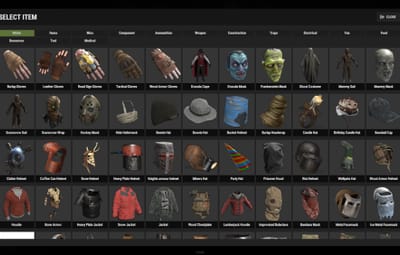
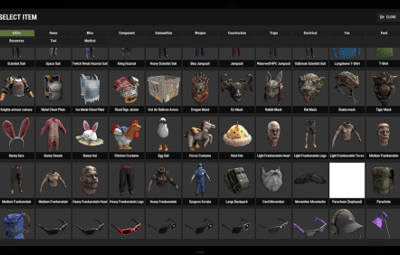
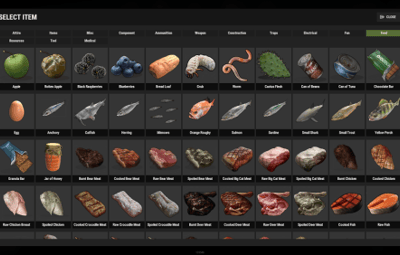
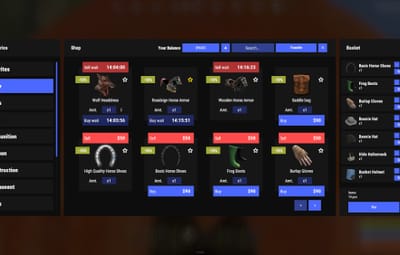
86 Screenshots
  • 693.5k
  • 20.1k
  • 108.45 kB
  • Update details
    v2.5.1
    Released
    Download size 108.45 kB
    Total versions 133
    Typical update pace About every 6 days
    Freshness Updated 7 days ago

This area is for discussion and questions. Please use the support area for reporting issues or getting help.

Recommended Comments


CsaszyKJ

Posted

Hi,

I would like to update the shop, with the recent new items.
May I ask, how can i do that, without clearing what's already in it?
Is there any command to do that ?

Thanks.

MeventSupport

Posted

46 minutes ago, CsaszyKJ said:

Hi,

I would like to update the shop, with the recent new items.
May I ask, how can i do that, without clearing what's already in it?

Is there any command to do that ?

Thanks.

yes you can add items manually

MeventSupport

Posted

3 hours ago, YL RUST said:

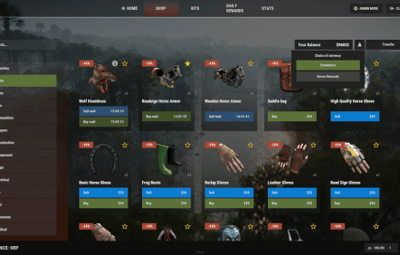
How can I change the balance in the store's Economics item to the balance shown after selling scrap?
image.png.04f8099df534622ad198b947e390830f.png

After setting the balance of scrap sold to be displayed in the store, how can I make this balance be displayed on the interface instead of the balance displayed in USD?

image.png.141a3c537bd00d4d406a072392967309.png

Please help me. My English is very poor and I have been unable to set it up successfully.

you can edit in lang files, Full path to file: oxide/lang/en/Shop.json

YL RUST

Posted (edited)

image.png.7649c9ab3e177d38c65936adb7627624.png

Hello, I am not asking about the language setting. I am asking about the balance. How can I display the balance after I sell the scrap?


Edited by YL RUST
CsaszyKJ

Posted

On 6/6/2025 at 4:00 PM, MeventSupport said:

yes you can add items manually

Hi,

Only Manual Input? 

Thanks

MeventSupport

Posted

On 6/8/2025 at 11:15 AM, CsaszyKJ said:

Hi,

Only Manual Input? 

Thanks

Yes

  • Like 1
Evil_Orko

Posted (edited)

I am reorganizing my shop and I would like to make a request, if possible.  An option in the GUI for each item to move category and an option to make a new category.  Moving items through the data file isn't fun at all...  Thanks for considering!

Edited by Evil_Orko
MeventSupport

Posted

On 6/6/2025 at 11:42 PM, YL RUST said:

image.png.7649c9ab3e177d38c65936adb7627624.png

Hello, I am not asking about the language setting. I am asking about the balance. How can I display the balance after I sell the scrap?


wdym?

MeventSupport

Posted

On 6/9/2025 at 8:29 PM, Evil_Orko said:

I am reorganizing my shop and I would like to make a request, if possible.  An option in the GUI for each item to move category and an option to make a new category.  Moving items through the data file isn't fun at all...  Thanks for considering!

Thanks, we've put it on our todo list.

  • Love 1
CADÃO

Posted

Please have tutorial for convert plugin 

shop.convert.from.1.2.26

_NiiRaX

Posted

Hi, I would like to know how I can sell an item (for example an M249) without having to remove the skin?

MeventSupport

Posted

On 6/15/2025 at 12:41 AM, CADÃO said:

Please have tutorial for convert plugin 

shop.convert.from.1.2.26

You just need to install ShopConverter on the server and run the conversion command — the plugin uses default paths.

MeventSupport

Posted

On 6/15/2025 at 7:09 PM, _NiiRaX said:

Hi, I would like to know how I can sell an item (for example an M249) without having to remove the skin?

Wdym?

MeventSupport

Posted

On 6/9/2025 at 8:29 PM, Evil_Orko said:

I am reorganizing my shop and I would like to make a request, if possible.  An option in the GUI for each item to move category and an option to make a new category.  Moving items through the data file isn't fun at all...  Thanks for considering!

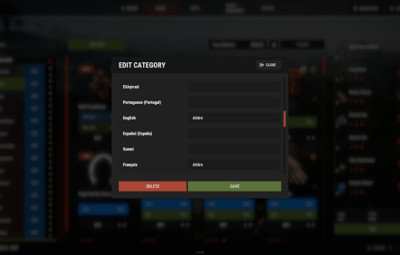
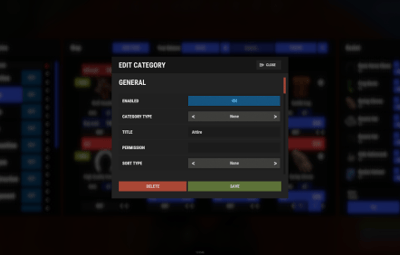
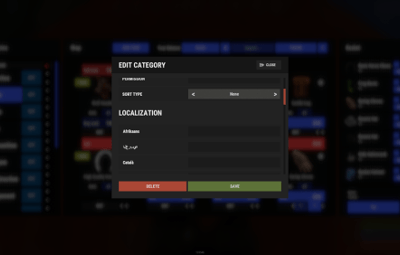
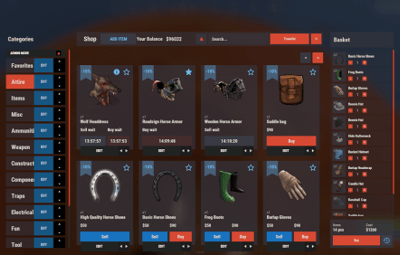
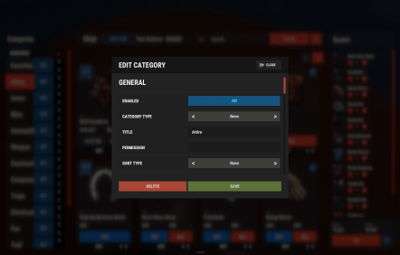
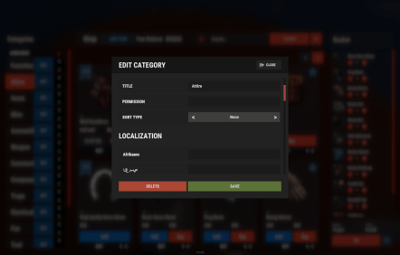
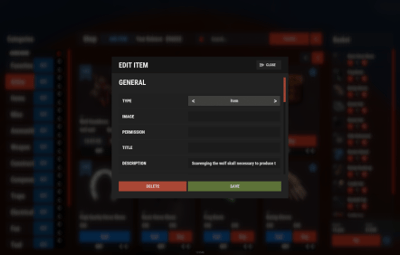
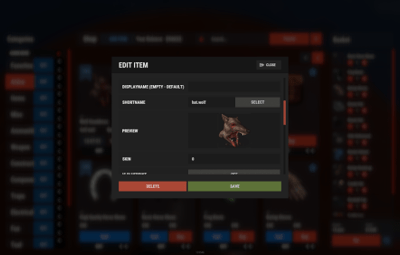
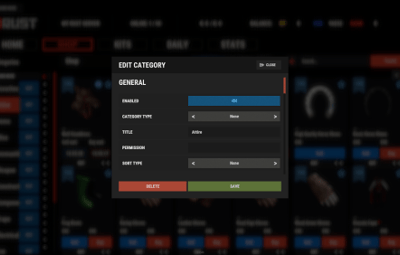
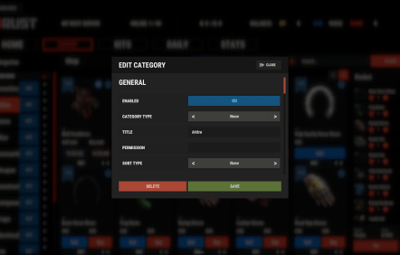
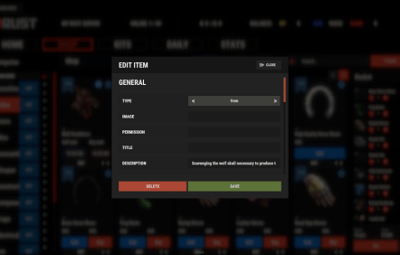
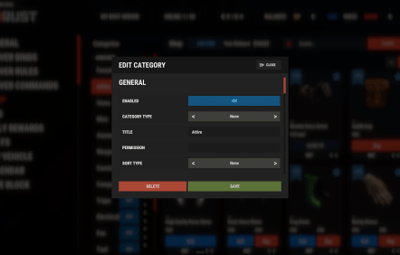
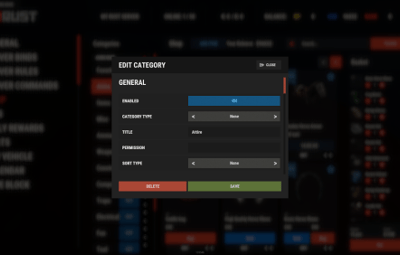
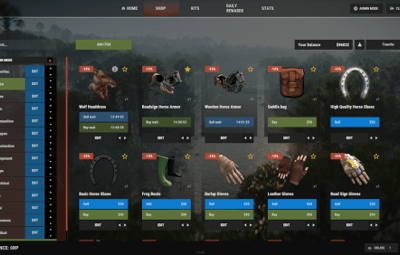
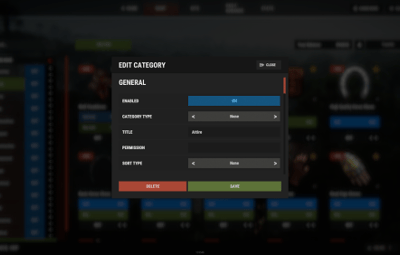
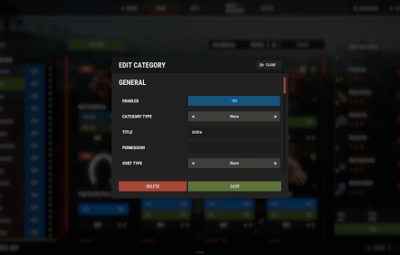
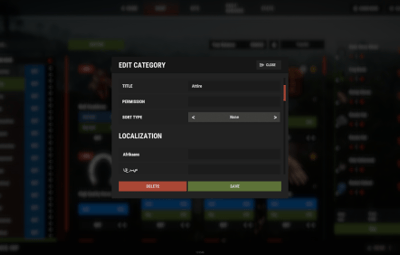
The creation of a new category has already been implemented (see screenshot) Easy movement of items between categories will be available in the next update using the command

image_2025-06-18_18-20-36.png

  • Love 1
Evil_Orko

Posted

45 minutes ago, MeventSupport said:

The creation of a new category has already been implemented (see screenshot) Easy movement of items between categories will be available in the next update using the command

image_2025-06-18_18-20-36.png

that's perfect, thank you!

sudo

Posted

If there was a way to customize delivery you'd have my money right now.  Delivery via an airdrop or hackable crate would be a cool option.

MeventSupport

Posted

12 hours ago, sudo said:

If there was a way to customize delivery you'd have my money right now.  Delivery via an airdrop or hackable crate would be a cool option.

Thanks for the idea. We'll think about how to implement it

0g.Ghost.7373

Posted

How would I add a category?

I notice we have everything but the food....

ChaosKiller125

Posted (edited)

Can you add so you can force players to buy something for only currency and disable ServerRewards for 1 specific Item

Say i want to sell wood for Points but not for Scrap if they switch but it still displayes the item for the currency

Edited by ChaosKiller125
MeventSupport

Posted

On 6/25/2025 at 5:37 AM, 0g.Ghost.7373 said:

How would I add a category?

I notice we have everything but the food....

Open the shop in-game with /shop, make sure you have admin permissions, then click the "Add Category" button in the categories section. Name it "" and you're done!

MeventSupport

Posted

4 minutes ago, ChaosKiller125 said:

Can you add so you can force players to buy something for only currency and disable ServerRewards for 1 specific Item

Say i want to sell wood for Points but not for Scrap if they switch

In the Shop plugin, you can set up Currencies for each item:

https://pastebin.com/KY10EdiZ

ChaosKiller125

Posted

That works but as soon as I remove the other currency on the item and the player switches the tab for the other currency the item gets removed 

MeventSupport

Posted

14 hours ago, ChaosKiller125 said:

That works but as soon as I remove the other currency on the item and the player switches the tab for the other currency the item gets removed 

If an item is not available in that currency, it should not be displayed. all correct!

Mankus

Posted (edited)

The currency tab is very confusing for players, they dont know how to switch or often think there are no items in the category,
when there are items for sale in one currency (A)  and items for sale in another currency (B).  

All items in a category should be displayed on the same page, even when there are 2 different currencies enabled.

I'll make a random example up now ;
Economics is in use and represented by "$"   and a custom currency is in use represented by "RS" 

Category: "Guns"   Item 1  for sale M249, $1000  item2 for sale Military Flamethrower  50 RS
If they could be on the same page and item1 displays one currency "$",
item 2 displays the other "RS" currency.
then this feature would be reallly useful!

 
Dont get me wrong, it makes sense to me from  a configuration perspective.  
But for players
Its too confusing and unclear to use the little tiny button for a player to choose a currency, 
when they choose a currency all items in the other currency are not displayed. 
If its possible I really recommend to change this because its very un-intuitive! 

This design takes away a very useful element, what should actually be a really great feature of the plugin.

I can only assume this is a pain in the ass to implement for whatever reasons that I don't understand,
So I hope it can be done and made to work / look really well like the rest of Mevent plugins 🙂

Good luck


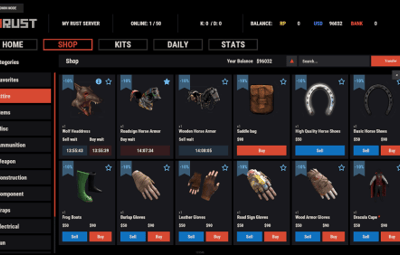
Edit, added screenshot of the template I use.
The little red square I badly drew, is where the icon to switch currency is - 

(its not enabeld at the moment on our server due my issue with it)  
even when a player knows there are other currencies its not obvious or intuitive for them to knwo how to use it.

In my experience most  Rust players need to be told, pointed and almost taken and shown to anything even slightly different than what they already are familiar with. 
Otherwise it might aswell not exist to them.   

image.png

Edited by Malkizid
  • Like 1
Mankus

Posted (edited)

I know my suggestions / comments are usually stupidly long that its too much work to reply to them due to language barriers etc. 
So here's a short comment - keep up the good work and I hope you can make this plugin's small features, better with more intuitive ui.

Maybe this is only a problem in one of the templates. I dont know anymore. 🤔
Its too much for me to keep changing them around - with all the template versions of server panel / kits / shop 🙃

Edited by Malkizid
  • Like 1

Create an account or sign in to comment

You need to be a member in order to leave a comment

Create an account

Sign up for a new account in our community. It's easy!

Register a new account

Sign in

Already have an account? Sign in here.

Sign In Now
  • Like 13
  • Sad 1
  • Love 8

Mevent's Collection

User Feedback

About Us

Codefling is the largest marketplace for plugins, maps, tools, and more, making it easy for customers to discover new content and for creators to monetize their work.

Downloads
3m
Total downloads
Customers
12k
Customers served
Files Sold
170.3k
Total sales
Payments
3.7m
Processed total
×
×
  • Create New...

Important Information

We have placed cookies on your device to help make this website better. You can adjust your cookie settings, otherwise we'll assume you're okay to continue.