Depends on
Required for this file to work correctly.

Works with
Optional integrations and compatible files.




About Build Tools [grade/remove/skins]
Build Tools is a plugin for building in game.
It makes upgrading, removing and even downgrading buildings easy.


!ATTENTION! After the last update of the game, the additional slot does not work
 Features of Build Tools
- Beautiful user interface: A good-looking interface that is easy to use;
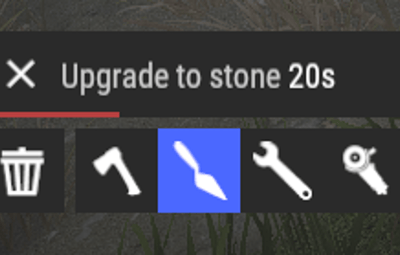
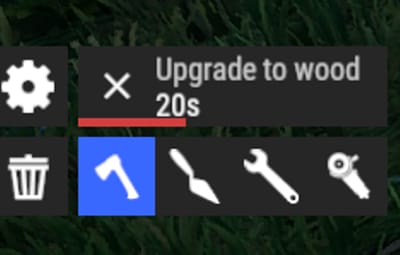
- Bar progress display: A progress bar shows how your upgrade is going;
- Upgrade of the entire building at once: Make the whole building stronger in one go;
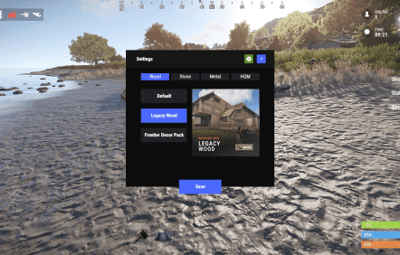
- Interface customization: Set up the interface the way you like.
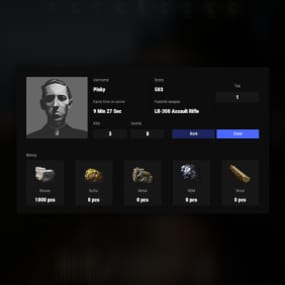
- Returning an item to remove: Removing a structure gives you its items back;
- Returning items with condition as in the game: Items are returned to the same condition as in the game, with the option to set their condition as a percentage;
- Blocked list items for remove: Choose which items can't be removed.
- Ability to use icons both from the game and your own
- Work with Clans/Friends/NoEscape
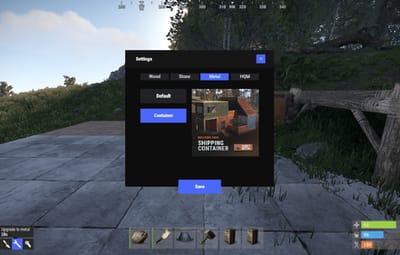
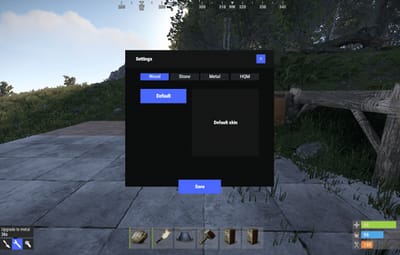
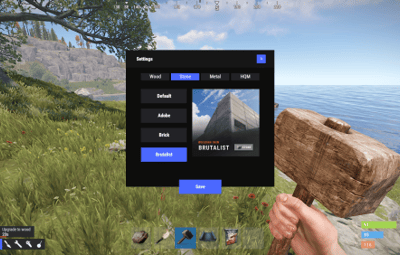
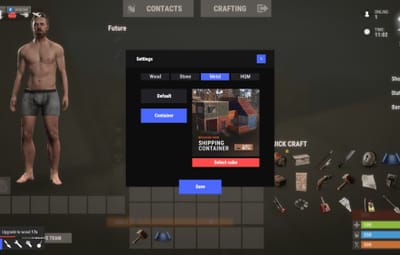
- Building Skins (+ automatic parsing command)
- Downgrade: Downgrade structures in a few clicks
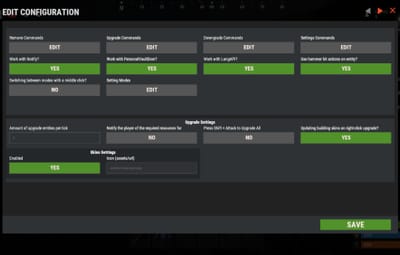
- Edit config via in-game interface (no JSON editing required)
 Commands
- /up [1-4]: enable upgrading mode
- /up all: allows you to upgrade the entire building at once
- /remove: enable removing mode
- /remove all: allows you to remove the building at once
- /down: enable downgrading mode
- /down all: allows you to downgrade building at once
- buildtools.parse.skins: parses new building skins from the game along with their images
- /bskin: open settings menu
 Permissions
- buildtools.all: allows you to upgrade/remove the entire building at once
- buildtools.free: allows you to upgrade buildings for free
- buildtools.edit: allows you to enable edit mode
- buildtools.vision: allows you to toggle the remove mode on in vision mode
 Video
 Hooks
object canDowngrade(BasePlayer player, BaseEntity entity)

object canRemove(BasePlayer player, BaseEntity entity)

object CanBuildToolsGiveRefund(BasePlayer player, BaseEntity entity)
 Web Config Editor
Manage the BuildTools settings in our web config editor. You change the config in a browser form instead of editing files on the server by hand.
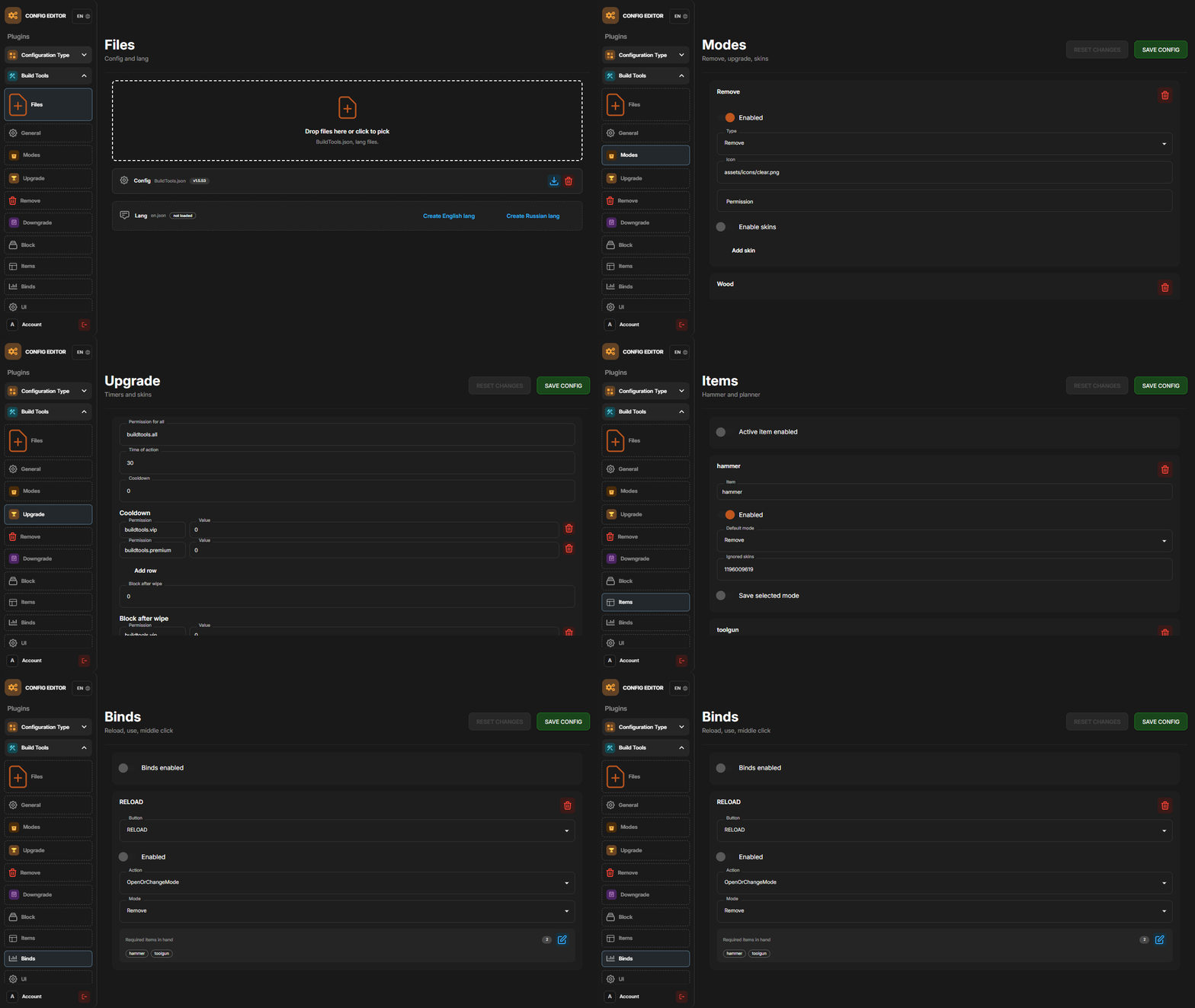
P.S. The web config editor is open to members of the "BuildTools" group in our Discord server. Join at https://discord.gg/mevent and ask for the group.
 FAQ
Q: Where can I see an example of a config?
A: Config