.gif.914e38669e0dba441165e4dab3ab2958.gif)

Whispers88
-
Posts
843 -
Joined
-
Days Won
19
Content Type
Profiles
Warranty Claims
Downloads
Forums
Store
Services
Downloads Plus Support
DOWNLOADS EXTRA
Reels
Everything posted by Whispers88
-
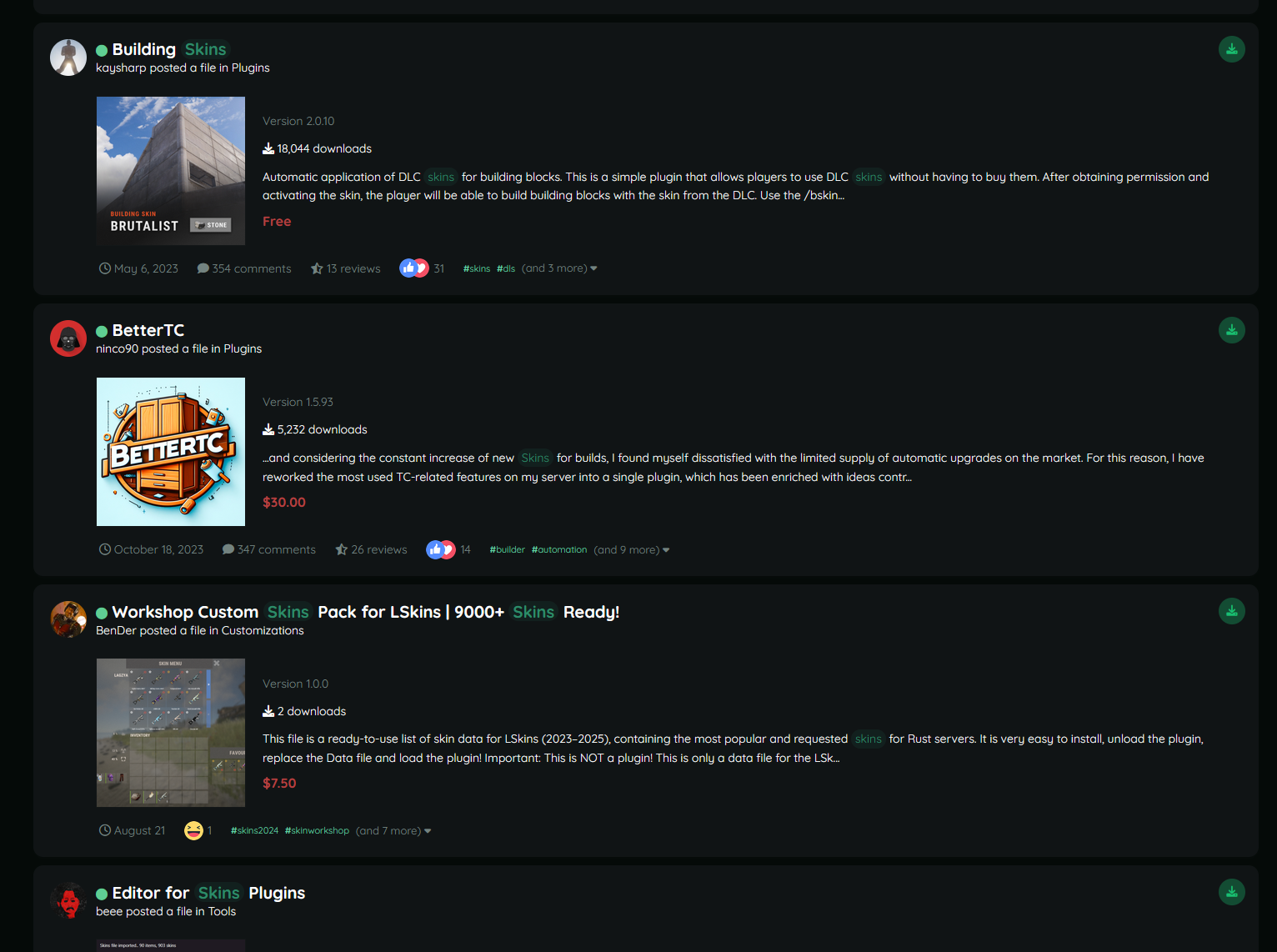
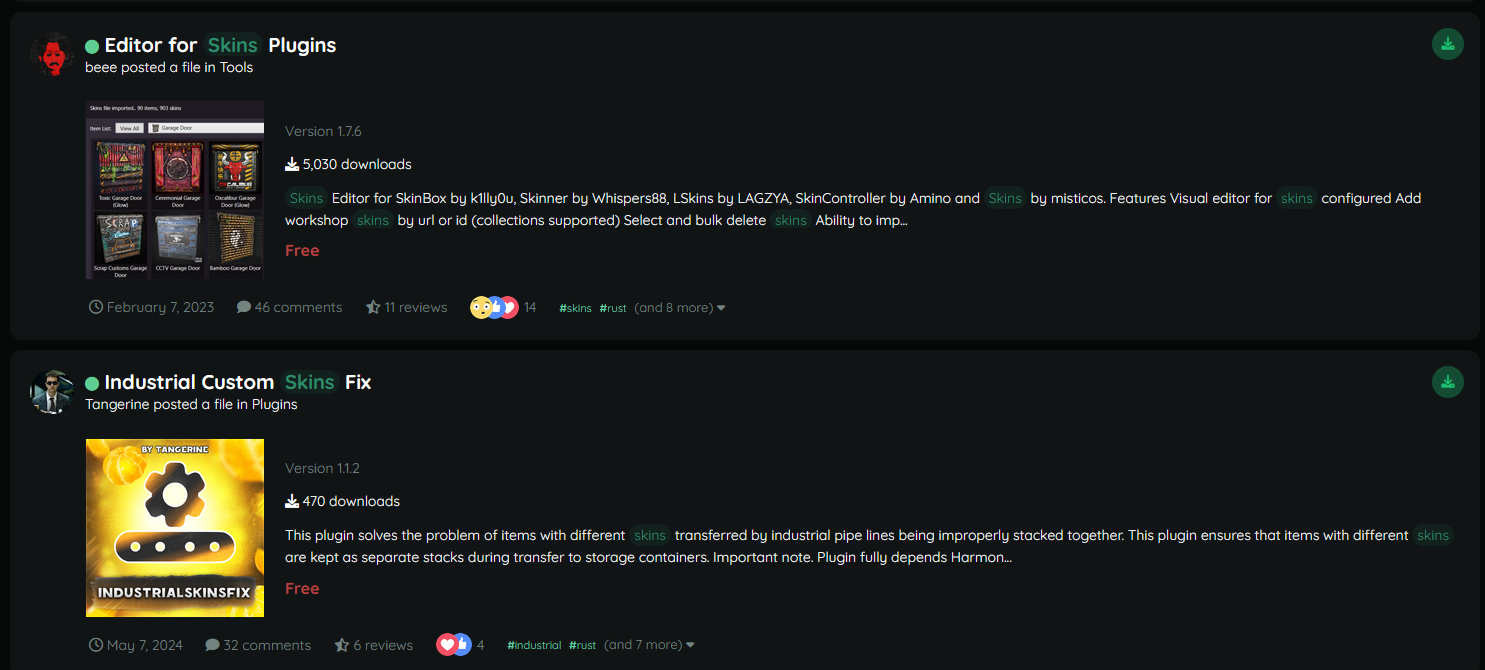
@Death I want to buy a good skins plugin from codefling so i search skins... based on these search results can you recommend me which file i should click on ?

-
Tbh i think the search functionality of CF needs some work. I want to have more items in my FOV and also have more relevant items when searching. The default search should be products and not include comments and such...
-
can you send me the skins IDs you are having issues with?
-
Changed Status from Pending to Not a Bug Changed Fixed In to 3.0.0
-
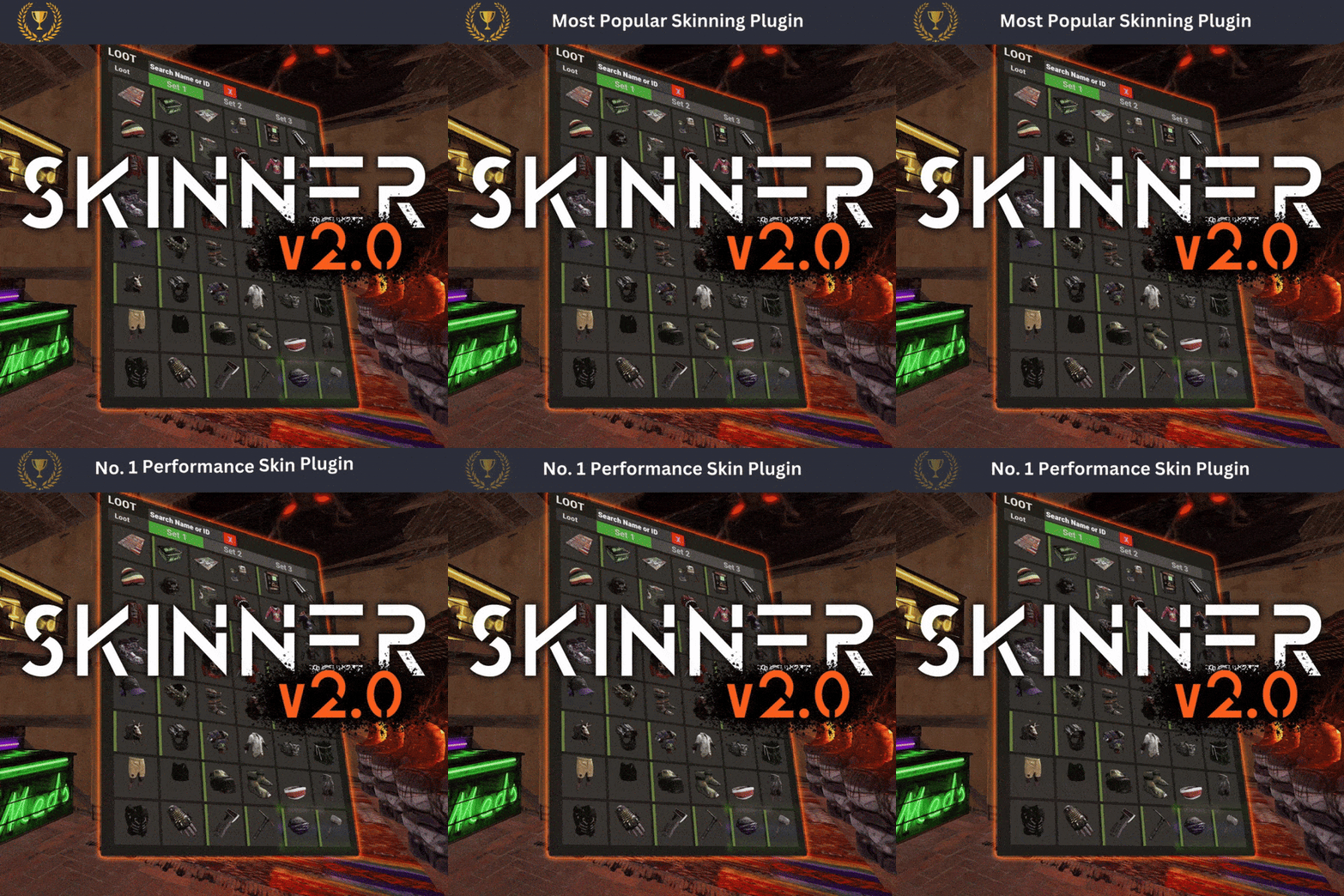 check your f1 menu in game, you should see what skin ids are being loaded or requested. Its possible other skins are loading or you are being rate limited, or steam is being weird. - also please use support tickets for support so i can track issues
 -

Just curious what these skins are that I started with
Whispers88 replied to CanEHdianboi's Support Report in Support
Changed Status from Pending to Not a Bug Changed Fixed In to 3.0.0 -
Just curious what these skins are that I started with
Whispers88 replied to CanEHdianboi's Support Report in Support
1. Ensure you are not using developer mode and are not assigned the dev perm 2. Unload the plugin and delete the skinner usage and default craft skins data files 3. Reload the plugin depending on your config you might still see some skins but they will be ones you own -
its /skinremove you can change the command via the config
-
Changed Status from Pending to Fixed Changed Fixed In to 3.0.0
-
no it needs to index approved skins so it can filter them out. This has no effect on perfomance.
-
Plug In Keeps Re-writing the ImportedSkins.json back to default
Whispers88 replied to alexm561's Support Report in Support
The issue is you dont need to write "Imported Skins List": { your data file should be in the format: { "2496913595": {}, "2496913595": {}, "2496913595": {} } -
Plug In Keeps Re-writing the ImportedSkins.json back to default
Whispers88 replied to alexm561's Support Report in Support
Changed Status from Pending to Not a Bug Changed Fixed In to 2.9.98 -
Players getting kicked when using /skincraft w. spray can decal
Whispers88 replied to Hanumann's Support Report in Support
Changed Status from Pending to Fixed Changed Fixed In to Next Version -
Thats not downloading. Its just indexing, which takes nanoseconds and doesnt impact performance. It has to index all the approved/skins that cost money to be able to filter them out.....
-
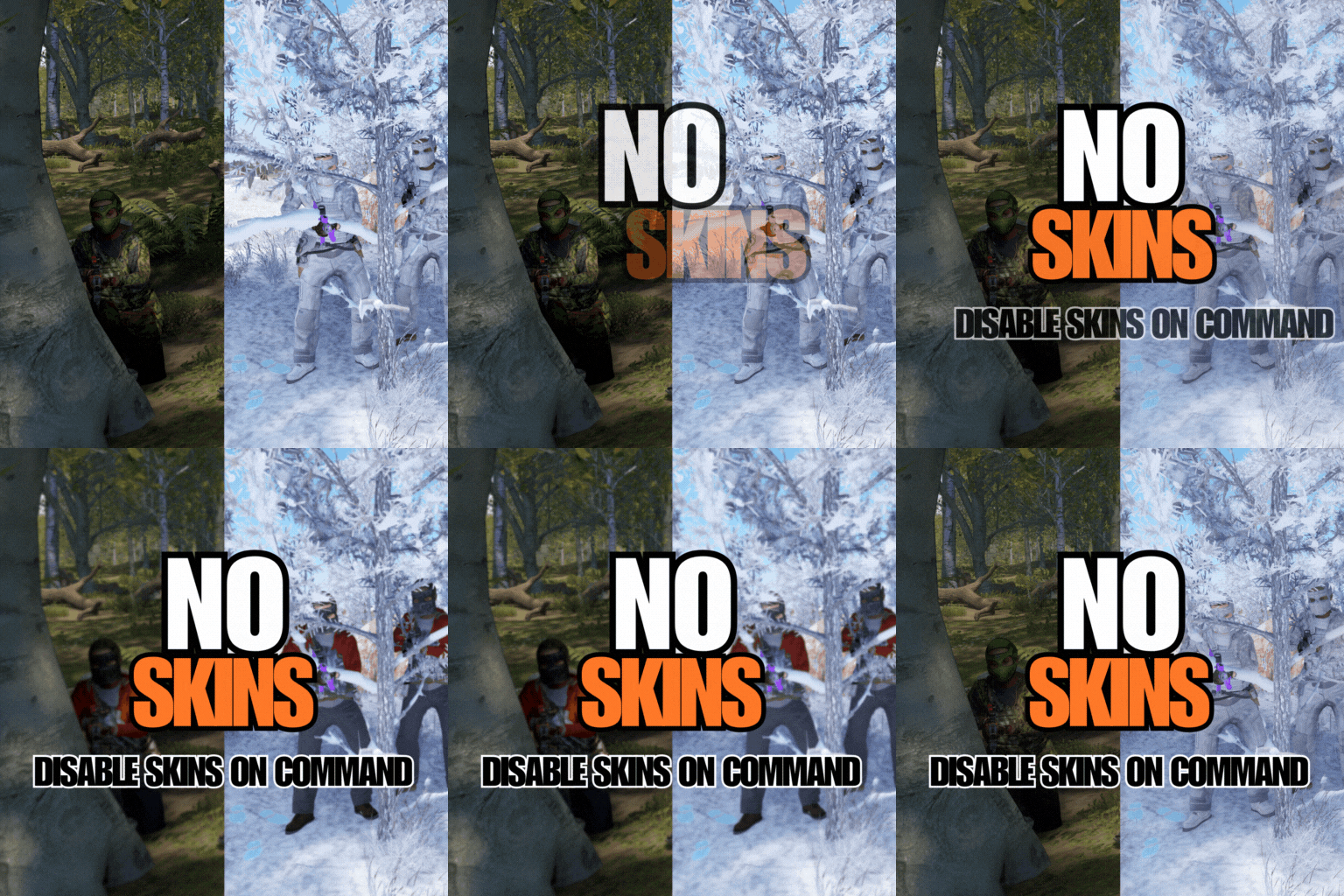 its also a performance fix for some players
 -
Plug In Keeps Re-writing the ImportedSkins.json back to default
Whispers88 replied to alexm561's Support Report in Support
Try unloading the plug-in before making changes to the data file -
Changed Status from Pending to Fixed Changed Fixed In to Next Version
-
Thanks will fix this in the next update
-
why not just ask the author of server rewards to change their commands >
-
when you wipe the server how does it close down? if it doesnt close down properly it might not save the changes....
-
Thanks will test this
-
do you have the IDS of skins that aren't appearing ?
-
try downloading and updating again
-
It does work, it just doesnt work on collections with NSFW content in them
-
can you dm your old config