Jump to content

Research & Craft System 2.0.2

$20.00
   (0 reviews)
Message added by copcopekcro,

DELETE OLD CONFIG AND DATA BEFORE UPDATE TO VERSION 2.0.0 !!
BEFORE UPDATING MAKE SURE THAT YOU BACKUP YOUR CONFIG , BEACAUSE OLD CONFIG ON NEW VERSION WILL NOT WORK !!!!!!!

28 Screenshots
  • 13k
  • 84
  • 369.58 kB
  • Update details
    v2.0.2
    Released
    Download size369.58 kB
    Total versions10
    Time between versions 8 days
    Typical update pace About every 78 days
    Freshness 25 days ago

This area is for discussion and questions. Please use the support area for reporting issues or getting help.

Recommended Comments


copcopekcro

Posted (edited)

10 minutes ago, rex said:

It's working, but how do we equip the weapons? Is there a command? 


Sorry i dont get what you mean about to equip weapons ...
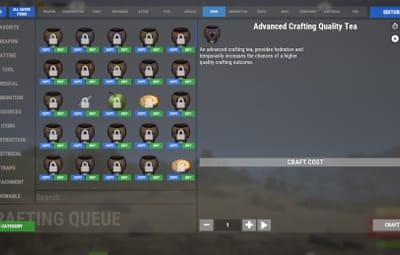
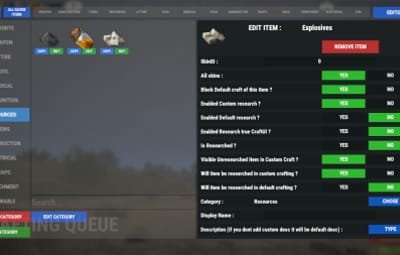
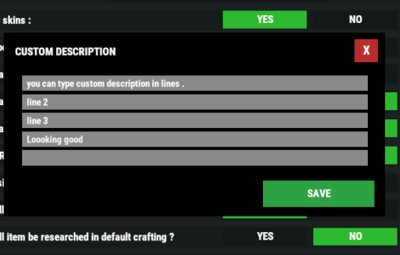
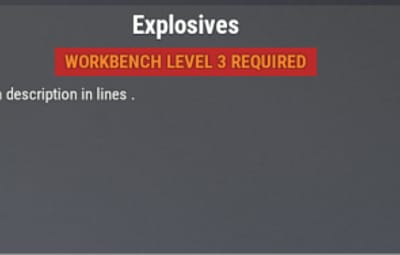
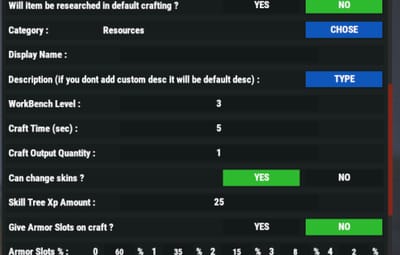
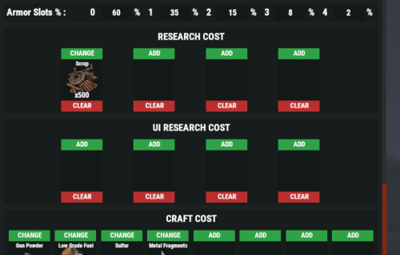
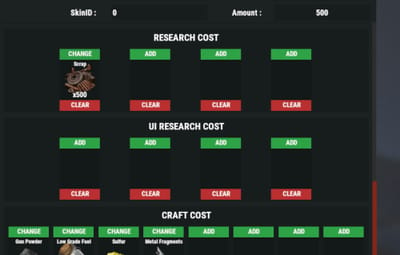
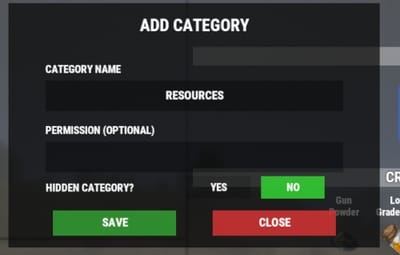
but probably you wanna know how to add / edit item ?

Snimkazaslona2026-05-24222437.png.c44e91de520fe252c291a182331ac5ba.png
You need to have craftsystem.craft perm to open Ui ..
Chat command /q to open UI ( you can change that command in config)

You need to have craftsystem.editor permission to start editing items ...
Then you will see edit button :
Snimkazaslona2026-05-24222622.png.bca9146b47d91a4181b51272143f0b47.png
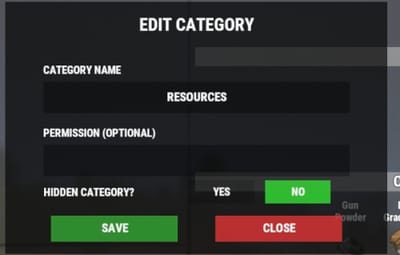
from there you chose what you wanna do with that item ...

to add new item :
when in editor mode press on all items :
Snimkazaslona2026-05-24222700.png.12c26570ce92b837b57b2019a64a034d.png
there you can find what ever item ...
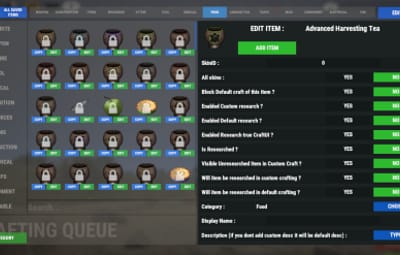
press edit on him , and make sure that you save it first to your craft system ..
Snimkazaslona2026-05-24222814.png.2282a116fcd3c688122e7559e7502723.png
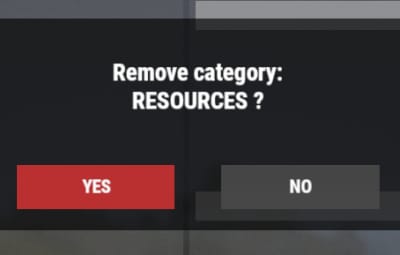
When item is saved you can edit normaly from your category . Remove it or what ever
Snimkazaslona2026-05-24222920.png.ecb3d5192145059bddc6b722db7a6630.png

Edited by copcopekcro
The_X_

Posted

@copcopekcro

Hello! I’ve made this mistake many times, but I’d like to clarify a few things before making a purchase.


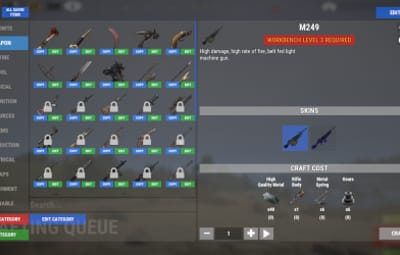
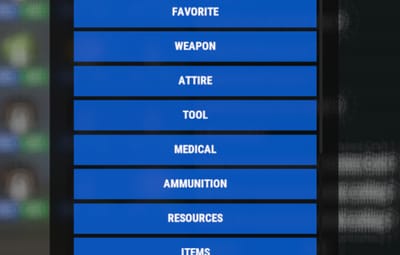
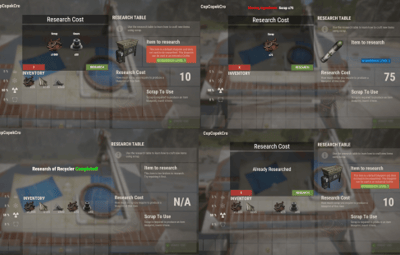
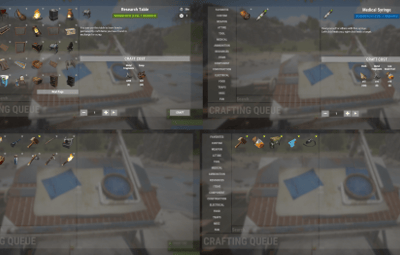
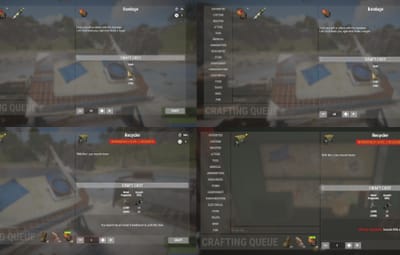
1) I can see that the plugin has the ability to replace the default menu. But is it possible to do the opposite – to ‘work on top of’ it? Can I create custom categories for items, for example… ‘ Shooting’ and ‘Exploding’? Or am I limited to the Rust Item Category?

Can I, for example, remove all the default crafting recipes so that they don’t affect the in-game ones at all?

How does the plugin handle non-English languages? Do you use the in-game Translate class to retrieve localised item names? Or item categories? Anything that’s already been translated by the game.


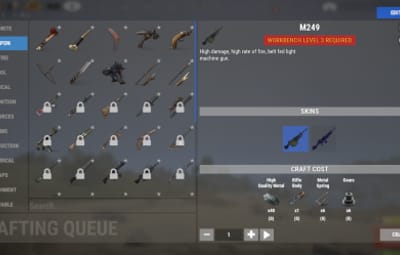
2) I use the advanced CID library to create custom items. It generates true custom items with unique ItemDefinition (Shortname, itemid), and consequently they all have SkinID = 0 (because custom items with skins are a thing of the past, technologically speaking). Will I be able to use the ‘logical grouping’ features? In the images, it is called ‘Skins’. In other words, the same item has several crafting variants, let’s say with slightly different recipes. However, they are presented as a single lot to show their connection. Or does this feature only support different skins for the same item, and doesn’t even imply different crafting recipes?

Create an account or sign in to comment

You need to be a member in order to leave a comment

Create an account

Sign up for a new account in our community. It's easy!

Register a new account

Sign in

Already have an account? Sign in here.

Sign In Now
  • Like 2

User Feedback

About Us

Codefling is the largest marketplace for plugins, maps, tools, and more, making it easy for customers to discover new content and for creators to monetize their work.

Downloads
2.7m
Total downloads
Customers
11.6k
Customers served
Files Sold
165.1k
Total sales
Payments
3.6m
Processed total
×
×
  • Create New...

Important Information

We have placed cookies on your device to help make this website better. You can adjust your cookie settings, otherwise we'll assume you're okay to continue.