
.gif.953391bcc7a1bf59be4f2318c9b6d691.gif)

ThePitereq
-
Posts
2,036 -
Joined
-
Last visited
-
Days Won
7
Content Type
Profiles
Warranty Claims
Downloads
Forums
Store
Services
Downloads Plus Support
DOWNLOADS EXTRA
Reels
Support Center
Everything posted by ThePitereq
-
Changed Status from Pending to Closed
-
Seems like an item update error. Make sure your plugin is up to date, as you have 2.0.9 and most recent version is 2.1.1
-
Unfortunately no.
-
Hey! "Currency Other Plugin Override (empty, for ShoppyStock database)": "BankSystem", in Main config.
-
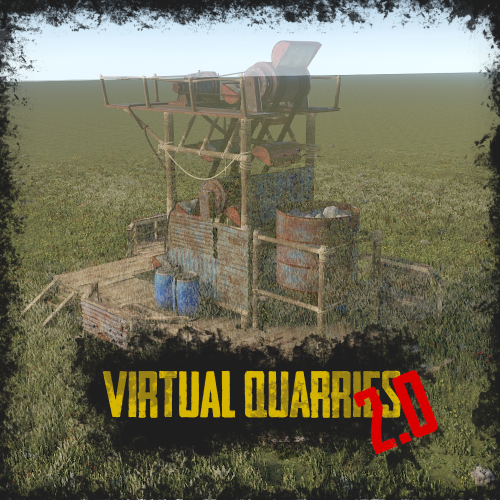 Hey, yes. There is different switch for static quarries instancing and for excavator instancing, you had to enable that in config.
 -
Changed Status from Pending to Closed
-
Changed Status from Pending to Closed
-
Will try to replicate that. Can you send me your config please?
-
Thanks for the feedback. Will be out on official version on next release.
-
Its an admin thing, you need permission for that. I think it was custommixing.give or custommixing.admin.
-
Hey. If you use currency from some outside plugin like Economics i can't get the leaderboard because there is no api for that. Leaderboards works only for ShoppyStock currencies.
-
This must be caused by some other plugin. I don't lock damage to scientists. About the road issue, i think it might get stuck somehow on the train route. Hard to say what's going on without any log about what happened and does it has been teleproted somewhere because it got stuck.
-
Hmm, i can try adding some value to teleport height offset, like 0.1 and it should fix this issue. If you want it faster, you can try editing your plugin and on most recent version change line 631 to spawnPos = groundHit.point + new Vector3(0, 0.1f, 0);
-
Hey! Wdym they get stuck? Can you provide some kind of video or something? I think i know what you mean but just want to be sure as it should be fixed.
-
Hey! Do you use carbon or oxide? Anything on server startup?
-
Changed Status from Pending to Closed
-

/pump craft requires power reset after player disconnect
ThePitereq replied to fullwiped's Support Report in Support
"Water Type - Do Not Update Water Type When Pressing SPRINT Button": true, Make sure they are not sprinting when they are placing pumps, or just change it to false to remove this behaviour. -
 meteors like barrewl needs custom gather method to work, your current one is damageable only with hammer.salvated right now.
 -
/pump craft requires power reset after player disconnect
ThePitereq replied to fullwiped's Support Report in Support
Hey! It's not possible that my plugin is affecting of anything working if player disconnects. It just don't check anything of that. Make sure other plugin doesn't cause problems with that. -
permission based chat formatting doesn't work
ThePitereq replied to mcsigu's Support Report in Support
Hey, will take al ook at that. Thanks alot for reporting, will try to investigate it as fast as possible! -
the config you've sent isn't fill config and its missing like half of customization fields. send whoe file from your plugin that works please
-
if you added something crucial to the plugin make sure to also reload it as many fields to the config generate when you create new currency. plugins very complex and its really hard to make in-game ui for configuration if you have so many options. if you need help with something let me know.
-
hey! You need to enable "Player Blueprint Ownership Required": true, instead of skin check. Skin checks is only for custom skins, the blueprint is an dlc item check.
-
currently it's not possible, but may be maybe when i'll remake the UI i can implement something like this.
-
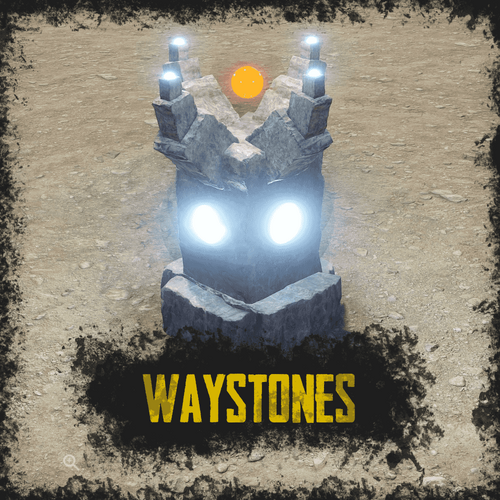 it will be different option for both.