Srtzero
-
Posts
205 -
Joined
-
Last visited
-
Days Won
1
Content Type
Profiles
Warranty Claims
Downloads
Forums
Store
Services
Downloads Plus Support
DOWNLOADS EXTRA
Reels
Everything posted by Srtzero
-
So yes. I have backpacks and my UI scale is set to default 1.00. The only reason I can think that its off is if it makes a difference whether or not I am using an ultrawide monitor. I dont think it does those. I will change the values, start the server, and report back if that made a difference. Thanks!!
-
 Thanks. That's exactly what I need. Appreciate your help and flexibility.
 -
No. As far as I can tell it does it way more often than that. Seems like every time there is a message. But come to think of it. I might know what the issue is. I didn't even think of it before. I been setting up my server and changing the config and reloading the plugin. So of course I'm getting multiple messages (Duh! *smacks forehead*) On a side note. Would it be possible to have an option to disable that message, since I'm planning to have an info bar on the bottom of the toolbar that will display messages I set. I plan to have all plugin commands cycle thru there and not in the chat. Thanks for the quick response by the way.
-
Is there a way to disable the chat notification that tells players they can see the recent messages by pressing /n? Its very spammy in chat. Almost every time a chat message is sent to notification it displays in chat.
-
Hi, Quick question. Currently the plugin bar is much longer on the left and right margins than the in game toolbar. What values do I need to change in order to make it the same length as the in game toolbar? Is it this below? Which value exactly needs to be changed. Thanks!! "AnchorMin": "0.345 0.110", "AnchorMax": "0.64 0.150",
-
So there is no barrel icon? Didn't know that. Ok. Thanks.
-
Ok. But the image item is wrong. Its shows a box, but it gives a barrel. Just wanted to let you know. It was confusing the first time. I kept pressing the button wanting a large storage box, but I kept getting a barrel.
-
 Yeah not really possible to check and change when I am running over 30 different mods. Plus I am user not a coder. I have no idea where to check layering for each one the plugins I'm using. This plugin does not have that issue and the fact it almost looks like its default built in UI and positioning is why I currently switched. But I do love your sort functionality without having to have other boxes open. I can DM you and maybe we can work on it some more.
 -
Yes but its showing it as the Mounment ID name from the plugin. So instead of Radtown or trainyard. It shows exactly as radtown_1 or trainyard_1. I was hoping for a way to show it as Just Radtown, Trainyard, Etc...
-
Hi. I currently use Zone Status bar plugin to show a bar with the zone the player is in. How or where can I change the monument ID names.? Currently the zone status bar shows names like radtown_1 or trainyard_1. I would like to change the monument ID names so the zone status bar shows Radown, TrainYard, etc.
-
 Yes. But in conjunction with other mods. There is a section in the config that reads: "PVE Setting": { "Enable PVP On Event? It will automatically create a zone and enable PVP on the zone then remove the zone when event ends. (Require: ZoneManager & (SimplePVE or TruePVE))": true
 -
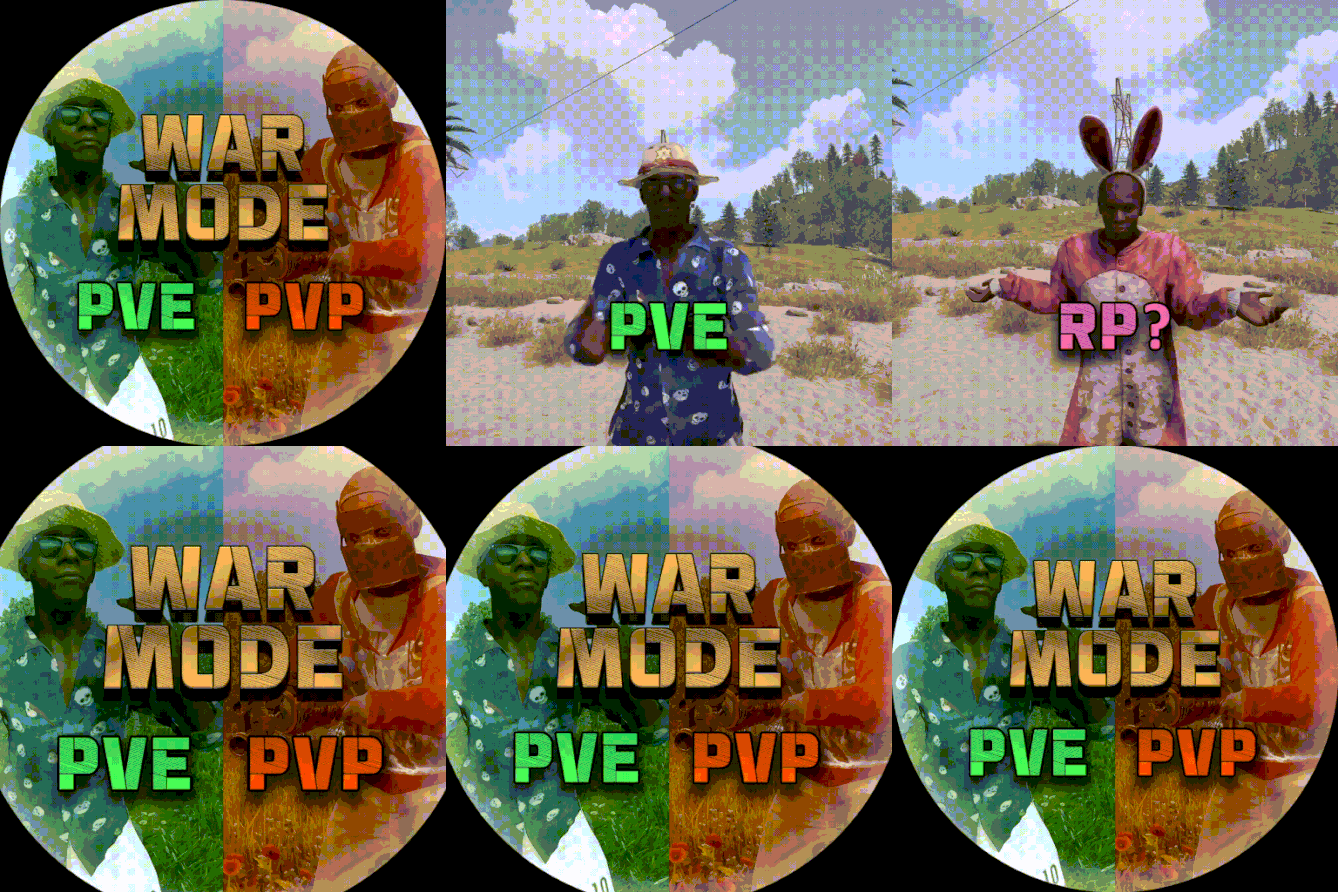
Hi. Would it be possible to support the below plugin? I would love to have it temporarily change a player to pvp mode when they enter a monument event.
-
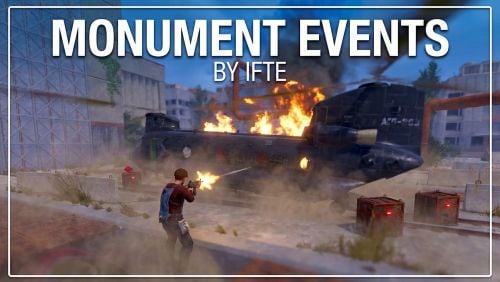 Would it be possible to add support for WarMode Mod below? I would love to have it change the player to pvp mode temporarily while in a monument event.
 -
Ok. Thank you for the clarification. That helped.
-
Ok. Thank you for the help and clarification.
-
Oh ok. I thought it was a different setting. I thought I could set the day/night cycle without having to allow players to vote. I was just trying to shorten nights and have longer days. Maybe a suggestion then to have that option separate from having to vote by players. Thanks for the clarification.
-
Hello. Currently the day/night cycle does not change. I have it set to Start of day 5.5 and End of Day 23. I am want the night cycle to be shorter. However even with the settings it still gets dark/bright at the default rust times. Am I doing something wrong? Please see screenshot.
-
I think there is a way. Could you check UItemSort - Plugins - Codefling. Under his updates it says Ui will open on inventory only. I just dont like his UI. Why I chose yours. Plus, I'm loyal. I have quite a few of your IQ plugins.
-
Ok. I will. But it will most likely be tomorrow. Thank you.
-
Ok. Not really sure how to check for that. But its every other plugin that pops up a window while I am in inventory. But its the only way I know of on how to get the mouse cursor so you can click on other buttons and plugins. So I guess there is really nothing else to do at this time. Thanks for the explanation and help.