-
Posts
121 -
Joined
-
Last visited
Content Type
Profiles
Warranty Claims
Downloads
Forums
Store
Services
Downloads Plus Support
DOWNLOADS EXTRA
Reels
Everything posted by Khaled
-
Changed Status from Work in Progress to No Response Changed Fixed In from Next Version to 1.0.4
-

Version 1.0.0
4 downloads
Item skins, building skins, wallpaper, and complete customization management in one place. Skinify brings Rust customization together in a clean, easy-to-use in-game menu. Players can browse and apply item skins, customize building materials, choose wallpaper, and create matching styles for their gear and bases. Go beyond individual skins with Skin Kits, saved profiles, favorites, and automatic skinning. Save your preferred combinations, reuse them whenever you want, or apply your building style across an existing base. For server owners, Skinify includes in-game catalog management and a Discord-integrated Workshop request system. Control which skins are available, manage new additions, and give your community a simple way to request their favorites. Features Item Customization Item Skins: Browse skins for supported weapons, clothing, tools, and deployables. Skin Previews: Find skins using visual previews, search, and category filters. Favorites: Save frequently used skins for quick access. Preferred Skins: Set a default skin for each supported item. Automatic Skinning: Apply preferred skins to unskinned items when picked up or crafted. Building Customization Building Skins: Customize wood, stone, sheet metal, and armored building grades. Building Colors: Choose colors for supported building skins. Wallpaper: Browse dedicated collections for walls, floors, and ceilings. New Builds: Automatically use saved building preferences during construction and upgrades. Base Application: Apply compatible building and wallpaper preferences to an existing base. Collections & Presets Skin Kits: Create, customize, and reuse complete sets of item skins. Saved Profiles: Save different item, building, and wallpaper preferences. Quick Switching: Restore saved combinations without selecting every skin again. Server Management Workshop Catalog: Manage which Workshop skins are available on your server. Official Rust Skins: Include or exclude official item skins. In-Game Administration: Add, verify, hide, restore, or remove catalog entries. Discord Requests: Let players submit Workshop skins for staff review. Configurable Limits: Control player collections, base application limits, and request cooldowns. Building Skins & Wallpaper Give your base a consistent look with saved building skins, colors, and wallpaper preferences. Choose a skin for each supported building grade, select colors where available, and manage wallpaper separately for walls, floors, and ceilings. Apply to My Base Already built your base? You don't have to update every block individually. Use Apply to my base to apply your saved building preferences to compatible blocks you own in a base where you have Tool Cupboard authorization. Apply preferred building skins to compatible blocks. Apply saved wallpaper selections to existing wallpaper on compatible surfaces. Respect the server's configured building size limit. Cancel an active update directly from the menu or with /skin cancel. New Builds Enable New Builds to automatically carry your preferred building style into new construction and upgrades. Saved wallpaper preferences can also be used when placing new wallpaper, helping you maintain a consistent appearance as your base expands. Skin Kits Create complete sets of item skins and apply them whenever you want to change your gear's appearance. Instead of choosing skins one item at a time, Skin Kits let you save a collection and reuse it on matching items in your inventory. Create Your Own Kits Start a new kit using: Current Gear: Use skins from your inventory, belt, and clothing. Preferred Skins: Build a kit from your saved item preferences. Kit Editor: Add items manually and choose their individual skins. Each kit can be named, edited, applied, or deleted directly from the Skin Kits tab. Applying a kit updates the skins on matching items you currently have, making it easy to switch between different styles. Saved Profiles Keep multiple customization setups without losing your previous choices. Profiles store your preferred: Item skins Building skins and colors Wallpaper selections Create different combinations and restore them whenever you want to change your setup. Profiles can be managed through the in-game menu or player commands. Workshop Catalog & Admin Tools Skinify gives server administrators direct control over their available skin catalog without requiring them to leave the game. The plugin includes a starter Workshop catalog and supports official Rust item skins, which can be enabled or disabled through the configuration. In-Game Catalog Management Administrators can: Add skins using Workshop IDs or links. Verify multiple entries before adding them. Add valid Workshop skins to the server catalog. Hide selected skins from players. Restore previously hidden skins. Remove unwanted catalog entries. Skin Ownership Ownership checks are enabled by default for protected item, building, and wallpaper skins. Players can browse available selections and optionally include locked skins in their view. Adding a protected skin to the server catalog does not grant ownership or bypass ownership requirements. This allows server owners to manage their catalog while maintaining the applicable skin restrictions. Discord Skin Requests Let your community suggest new skins through an organized request system connected to Discord. Instead of collecting Workshop links across multiple chat channels, players can submit requests through a dedicated Discord panel. Player Requests Players can: Submit Workshop skins through the Discord request panel. View their submissions and review status in My Requests. Submit Workshop IDs directly in game with the appropriate permission. Staff Review Requests are forwarded to a dedicated review channel where authorized staff can: Review submitted Workshop skins. Approve requests and add accepted skins to the server catalog. Reject requests with a reason. Server owners can configure the request channel, staff review channel, and moderator roles. Player Commands /skin - Open the Skinify menu. /skin request <Workshop ID> - Submit a Workshop skin request. /skin cancel - Cancel an active base update. /skin profile save <name> - Save current skin preferences as a profile. /skin profile load <name> - Restore a saved profile. /skin profile remove <name> - Delete a saved profile. /skin profile list - List saved profiles. Skin Kits are created and managed directly through the Skin Kits tab. Permissions skinify.use - Access the main menu and inventory skins. skinify.building - Access building skins, wallpaper, and base application. skinify.auto - Use automatic skin application. skinify.deployable - Allow deployable skin application. skinify.request - Submit Workshop requests in game. skinify.admin - Access catalog management and administrative tools. Permissions can be assigned individually to players or groups, allowing server owners to control access to specific features. Skin ownership and building authorization checks continue to apply. Configuration Skinify provides configurable settings to match your server's needs. Skin Catalog: Enable or disable official Rust item skins. Base Application: Set the maximum building size allowed for base updates. Workshop Requests: Configure request cooldowns. Player Collections: Set limits for favorites, saved profiles, and Skin Kits. Discord Integration: Configure the bot, request and review channels, and moderator roles. Manage the available skins, player permissions, and customization options to create the experience that works best for your community.$39.99 -
Changed Status from Pending to Work in Progress Changed Fixed In to Next Version
-
Hey @Marsdon Rhekhu Thanks for letting me know. I’m aware of the clone genes issue, and it’ll be fixed in the next update. Best to avoid listing clones until then so you don’t lose their genes
-
Changed Status from Pending to Not a Bug
-
 my bad, i uploaded the wrong file by mistake. i'll upload the correct version now Thanks for letting me know!
 -
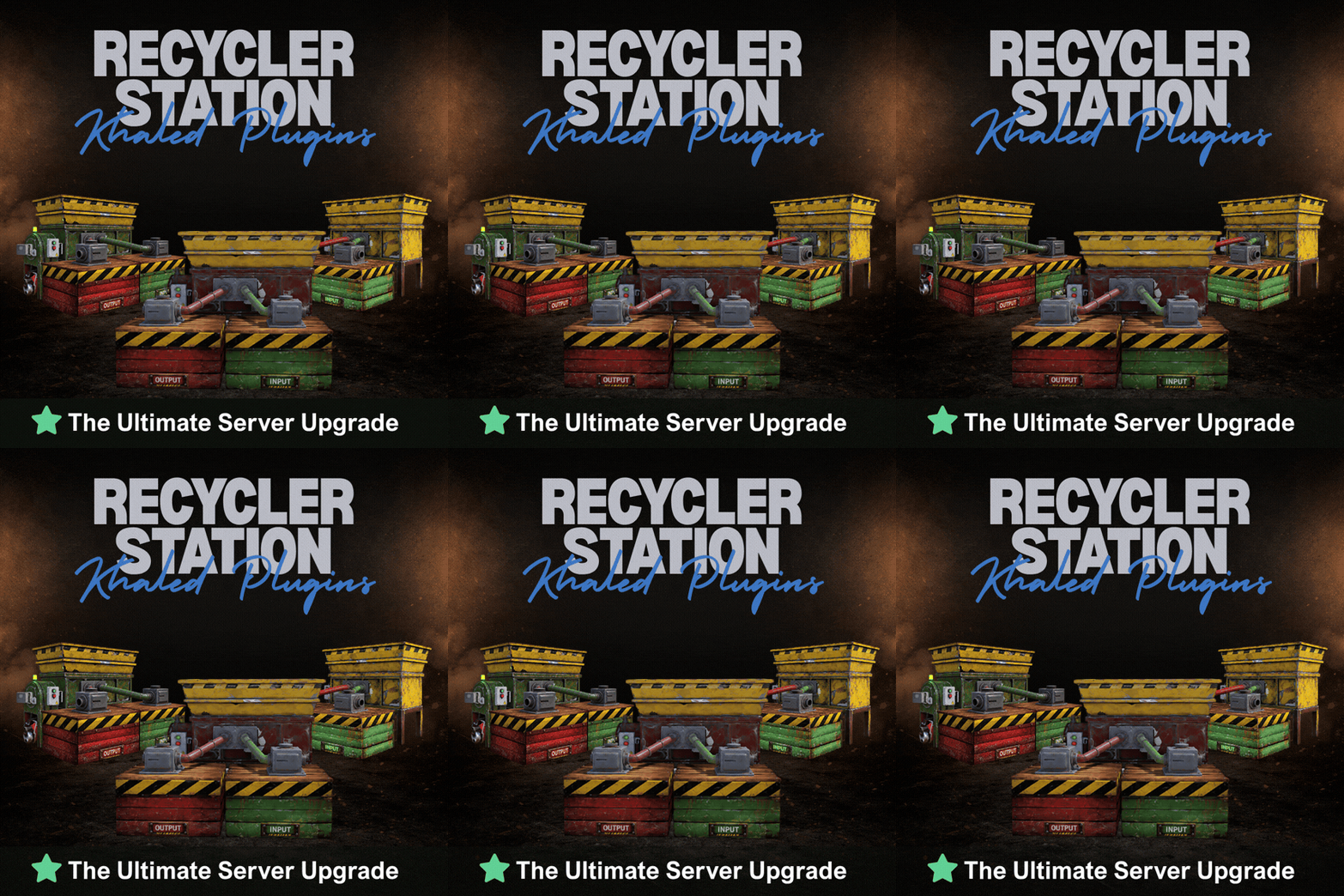
Hey @Ripon5, you can add the Advanced Recycler as an item reward in Server Rewards. Set the shortname to box.repair.bench, the skin ID to 3812944754, and the amount to 1. You don’t need a command for it; /rs give is an admin chat command, so it won’t work from Server Rewards’ console commands. And yep, players can pick up a station they’ve placed with /rs remove, as long as they have recyclerstation.use and meet your pickup settings, like ownership, TC auth, and any fee you’ve set. Buying and removing currently share that permission. If you want stations to come from rewards only, you can turn off the in-game shop without turning off pickup.
-
The plugin package includes a data folder that contains the required images. Make sure to upload that folder to your server files, then reload the plugin. that should fix the issue
-
hey, @SAXLUNCH i tested the plugin and everything works fine on my end. can you message me on discord and share a few more details so i can check what's going on?
-
Changed Status from Pending to Work in Progress Changed Fixed In to Next Version
-
Thanks for reporting this! i’ll look into the issue and release an update to fix it
-
Changed Status from Work in Progress to Fixed
-
Hey, @T-Nuts thanks for reporting this! I've addressed the chat spam in v1.3.0 and removed the repeated “Recycling Resumed” messages I've also added "Send Chat Messages": true to the config. Set it to false and reload the plugin to turn off all player chat messages without affecting the shop or station operation I'll close this ticket now, but feel free to reach out if it happens again after updating
-
Changed Status from Pending to Work in Progress Changed Fixed In to Next Version
-
Thanks for pointing this out Those output messages are repeating more than they should. I'll look into that and add a config option to disable automatic chat notifications while keeping purchase and command responses
-
 Yeah, I've added this to the upcoming 1.3.0 update. Players' purchase counts will reset automatically when the map wipes, so you won't need to clear the data yourself.
 -
Changed Fixed In to 1.2.0
-
Changed Status from Work in Progress to Fixed
-
hey, @T-Nuts v1.2.0 is out now. you can adjust how fast resources move into the output box separately from the recycling speed, and i’ve fixed the repeated chat alerts too. give it a try and let me know if anything still feels off
-
 thanks for the suggestion! i’ll look into adding it safely
 -
 use /bc give to give yourself the capsule, then add it to the kit with the other items like any normal item. Rust Kits will copy it from your inventory when creating or editing the kit
 -
hey, i’ll add a separate output transfer setting in the next update so you can move resources into the output box faster without changing the recycling speed. that should help with the bottleneck on your 5x server
-
Changed Status from Pending to Work in Progress
-
hey, the output box already works with the vanilla industrial system, so you can pipe it into a bigger box i’ll also fix the repeated chat messages so they don’t spam players