

Wonder_Fox
-
Posts
410 -
Joined
-
Last visited
-
Days Won
4
Content Type
Profiles
Warranty Claims
Downloads
Forums
Store
Services
Downloads Plus Support
DOWNLOADS EXTRA
Reels
Support Center
Everything posted by Wonder_Fox
-
I think I’ve figured out what the problem is. You added my prefab to the map, but you didn’t perform a wipe, correct? All prefabs of the entity type require a wipe and cannot be added to a live server.
-
Servers vary, and I can't please everyone. Instead, I allow you to edit all my maps however you like.
-
I deliberately avoid using doors that can be locked (except for garage doors) because they cannot be raided (for instance, there are servers where you can raid an inactive player).
-
That’s how it’s designed: you can only place foundations on the ground floor (where there is no wooden flooring—this is because the game doesn't allow placing foundations under stairs), whereas on the second floor, you can place crates and certain items (though not all of them).
-
You can place foundations and TCs in all custom places. Please provide a screenshot of the problematic place.
-
Hi, I just checked the map and didn't find any issues with radiation affecting the player. You might have had god mode or vanish enabled.
-
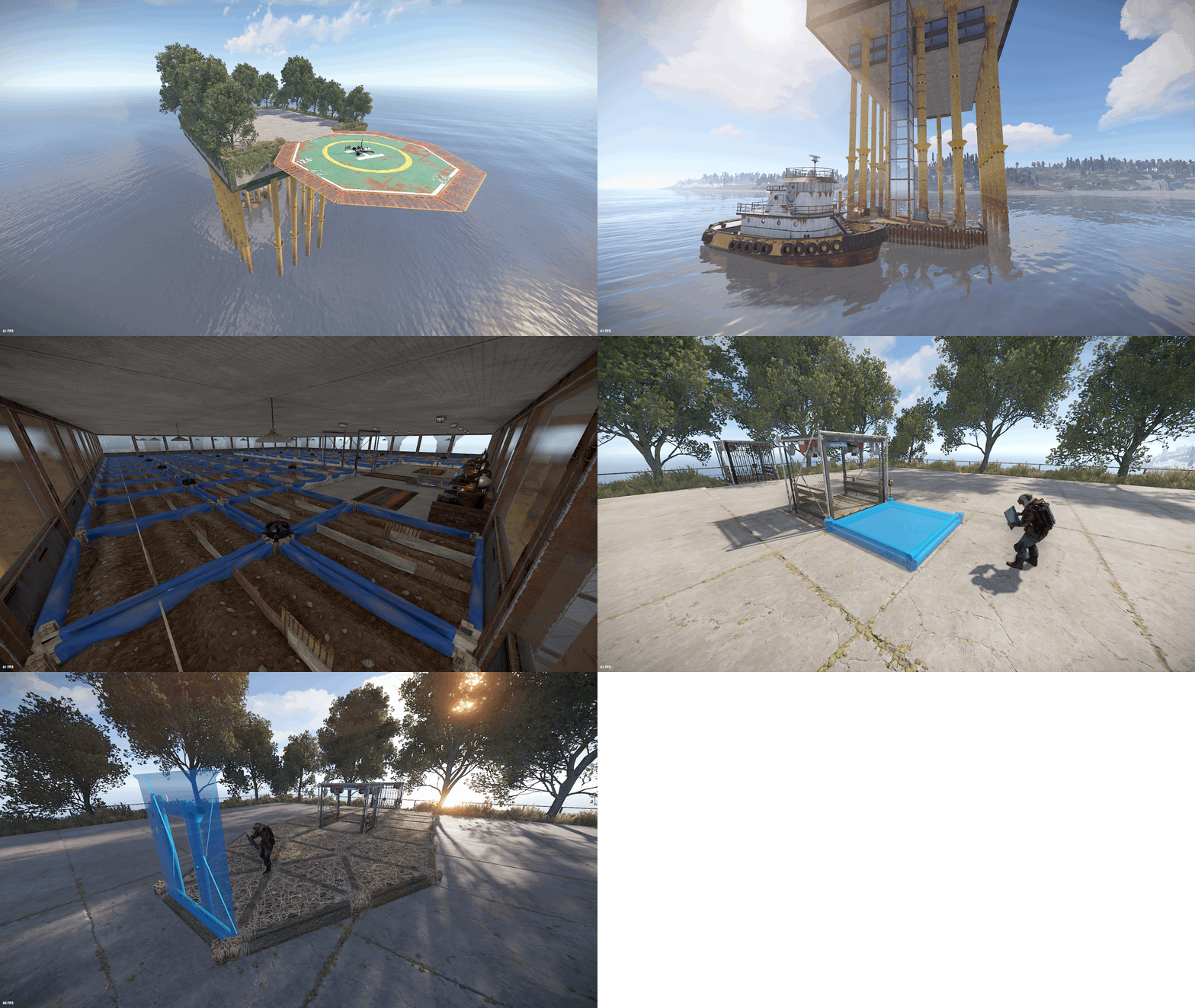 After restarting the server, everything will be fine with the planters.
 -
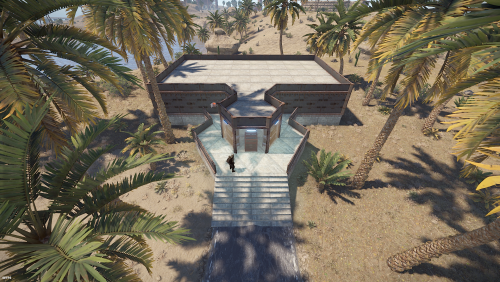 This looks like a RustEdit plugin glitch, but it’s very strange—I’ve never seen doors disappear like that before. We also run several servers using my monuments, and we haven’t had any issues lately. I’m not even sure how I could fix this on my end. That said, I’d suggest running the map on a clean test server—both with and without the RustEdit plugin—to see if the doors still disappear.
 -
Does the electricity break too when the doors disappear?
-
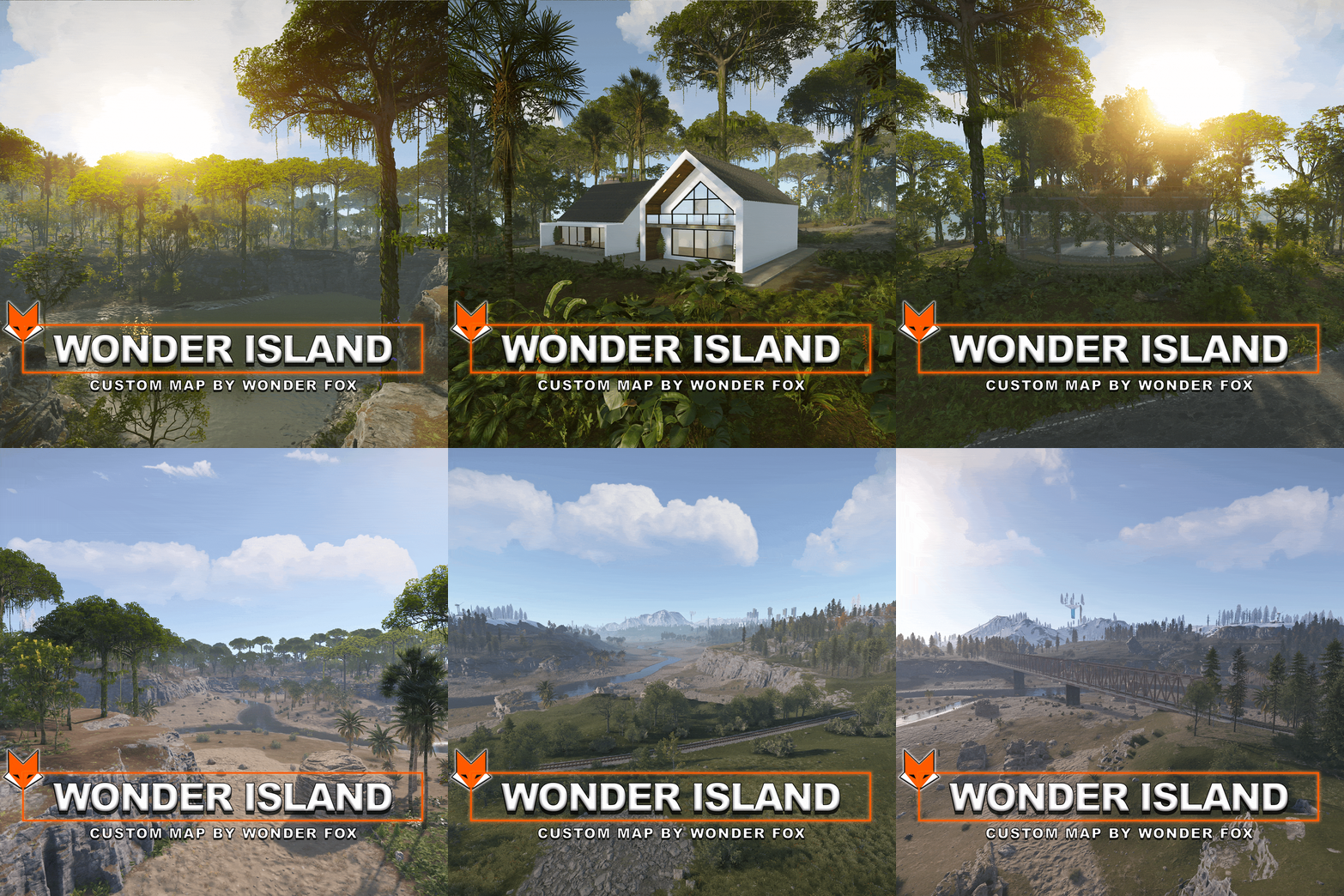 The power line prefab will be replaced in the August update. You need to regenerate them or replace the old ones with assets/bundled/prefabs/autospawn/decor/powerline-small/powerline_pole_a.entity.prefab
 -
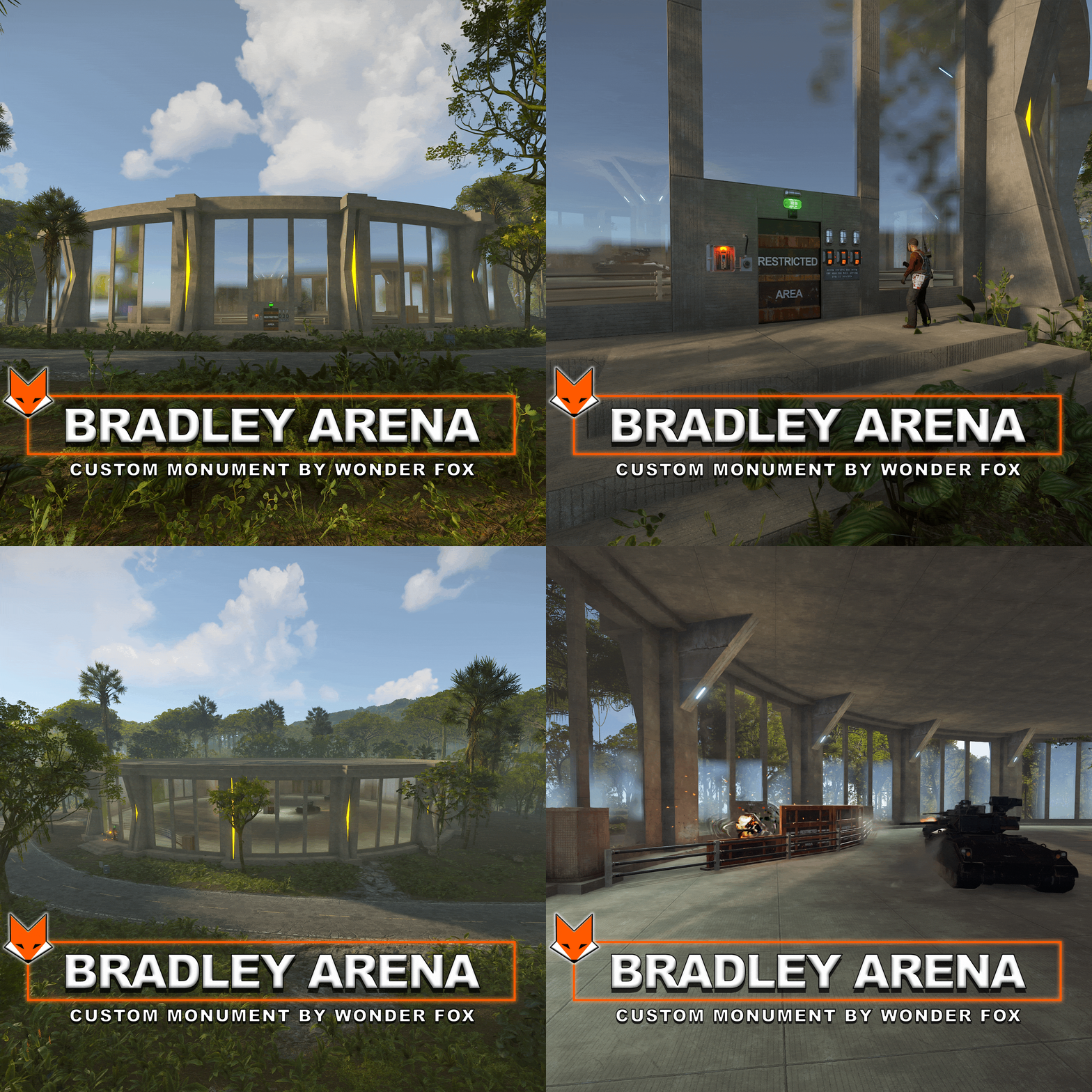 this can only be implemented by creating a plugin
- 20 comments
-
- 1
-

-
- #bradley
- #bradleyapc
- (and 2 more)
-
Changed Status from Pending to Closed
-
You can try the console command rustedit.io.reset and save and restart. But it doesn't always help. After wiping the elevators should appear
-
This extension sometimes has problems with it not loading.
-
Do you have the Oxide.Ext.RustEdit.dll extension and Oxide installed?
-
Granted you access. Yes, you will be able to receive updates
-
Of course, choose the map you want
-
 I replied to you in Telegram
 -
My friend has several servers and we noticed that on a server that was recently installed, the RustEdit plugin works perfectly, but on servers that were installed a long time ago, the plugin sometimes does not load.
-
As I wrote, the problem is in the RustEdit plugin
-
Hello, you need to go underground (near the marketplace entrance) and open the blue door, there is a fuse from the red door inserted.
-
Please note that the Oxide.Ext.RustEdit.dll extension is required for the map to work properly.
-
These presets are only needed if you want to edit the map in RustEdit.