

Wonder_Fox
-
Posts
410 -
Joined
-
Last visited
-
Days Won
4
Content Type
Profiles
Warranty Claims
Downloads
Forums
Store
Services
Downloads Plus Support
DOWNLOADS EXTRA
Reels
Support Center
Everything posted by Wonder_Fox
-
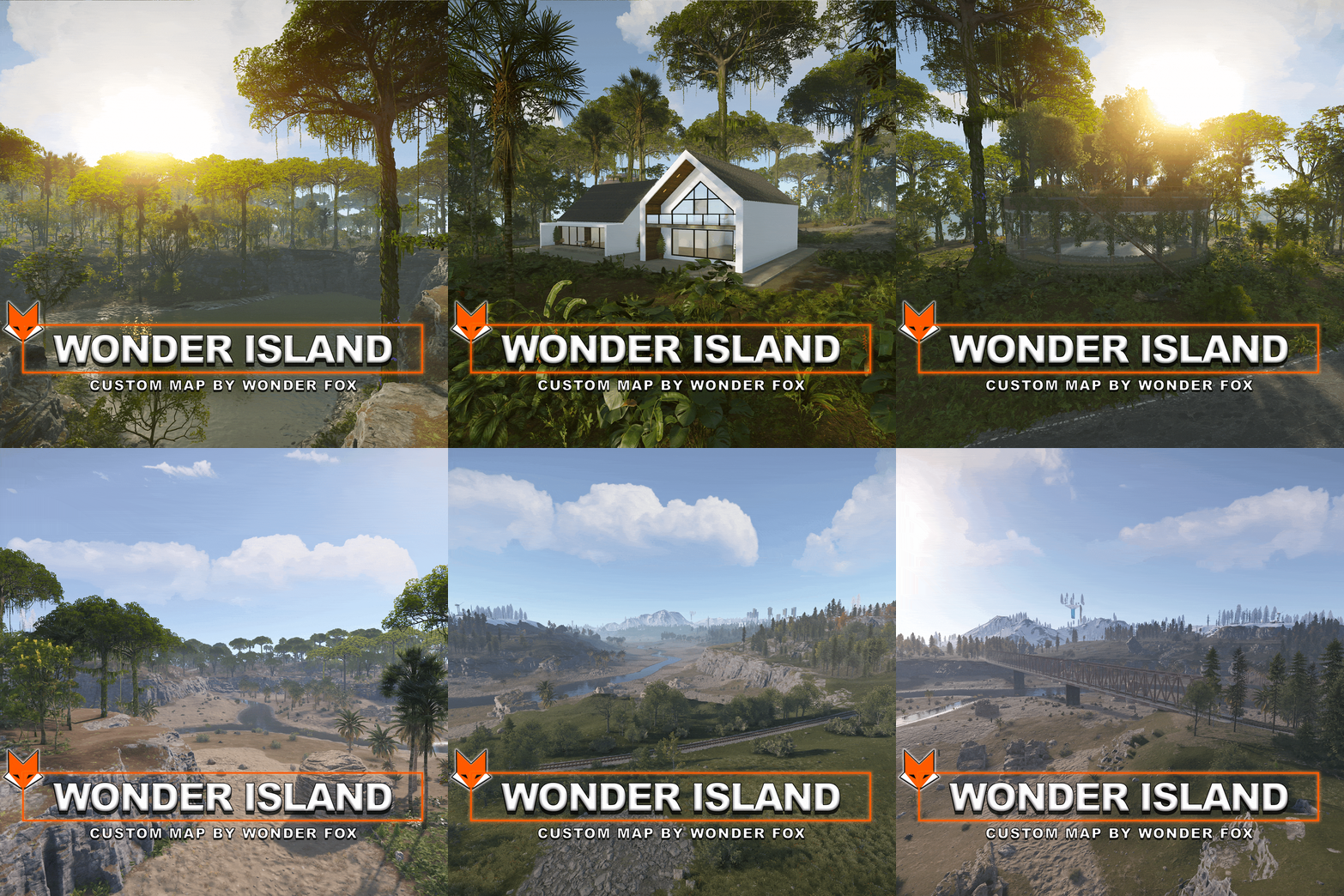 I try to update the maps before an update is released if necessary, but “surprises” from Facepunch are still possible.
 -
That is very strange. Try running the map on a clean server with a full wipe.
-
When you added Challenge House, did you wipe the map?
-
For the other Challenge House, I would leave it as is; avoiding this bug would require enlarging the water prefab so it extends beyond the house's boundaries, which would then necessitate hiding the water with rocks or other objects. In this particular house, however, the bug doesn't cause such issues since the water isn't deep.
-
I replaced the water prefab and fixed a few other things. To make the water appear, apply the topology mask when adding the house
-
The water issue is a bug; I’ll try to fix it in the next few days by replacing the water prefab. As for the wind, you need to run into it.
-
Perform a wipe (delete the save file) or rename the map file and start the server with it. If you try to launch the map without a wipe, entity-type prefabs will not load, which is what is visible in your screenshot.
-

There is an invisible wall at the underground entrance of the MOTEL, preventing entry.
Wonder_Fox replied to hid333's Support Report in Support
Regarding the Motel, most likely you can't enter it because you're using noclip. A regular player should be able to get inside. The Airfield is located 40 meters above the zero coordinates, and as far as I know, monument protection plugins may only block players and vehicles. So far, there haven't been any issues with this -
Yes, it needs to be replaced. A wipe will be performed. Make sure to save the map under a new name.
-
It’s normal for the crates to be floating in the editor; they will be in their proper place in the game.
-
Install RustEdit > place the folders from the archive into your RustEdit folder > launch it and select your Rust installation folder > next, open the map file where you want to add the arena > in the editor, select the prefabs list > custom > there you will find the Bradley arena, just drag and drop it to the location where you want to place it. Once you have placed the arena on the map, you need to apply all the modifiers, such as Height, Splat, Topology, and Paths > save the map file with a new name, and after that you can run the map on your server. For everything to work properly, you must install the Oxide.Ext.RustEdit.dll extension. You can download RustEdit here: https://rusthq.com/product/rustedit-launcher
-
This prefab is designed to be added to a map in RustEdit; if you add it via rustmaps.com, I am not sure the custom electrical setup and Bradley paths will work.
-
Player able to build inside of J6 rock
Wonder_Fox replied to SlayersRust's Support Report in Support
I checked this rock in the editor and in-game and couldn't find any holes through which a player could get inside. It looks like they somehow managed to place a sleeping bag inside and got in that way. A long time ago, Facepunch added a parameter that prevents building inside rocks, but back then it caused issues with building at custom places, so I advised disabling this parameter. However, it seems there is no need to keep it disabled anymore. You might still have it turned off since then. The parameter is antihack.build_inside_check -
Where exactly do the players get killed?
-
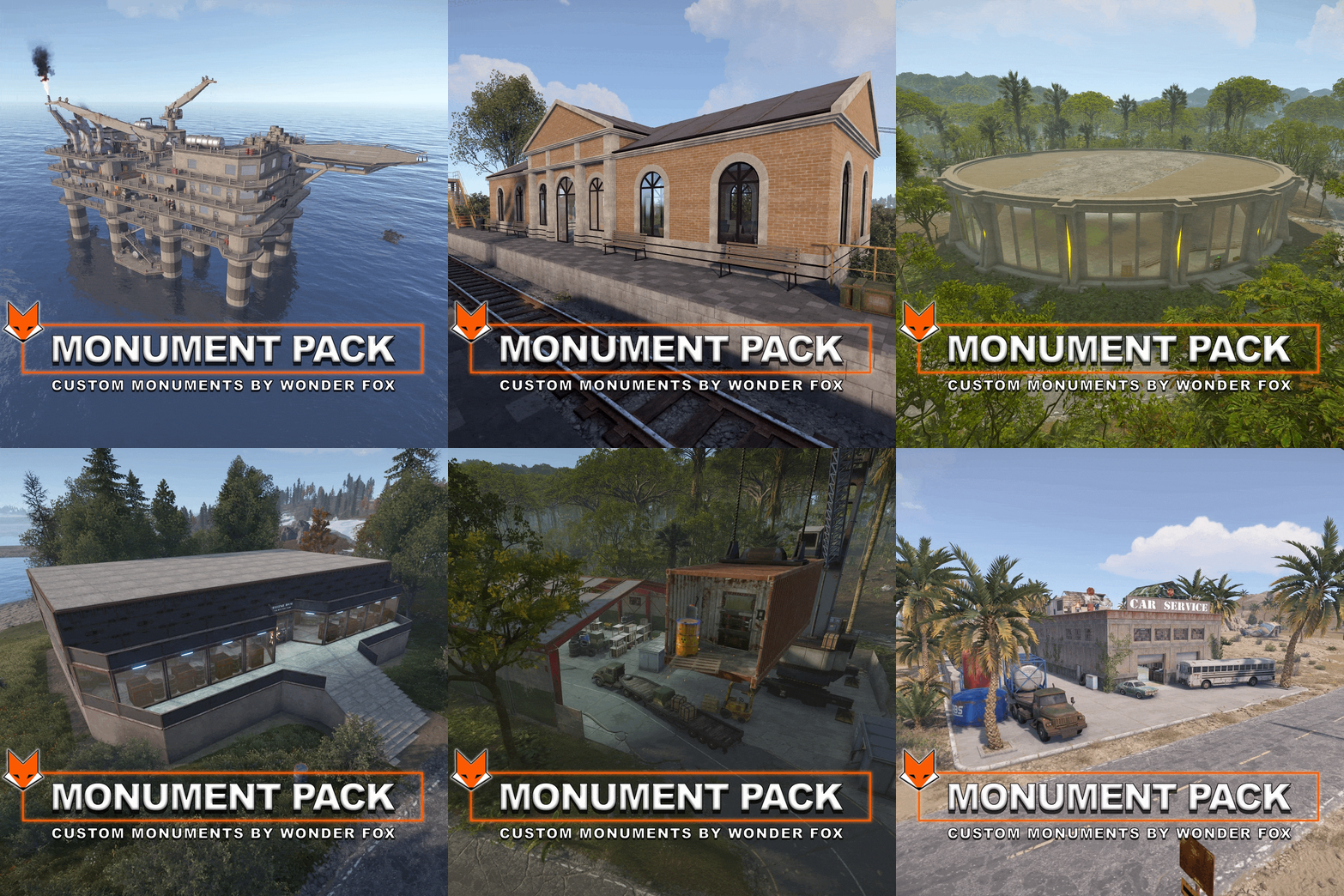 These monuments can be added to the map using RustEdit.
 -
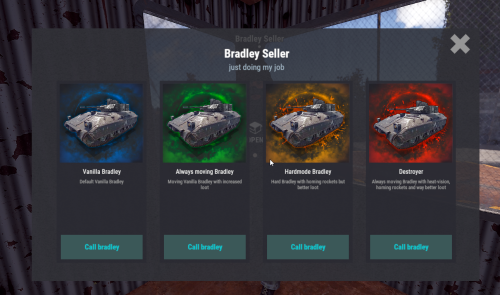 Even the heaviest Bradley is easily destroyed by a drone! So what is the point of such heavy Bradleys?
 -
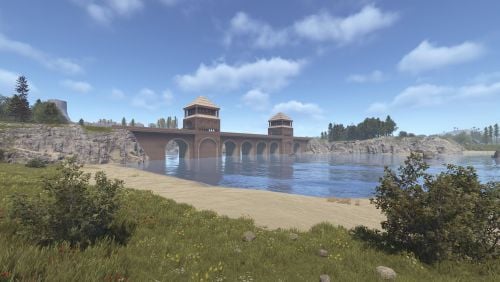
Version 1.0.0
54 downloads
A massive fortified bridge spanning the water, built with towering stone arches and fortified gatehouses. A striking landmark that adds atmosphere, scale, and new possibilities for exploration and combat. Prefab count ~3kFree -
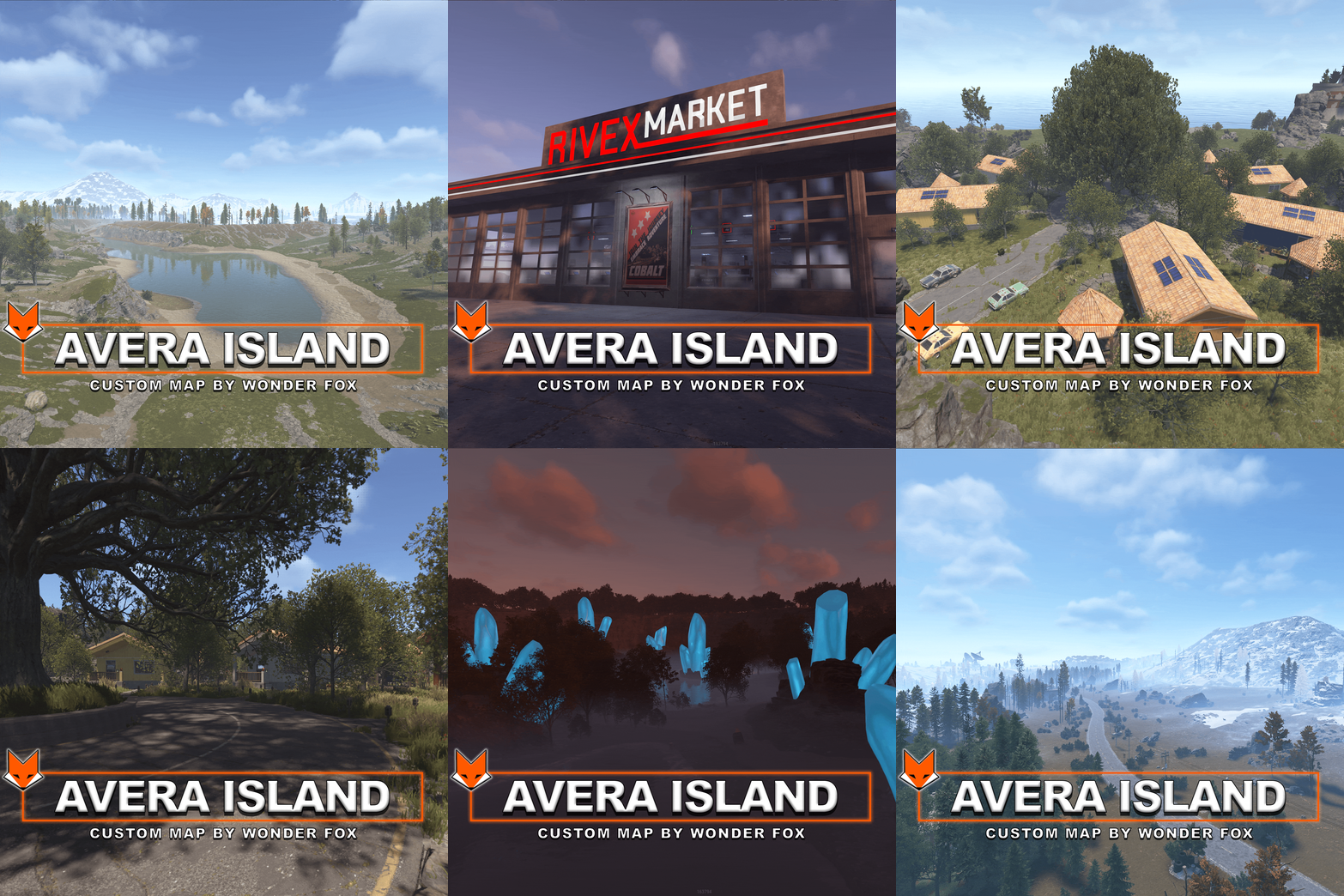
Version 1.0.0
13 downloads
Avera Island — A Fully Custom Map Welcome to Avera Island — a unique and heavily customized Rust map designed to offer an experience unlike the standard Rust world. Featuring a handcrafted landscape, custom terrain, roads, monuments, and 33 unique Custom Places for base building, Avera Island is packed with interesting locations, challenges, hidden areas, and rewarding adventures. The map also includes all standard Facepunch monuments, providing the familiar Rust experience alongside a large collection of custom locations and monuments. 33 Unique Custom Places for Base Building Explore 33 unique Custom Places scattered across the island, specifically designed to give players beautiful and interesting locations to build their own bases. Discover places such as: A Winter Sphere A Hobbit House A Treehouse Modern Cabins Custom farms and stables Beautiful locations surrounded by unique scenery And many more unique places to discover and build on Some Custom Places come with ready-to-use farms and stables, giving players additional opportunities to settle down and create their own base. Custom Monuments Bradley Arena An updated version of the Bradley Arena, featuring a loot-locking system and automated turrets. Challenge yourself against three Bradley APCs and survive the arena to claim some of the best loot on the island. Rivex Market A fully functional custom marketplace where players can purchase food and seeds. But there's more to discover — the lower floor contains valuable loot protected by automated turrets. Cottage Estate A beautiful complex of cottages featuring lootable furniture and valuable rewards. To enter the estate and access its valuable loot, players will need a Green Keycard. Old Mine Discover a hidden passage leading deep into an underground tunnel. Inside, you'll find ore-filled mine carts, valuable loot, and a Bradley APC guarding the area. Railway Station A custom railway station connected directly to the main railway network. The station also contains loot, making it a useful and rewarding stop during your travels. Motel The motel features a unique component shop where players can purchase components using Blueprint Fragments. But first, you'll need to search the motel rooms for Blueprint Fragments that can be used to obtain the components. Challenge House A dangerous puzzle-based monument filled with lasers, radiation, traps, and challenging puzzles. Make your way through the entire building and reach the end to claim a valuable reward. Car Service A custom location where players can find vehicle parts, repair vehicles, and discover valuable loot. WF Gas Station A fully custom alternative to the standard Gas Station. Players can stop here to purchase fuel and food while exploring the island. WF Oil Rig My largest custom project to date. The WF Oil Rig took approximately 50 hours to create, making it one of the most ambitious locations on Avera Island. Explore the massive structure, solve its puzzles, fight your way through the monument, and claim high-tier loot. Large Warehouse A large custom monument containing challenging puzzles and valuable loot. A great location for players looking for something more than a simple loot run. Heli Tower A custom tower designed for one purpose — taking down the Patrol Helicopter. Use the tower to gain a strategic position and challenge the helicopter when it arrives. Crystal Forest The Crystal Forest features beautiful custom crystals, scenic lakes, and a peaceful environment where players can build their own base and establish a farm. Mini Bandit Camp In The Outpost A custom Bandit Camp addon located inside the Outpost, bringing all the essential vendors from the standard Bandit Camp directly to the Outpost. Players can access the full selection of Bandit Camp vendors without having to travel to the original location, making the Outpost even more useful and convenient. Built for Exploration Avera Island combines custom terrain, handcrafted locations, unique monuments, puzzles, PvE encounters, farming opportunities, vehicle gameplay, base-building locations, and high-value loot into one large custom experience. Whether you enjoy exploring hidden locations, solving puzzles, fighting dangerous enemies, building your own base, farming, or simply discovering beautiful places — there is always something new to find on Avera Island. Welcome to Avera Island.$24.99 -
You do not need additional files unless you intend to edit the map.
-
I have maps featuring a much wider variety of custom places; you can view screenshots of all the locations before purchasing. As for the road network, the roads are standard, just like on all other maps.
-
I’ve never added things like that manually; they spawn on their own.
-
Do you mean that the traveling vendor doesn't cross bridges? Unfortunately, that’s not possible to implement; he only travels along the road.
-
I’ve updated the map. Now, hopefully, rocks won’t spawn in the underwater custom place.
-
Does that rock with sand get removed using ent kill?
-
Do you have Oxide and the Oxide.Ext.RustEdit.dll extension installed? An update for this extension was released yesterday.

