

Wonder_Fox
-
Posts
423 -
Joined
-
Last visited
-
Days Won
4
Content Type
Profiles
Warranty Claims
Downloads
Forums
Store
Services
Downloads Plus Support
DOWNLOADS EXTRA
Reels
Everything posted by Wonder_Fox
-
Open the map in RustEdit, select the invisible crate at the motel, and ensure that custom loot is enabled for it; this setting might have been disabled if you ever edited the map without profiles.
-
Could you provide a screenshot of the issue?
-
Is the map not showing up in RustEdit?
-
The motel uses invisible crates containing custom loot. The files I provide with the map are only needed to prevent the custom loot from being reset if you decide to edit the map. You don't need to add anything to the motel. Just make sure to place the files in your RustEdit folder before editing the map. You can also edit the custom loot profiles.
-
Changed Status from Pending to Closed
-
Fixed. Do not update the map without a wipe, as this may cause issues. I apologize for the inconvenience.
-
Where exactly are the players falling through the ground? And why did you perform the wipe specifically because of the errors?
-
The damage they sustain is not significant. Their paths do not cross, but they do not always follow them.
-
Why did you decide that?
-

There is an invisible wall at the underground entrance of the MOTEL, preventing entry.
Wonder_Fox replied to hid333's Support Report in Support
A large monument can also spawn in the center of a procedural map and cause the same issues, so I think this question should be directed to the plugin developer instead. -
Elevators RPC Error kicking players when using
Wonder_Fox replied to SlayersRust's Support Report in Support
Unfortunately, this can happen, and there’s nothing we can do about it. If the problem persists, try removing one of the elevators. -
Elevators RPC Error kicking players when using
Wonder_Fox replied to SlayersRust's Support Report in Support
An update for RustEdit.dll was released yesterday; have you updated it? -
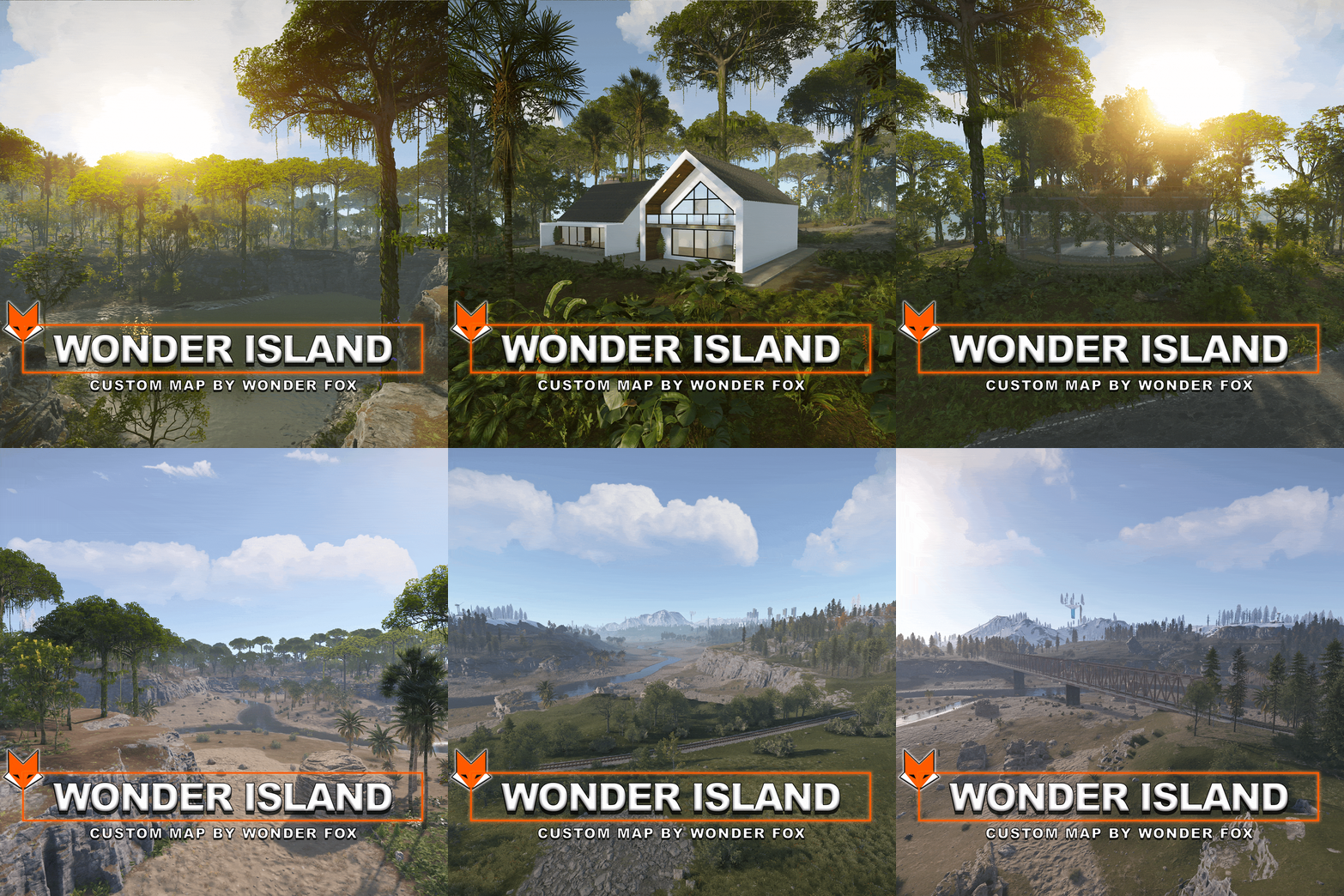 The map is quite well optimized, with only 24k prefabs. Some of my maps have 100k+ prefabs and don't cause any lag. I don't think the problem is with the map.
 -
I try to update the maps before an update is released if necessary, but “surprises” from Facepunch are still possible.
-
That is very strange. Try running the map on a clean server with a full wipe.
-
When you added Challenge House, did you wipe the map?
-
For the other Challenge House, I would leave it as is; avoiding this bug would require enlarging the water prefab so it extends beyond the house's boundaries, which would then necessitate hiding the water with rocks or other objects. In this particular house, however, the bug doesn't cause such issues since the water isn't deep.
-
I replaced the water prefab and fixed a few other things. To make the water appear, apply the topology mask when adding the house
-
The water issue is a bug; I’ll try to fix it in the next few days by replacing the water prefab. As for the wind, you need to run into it.
-
Perform a wipe (delete the save file) or rename the map file and start the server with it. If you try to launch the map without a wipe, entity-type prefabs will not load, which is what is visible in your screenshot.
-
There is an invisible wall at the underground entrance of the MOTEL, preventing entry.
Wonder_Fox replied to hid333's Support Report in Support
Regarding the Motel, most likely you can't enter it because you're using noclip. A regular player should be able to get inside. The Airfield is located 40 meters above the zero coordinates, and as far as I know, monument protection plugins may only block players and vehicles. So far, there haven't been any issues with this -
Yes, it needs to be replaced. A wipe will be performed. Make sure to save the map under a new name.
-
It’s normal for the crates to be floating in the editor; they will be in their proper place in the game.
-
Install RustEdit > place the folders from the archive into your RustEdit folder > launch it and select your Rust installation folder > next, open the map file where you want to add the arena > in the editor, select the prefabs list > custom > there you will find the Bradley arena, just drag and drop it to the location where you want to place it. Once you have placed the arena on the map, you need to apply all the modifiers, such as Height, Splat, Topology, and Paths > save the map file with a new name, and after that you can run the map on your server. For everything to work properly, you must install the Oxide.Ext.RustEdit.dll extension. You can download RustEdit here: https://rusthq.com/product/rustedit-launcher
-
This prefab is designed to be added to a map in RustEdit; if you add it via rustmaps.com, I am not sure the custom electrical setup and Bradley paths will work.

