
-
Posts
59 -
Joined
-
Last visited
-
Days Won
1
Content Type
Profiles
Warranty Claims
Downloads
Forums
Store
Services
Downloads Plus Support
DOWNLOADS EXTRA
Reels
Everything posted by Tbird412
-
 We are still getting issues from BotReSpawn where NPCs all over the map (even vanilla ones) are being assigned BotReSpawn profiles that they should not be. We use name prefixes on our bot profiles for the monuments they belong to and we are finding those names (and their kit etc.) all over the place rather than where they were assigned to. Again, even seeing vanilla NPCs pop up with those names. And we are seeing invisible NPCs (some folks cannot see them and some can) killing players. And corpses poofing. All of this started at force wipe. And all of it stops if I remove BotReSpawn. I think it is related to the recycling of IDs (I know that was done by FP many months ago but something happened this force wipe that is causing it to break again)
 -

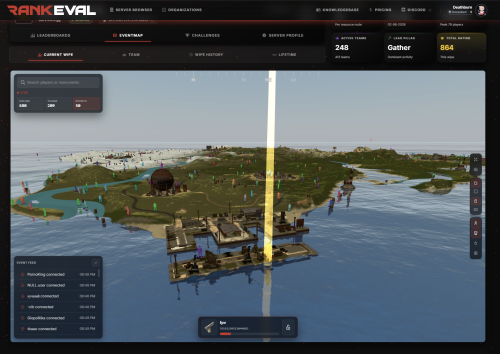 Just now getting started using this so cannot give a long term review but from what I have seen so far, top notch. And best of all their support is stellar. Very responsive and put forth a "happy to assist" attitude which is a breath of fresh air in the Rust environment. So far so good. Definitely worth taking a look into.
-
- 1
-

-
- #statistics
- #rankings
- (and 6 more)
-
We've been running it for about 8 hours now. All issues seem resolved.
-
Same number (give or take like 10, we actually try to keep it to 150 or less) we have run for years now ...
-
All our NPCs on the map are really messed up (even vanilla monument ones) We have issues with NPCs respawning as botrespawn NPCs (like a custom monument NPC spawned on oil rig in place of a scientist) and then invisible NPCs spawning in place etc. Like all sorts of messed up across the board. Custom ones, vanilla NPCs, etc. If I unload botrespawn it all stops (but then sadly my entire map is just free loot). For example (notice the names in first pic) There was a blue scientist on the bottom landing here on oil rig with the profile name of one of our zombies. I reloaded botrespawn and the blue scientist entity blipped out of existence and then reappeared where you see him. And now there is an invisible version of him patrolling the platform (the visible one does not move, react, and cannot be killed, second picture)
-
Changed Status from Pending to Closed Changed Fixed In to Next Version
-
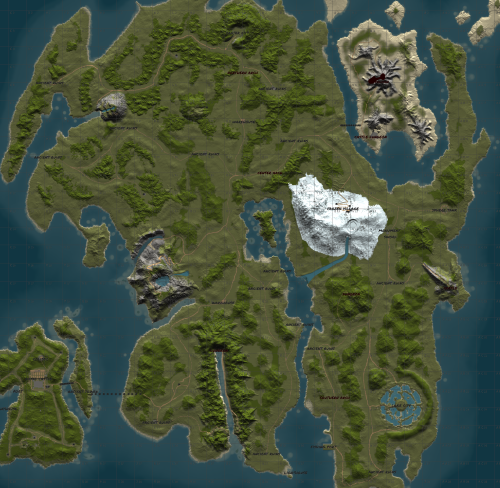 I don't need your screen shots and underlines. "Rock textures and other changes have been made" does not translate into replacing every piece of rock on the map with the new ones. I made the mistake with other map makers of falling for "replaced rocks" come to find out they only did the new rock formations that were released BEFORE world 2.0. So me verifying that your very vague statement about rock textures was indeed world 2.0 is not some crazy request or question. But your smart ass comment (twice now) in response to a very simple yes or no question has let me know to never give money to someone that treats potential customers in such a rude and unprofessional way.
 -
Thanks for being a dick! I checked your updates before asking and you were very vague in any mention of rocks so I wanted to be sure. Now I won't be purchasing it and will make sure to avoid your work in the future.
-
Is this updated for World 2.0?
-
This is the error by the way. And it is not just BotReSpawn, it is ZombieHorde by k1llyou too. And as far as I can tell, also raidable bases NPCs too. [Error] Failed to call hook 'IOnBasePlayerAttacked' on plugin 'RustCore v2.0.6319' (NullReferenceException: Object reference not set to an instance of an object) at Oxide.Core.Plugins.CSPlugin.OnCallHook (System.String name, System.Object[] args) [0x00107] in <beb2b64691c64e2b95b99491bd85442c>:0 at Oxide.Core.Plugins.Plugin.CallHook (System.String hook, System.Object[] args) [0x00060] in <beb2b64691c64e2b95b99491bd85442c>:0
-
Again, names work fine in Raidable Bases. Just ask Nivex for help
-
Names still work perfectly fine with custom NPCs in Raidable Bases....
-
 Thanks
 -
Changed Status from Pending to Not a Bug Changed Fixed In to 2.0.130
-
To edit data files you need to completely unload the plugin first. Do your editing, and then reload the plugin. If you do not do that, the data will just be resaved
-
Also, if you are able to, set Trivia to debug mode (option in your config) and try to re-create the error. It will give us a ton of useful info into tracking down the problem. Could be as simple as a bad configuration JSON or something.
-
Please send me your config, and the files contained in the "/oxide/data/Trivia" folder And it very well could be something wrong with your better chat. We are running this on 7 servers right now with 2k players per week and have Trivia on 5 minute intervals and have not had a single error. But I will still gladly try to help you figure it out. If you'd like, I can take a look at your better chat config too. I have used better chat for 5+ years on my servers.
-
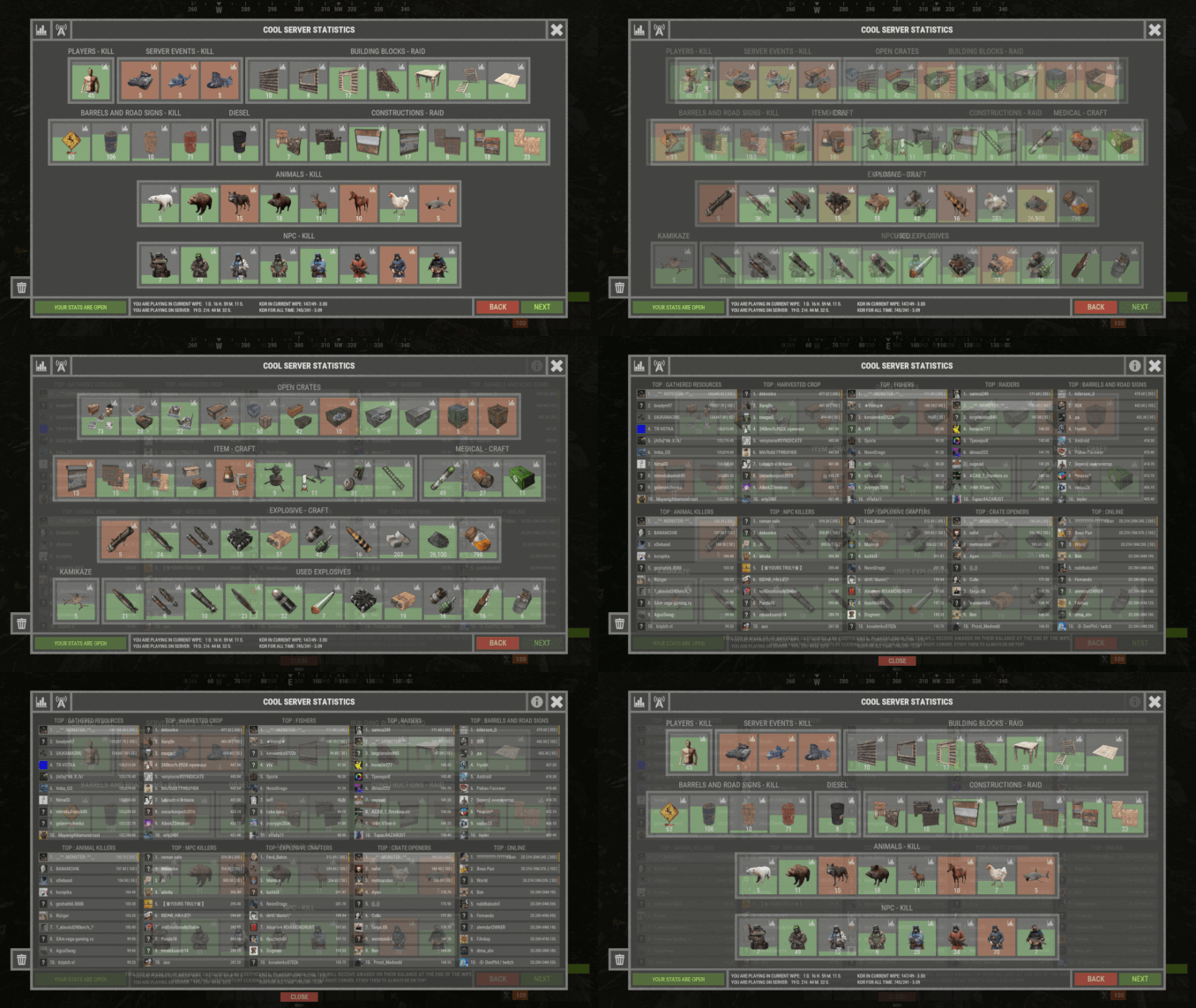
Great plugin. I have tried half a dozen different statistics plugins on our 7 servers over the years and this is by far the best. Not even remotely close in comparison to the rest. Be sure to use the global features where players from your different servers can compete with each other for top stats. My players absolutely LOVE that. Great job!
-
 Proof about the costs (the darker green is gpt-4, the lighter is gpt-3.5, ignore the fuscia that is our fine tuning models). Also attaching our tokens bargraph so you can see we used MUCH LESS tokens on those days that the costs went through the roof ...
 -
So a few things .... 1) I'd flip that to 3.5 if I were you. Go look at the cost difference it is insane. I think our servers ran up about $0.06 in one day at the worst, then I tried gpt-4 in hopes it would fix the issue I was having and in one day of using that it ran up to like $4.62 with LESS usage than the day before. It was insane 2) I had to do a LOT of code tweaking. In it's default form (downloaded from here) it was not showing any kills. I forgot what the original criteria were (I have already customized my kill criteria) and I am not here to insult the author of any plugin so I am choosing my words carefully but I think the issue I had found was something like a "if victim is NOT an npc and killer is NOT an npc" or something I honestly don't remember what it was in original form. But I altered mine some and it is showing all the deaths fine now. Just cannot stop it from the giant paragraph. I am trying to get the new version up to speed (by that I mean migrating over my changes from the last version to this new version) but I aborted that migration because of the paragraph thing. I am new to this AI stuff but I cannot figure out for the life in me why it is sending a huge paragraph for this version but the previous version (same settings) is not. ......... ok yeah I just re-downloaded the original to see. But yes, this line is stopping it from doing death notes if there is an NPC involved (victim or killer). Most servers that run any sort of death notes are PVE because on PVP servers those types of plugins can be frowned upon.... if (victim != null && !(victim is NPCPlayer) && attacker != null && !(attacker is NPCPlayer)) .............. as for my issue with paragraphs. I just don't get it. Old version, fine, new version, huge paragraph each death. Same exact settings and prompt phrases. Some of the other features I added to my copy (if the dev here is interested in stealing the code I am all for sharing) I added a few features: - I changed the cooldown to a person by person basis. But it is also dynamic (explained below) - I changed server broadcast to iterate through the online players and send directly rather than just broadcast to the entire server. This was done to enable these next two options. - I added a command /DMtoggle for players that do not want to see the death messages (you know how some players call everything "spammy" even if it is only every now and then) - I added a command /QAtoggle for players to turn off seeing the AI answer questions in chat. Again, some real veteran players get annoyed by it because they "know everything" lol - I added a permission "blocked" for players that don't want the bot to answer their questions (we use a very global set of question triggers not just a command). This is also mainly for the following ... - I added some playtime based functionality since we are using this bot to answer questions of new players, and our veteran players are not very interested in it all. I assigned the blocked permission to our higher "playtime" oxide groups so they get ignored. - I then added the logic that if the player does NOT have the blocked permission (so they are pretty new) it performs as normal. But if they DO have the blocked permission (they are not new) it completely ignores anything they ask unless they purposely include the command keyword for the AI bot (so in other words if you are new, he answers everything you might ask, if you are not new you must trigger him on purpose) - I got rid of the "chunks" logic in mine. Sorry but my entire point is to keep the answers short and not spammy. If I ever have answers big enough to need chunks, then I am doing something wrong. So to save on unnecessary logic (especially since I already iterate through the players for broadcasting, which means I would need to nest a foreach statement for the chunks inside of the foreach for the players) I just flat out removed that logic. So far all of that has been delightful and the players love it. The only two issues we are facing now: 1) Cannot figure out this issue with the response being a massive paragraph only in the new version 2) I cannot figure out how to code it to use my OpenAI assistant rather than the default models.
-
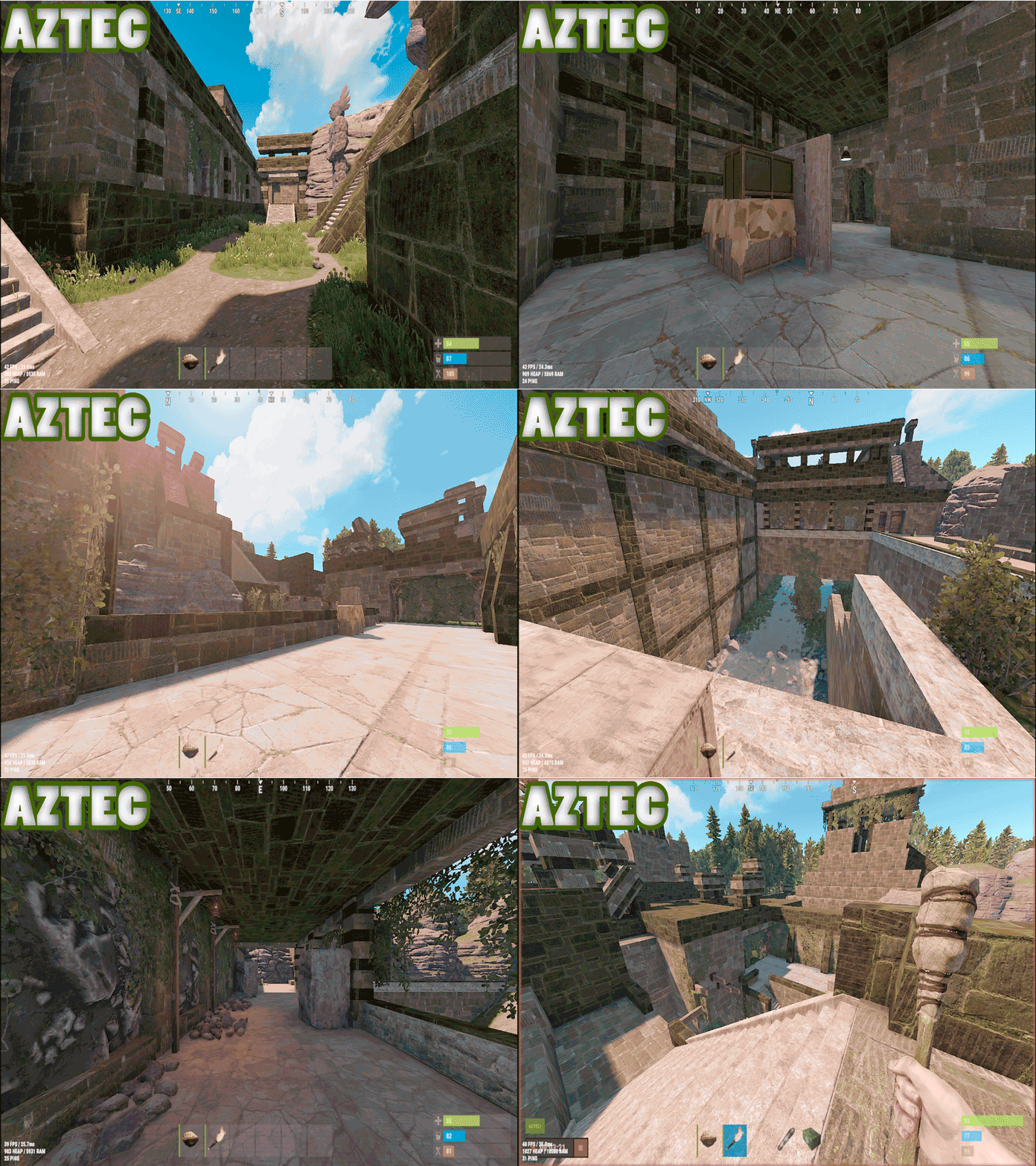 Great overall look. Nice and immersive. Thought was definitely put in. Doesn't feel "lazy" like a lot of monuments out there. Good use of cubes to keep prefab counts low and keep performance high.

