

Depends on
Required for this file to work correctly.

Works with
Optional integrations and compatible files.



About Vehicle Buy
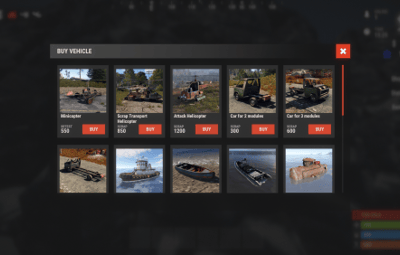
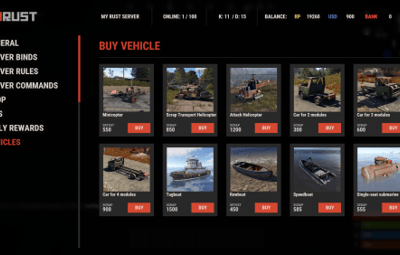
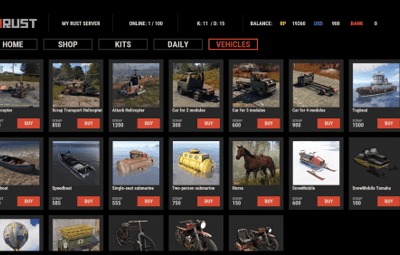
With the VehicleBuy plugin, players who have the permission use the /vehiclebuy command to open an interface for buying vehicles. They can pay with Items, Economics or Server Rewards. A Buy Cooldown keeps purchases balanced.
After buying a vehicle, players get a skinned crate for land vehicles or a lifebuoy for water vehicles, which they can keep in their inventory.


 Features of VehicleBuy
- User-Friendly Interface: Buy vehicles through a simple GUI.
- Flexible Payment Methods: Several payment options to choose from.
- Customizable Settings: Administrators can adjust prices and fees as needed.
- Convenient Vehicle Recall: The /callback command brings your vehicle back.
- Easy Re-packaging: Re-package vehicles using the /pickup command or by hitting them with a hammer.
 Commands
- /vehiclebuy: Open the vehicle purchase interface (for players)
- /callback "VehicleName": Retrieve your purchased vehicle
- /pickup: Re-package your vehicle or hit it three times with a hammer
- Admin Command: (VehicleName.add SteamID): Spawn vehicles directly into players' inventories
- vehiclebuy.template [fullscreen/inmenu]: Customize your UI templates with options for fullscreen or in-menu displays (only server console)
 Permissions
- vehiclebuy.use: Allows players to use the /vehiclebuy command and access the vehicle purchase interface.
- vehiclebuy.free: Lets players get vehicles for free, without paying.
- vehiclebuy.pickup: Permits players to use the /pickup command to re-package their vehicles.
- vehiclebuy.recall: Allows players to use the /callback command to retrieve their vehicles.
 Video Overview
old overview:
 Test Server
Try the plugin on our test server.
Copy the IP address below to connect.
connect 155.103.86.38:28015
 Web Config Editor
Manage the VehicleBuy settings in our web config editor. You change the config in a browser form instead of editing files on the server by hand.
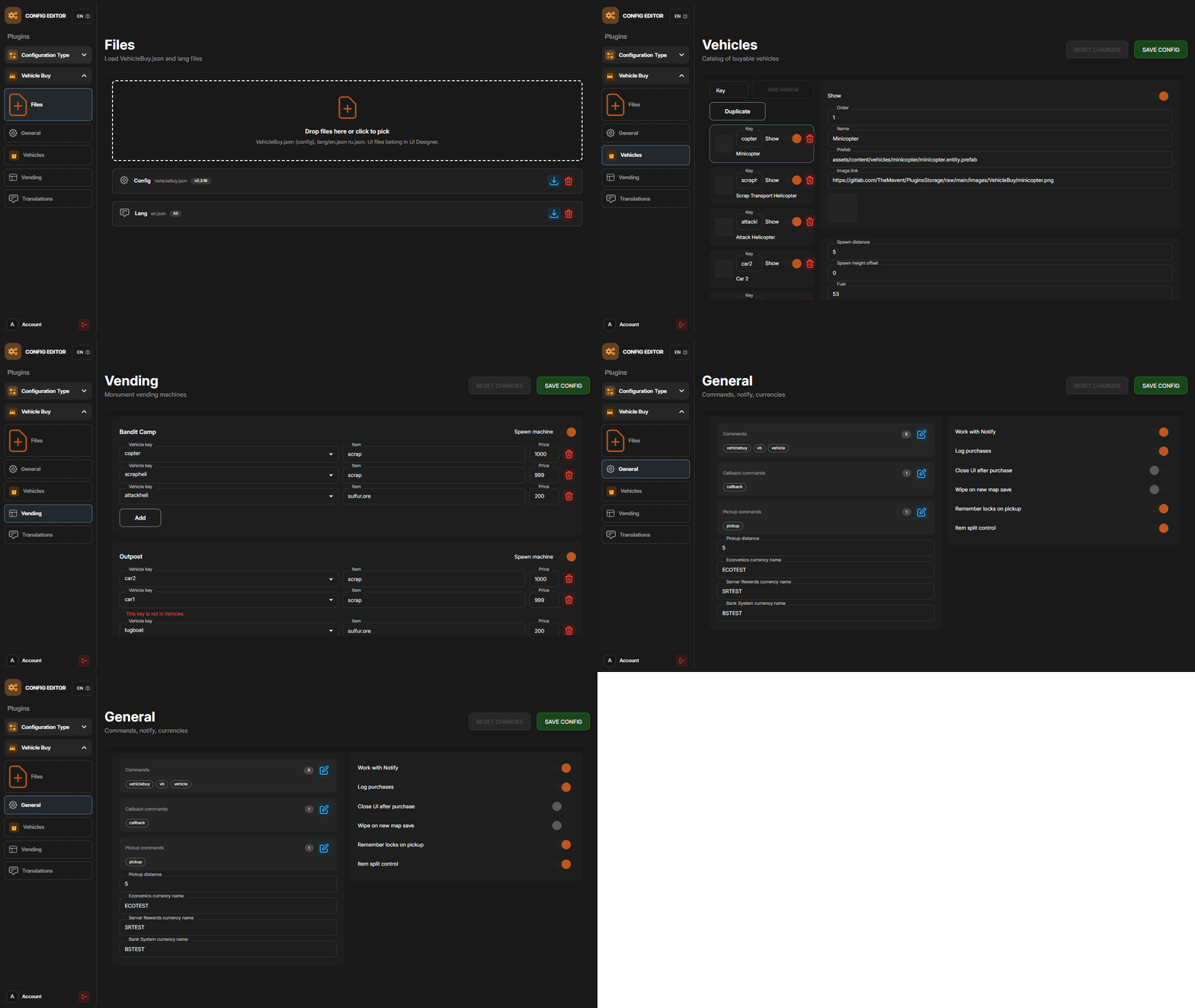
P.S. The web config editor is open to members of the "VehicleBuy" group in our Discord server. Join at https://discord.gg/mevent and ask for the group.
 FAQ
FAQ
Q: Where can I see an example of a config?
A: Config
Q: How do I add VehicleBuy to the ServerPanel menu?
A: Follow these steps:
1. Open ServerPanel menu in-game and click "+ADD CATEGORY" button
2. Set these exact parameters:
- Type: Plugin
- Plugin Name: VehicleBuy
- Plugin Hook: API_OpenPlugin
3. Click "SAVE" button to create the category
Note: If VehicleBuy doesn't appear in ServerPanel menu, make sure both plugins are loaded and you typed the parameters exactly as shown above.
Q: I'm using the KazuraVehicles plugin and VehicleBuy doesn't work / throws errors. What should I do?
A: IMPORTANT: if you're using KazuraVehicles, you MUST enable a special dependency inside VehicleBuy, otherwise it will NOT work.
1) Open the plugin file Plugins/VehicleBuy/VehicleBuy.cs (or oxide/plugins/VehicleBuy.cs on your server).
2) At the very top of the file, find this line:
// #Requires: KaruzaVehiclesCommon
3) Change it EXACTLY to this, just remove the # after //:
// Requires: KaruzaVehiclesCommon
4) Save the file and reload the plugin with o.reload VehicleBuy (Oxide) or c.reload VehicleBuy (Carbon).
If you skip ANY of these 4 steps, VehicleBuy + KazuraVehicles will NOT work correctly. Do all 4.



.thumb.png.bcb832e22f0a48b6833fee517e444bff.png)
.thumb.gif.30bb4fb1ad6b9cbba98fad72b9533086.gif)

.thumb.gif.4707aef13cba7c3b9ad410f5f982b71c.gif)





.thumb.gif.3c9c0e18006368d634273095544fb983.gif)