
About Server Hud
Server HUD · Rust · Oxide · CARBON
Your chat is «is heli up?» twelve times an hour
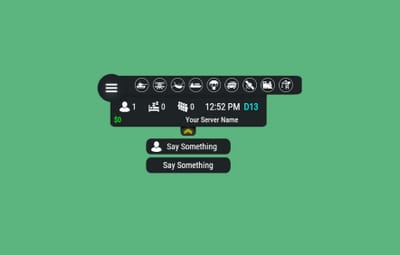
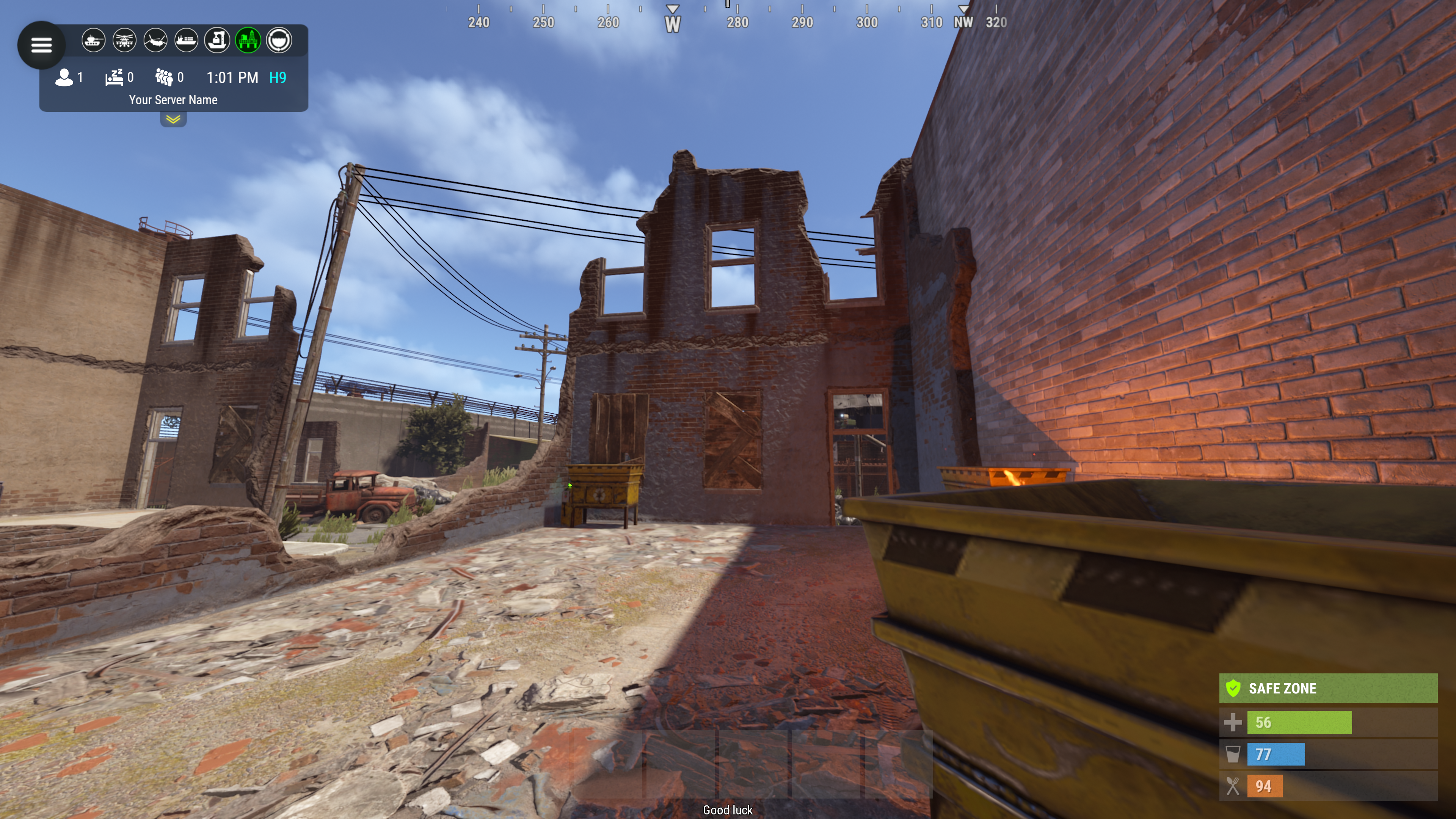
Put the answer on screen. Online count, clock, grid square, balance, and a live bar of every event running — Bradley, heli, cargo, airdrop, both oil rigs. Nine events out of the box, set up entirely from a panel in game.
How it goes
From install to the event you added yourself
|
MINUTE ONE
Install and it's on screen
|
It doesn't wait for the next wipe to be useful
Install mid-wipe and the heli that's already flying is on the bar. ImageLibrary is the only other plugin you need.
Nine events on by default. Bradley, Patrol Heli, CH47, Cargo Ship, Airdrop, Harbor cargo, both Oil Rigs, Deep Sea.
Rigs turn red while the crate is being hacked. Players see the fight starting from across the map.
Icons are just URLs. Fetched and cached for you. First install reloads once to pick them up — expected, not a fault.
No file to edit first. Defaults draw a finished HUD with your server name in it.
|
|
FROM THEN ON
Every player, every day
|
The numbers your chat keeps asking for
Updated as they change. A player standing still costs you nothing.
K12 or X:-1204 Z:842
Grid square or raw coordinates. Your choice, your colour.
Online, sleeping, queue. Admins can be left out of the count.
Clock in each player's own format. 12- or 24-hour from their game language, or force one.
Two balances, side by side. Economics, ServerRewards or ShoppyStock.
Only what's live. One switch hides idle events instead of showing a wall of grey.
Info messages on rotation. A random line from your list, any corner, any width.
|
|
IN THE WAY
The player decides
|
Four states, and the choice is remembered
Your logo is the button: full panel → events only → hidden. One command removes it entirely. Still set that way after a reconnect.
Streamers keep coordinates off camera. One permission drops the position readout.
CCTV and drones get a clean screen. Hides on mount, back on dismount, switchable.
Any corner, any scale. Pixel offsets, one scale value, and a toggle to show it over the inventory.
|
|
MONTHS LATER
All of it, from in game
|
The config file is optional
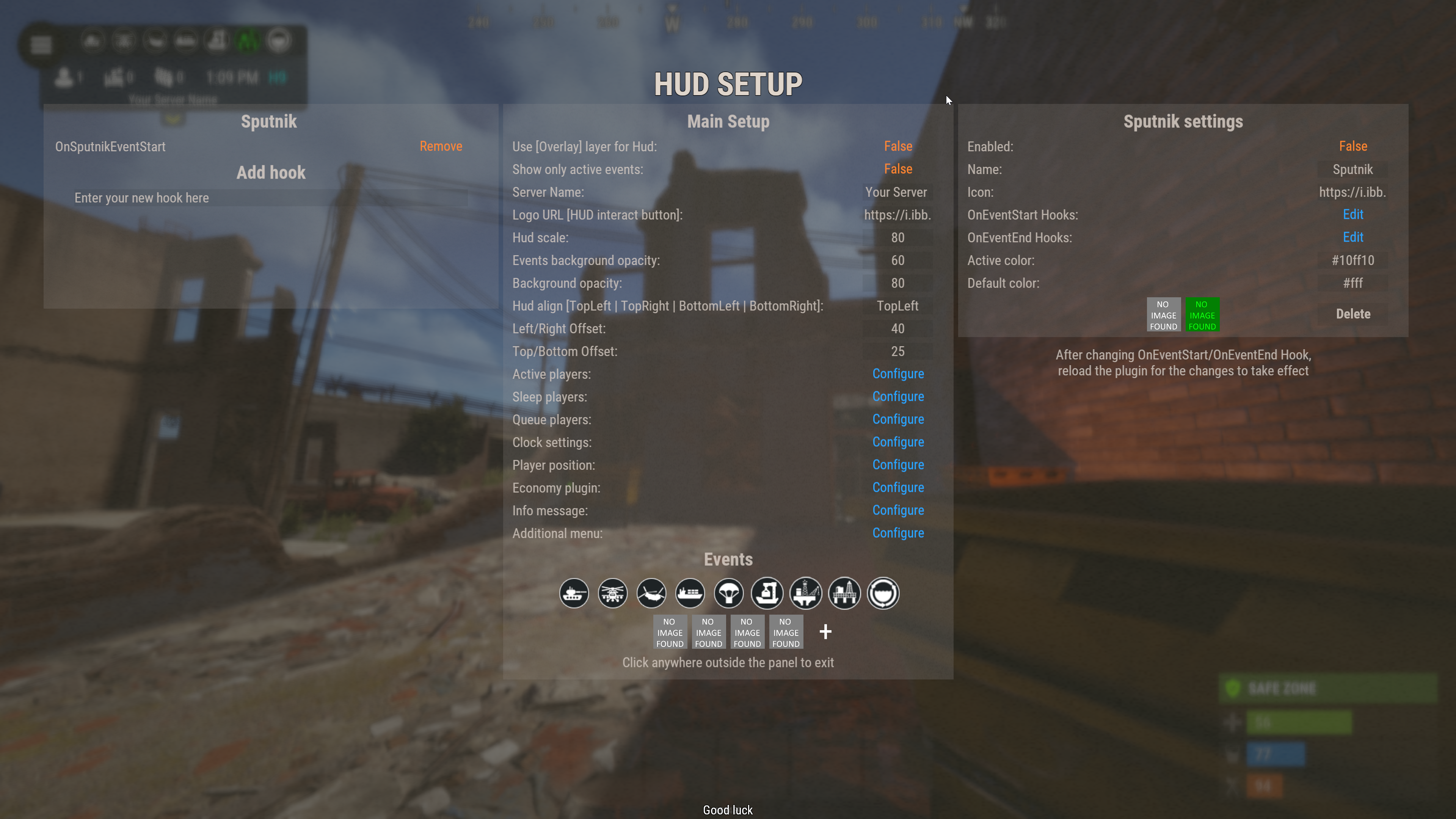
One command opens an admin panel over every setting there is. Change it, it saves, everyone online sees it.
Events from other plugins. A name, an icon, and the hooks it fires. Convoy, Sputnik, Armored Train and Harbor come pre-filled. Adding one rewrites a marked block in the plugin file and reloads it.
A drop-down of command buttons. Any chat or console command, own icon, own permission, closes itself after use.
Updates don't reset your settings. New events land with defaults; a section you deleted comes back.
Or edit the file. Auto reload picks it up the moment you save.
|
The look
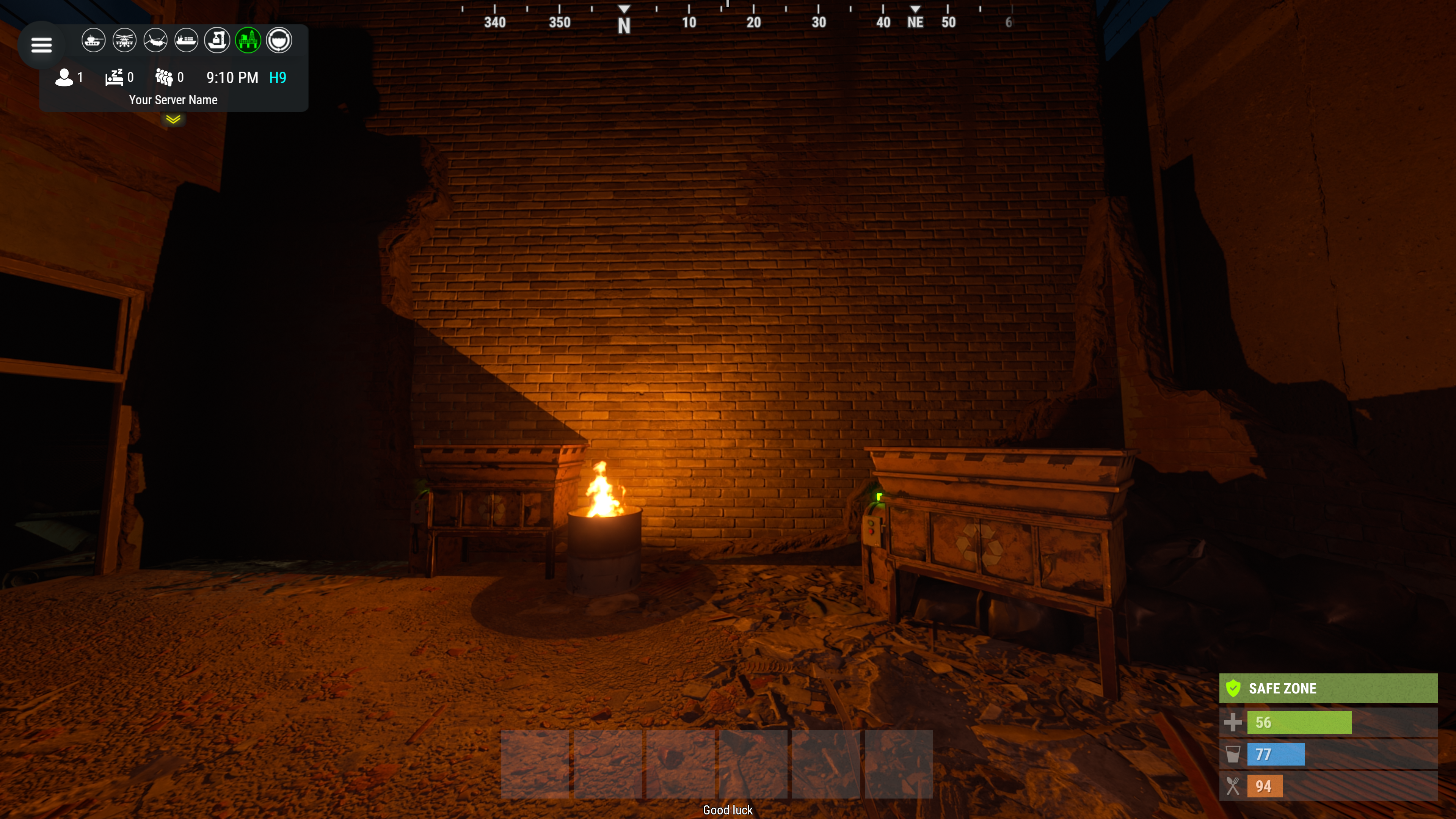
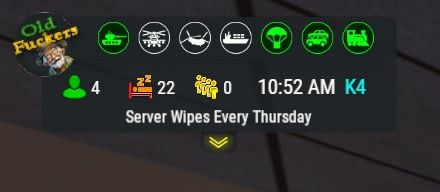
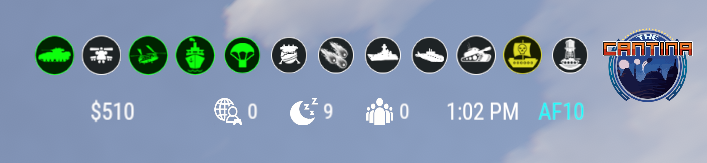
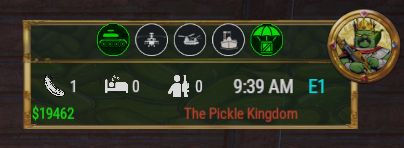
See it running, then make it yours
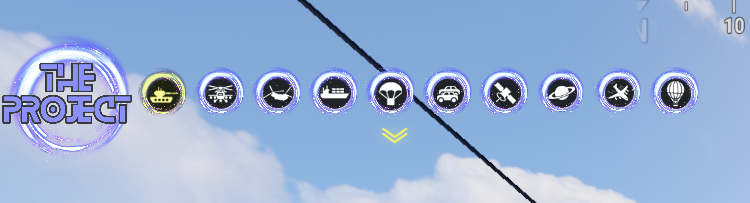
Every icon is a URL in the config. Take a pack, or draw your own from the blank template.
|
|
|
|
|
|
|
|
|
Free custom HUD icons
Free
|
Custom HUD icons
Paid
|
Server HUD custom icon pack
Paid
|

While you're not looking
Built to be left alone
| ✓ A typo in the config won't take the HUD down — it falls back to defaults and says so | ✓ Switching a counter off stops the work behind it, not just the display | |
| ✓ An economy you enabled but never installed shows 0, and the HUD carries on | ✓ Unloading clears every panel off every screen — nothing stuck until relog |
Reference
One chat command, five words after it
Setup is admins only. Menu buttons take whatever permission you name in the config.
| Chat | /h | Show the command list |
| Chat | /h open | Full panel — counters, clock, position, balance, events |
| Chat | /h events | Event bar only |
| Chat | /h hide | Hide the panels, keep the logo button |
| Chat | /h close | Remove it entirely |
| Chat | /h setup | Settings panel — admins only |
| Perm | hud.streamer | Hides the position readout from whoever holds it |
| Hook |
object CanHudChangeState(BasePlayer player, string currentState, string nextState)
Fires before a state change. Return non-null to stop it.
|
|
| API |
string API_PlayerHudState(string playerId)
Returns full, events, hidden or closed for a player.
|
|
Straight answers
Asked before buying
|
Can players turn it off?
Full panel, event bar only, or gone entirely — their choice, and it survives a reconnect.
|
Do I have to edit the config file?
No, the in-game panel covers all of it. If you prefer a text editor, auto reload picks the file up as you save.
|
|
|
I stream — my coordinates are on screen.
Grant yourself the streamer permission. The position readout goes, everything else stays.
|
Can I add an event from another plugin?
Yes — name it, give it an icon, and name the hooks it fires. Most plugins list those in their own description.
|
|
|
What if I run no economy plugin?
Leave it off and the HUD closes the gap. Enable it without the plugin and you get a 0, not a broken HUD.
|
Does it block CCTV and drones?
It hides itself in a Computer Station and comes back on dismount. One toggle if you'd rather it stayed.
|
|
9
events out of the box
|
4
states, chosen per player
|
2
economy balances at once
|
1
dependency — ImageLibrary
|