Depends on
Required for this file to work correctly.

About MultiTool
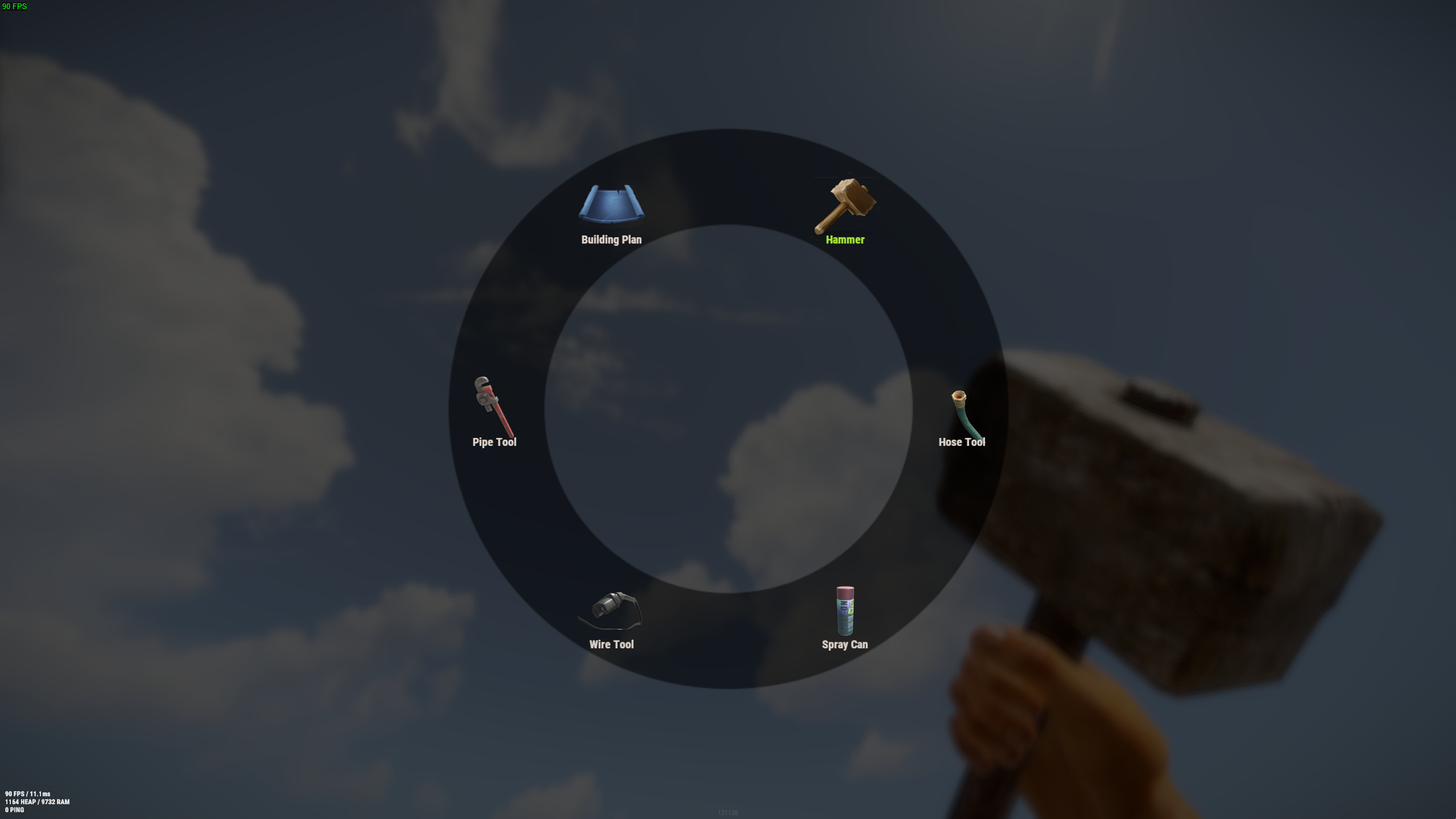
Equip the MultiTool, open its radial menu and swap to the tool you need without filling your belt.
Seven shortcuts, pick the one that fits your hand. Shift + E, Shift + left or right click, Ctrl + E, Ctrl + left or right click, or the middle mouse button. Or skip shortcuts entirely and have the wheel open the moment the tool comes into your hands.
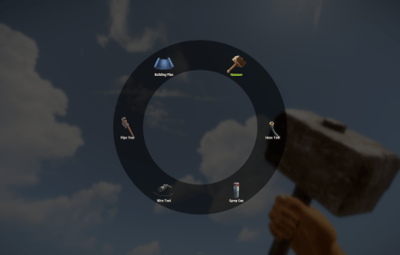
Laid out by itself. Icons are spaced evenly around the circle from however many tools that player can actually see — three tools or twelve, the ring stays balanced. The tool currently in your hands is highlighted in green.
The slot doesn't move. Picking a tool replaces the item in the same belt position and puts it straight back in your hands. Your belt layout survives a hundred swaps unchanged.
Gets out of the way on its own. Take a single point of damage and the menu closes instantly. Switch to another item and it closes too. Nobody dies staring at a UI because a raider walked in.
Sized to the screen. One scale value shrinks or grows the whole wheel, and it can be drawn on the unscaled overlay layer so it looks the same regardless of a player's UI scale setting.
Preloaded with the full building set. Hammer, building plan, wire tool, pipe tool, hose tool, spray can and wallpaper tool — the seven items that otherwise eat most of a belt.
A permission on any of them. Leave a tool's permission empty and everyone sees it; fill it in and only that group does. The wheel is built per player, so a default player and a VIP holding the same item get different menus. Permissions are registered for you on load.
Any item ID, any skin, your own label. A tool entry is an item id, an optional skin, a name shown under the icon and a permission. Add a torch, a codelock, a custom skinned hammer — anything you can name by id belongs in the wheel, under whatever text you like.
Nothing in the wheel ever wears out. Tools carried as part of the multi-tool lose no durability at all, so a player never loses their hammer mid-raid-repair and never has to craft a replacement.
Give it from chat, console or any other plugin. A chat command for admins and holders of the give permission, a server console command that names a player, and — because it's just an item with a skin — a shop lot, a kit or an event reward with no integration work at all.
Optional free building. One switch lets anyone holding the multi-tool place structures without paying resources — built for creative and event servers. Left off by default, and it applies to every holder, so hand the tool out accordingly.
Your own skin, if you have one. The skin id is a config value. Swap in a workshop skin of your own and the plugin recognises it as the multi-tool from then on.
Requirements. Install Image Library on Oxide. Carbon uses its built-in image database.
Optional free building. When enabled, free building applies to players holding a MultiTool. Control who receives the item if you want to limit that benefit.
Give yourself a multi-tool. Admins, or anyone with the give permission
Server console and RCON — give one to a named player, online or sleeping
Use the chat command
The one gated tool in the default config — an example you can copy onto any other tool, or delete
Click Get Support on this page to open a support request. Let me know what you need help with or what you’d like me to add.