

-
Posts
97 -
Joined
-
Last visited
Content Type
Profiles
Warranty Claims
Downloads
Forums
Store
Services
Downloads Plus Support
DOWNLOADS EXTRA
Reels
Everything posted by Khaled
-
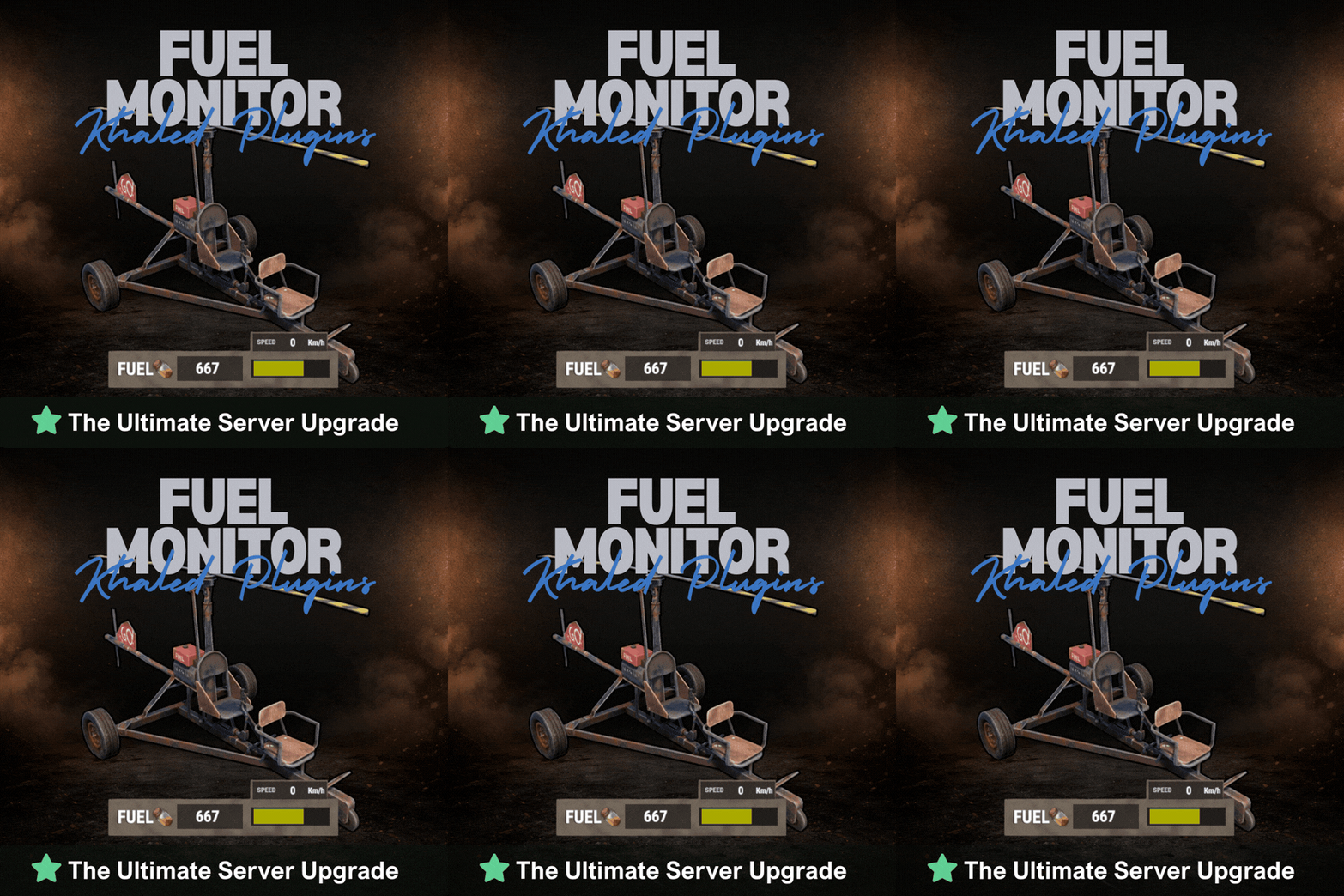 The vehicle gauge settings are located under: Vehicle Gauge Rules in the config file. Make sure you're checking the latest generated config after reloading the plugin. If you don’t see the section, delete the old config file and reload the plugin to generate a fresh one with the new settings included.
- 22 comments
-
- 1
-

-
- #fuel
- #minicopter
- (and 4 more)
-
The update was released today If you have any questions or issues, you can post them on the Discord server for faster communication.
-
Good morning Thank you for the suggestion! Yes, you can already reposition the Fuel Gauge to avoid it blocking your view while shooting — the UI position is fully adjustable, so you can move it to a more comfortable area on your screen. Additionally, in the upcoming update, I’ll be adding full control over which vehicle types display the fuel gauge. This will allow you to enable or disable it per vehicle (for example: boats, subs, cars, etc.), giving you complete flexibility based on your server’s needs. Thanks again for the valuable feedback , improvements like this help refine the experience for everyone!
- 22 comments
-
- 1
-
-
- #fuel
- #minicopter
- (and 4 more)
-
Thank you for your kind words and continued support i truly appreciate it. im happy to let you know that the latest update has now been released, and it includes all the features and improvements you previously mentioned. Your feedback played an important role in shaping this update, so thank you again for taking the time to share your thoughts. if you have any further suggestions or ideas after testing the new version, I’d be glad to hear them. Thanks again for your support!
- 22 comments
-
- 1
-

-
- #fuel
- #minicopter
- (and 4 more)
-
Hello CoreSnap, Currently, FuelMonitor is designed to work only with the default Rust fuel type, which is (Low Grade Fuel). The plugin detects and calculates fuel based solely on the item shortname (lowgradefuel). It does not check or differentiate fuel by skinID, so if another plugin uses different skinIDs of Low Grade Fuel as “tiers,” FuelMonitor will still treat all of them as standard Low Grade Fuel without distinction. If a plugin uses a completely different fuel item (a different shortname), FuelMonitor will not detect or count it at all. Best Regards.
-
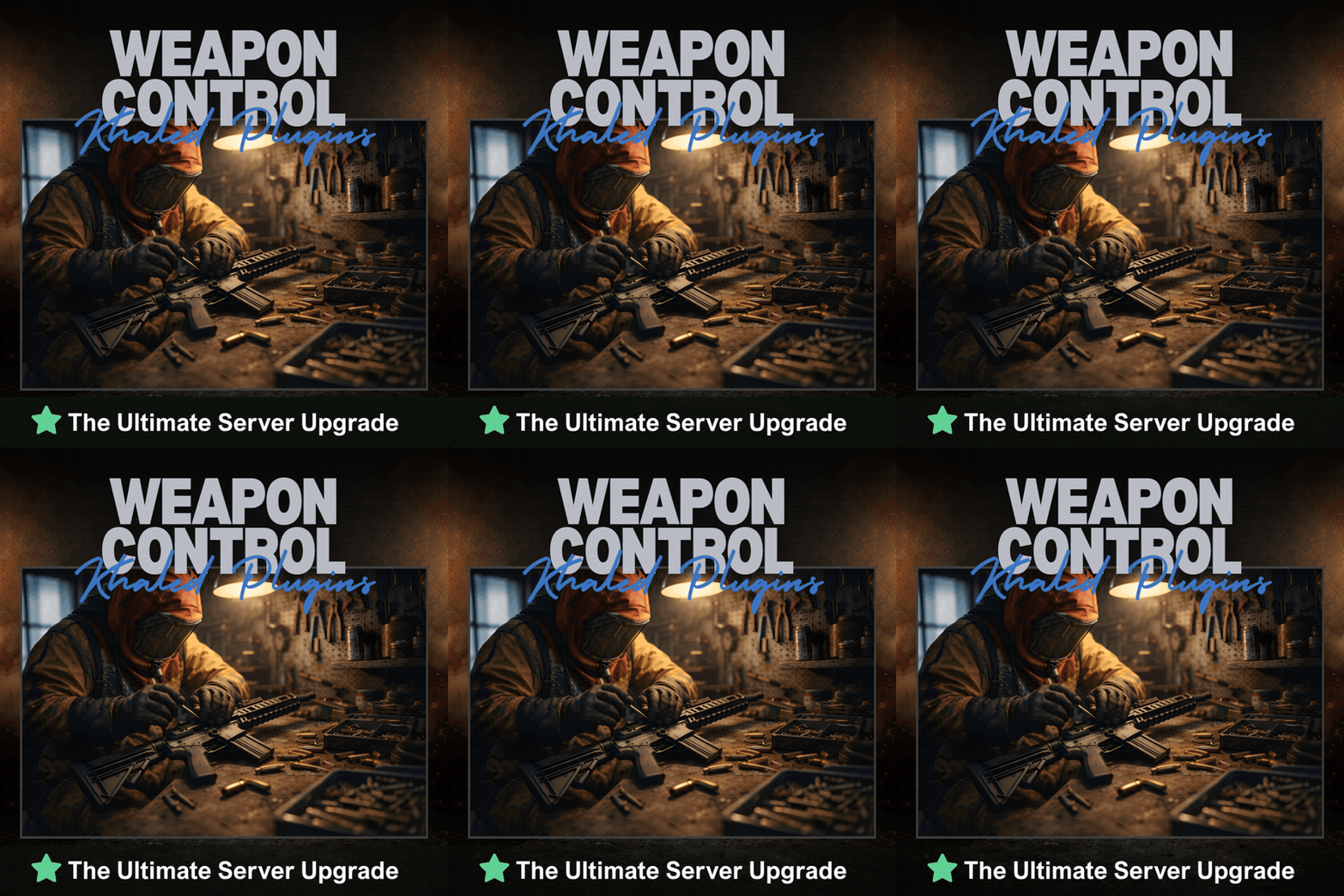 Hi ALiEN JiM, Thank you for the detailed report you’re absolutely right. At the moment, the plugin applies its ammo capacity logic whenever a weapon is equipped, which can override additional ammo provided by extended magazines, SkillTree perks, or other plugins. In setups like yours where ammo is already handled elsewhere, this behavior is understandably undesirable. To address this, I’ll be adding an option to completely disable the ammo capacity system. When disabled, the plugin will no longer modify weapon ammo or magazine capacity at all, allowing external systems to function without interference while still keeping all damage-related features active. This option will be available in an upcoming update, and once enabled, the plugin will not touch ammo values in any situation. Thank you again for bringing this up feedback like this helps improve compatibility and overall server experience. Best regards, Khaled
 -
Thank you for your interest in Fuel Monitor and for the great questions. At the moment, the plugin focuses on providing a clean and lightweight visual fuel indicator (bar, color changes, blinking, and an “OUT OF FUEL” warning). However, I’d like to confirm that the points you mentioned are already planned and added to the plugin’s to-do list for upcoming updates: Customizable fuel thresholds (full / low / empty), including proper support for modded servers with higher fuel capacities. UI customization options, including moving the fuel bar on the screen, adjusting its size, and customizing colors. Optional sound alerts for low fuel and out-of-fuel states. These improvements are part of the planned roadmap and will be introduced progressively in future versions. If you have any additional suggestions or specific use cases, feel free to share them i actively use community feedback to shape upcoming updates. Thanks again for your interest!
-
Version 1.0.1
30 downloads
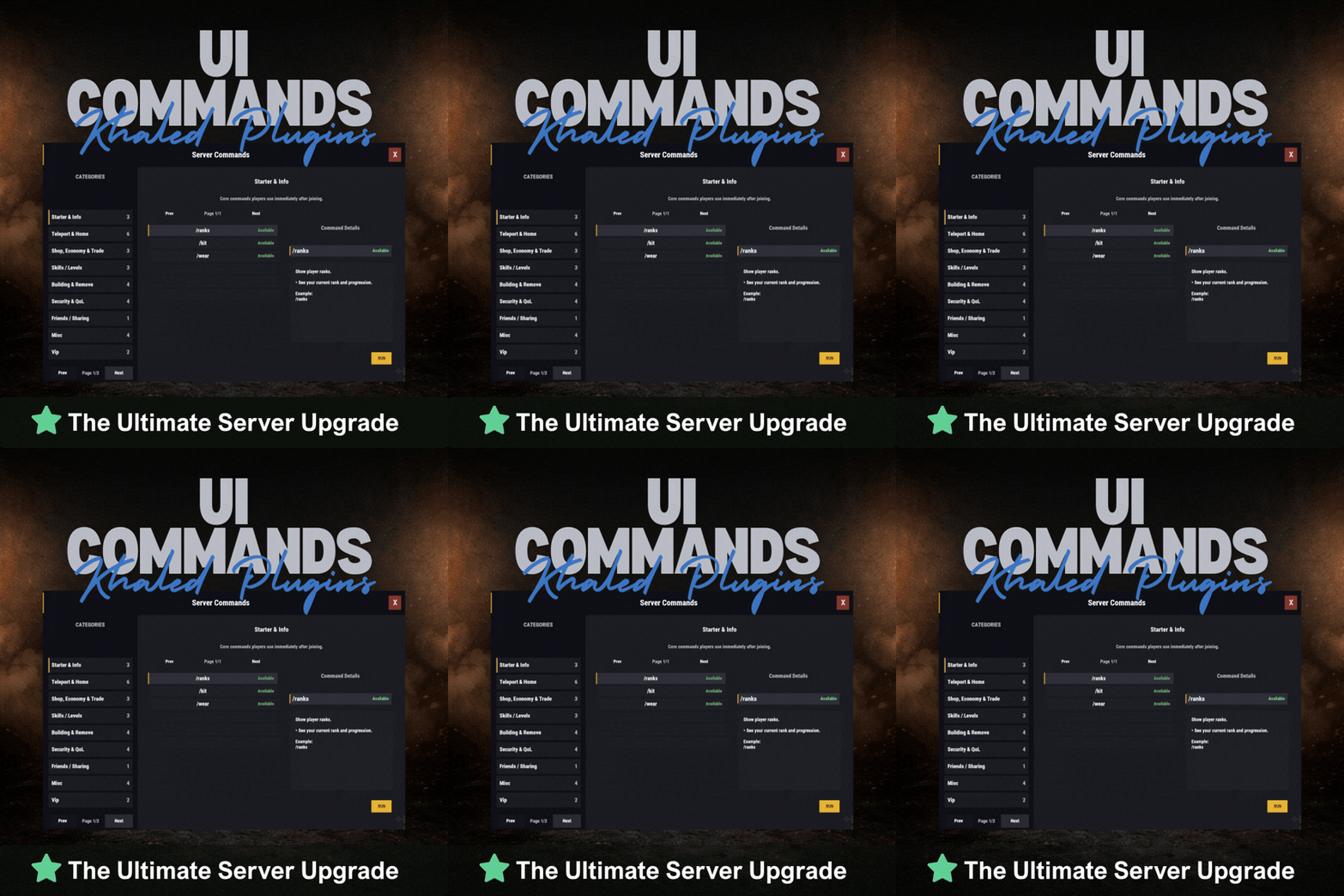
UICommands – In-Game Command Browser for Rust Servers UICommands makes it easy for players to find and use server commands without memorizing anything or spamming chat. All commands are displayed in a clean, in-game interface, neatly organized into categories with clear explanations. Players can quickly see what each command does, whether it’s available to them, and how to use it — all in one place. Take Your Rust Server to the Next Level Premium performance, lightning-fast support, and an exclusive 30% OFF using code KHALED Features - Clean and modern in-game UI - Commands neatly organized by category - Shows whether commands are available or locked - Detailed command info panel with usage examples - RUN button for supported commands - Simple, smooth, and easy to use Why Players Like It - No need to remember commands - Quick access to everything the server offers - Easy to understand, even for new players - Less confusion, more gameplay Why Server Owners Use It - Fewer repeated questions in chat - Better presentation of server features - Helps new players get started faster - Clean and professional look Permissions UICommands is a great fit for any Rust server that wants a simple, organized, and player-friendly way to show commands in-game. Config: { "General": { "Open Commands": [ "cmds", "commands" ], "Rows Per Page": 6, "Close UI when prompting for input": true }, "Categories": [ { "Id": "starter", "Title": "Starter & Info", "Description": "Core commands players use immediately after joining.", "Sort Order": 0, "Required Permission (optional)": null, "Commands": [ { "Command": "/ranks", "Description": "Show player ranks.", "Benefit / Why Use It": "See your current rank and progression.", "Usage Example (optional)": "/ranks", "Required Permission (optional)": null, "Admin Only (optional)": false, "VIP Only (optional)": false, "Allow RUN (optional, override)": true, "Tags (optional)": [] }, { "Command": "/kit", "Description": "Starter kit.", "Benefit / Why Use It": "Get essential items to start playing.", "Usage Example (optional)": "/kit", "Required Permission (optional)": null, "Admin Only (optional)": false, "VIP Only (optional)": false, "Allow RUN (optional, override)": true, "Tags (optional)": [] }, { "Command": "/wear", "Description": "Change your underwear.", "Benefit / Why Use It": "Quickly change your character underwear.", "Usage Example (optional)": "/wear", "Required Permission (optional)": null, "Admin Only (optional)": false, "VIP Only (optional)": false, "Allow RUN (optional, override)": true, "Tags (optional)": [] } ] }, { "Id": "teleport", "Title": "Teleport & Home", "Description": "Teleport requests, homes, towns and utilities.", "Sort Order": 10, "Required Permission (optional)": null, "Commands": [ { "Command": "/sethome <name>", "Description": "Set home at your base.", "Benefit / Why Use It": "Save a home location for quick teleport.", "Usage Example (optional)": "/sethome main", "Required Permission (optional)": null, "Admin Only (optional)": false, "VIP Only (optional)": false, "Allow RUN (optional, override)": false, "Tags (optional)": [] }, { "Command": "tphelp", "Description": "Teleport help.", "Benefit / Why Use It": "View teleport commands and usage.", "Usage Example (optional)": "tphelp", "Required Permission (optional)": null, "Admin Only (optional)": false, "VIP Only (optional)": false, "Allow RUN (optional, override)": true, "Tags (optional)": [] }, { "Command": "/town", "Description": "Teleport to Bandit Town.", "Benefit / Why Use It": "Quick access to Bandit Town.", "Usage Example (optional)": "/town", "Required Permission (optional)": null, "Admin Only (optional)": false, "VIP Only (optional)": false, "Allow RUN (optional, override)": true, "Tags (optional)": [] }, { "Command": "/outpost", "Description": "Teleport to Outpost.", "Benefit / Why Use It": "Quick access to Outpost.", "Usage Example (optional)": "/outpost", "Required Permission (optional)": null, "Admin Only (optional)": false, "VIP Only (optional)": false, "Allow RUN (optional, override)": true, "Tags (optional)": [] }, { "Command": "/where", "Description": "Teleport to your death location.", "Benefit / Why Use It": "Return to your death spot quickly.", "Usage Example (optional)": "/where", "Required Permission (optional)": null, "Admin Only (optional)": false, "VIP Only (optional)": false, "Allow RUN (optional, override)": true, "Tags (optional)": [] }, { "Command": "/tpr <PlayerName>", "Description": "Request teleport to a player.", "Benefit / Why Use It": "Send a teleport request to another player.", "Usage Example (optional)": "/tpr Khaled", "Required Permission (optional)": null, "Admin Only (optional)": false, "VIP Only (optional)": false, "Allow RUN (optional, override)": false, "Tags (optional)": [] } ] }, { "Id": "shop", "Title": "Shop, Economy & Trade", "Description": "Server shop and purchases.", "Sort Order": 20, "Required Permission (optional)": null, "Commands": [ { "Command": "/s", "Description": "Shop.", "Benefit / Why Use It": "Open the server shop.", "Usage Example (optional)": "/s", "Required Permission (optional)": null, "Admin Only (optional)": false, "VIP Only (optional)": false, "Allow RUN (optional, override)": true, "Tags (optional)": [] }, { "Command": "/buy", "Description": "Transport license.", "Benefit / Why Use It": "Purchase transport license.", "Usage Example (optional)": "/buy", "Required Permission (optional)": null, "Admin Only (optional)": false, "VIP Only (optional)": false, "Allow RUN (optional, override)": true, "Tags (optional)": [] }, { "Command": "/buyraid", "Description": "Buy a Raidable Base.", "Benefit / Why Use It": "Purchase a raidable base event.", "Usage Example (optional)": "/buyraid", "Required Permission (optional)": null, "Admin Only (optional)": false, "VIP Only (optional)": false, "Allow RUN (optional, override)": true, "Tags (optional)": [] } ] }, { "Id": "skills", "Title": "Skills / Levels", "Description": "Leveling and skills commands (server dependent).", "Sort Order": 30, "Required Permission (optional)": null, "Commands": [ { "Command": "/st", "Description": "Open skill tree (shortcut).", "Benefit / Why Use It": "Quick access to the skill tree.", "Usage Example (optional)": "/st", "Required Permission (optional)": null, "Admin Only (optional)": false, "VIP Only (optional)": false, "Allow RUN (optional, override)": true, "Tags (optional)": [] }, { "Command": "/skills", "Description": "Open skills UI.", "Benefit / Why Use It": "View and manage your skills.", "Usage Example (optional)": "/skills", "Required Permission (optional)": null, "Admin Only (optional)": false, "VIP Only (optional)": false, "Allow RUN (optional, override)": true, "Tags (optional)": [] }, { "Command": "/skill", "Description": "Open crafting menu.", "Benefit / Why Use It": "Access crafting skill menu (if supported).", "Usage Example (optional)": "/skill", "Required Permission (optional)": null, "Admin Only (optional)": false, "VIP Only (optional)": false, "Allow RUN (optional, override)": true, "Tags (optional)": [] } ] }, { "Id": "building", "Title": "Building & Remove", "Description": "Upgrade, remove and building utilities.", "Sort Order": 40, "Required Permission (optional)": null, "Commands": [ { "Command": "/up <1-4>", "Description": "Upgrade building tier.", "Benefit / Why Use It": "Upgrade building parts quickly.", "Usage Example (optional)": "/up 4", "Required Permission (optional)": null, "Admin Only (optional)": false, "VIP Only (optional)": false, "Allow RUN (optional, override)": false, "Tags (optional)": [] }, { "Command": "/down <1-4>", "Description": "Downgrade building tier.", "Benefit / Why Use It": "Downgrade building parts quickly.", "Usage Example (optional)": "/down 2", "Required Permission (optional)": null, "Admin Only (optional)": false, "VIP Only (optional)": false, "Allow RUN (optional, override)": false, "Tags (optional)": [] }, { "Command": "/remove", "Description": "Remove buildings.", "Benefit / Why Use It": "Remove building parts if enabled.", "Usage Example (optional)": "/remove", "Required Permission (optional)": null, "Admin Only (optional)": false, "VIP Only (optional)": false, "Allow RUN (optional, override)": true, "Tags (optional)": [] }, { "Command": "/bskin", "Description": "Building skins.", "Benefit / Why Use It": "Change building skins (if enabled).", "Usage Example (optional)": "/bskin", "Required Permission (optional)": null, "Admin Only (optional)": false, "VIP Only (optional)": false, "Allow RUN (optional, override)": true, "Tags (optional)": [] } ] }, { "Id": "security", "Title": "Security & QoL", "Description": "Locking, turrets and helpful quality-of-life commands.", "Sort Order": 50, "Required Permission (optional)": null, "Commands": [ { "Command": "/autolock", "Description": "Auto lock boxes & doors.", "Benefit / Why Use It": "Automatically apply locks to your base items.", "Usage Example (optional)": "/autolock", "Required Permission (optional)": null, "Admin Only (optional)": false, "VIP Only (optional)": false, "Allow RUN (optional, override)": true, "Tags (optional)": [] }, { "Command": "/lockturret", "Description": "Lock turret (requires codelock).", "Benefit / Why Use It": "Protect your turret from unauthorized access.", "Usage Example (optional)": "/lockturret", "Required Permission (optional)": null, "Admin Only (optional)": false, "VIP Only (optional)": false, "Allow RUN (optional, override)": true, "Tags (optional)": [] }, { "Command": "/carturret", "Description": "Spawn your car.", "Benefit / Why Use It": "Quickly spawn your vehicle (server dependent).", "Usage Example (optional)": "/carturret", "Required Permission (optional)": null, "Admin Only (optional)": false, "VIP Only (optional)": false, "Allow RUN (optional, override)": true, "Tags (optional)": [] }, { "Command": "Quarry lock", "Description": "Locking a quarry engine.", "Benefit / Why Use It": "Protect the quarry engine with a code lock.", "Usage Example (optional)": "Craft a codelock, go to the quarry engine and press E.", "Required Permission (optional)": null, "Admin Only (optional)": false, "VIP Only (optional)": false, "Allow RUN (optional, override)": false, "Tags (optional)": [] } ] }, { "Id": "social", "Title": "Friends / Sharing", "Description": "Friends and access control.", "Sort Order": 60, "Required Permission (optional)": null, "Commands": [ { "Command": "/friend <add/remove playername>", "Description": "Add or remove a friend from your base.", "Benefit / Why Use It": "Control who can interact with your base features.", "Usage Example (optional)": "/friend add Khaled", "Required Permission (optional)": null, "Admin Only (optional)": false, "VIP Only (optional)": false, "Allow RUN (optional, override)": false, "Tags (optional)": [] } ] }, { "Id": "misc", "Title": "Misc", "Description": "Skins, signs and other utilities.", "Sort Order": 70, "Required Permission (optional)": null, "Commands": [ { "Command": "/skin", "Description": "Skins.", "Benefit / Why Use It": "Open skins menu (if enabled).", "Usage Example (optional)": "/skin", "Required Permission (optional)": null, "Admin Only (optional)": false, "VIP Only (optional)": false, "Allow RUN (optional, override)": true, "Tags (optional)": [] }, { "Command": "/sili", "Description": "Sign image URL.", "Benefit / Why Use It": "Paste an image URL into a sign (if enabled).", "Usage Example (optional)": "/sili <url>", "Required Permission (optional)": null, "Admin Only (optional)": false, "VIP Only (optional)": false, "Allow RUN (optional, override)": false, "Tags (optional)": [] }, { "Command": "/sil", "Description": "Sign image URL (shortcut).", "Benefit / Why Use It": "Paste an image URL into a sign (if enabled).", "Usage Example (optional)": "/sil <url>", "Required Permission (optional)": null, "Admin Only (optional)": false, "VIP Only (optional)": false, "Allow RUN (optional, override)": false, "Tags (optional)": [] }, { "Command": "/recycler.craft", "Description": "Craft your recycler.", "Benefit / Why Use It": "Craft and place a recycler (if enabled).", "Usage Example (optional)": "/recycler.craft", "Required Permission (optional)": null, "Admin Only (optional)": false, "VIP Only (optional)": false, "Allow RUN (optional, override)": true, "Tags (optional)": [] } ] } ], "Debug: Print Config Summary On Load": false }$13.99 -
Version 4.5.4
143 downloads
FuelMonitor is a lightweight and fully customizable Rust plugin that displays a clean, modern fuel HUD while driving fuel-powered vehicles. The plugin features a real-time updating fuel bar, low fuel popup notifications, sound alerts when fuel is running low, and a clear OUT OF FUEL warning when the tank is empty. FuelMonitor now also includes a built-in speedometer, allowing players to view their current speed directly from the HUD, with support for both Km/h and MPH display modes. Take Your Rust Server to the Next Level Premium performance, lightning-fast support, and an exclusive 30% OFF using code KHALED An in-game Admin Settings UI is included, allowing server owners to manage the plugin directly in-game through a clean and safe workflow. With the settings panel, admins can: - Preview changes live before applying them - Adjust the Global Max Fuel value - Reposition the main Fuel UI using Move Mode - Reposition popup warning notifications using Warning Move Mode - Customize all UI colors - Enable or disable the speedometer - Switch speed units between Km/h and MPH FuelMonitor also includes a dedicated Vehicles tab inside the Admin Settings UI, allowing full per-vehicle customization. Server owners can create and manage vehicle-specific profiles for all supported vehicles, including: - Enable or disable the HUD per vehicle - Enable or disable warning sounds per vehicle - Set a custom max fuel value per vehicle - Choose whether low fuel warnings use Amount or Percent mode - Configure custom low fuel warning thresholds - Configure custom fuel bar gradient thresholds - Preview each vehicle profile live before applying changes - Reset a single vehicle profile or apply one vehicle profile to all vehicles All changes are handled through a safe pending workflow with Apply / Cancel controls, ensuring nothing is pushed live until the admin confirms it. Once applied, changes affect all players server-wide. #Admin Commands : /fui FuelMonitor works automatically in the background, is performance-friendly, and requires no player commands.$8.99- 22 comments
- 5 reviews
-
- 3
-
-
-
- #fuel
- #minicopter
- (and 4 more)
-
At the moment, C4 and individual rocket support are not included. These features are planned and will be introduced in future updates.
-
Version 1.1.6
25 downloads
WeaponControl is an advanced combat balancing plugin for Rust. It allows server owners to fully control weapon damage, magazine capacity, and explosive damage using a clean in-game UI Take Your Rust Server to the Next Level Premium performance, lightning-fast support, and an exclusive 30% OFF using code KHALED Key Features : • Weapon damage multipliers • Magazine capacity control • Full explosive damage support (C4, Satchel, Beancan, Molotov, Catapult explosives) • Separate profiles: Default / VIP I / VIP II / VIP III • Automatic weapon detection • Dedicated Explosives configuration tab • Live in-game UI editor Explosives System : Take full control over explosive damage: • Supports C4, Satchel, Beancan, Molotov • Supports Catapult explosives (Propane, Fire Bomb, Scattershot) • Independent explosive multipliers • Per-profile explosive balancing • Accurate projectile and heat damage detection VIP System (Optional) : Flexible VIP system with priority-based tiers. Each VIP level can have its own: • Weapon damage values • Magazine capacity values • Explosive damage values Includes full control over affected entities and blacklist support. In-Game UI : Manage everything directly in-game: • Separate tabs for Weapons & Explosives • Search and sort items • Apply global presets • Edit values live • Safely apply or discard changes • Admin change summary confirmation Performance & Compatibility • Optimized for PVP and PVE servers • Lightweight and server-friendly • Accurate damage detection for projectiles and fire-based explosives • Compatible with Oxide and Carbon$14.99 -
Changed Status from Work in Progress to Fixed
-
Changed Status from Pending to Work in Progress Changed Fixed In to Next Version
-
Thanks for the heads-up. A new update is being released now that allows full command control from the config, so you can change /strike to any command you prefer to avoid conflicts with SkillTree (for example /airstrike).
-
Version 1.5.0
26 downloads
Wipe Timer keeps your players updated with a single Discord wipe message that updates automatically without creating duplicates or spamming the channel. Features - Previous and next wipe dates - Current wipe day and cycle progress - Online players, map size, and map seed - Weekly, biweekly, monthly, and custom schedules - Manual or automatic wipe scheduling - Dynamic embed colors as the wipe approaches - Automatic map images through RustMapApi - Custom map image URL support - Configurable Discord channel alerts - Private Discord alerts for admins - Automatic recovery if the Discord message is deleted - In-game countdown through AdvancedStatus or SimpleStatus Take Your Rust Server to the Next Level Premium performance, lightning-fast support, and an exclusive 30% OFF using code KHALED Player Command Players can check the next wipe and remaining time with: /wipe Short alias: /wt Admin Commands Requires permission: `wipetimer.admin` - /wipe set 2026-05-11 18:00 - /wipe in 7d - /wipe auto weekly - /wipe auto biweekly - /wipe auto monthly - /wipe auto 14d - /wipe tz 3 - /wipe refresh Optional Integrations - RustMapApi: automatic server map image - SimpleStatus or AdvancedStatus: in-game countdown The Discord wipe system works without these optional plugins. Discord Bot Permissions The bot requires: - View Channel - Send Messages - Embed Links - Attach Files - Read Message History Attach Files is only required when using automatic map images. Performance Wipe Timer uses one persistent message per channel, updates only when needed, handles Discord rate limits, retries failed requests, prevents duplicate alerts, and stores only the required message state.$9.99 -
![More information about "Advanced Air Strike [F15]"](https://codefling.com/uploads/monthly_2026_07/AirStrike.thumb.gif.0aa4deed79a522a3472e93e5a81f1148.gif)
Version 1.5.2
492 downloads
Take Your Rust Server to the Next Level Premium performance, lightning-fast support, and an exclusive 30% OFF using code KHALED Features Target Designator System: Players receive a binocular designator. Aim and left-click to mark a target point and call in an airstrike Strike and Nuke Support: Supports both standard F15 Strike and F15 Nuke runs, each with independent settings for planes, shots, rocket speed, delay, cooldown, and more Strike Modes: Includes multiple strike patterns: precise, circle, line, and carpet Custom F15 Flight: Flight altitude, plane speed, and pre-fire distance are fully configurable Aircraft spawn, fly their attack run, fire, and clean up automatically when the strike is complete Rocket Mechanics: Configurable rocket speed, rate of fire, shots per plane, plane stagger, and impact spread Direct Designator Delivery: Admins can deliver Strike or Nuke designators directly to players using the give subcommand Language Support: Supports both English and Russian languages for chat messages and the in-game UI In-Game Store: Optional in-game store support for purchasing Strike and Nuke designators. Supports Scrap, Economics, ServerRewards, and IQEconomic providers Admin Control Panel: Includes an in-game admin panel for managing store settings, strike settings, warnings, and zone restrictions without editing the config manually Combat Alerts: Includes target-marked warnings, inbound warnings, and countdown alerts with map grid support Blocked Use Zones: Can block strike usage while the caller is inside a safe zone, and can also block target points inside safe zones or monument bounds Commands are configurable from the config Permissions f15estrike.strike → allows using Strike designators f15estrike.nuke → allows using Nuke designators f15estrike.strike.give → allows giving Strike designators to other players f15estrike.nuke.give → allows giving Nuke designators to other players f15estrike.admin → full admin access and admin panel access Commands /f15 → opens the in-game F15 store /strike → gives the player an F15 Strike designator /nuke → gives the player an F15 Nuke designator /strike give <name|SteamId64> → gives an F15 Strike designator to another player /nuke give <name|SteamId64> → gives an F15 Nuke designator to another player Config { "Config Version": 3, "Flight altitude (m)": 250.0, "Plane speed (m/s)": 200.0, "Pre-fire distance (m)": 750.0, "Chat prefix": "[F15]", "Commands": { "Strike": { "Enabled": false, "Primary": "strike", "Aliases": [] }, "Nuke": { "Enabled": false, "Primary": "nuke", "Aliases": [] } }, "Blocked use zones": { "Block caller while inside a safe zone": true, "Block target point inside a safe zone": true, "Block target point inside monument bounds": true }, "Global warnings": { "Enabled": true, "Broadcast when target is marked": true, "Broadcast countdown reminders": true, "Countdown warning seconds": 7, "Broadcast when aircraft are inbound": true, "Include map grid": true, "Include world coordinates": true }, "Purchases": { "Enabled": true, "Provider (Economics/ServerRewards/Scrap)": "ServerRewards", "Strike": { "Enabled": true, "Cost": 1500.0 }, "Nuke": { "Enabled": true, "Cost": 10000.0 } }, "Strike": { "Planes (count)": 1, "Shots per plane": 10, "Rocket speed (m/s)": 150.0, "Rate of fire (shots/sec)": 2.5, "Stagger between planes (s)": 0.25, "Impact spread radius (m)": 3.0, "Confirm delay (s)": 5.0, "Cooldown (s)": 60.0, "Default mode": "circle", "Damage": { "Building damage enabled": true, "Building damage scale (%)": 100.0, "Player damage enabled": true, "Player damage scale (%)": 100.0 }, "Designator display name": "F15 Strike" }, "Nuke": { "Planes (count)": 5, "Shots per plane": 10, "Rocket speed (m/s)": 200.0, "Rate of fire (shots/sec)": 1.5, "Stagger between planes (s)": 0.35, "Impact spread radius (m)": 6.0, "Confirm delay (s)": 6.0, "Cooldown (s)": 120.0, "Default mode": "circle", "Damage": { "Building damage enabled": true, "Building damage scale (%)": 100.0, "Player damage enabled": true, "Player damage scale (%)": 100.0 }, "Designator display name": "F15 Nuke" } }$14.99 -
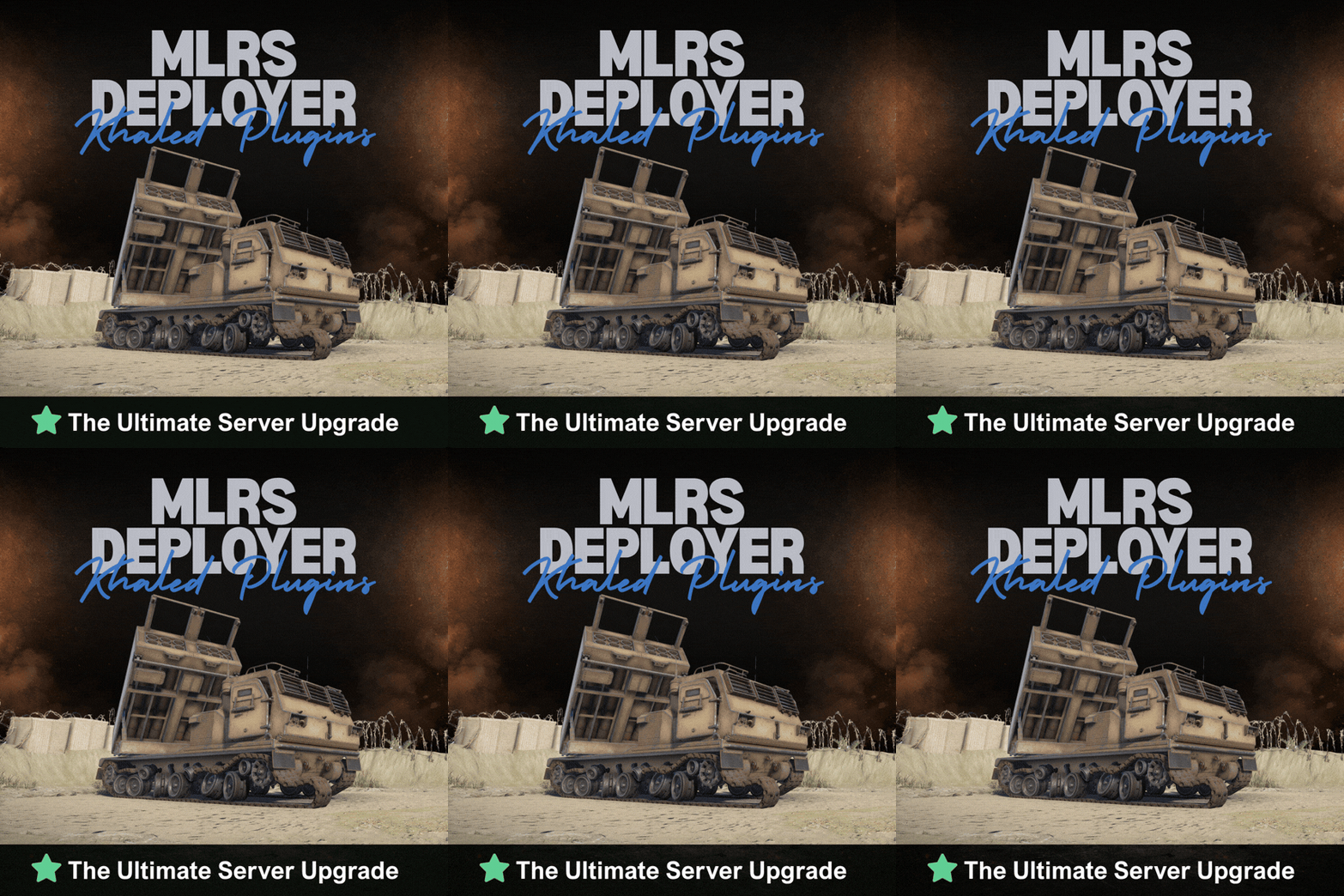
Version 1.0.4
25 downloads
Players can spawn their personal MLRS near a Computer Station and dismiss it when they're done Take Your Rust Server to the Next Level Premium performance, lightning-fast support, and an exclusive 30% OFF using code KHALED -- - Personal to each player; no one else can take it - Simple controls: Spawn to call it in, Recall to send it away - Safe placement that avoids bad terrain and tight spaces - Optional timer between uses to keep things fair - Optional limit of one active MLRS per player$7.49 -
i have your request, please contact on Discord @Khaled.7
-
4: Upload the Harmomy mods into your HarmonyMods folder. the package doesn't have Harmony mods. What u mean by it?
-
i buy the file and i didnt find plugins file inside i found only config only