T-Nuts
-
Posts
243 -
Joined
-
Last visited
-
Days Won
2
Content Type
Profiles
Warranty Claims
Downloads
Forums
Store
Services
Downloads Plus Support
DOWNLOADS EXTRA
Reels
Everything posted by T-Nuts
-
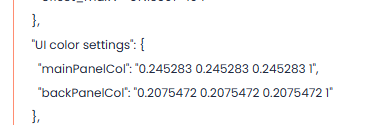
Didn't seem to change it. Even tried the bottom one

-
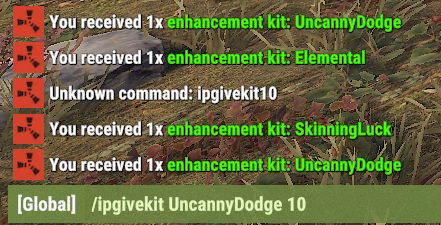
I saw you added being able to give a certain amount with the command /ipgivekit but I can't seem to get it to work. I have tried... /ipgivekit 10 UncannyDodge /ipgivekit UncannyDodge 10 /ipgivekit UncannyDodge10 Nothing seems to work
-
Also, all this worked previous wipes. The August wipe must have changed something
-
-
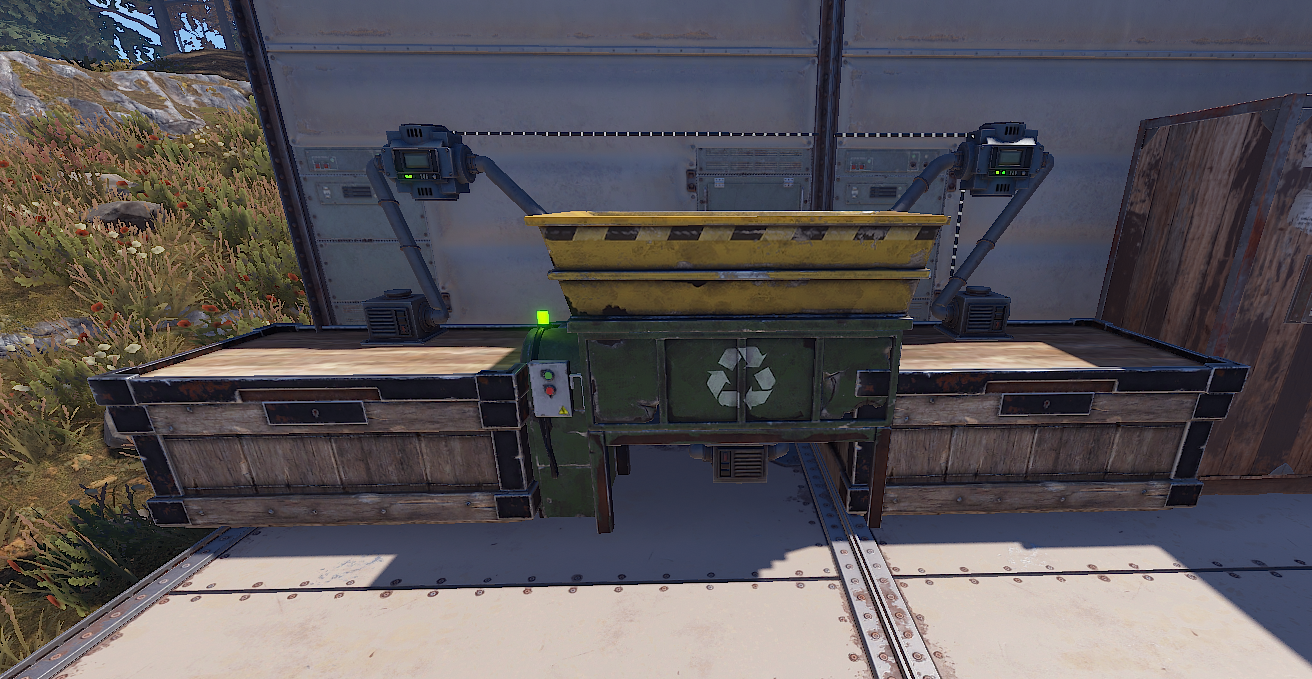
When you hook it up to auto recycle stuff it doesn't work. Stuff just disappears. Place two chests, one pulls items in from a conveyor and another pulls from the recycler. Items go in and recycle but the resources do not come out the other end.
-
Any updates on this?
-
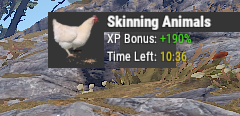
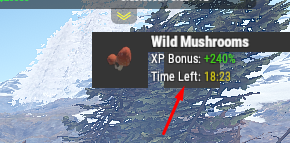
Is there a way to make this black box behind the XP Bonus/Time Left wider? I would like it to cover those items so that it is more clear. Been messing with it but can't seem to get it. Is there a way or can this be added somehow?
-
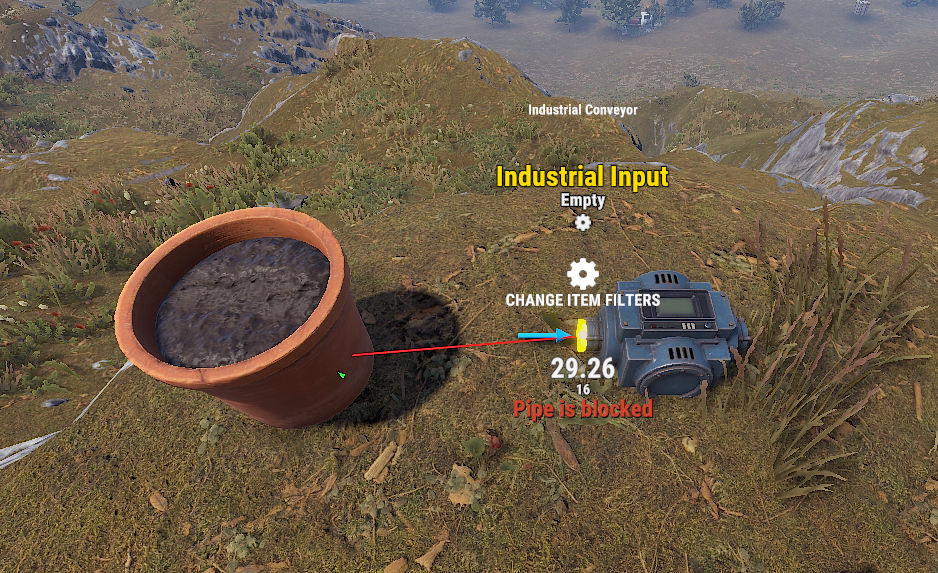
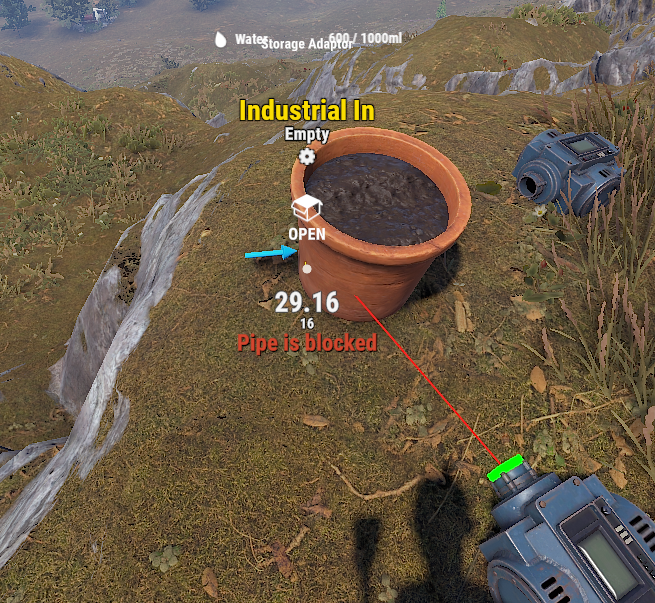
Noticed for the single plant pot, the one that looks like a clay pot in real life, doesn't allow for automation. When trying to connect to the storage adapter it says pipe is blocked. Is there a chance to have the storage adapter auto attach or be placed manually in a different location?
-
Any updates?
-
UltimateIndustrialFarm.json
-
Having same issue. Player just reported this. Works sometime when you manually do it but if setup for auto recycling, nothing is outputted. Just vanishes
-
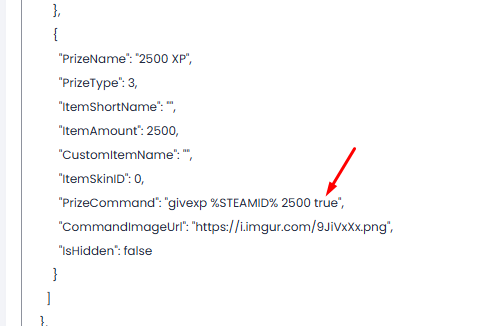
I haven't had issues with this as all my Quests give XP out. You might be missing "true" after the prize command
-
Most errors will tell you what's wrong. You'll see it mentions "JsonReaderException: Input string '3.6' is not a valid integer" and then tells you where in the file it is. If you copy the whole .json file and paste it into a .json editor or into Visual Studio, you can go down to that line and make the correction.
-
So I had a player reach out and say that when he reloads his Rocket (proto) it says it loaded 30 (I use Weapons Turbo plugin) but only loads 5. It takes 25 out of his inventory regardless. So the Rocket is set in the config to hold 5 but Weapons Turbo lets it hold 30 but it takes the amount from Weapons Turbo and vanishes those other rockets into thin air.
-
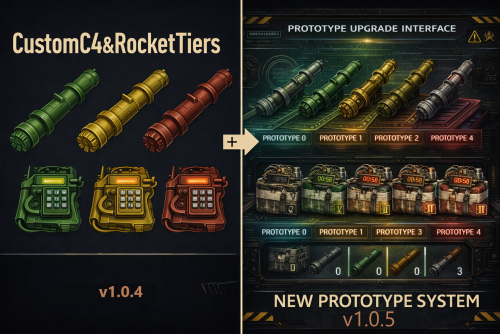 Great plugin to have to have varying C4 and Rocket damage. I've added mine to Raid Bases but I'm sure you can add this where ever you see fit for your server. Owner has also gone above and beyond correcting and issue while using some of the Skill Tree buffs/skills. No regerts (yes I know but who doesn't remember this joke way back in the day) getting this plugin. Players also enjoy it
 -
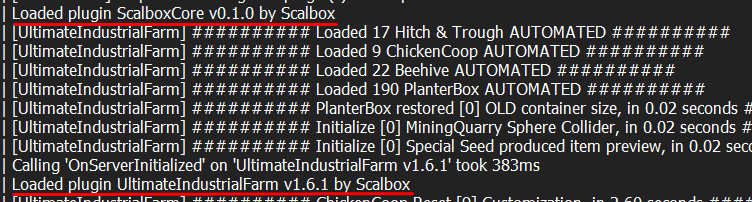
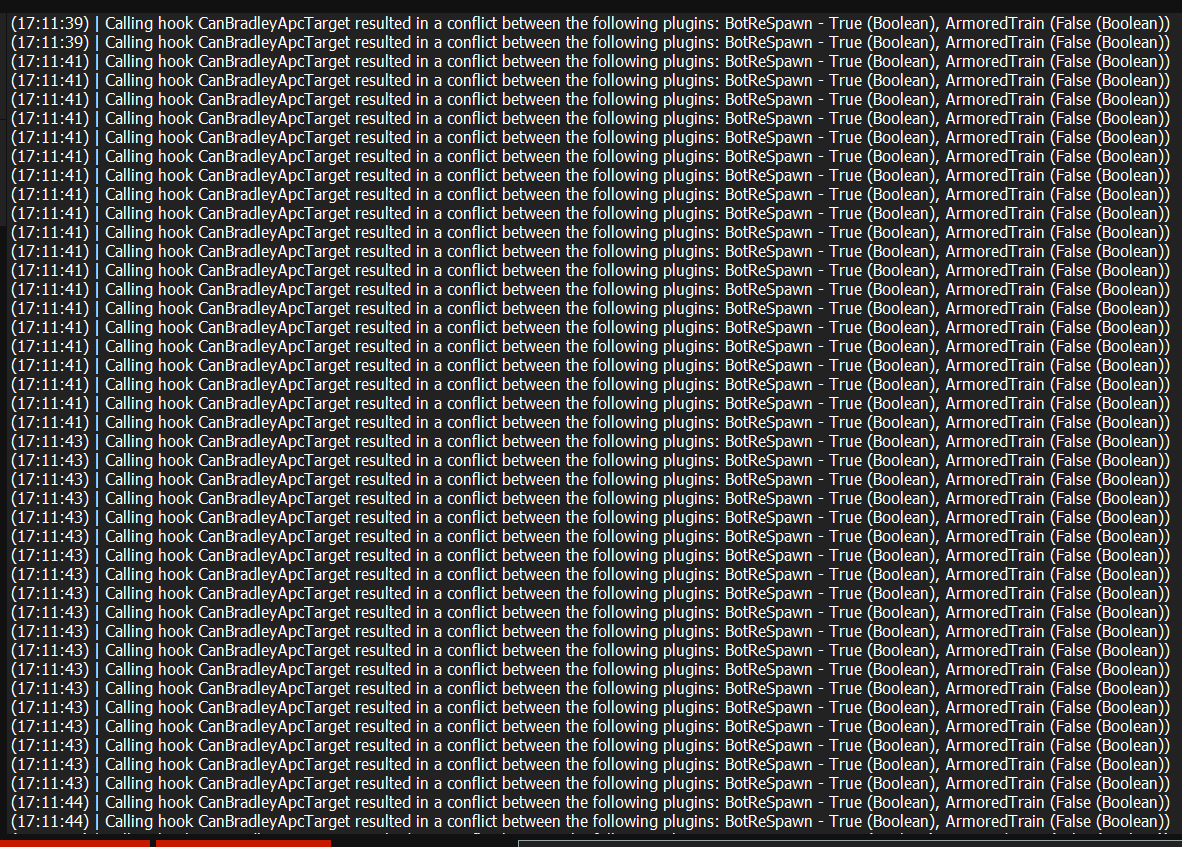
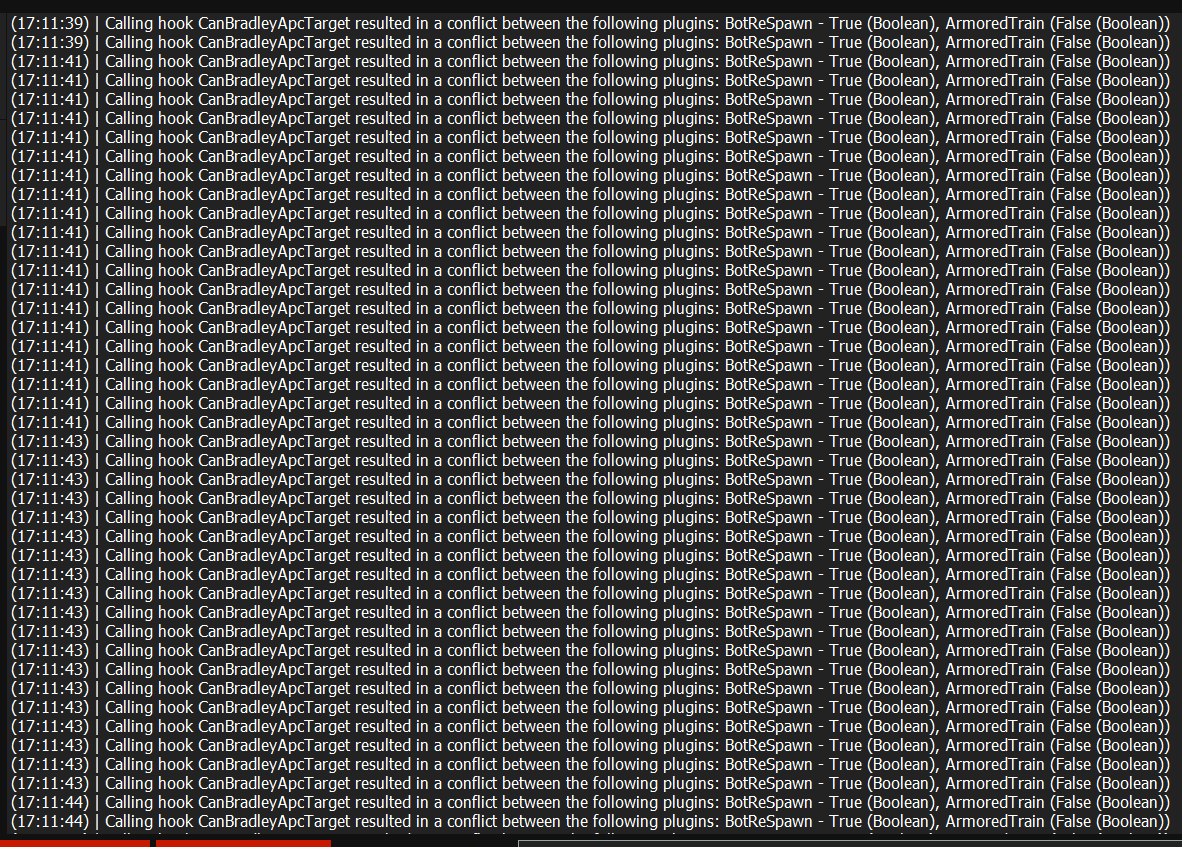
Not sure why this is happening but always spamming console when train is on the map
-
Not sure what would be causing this but always spams my console
-
These sentry turrets are not engaging when using the Defendable Homes plugin. Once NPCs start showing up they only shoot if they are hit by the NPC by some kind of weapon.
-
I've gotten a few mentions that when the guards show up after killing Bradley at Launch, they don't get any XP (SkillTree) or RP (ServerRewards) from killing them. I don't see any settings in the config either for this unless I'm missing something
-
Nevermind, see that plugin is on uMod. I'm sure I'll figure it out now. Sorry, been a long day. You can close this
-
Been trying to figure out how to create custom spawn points on the map for bases to spawn at. For instance a map I'm using has raid spots or raid islands that I want the bases to spawn at and not at random spots on the map. Struggling trying to find a command or how to go about this. Thanks
-
Yes I told my players to not get those items in Skill Tree for now until something is figured out. I'lll unload later this evening and reload in that order to see if anything changes
-
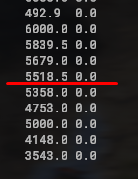
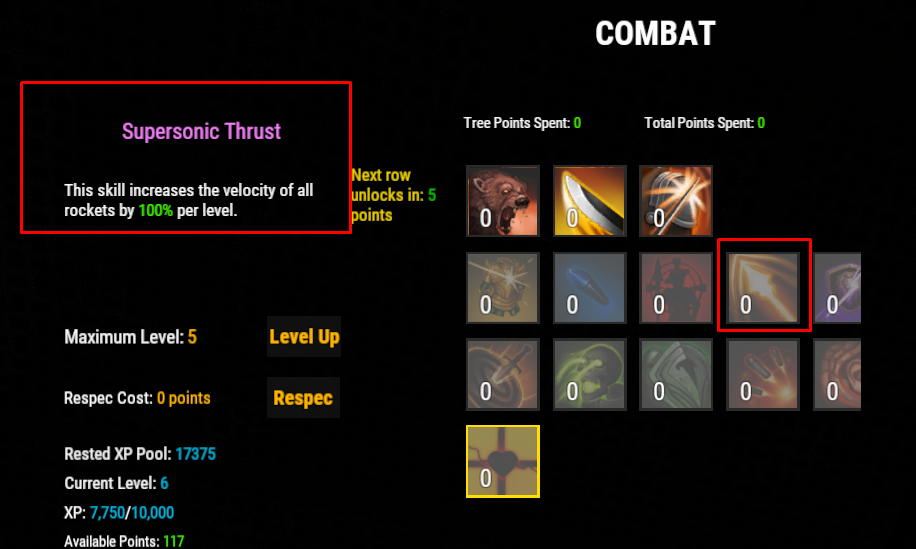
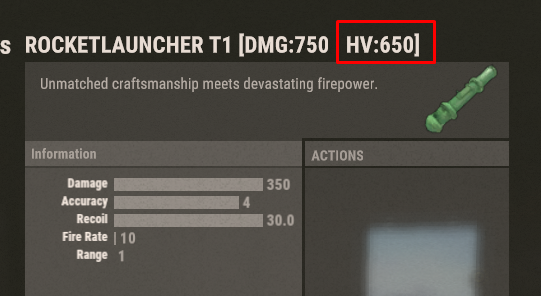
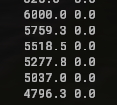
Also the rocket_tier1 Rocket Launcher is being affected by Skill Tree. This time I tested the increased rocket velocity and it seems to affect the damage as well. Above the red line was just the rocket speed increase. Then below it is when I removed it or clicked respec to set it all back to zero.
-
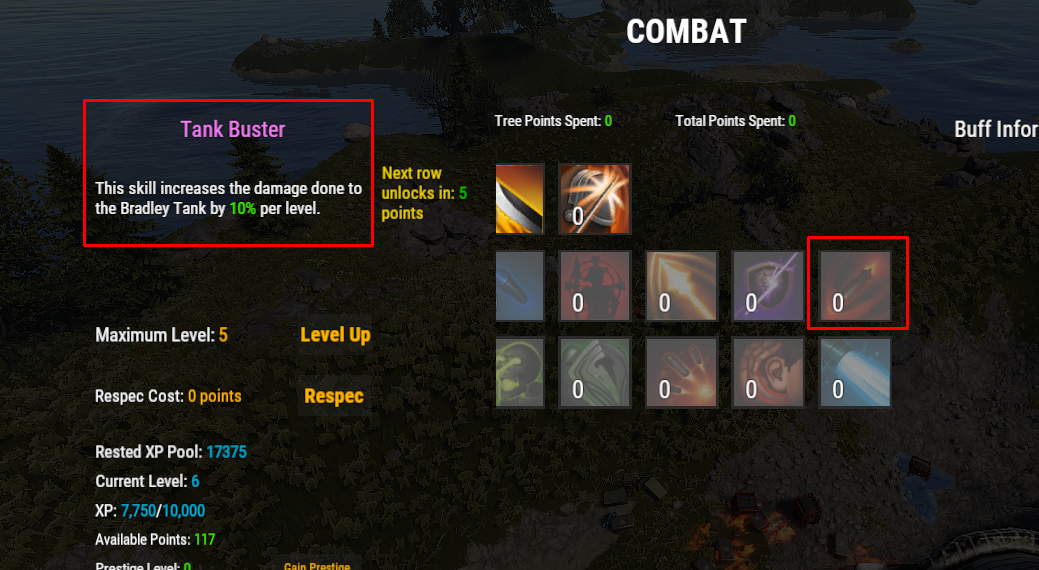
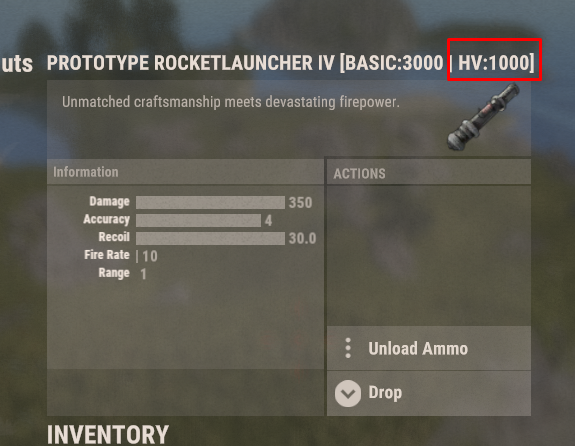
So I have the proto4 Rocket Launcher and it does 1000 damage with HV's. When doing a Nightmare Bradley (6000 Health right now), Bradley will take 1000 damage. When I add the Skill Tree item shown, it reduces that damage back to Vanilla it seems. Not sure if this is an issue with this plugin or something I'd need to reach out to Skill Tree about