-
Posts
355 -
Joined
-
Last visited
-
Days Won
1
Content Type
Profiles
Warranty Claims
Downloads
Forums
Store
Services
Downloads Plus Support
DOWNLOADS EXTRA
Reels
Everything posted by Stormo
-
 Thank you, I'm happy to hear that.
 -
Hi, I just wanted to check if there are any updates regarding my inquiry.
-
You don't need to rush. Just send me a private message, and I'll run the sale again.
-
Thanks for the great review! That was actually the idea from the start: to provide a solid foundation that server owners could customize to fit their own server's needs. When I first started dealing with loot configuration myself, I would have much rather bought something ready-made than spent hours figuring out what items should go where. We're going to run a sale again soon!
-
Hello, I have a question regarding Heli Signals. I looked through the available tickets but couldn't find an answer to this, although it may have already been discussed before. Is there a way to have the reward loot that currently goes into a crate or hackable crate be given directly to the player's inventory when the helicopter is destroyed, without requiring the player to loot a container? I use multiple helicopter profiles with custom items and SkinIDs, so having rewards delivered directly to the player's inventory would be very convenient. If direct inventory rewards are not currently possible, would it be possible to add support for executing console commands when a helicopter is destroyed? Ideally, this could be configured separately for each helicopter profile. For example, after a specific helicopter profile is destroyed, a custom console command could be executed to reward the player. Thank you for your time and for creating such a great plugin.
-
My players have learned what I believe is an exploit for killing Bradley. They place a large number of C4 charges on the road near the control panel, and when Bradley drives by, they detonate all the C4 at once. This allows them to almost kill him instantly, or even kill him outright if Bradley has reduced health. Is there any way to prevent or work around this? I'm not sure if anyone has already asked you about this before, or if there is already a solution to this problem.
-
thx
-
How can I fix it so that weapons and clothing don't lose durability during Raid Bases? It works correctly in all other events, but for some reason it doesn't work in Raid Bases. Could you help me with this? using System.Collections.Generic; using Oxide.Core; namespace Oxide.Plugins { [Info("NeverWear", "k1lly0u / rostov114", "0.2.0")] class NeverWear : RustPlugin { #region Configuration private Configuration _config; public class Configuration { public bool useWeapons = false; public bool useTools = true; public bool useAttire = false; public bool useWhiteList = false; public List<string> WhitelistedItems = new List<string>(); public bool useBlackList = false; public List<string> BlacklistedItems = new List<string>(); } protected override void LoadConfig() { base.LoadConfig(); try { _config = Config.ReadObject<Configuration>(); SaveConfig(); } catch { PrintError("Error reading config, please check!"); Unsubscribe(nameof(OnLoseCondition)); } } protected override void LoadDefaultConfig() { _config = new Configuration() { useWeapons = false, useTools = true, useAttire = false, useWhiteList = false, WhitelistedItems = new List<string>() { "hatchet", "pickaxe", "rifle.bolt", "rifle.ak" }, useBlackList = false, BlacklistedItems = new List<string>() { "pickaxe", "hatchet#65535", } }; SaveConfig(); } protected override void SaveConfig() { Config.WriteObject(_config); } #endregion #region Oxide Hooks private void Loaded() { permission.RegisterPermission("neverwear.use", this); permission.RegisterPermission("neverwear.attire", this); permission.RegisterPermission("neverwear.weapons", this); permission.RegisterPermission("neverwear.tools", this); } private void OnLoseCondition(Item item, ref float amount) { if (item == null || !item.hasCondition || item.info == null) return; if (_config.useBlackList && (_config.BlacklistedItems.Contains($"{item.info.shortname}#{item.skin}") || _config.BlacklistedItems.Contains(item.info.shortname))) return; BasePlayer player = GetPlayer(item); if (player == null) return; if ((_config.useWhiteList && (_config.WhitelistedItems.Contains($"{item.info.shortname}#{item.skin}") || _config.WhitelistedItems.Contains(item.info.shortname)) && HasPerm(player, "neverwear.use")) || (item.info.category == ItemCategory.Weapon && _config.useWeapons && HasPerm(player, "neverwear.weapons")) || (item.info.category == ItemCategory.Attire && _config.useAttire && HasPerm(player, "neverwear.attire")) || (item.info.category == ItemCategory.Tool && _config.useTools && HasPerm(player, "neverwear.tools"))) { object result = Interface.CallHook("OnNeverWear", item, amount); amount = (result is float) ? (float)result : 0f; } } #endregion #region Helpers public bool HasPerm(BasePlayer player, string perm) { return permission.UserHasPermission(player.UserIDString, perm); } public BasePlayer GetPlayer(Item item) { BasePlayer player = item.GetOwnerPlayer(); if (player == null) { if (!item.info.shortname.Contains("mod")) return null; player = item?.GetRootContainer()?.GetOwnerPlayer(); } return (player == null || string.IsNullOrEmpty(player.UserIDString)) ? null : player; } #endregion } }
-
I wanted to ask when the update for the August patch with Heavy Fuse will be released.
-
I wanted to ask when the update for the August patch with Heavy Fuse will be released.
-
 Replace line 403 in the code: Puts(efficiency); with: Puts(efficiency.ToString()); This should allow the plugin to compile and work correctly until the developer provides an official fix.
 -
Створення відповіді Copilot said: I'd like to ask if it's possible to create a global cooldown for all players. For example, if one player crafts a specific item, could that item then go on cooldown for everyone on the server for, say, one hour before anyone can craft it again? Is something like this possible to implement?
-
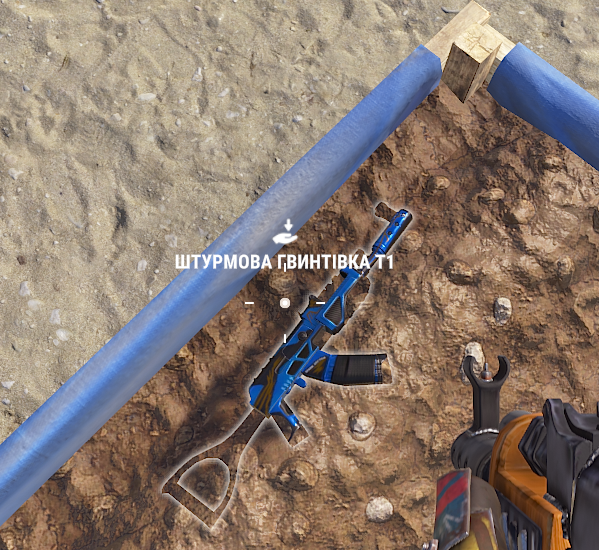
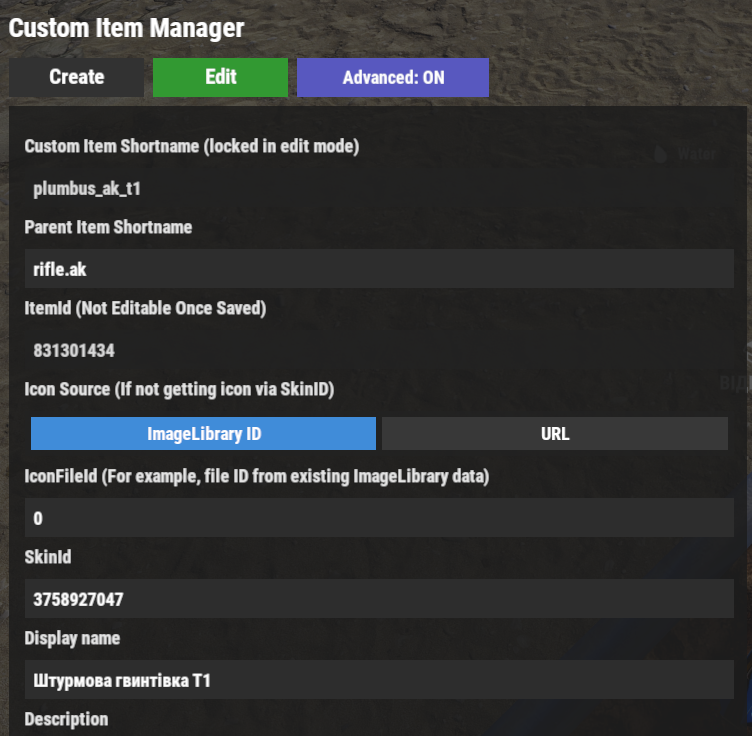
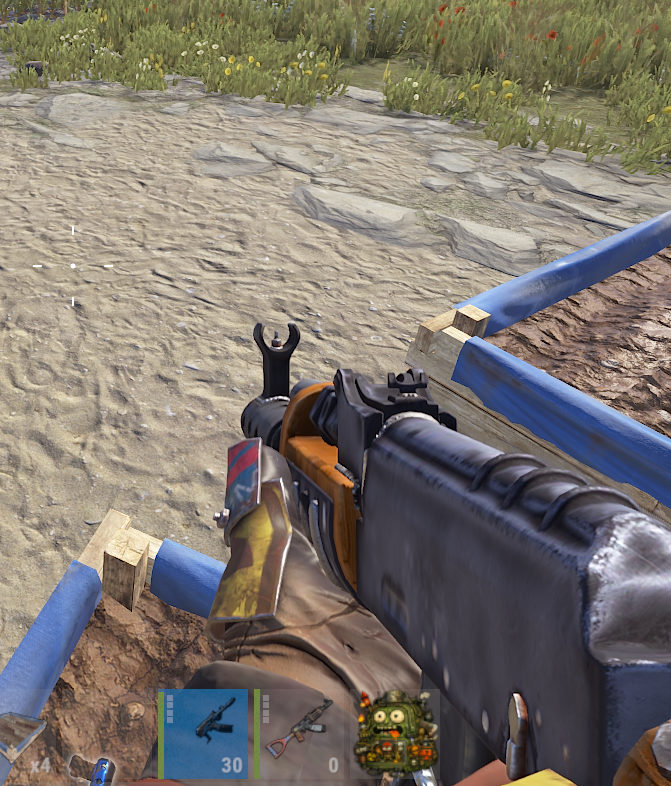
Hello, First of all, thank you again for such a great plugin. I have a question regarding custom weapons. When I create a custom weapon and assign a SkinID to it, the skin is displayed correctly in the inventory and on the hotbar. It is also displayed correctly when the item is dropped on the ground. However, when I hold the weapon in my hands, it appears as the default item model without the skin. Do you know if this is a bug, or is there some way to fix it? Thank you!

-
Thanks for asking, because I had actually forgotten about it myself. In any case, if you don't replace: if (data.ContainsKey(player.UserIDString) && data[player.UserIDString].favoriteItems.Count != 0) data[player.UserIDString].lastSeenTime = DateTime.Now.ToString("d", CultureInfo.InvariantCulture); else data.Remove(player.UserIDString); with: if (data.ContainsKey(player.UserIDString)) { UserData userData = data[player.UserIDString]; if (userData.favoriteItems.Count != 0 || userData.cooldownItems.Count != 0 || userData.dlcUnlocked) { userData.lastSeenTime = DateTime.Now.ToString("d", CultureInfo.InvariantCulture); } else { data.Remove(player.UserIDString); } } cooldown data won't be saved properly.
-
Sorry, I only just realized that you'd already released an update. Everything seems to be working now. Thank you!
-
I fixed it using this.
-
I had the same issue — there was no loot on the NPCs either. However, if you wait a bit and open the corpse several times, a loot bag eventually appears with the loot inside.
-
Players have started reporting that the green bar on items with perks has disappeared, and when they click the item's name, the perks are no longer displayed. As far as I understand, this is related to the latest Rust updates. I'd like to ask if this is something that can be fixed on my end, or if the plugin needs to be updated by you.
-
Will there be an update for the plugin that allows players to choose the payment type directly in the item sale window, such as selling for economy currency or a custom item? Something similar to this? Also, I wanted to ask if it would be possible to add chat announcements when a new item is listed for sale or when a new auction is created, displaying the item name in the announcement. I think this could help attract more attention to the marketplace and auctions.
-
I asked the players to test it. They tried both in their own base and in raid bases, and the issue still persists. Some items can be repaired while others cannot, even though the MaxRepair skill is fully leveled to the maximum level.
-
 I wanted to ask before purchasing: is the plugin still up to date, and is it currently working?
 -
I'll ask my players.
-
Hello. I'm not sure if this has already been reported, but my players are experiencing an issue with the MaxRepair skill. After learning the skill that is supposed to allow repairing items back to 100% durability, it doesn't seem to work. Items are repaired exactly the same way as before learning the skill, and there is no noticeable difference. Is there any way to fix this manually, or is there a known solution for this issue? Thank you.
-
up