
.gif.5aced85c052e08582f33d15d71720580.gif)
-
Posts
653 -
Joined
-
Last visited
-
Days Won
14
Content Type
Profiles
Warranty Claims
Downloads
Forums
Store
Services
Downloads Plus Support
DOWNLOADS EXTRA
Reels
Everything posted by RobJ
-
can you join and use the same wallpapers ok ?
-
That's very strange. I'll look into it, but my plugin only provides the skin ID to the game, and the game handles the rest of the processing.
-
Does this happen with all wallpapers? I haven't had this reported yet. Given that the plugin is active on so many servers, I likely would have heard about it by now if it were a widespread issue.
-
Changed Fixed In to Next Version
-
I will fix just before or just after the update thanks
-
Changed Status from Pending to Fixed Changed Fixed In to 2.1.1
- 1 reply
-
- 1
-

-
Changed Status from Pending to Closed
-
 ?
? -
Only from valatines pack ?
-
There arw no new skins so ot will not add any yet
-
Have you got all the other normal skins in the planner when you open it ?
-
.thumb.gif.b68fcc45abe70ab7d7235dffc8a0c770.gif)
Issue with wallpapers removing on outside of bases
RobJ replied to SlayersRust's Support Report in Support
Trying a few more times I still can't get the wallpapers to disappear, but I don't own the plugin paraglider so I cannot fully help. However, I do find without paraglider I can't replicate the issue, so it would suggest there could be an issue on the other side. could you use vanilla wallpapers without opening my ui just apply them with the default wallpaper tool, face punch his way, and then paraglide into that building and let me know if they disappear. -
Issue with wallpapers removing on outside of bases
RobJ replied to SlayersRust's Support Report in Support
Changed Status from Pending to Can't Reproduce -
Issue with wallpapers removing on outside of bases
RobJ replied to SlayersRust's Support Report in Support
I just parachuted down on to a skinned base all good skins are still their maybe the other paraglider killed them -
Issue with wallpapers removing on outside of bases
RobJ replied to SlayersRust's Support Report in Support
I already stop that check even running. i will see if i can reproduce it #region Patch [AutoPatch] [HarmonyPatch(typeof(BuildingBlock), nameof(BuildingBlock.CheckWallpaper))] internal class PatchBuildingBlock { [HarmonyPrefix] internal static bool Prefix(BuildingBlock __instance) { if ((object)__instance == null || __instance.IsDestroyed) return true; return false; } } #endregion -
I would like to approve skin requests from outside the game with rcon apps can you add a [Command("skinner.accept")] command or something like please?
-
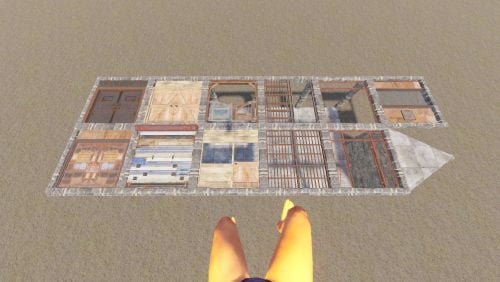 /df.rotate this seems to flip them how do i rotate them in the frame or turn them
 -
Changed Status from Not a Bug to Closed
-
Changed Status from Pending to Not a Bug
-
I was about to say that
-
Version 1.0.1
8 downloads
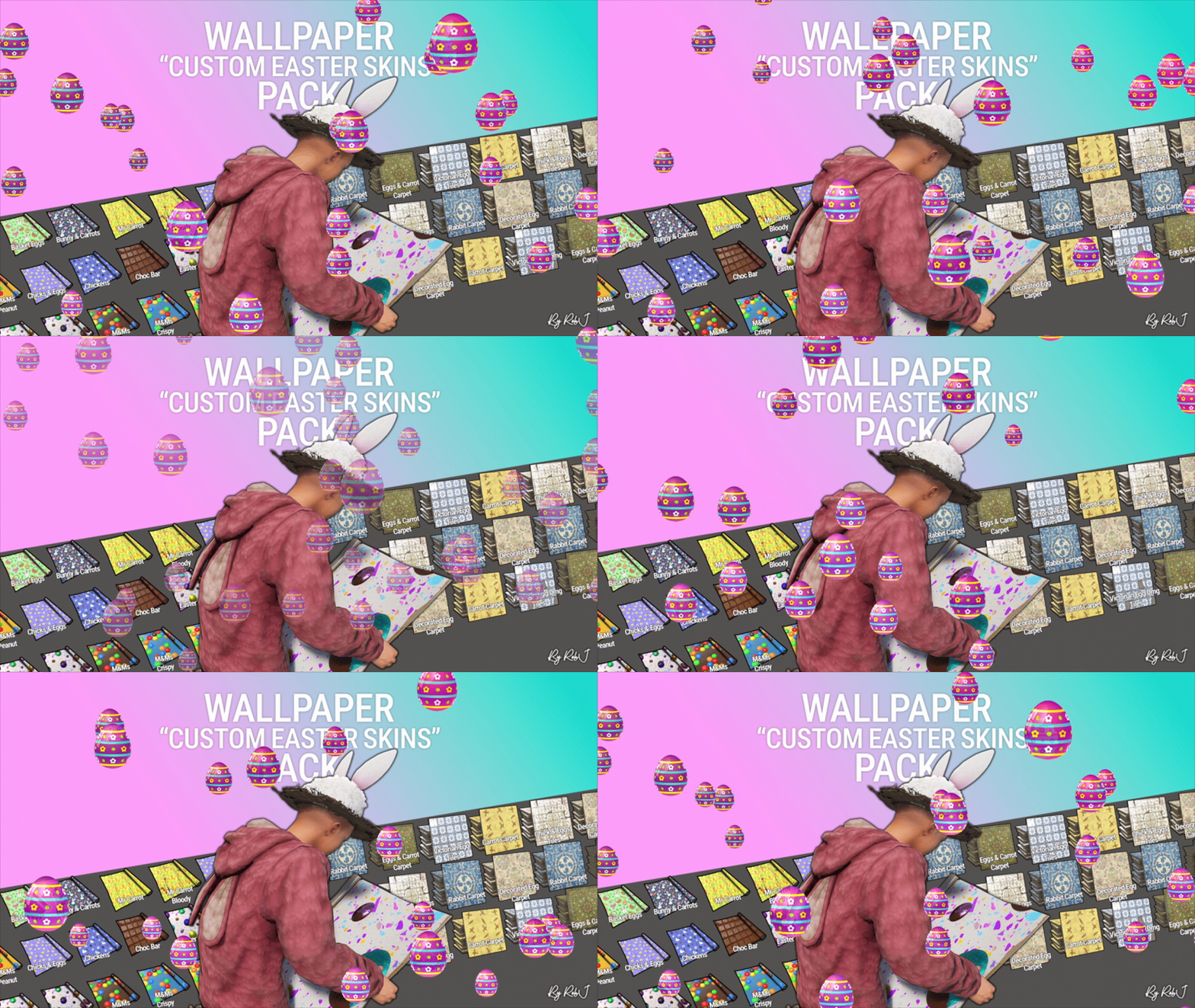
Upgrade your builds this easterwith this exclusive pack of custom skins! Each design is handcrafted with care and fully maintained. 10 Wall wallpaper skins 9 Floor wallpaper skins Perfect for Bases & Events These skins drop straight into any plugin and are fully compatible with my Wallpaper Planner for easy in-game browsing and selection. ✔ Fully Compatible Works with any plugin that supports custom skins, plus seamless integration with WallpaperPlanner. ✔ Ongoing Maintenance When you buy this pack, you’re buying long-term access. I personally maintain and update all skins for every buyer, so they stay fresh, polished, and ready to use. ✔ Each skin is built to high standards and includes four image maps: Albedo (base color) Normal/Bump Ambient Occlusion (AO) Specular These maps work together to simulate real lighting and surface detail, giving your builds depth, warmth, and a realistic shine. Bring style, atmosphere, and creativity to every build with this essential skin collection! Note: Some base layers were enhanced using generative fill/expand for improved visual quality. Auto-Install Plugin Included No manual setup required. Drop the plugin into your Oxide/Carbon plugins folder. Let it run once. Delete the plugin after it completes. Click Here For Video Your skins will automatically appear inside WallpaperPlanner.$13.99 -
Ive been testing this. Mine stays as long as the tc is kept full. Ill look into it more for you
-
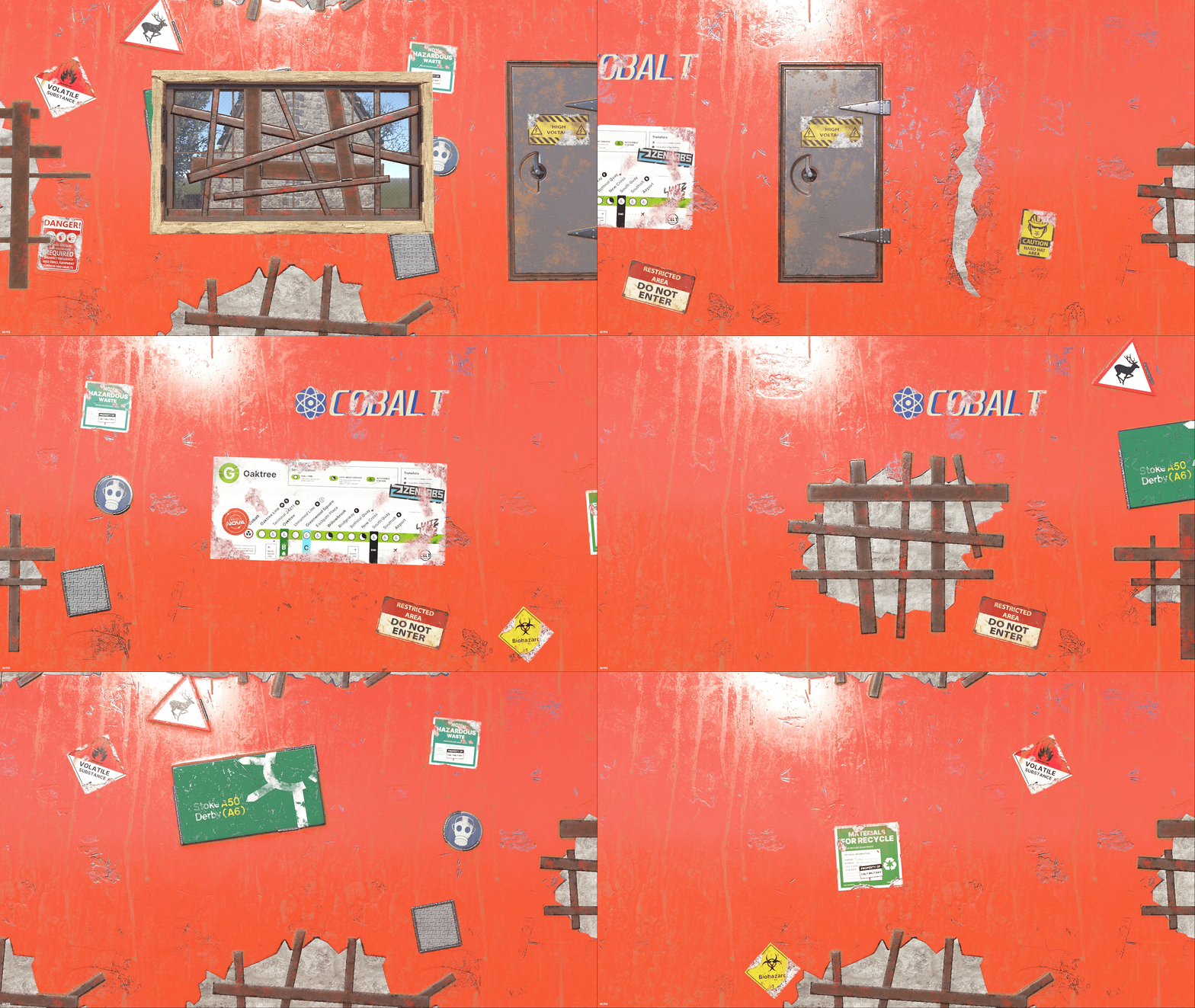
Version 1.0.1
7 downloads
Upgrade your builds with this exclusive set of custom wallpaper skins for walls, floors, and ceilings in Rust. This is my first proper set where all of the skins share the same theme, with each one built from scratch as a true Rust skin using the same process I use to create approved Rust skins for boxes, doors, and other items. 1 Floor Skins 8 Wall Skins 2 Ceiling Skin 1 Rug ✔ No AI Used Each design is handcrafted with care and fully maintained. No AI Used ✔ Fully Compatible Works with any plugin that supports custom skins, plus seamless integration with WallpaperPlanner. ✔ Ongoing Maintenance When you buy this pack, you’re buying long-term access. I personally maintain and update all skins for every buyer, so they stay fresh, polished, and ready to use. ✔ Each skin is built to high standards and includes four image maps: Albedo (base color) Normal/Bump Ambient Occlusion (AO) Specular These maps work together to simulate real lighting and surface detail, giving your builds depth, warmth, and a realistic shine. Bring style, atmosphere, and creativity to every build with this skin collection! Auto-Install Plugin Included No manual setup required. Drop the plugin into your Oxide/Carbon plugins folder. Let it run once. Delete the plugin after it completes. Your skins will automatically appear inside WallpaperPlanner for you.$14.99 -
Changed Status from Pending to Can't Reproduce
-
I've tested it every way i can all is normal for me
