
.gif.5aced85c052e08582f33d15d71720580.gif)
-
Posts
569 -
Joined
-
Last visited
-
Days Won
14
Content Type
Profiles
Warranty Claims
Downloads
Forums
Store
Services
Downloads Plus Support
DOWNLOADS EXTRA
Reels
Everything posted by RobJ
-
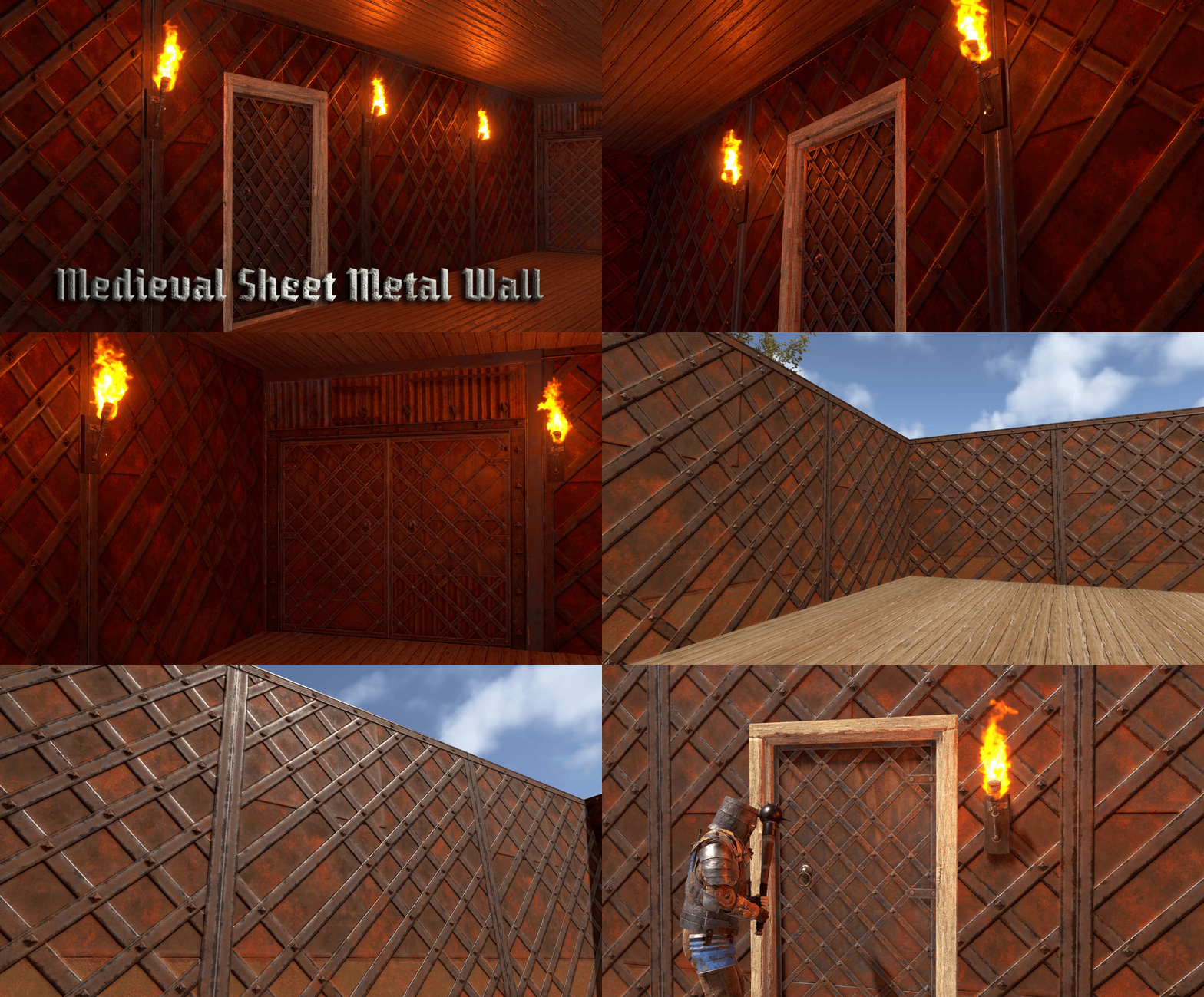
Version 1.0.0
5 downloads
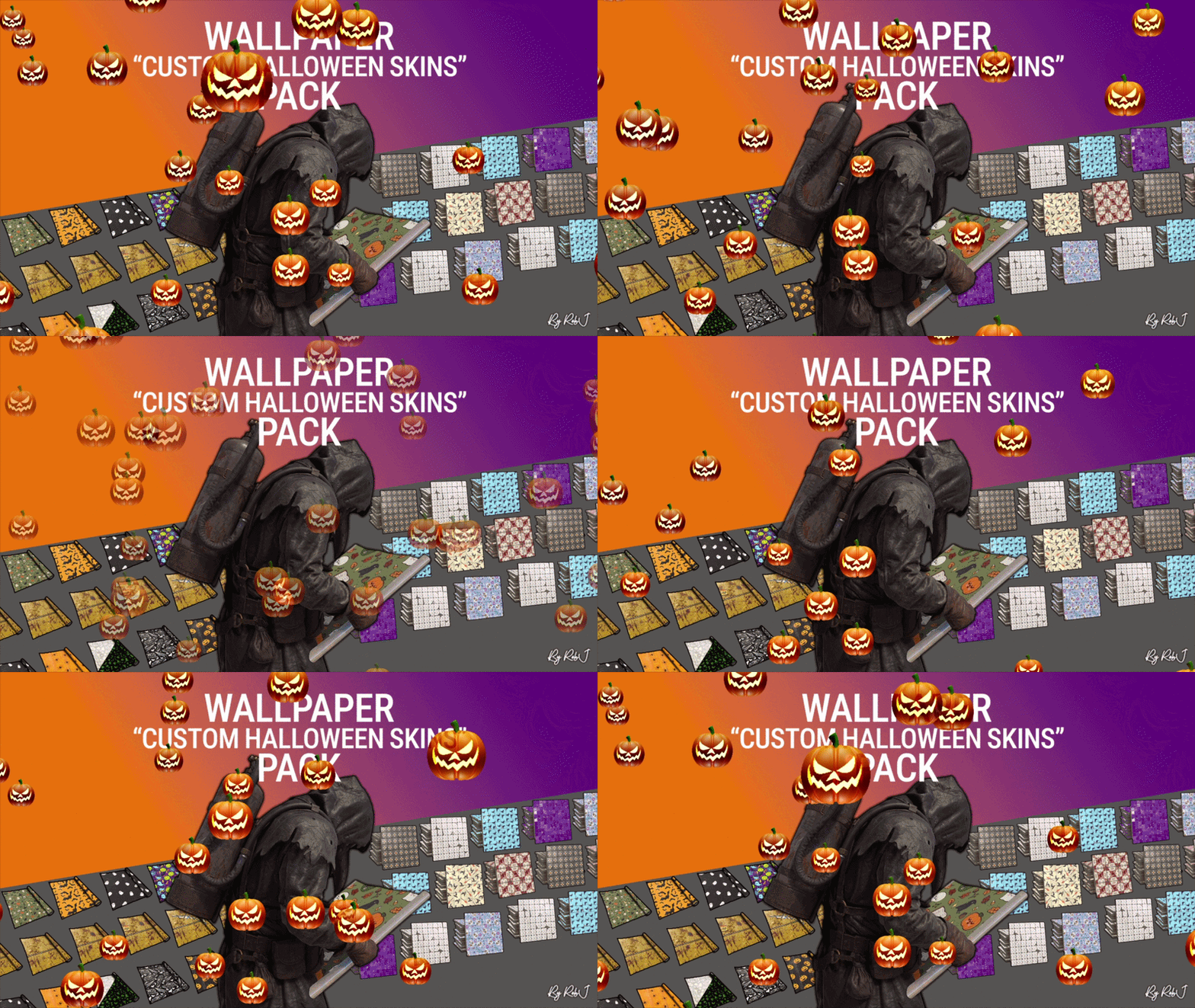
Upgrade your builds this Halloween with this exclusive pack of custom skins! Each design is handcrafted with care and fully maintained. 18 wallpapers ✔ Perfect for Bases & Events These skins drop straight into any plugin and are fully compatible with my Wallpaper Planner for easy in-game browsing and selection. ✔ Fully Compatible Works with any plugin that supports custom skins, plus seamless integration with WallpaperPlanner. ✔ Ongoing Maintenance When you buy this pack, you’re buying long-term access. I personally maintain and update all skins for every buyer, so they stay fresh, polished, and ready to use. ✔ Each skin is built to high standards and includes four image maps: Albedo (base color) Normal/Bump Ambient Occlusion (AO) Specular Emission These maps work together to simulate real lighting and surface detail, giving your builds depth, warmth, and a realistic festive shine. Bring style, atmosphere, and creativity to every build with this essential skin collection! Note: Some base layers were enhanced using generative fill/expand for improved visual quality. Auto-Install Plugin Included No manual setup required. Drop the plugin into your Oxide/Carbon plugins folder. Let it run once. Delete the plugin after it completes. Your skins will automatically appear inside WallpaperPlanner.$13.99 -
Version 1.0.0
5 downloads
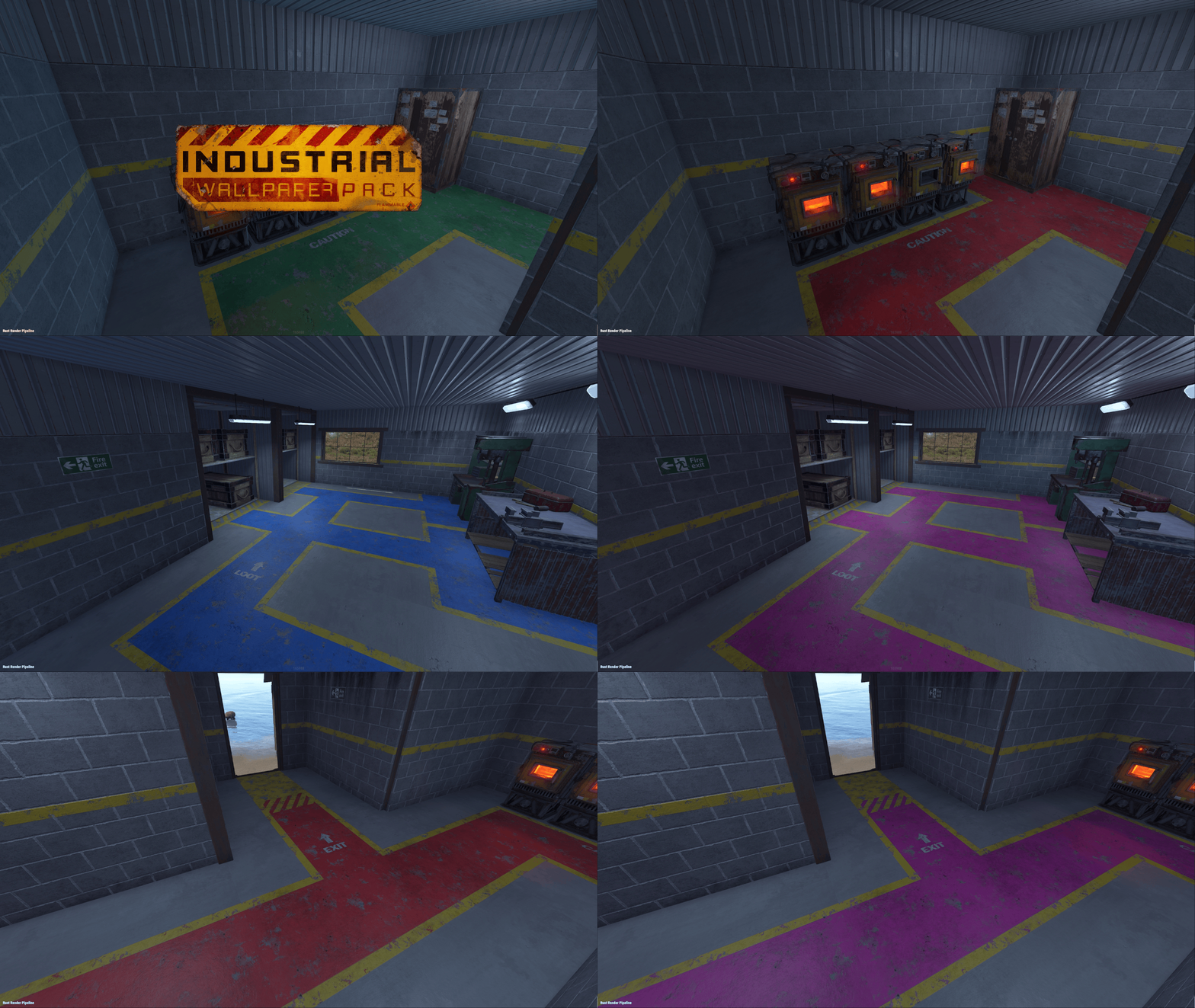
Upgrade your builds with this exclusive set of custom wallpaper skins for walls, floors, and ceilings in Rust. This is my second proper set where all of the skins share the same theme, with each one built from scratch as a true Rust skin using the same process I use to create approved Rust skins for boxes, doors, and other items. 29 Floor Skins 3 Wall Skins 1 Ceiling Skins 8 Rug Skins ✔ No AI Used Each design is handcrafted with care and fully maintained. No AI Used ✔ Fully Compatible Works with any plugin that supports custom wallpaper skins, plus seamless integration with WallpaperPlanner or WallpaperPlannerPlus. ✔ Ongoing Maintenance When you buy this pack, you’re buying long-term access. I personally maintain and update all skins for every buyer, so they stay fresh, polished, and ready to use. ✔ Each skin is built to high standards and includes four image maps: Albedo (base color) Normal/Bump Ambient Occlusion (AO) Specular Emission These maps work together to simulate real lighting and surface detail, giving your builds depth, warmth, and a realistic shine. Bring style, atmosphere, and creativity to every build with this skin collection! Auto-Install Plugin Included No manual setup required. Drop the plugin into your Oxide/Carbon plugins folder. Let it run once. Delete the plugin after it completes. Your skins will automatically appear inside WallpaperPlanner or WallpaperPlannerPlus for you.$14.99 -
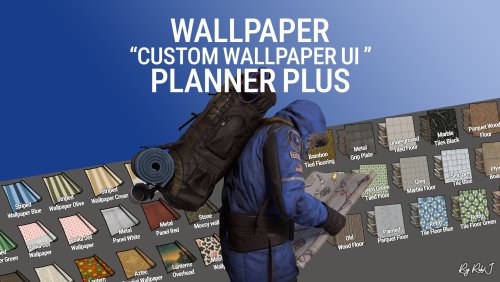 No add on packs are still optional not included this PLUS version comes with all the skins from wallpaper planner and some new ones + new exclusive skins monthly as I plan on adding many new wallpapers floors and ceilings. I will still be adding even more during September that are only for plus.
 -
Version 1.0.0
24 downloads
Welcome to Wallpaper Planner Plus — a lightweight, fast, and user-friendly extension for Rust that enhances the default wallpaper tool with a powerful custom skin selector, favourites, flexible sets, permissions, advanced admin management tools, and ongoing content updates. As part of the Plus version, I will add new custom wallpapers every month for at least one year, giving your server a growing collection of fresh designs and more variety over time. Features Custom UI: Access a sleek, in-game wallpaper selector while holding the wallpaper tool. The plugin automatically handles Walls, Floors, and Ceilings, making it quick and easy to find and apply the wallpaper you want. Wallpaper Sets: Create custom sets by combining Walls, Floors, and Ceilings into complete themes or flexible collections. Wallpaper Planner Plus supports two types of sets: Presets: A Preset contains exactly 1 Wall, 1 Floor, and 1 Ceiling. Equipping the Preset assigns all three items to the wallpaper tool at once, making it ideal for complete, ready-to-use themes. Collections: A Collection contains an open mix of wallpaper items. You can add multiple Walls, Floors, or Ceilings, create partial sets, or use any custom combination you want. Collections are ideal for grouping related wallpapers without requiring one item from every category. Players can browse available Presets and Collections directly from the wallpaper UI and equip them quickly while using the wallpaper tool. Favorites System: Mark your favorite wallpapers and quickly switch between viewing all available skins or only your favorites. Monthly Skin Updates: Plus includes ongoing content updates with new custom wallpapers added every month for at least one year. These monthly additions will expand the available collection with fresh designs for Walls, Floors, and Ceilings, giving players new options to discover and use throughout the year. New skins can be organized into Presets and Collections, assigned to permission groups, and managed through the built-in admin tools. Advanced Permission System: Control exactly which wallpapers players can access. Create custom permission groups and assign specific Wall, Floor, and Ceiling skins to each permission. Players automatically see the skins they have permission to use, while restricted skins remain hidden from the UI. This allows you to create anything from supporter rewards to staff-only, event, or special-access wallpaper collections. Admin Editors: Admins can manage your wallpaper library directly through the in-game UI. Add new custom skins Edit existing skins Rename wallpapers Delete wallpapers Create and manage Presets and Collections Create and manage permission groups Assign specific skins to permissions Organise Walls, Floors, and Ceilings No need to manually edit configuration files for everyday skin, set, and permission management. Workshop & Custom Skins: Use your own custom Workshop skins alongside the included wallpaper collection, giving your server complete control over the wallpapers available to players. 100% Custom The included custom wallpapers are created specifically for use with Wallpaper Planners. The plugin can also display official Rust/DLC wallpapers that the player actually owns, automatically filtering them based on their available ownership. Built for Server Owners Wallpaper Planner Plus gives server owners much more control over their wallpaper system while keeping the experience simple for players. Create your own wallpaper library, organize skins into Presets and Collections, control access with permissions, and let players quickly find the wallpapers they want. With the Plus version, your wallpaper library will continue to grow through monthly skin updates for at least one year. Permissions wallpaperplannerplus.use — Grants access to the Wallpaper Planner UI. wallpaperplannerplus.outside — Allows wallpapers to be used outside a player's base. wallpaperplannerplus.admin — Enables the advanced admin tools for managing skins, Sets, and permissions. Custom permissions can also be created and linked to specific wallpapers Like VIP etc etc. Chat Commands /wallpaperplanner — Opens the custom wallpaper menu while holding the wallpaper tool. You can also configure a custom keybind to open the UI instead. Example: Bind to H Open the Rust console with F1 and enter: bind H "chat.say /wallpaperplanner" Wallpaper Planner Plus A complete custom wallpaper management system for Rust — fast, simple for players, powerful for admins, and continuously expanding with new skins every month for at least one year. List of input keys to use in config that rust accepts. BACKWARD LEFT RIGHT JUMP DUCK SPRINT USE FIRE_PRIMARY FIRE_SECONDARY RELOAD FIRE_THIRD DISABLED DISABLE Input Key: Server owners can now disable the UI keybind system entirely. In the config, set: "UI input key": "DISABLED" This prevents the menu from opening with FIRE_THIRD, allowing admins to enforce custom binds (e.g. /wallpaperplanner only).$32.99- 3 comments
-
- 1
-

-
- #custom ui
- #wallpapers
- (and 9 more)
-
Changed Status from Pending to Fixed
-
fixed please redownload from https://www.robjmaps.com/downloads/Plugin_Downloads.php Mines called HorseSellerFix.cs FYI
-
Changed Status from Fixed to Not a Bug
-
Changed Status from Pending to Fixed
-
thanks
-
Version 1.0.0
3 downloads
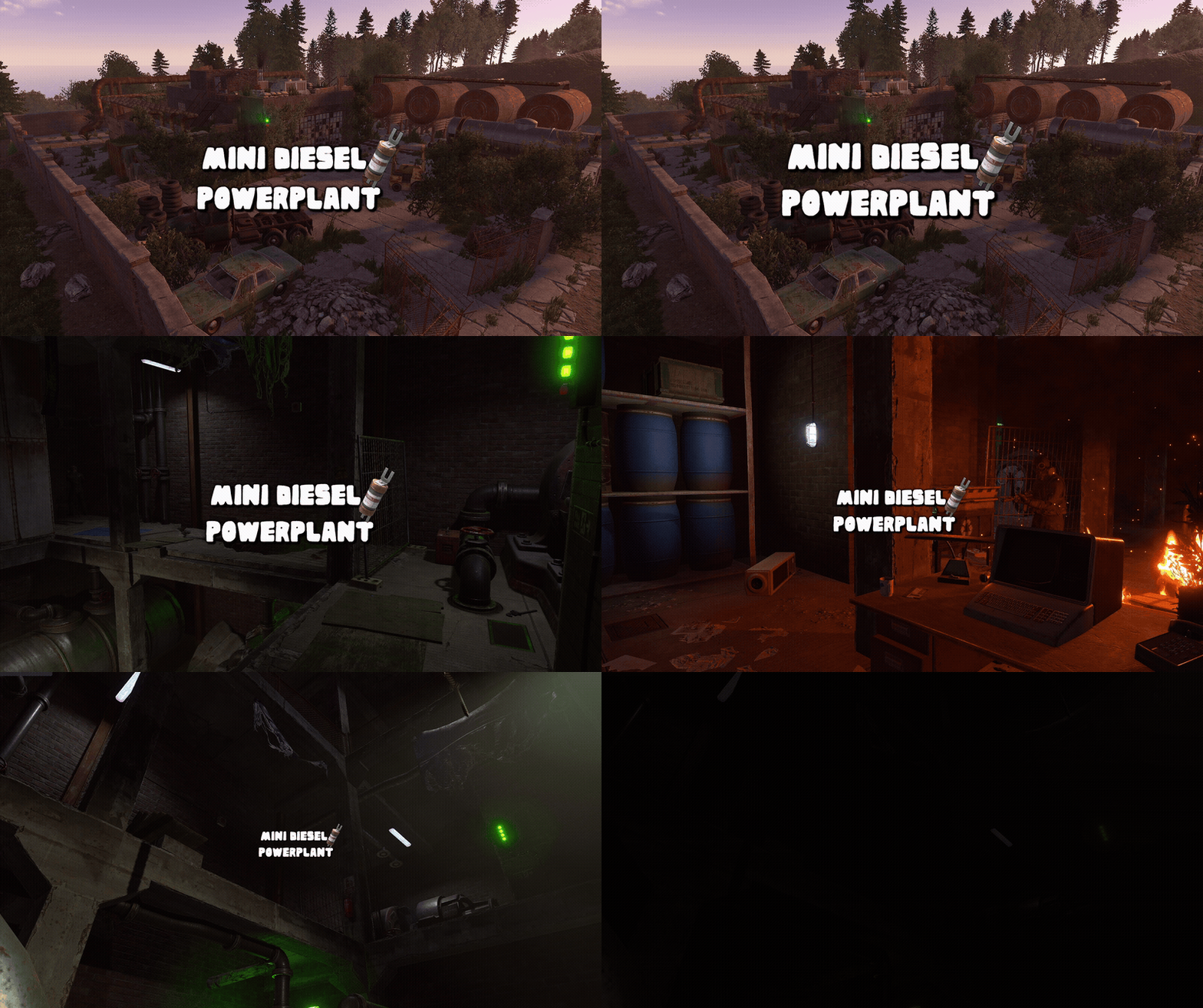
This monument is a space-saving replacement for the Power Plant, with roughly the same footprint as a Gas Station. This makes it ideal for smaller maps, one-grid maps, or tighter areas where a full-sized Power Plant simply wouldn’t fit. Despite its compact footprint, this is still a complete underground Power Plant. Nothing has been removed or scaled back. Players still get the full experience, including the puzzles, loot, recycler, refinery, and green and red keycard spawns. The monument is fully integrated with Rust’s native Power Grid system and requires Heavy Fuses to power up and keep the facility running. Players will need to supply the required fuses to activate and maintain the power flow. With no large protruding edges or oversized footprint, the monument is easy to integrate into existing terrain and works especially well on maps that were never originally designed to accommodate a traditional Power Plant. Perfect for one-grid and smaller maps, it provides the complete Power Plant experience in a compact, easy-to-place design while still offering full Power Grid functionality. Quick Start Extract the zip file into your RustEdit install folder. Start Rust Edit. Click on Prefabs at the top & open up your Prefab List. Under the Custom category you will now find RobJs Premium Prefabs. Double click on the prefab file and it will spawn it into the map for you. Drag it to the general area you want to place it and click on Snap To Terrain Apply the Height Mask, Topology Mask, and Splat Mask. Contact And Help If you need to contact me discord is best: RobJ2210#2553 For help/support my discord group is best: Join RobsRustMaps Discord$21.99 -
-
Don’t try and unzip the zip inside the zip. Just drag the zip out of the other zip you don’t need to unzip the inside zip file.
-
Version 1.0.0
10 downloads
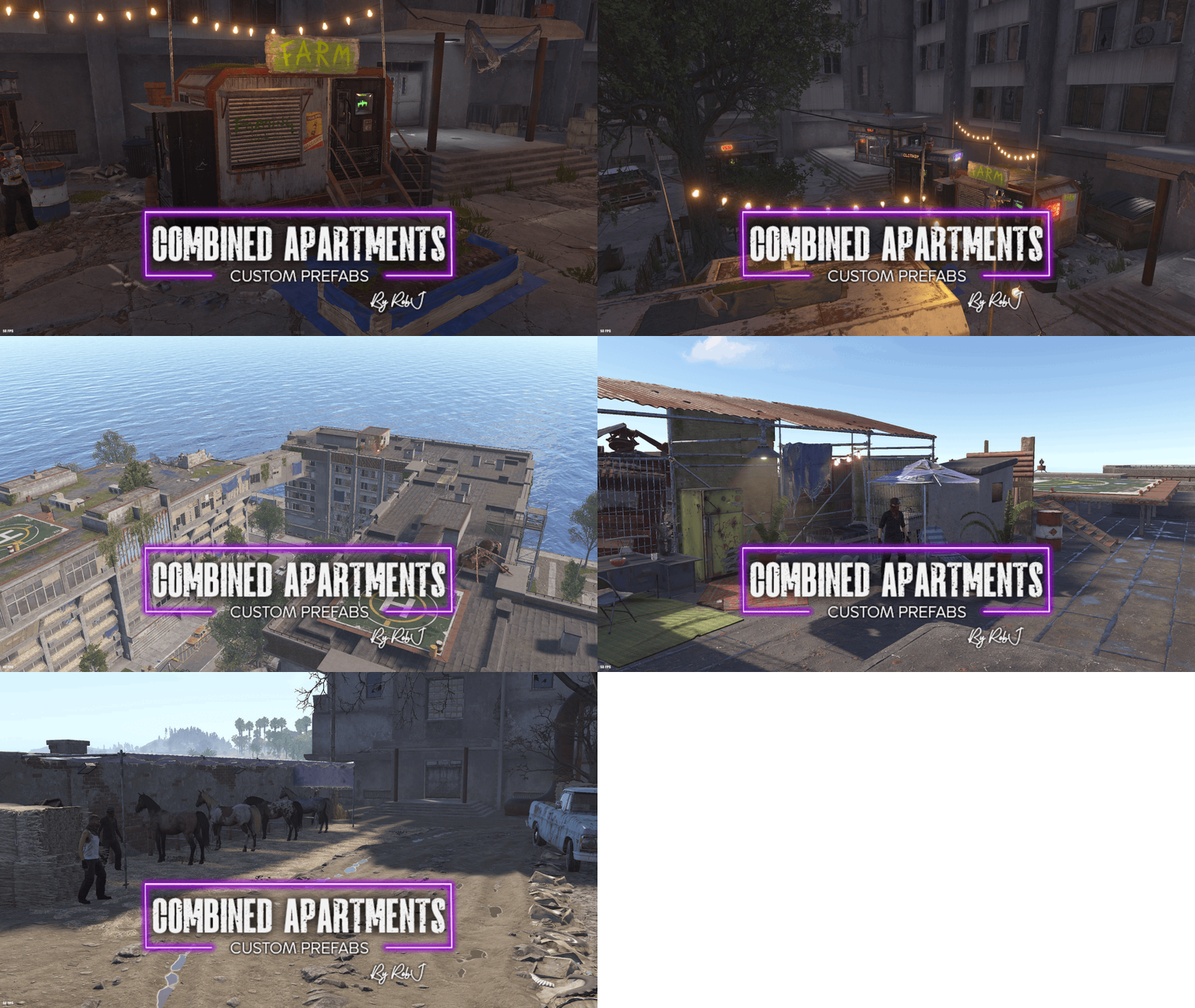
Welcome to the Combined Apartment Complex, a complete all-in-one prefab that combines the Outpost, Bandit Camp, and Stables into a single location. Transform any standard apartment complex into a fully featured hub with all the amenities from each monument, including shopkeepers, vending machines, trading windows, a casino, car lifts, the Airwolf vendor, and a horse seller. This prefab is also compatible with my Sea Apartments package, sold separately. When used together, you also gain access to a fishing village and a boat seller. Video Install Guide Install Video Contact And Help If you need to contact me discord is best: RobJ2210#2553 For help/support my discord group is best: Join RobJ Maps Discord$16.99 -
.thumb.gif.79aeca56ceff35f53b912f02158a0898.gif)
Version 1.0.0
29 downloads
I got tired of manually copying and pasting skin IDs, so I threw this extension together. It lets you send Rust skins directly from the Steam Workshop straight to your server with a single click using Web RCON. If you're a server owner, this is going to save you a ton of time. Adding massive skin collections is completely effortless now, and you don't have to keep tabbing back and forth. It works with Chrome, Opera, Opera GX, Edge, Brave, or pretty much any Chromium-based browser. Here is what it adds: Grid Buttons – Drops a quick "+" button directly onto the Workshop grid tiles so you can rapidly grab skins while browsing. Item Page Button – Adds a big "Send Skin to Server" button right next to the voting controls on individual item pages. Accepted Skin Flags – Automatically slaps a banner and a red button on officially accepted Rust skins so you can easily spot what's actually in the game. Quick Shortcut – Clicking the extension icon instantly opens up the Rust Workshop in a new tab. Must Settings Your Rust server must have Web RCON enabled for this extension to connect. Make sure you have +rcon.web 1 (or rcon.web true) set in your server startup config! Most server have this set by default. Plugin Compatibility Currently, I've got it wired up to work right out of the box with both Skinbox Plugin and Skinner Plugin You can pick which one your server uses right in the extension's settings menu. Installation Since this is a custom extension, it only takes a minute to install: Download and extract the extension ZIP file. Inside, you'll find a second ZIP file. Open your browser's Extensions page (you can type chrome://extensions into the address bar). Enable Developer mode using the toggle in the top-right corner. Simply drag and drop the second ZIP file directly into the Extensions page, and the browser will install the extension automatically. Install Video Contact And Help If you need to contact me discord is best: robjp2210 For help/support my discord group is best: Join RustMaps By RobJ Discord$17.99 -
Changed Status from Pending to Fixed Changed Fixed In to 2.0.5 (2F)
-
OK ON IT
-
Version 1.0.2
15 downloads
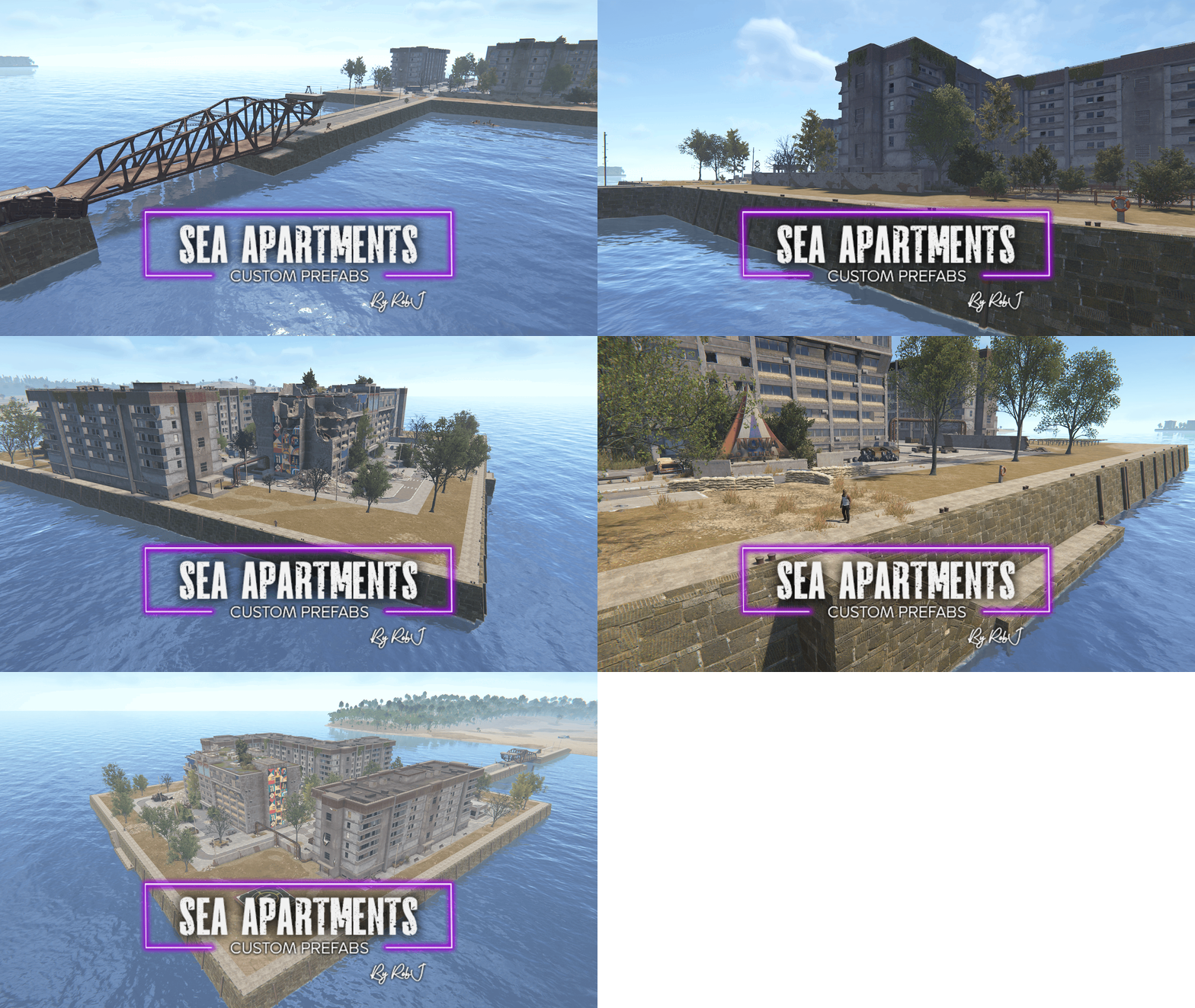
Welcome to my new prefab, designed to transform the new Apartments monument into an ocean-based monument. This is useful for several reasons: it saves valuable space on the mainland, makes it easy to retrofit into existing maps, and gives map creators more flexibility. The prefab is available in six variants, giving you the flexibility to fit almost any map design. Coastline Variant – Connected to the mainland by a full-sized land bridge. Coastline Short Variant – Connected to the mainland by a shorter, more compact land bridge. Offshore Variant – Completely detached from the mainland, perfect for placement out at sea. Each of these three variants is also available with an integrated Fishing Village Boat Seller, bringing the total to six unique prefab variants. Quick Start Watch Install Video Contact And Help If you need to contact me discord is best: robjp2210 For help/support my discord group is best: Join RustMaps By RobJ Discord$16.99 -
Changed Status from Pending to Fixed Changed Fixed In to 2.0.3 (2d)
-
thanks got you
-
Changed Status from Pending to Fixed Changed Fixed In to 2.0.3 (2d)
-
need more info
-
the monument looks fine to me
-
this is the final room ??? https://gyazo.com/c049216df677a9b74347b8fcd60dbf0d
-
Soon as I get home
-
Changed Status from Pending to Not a Bug
.thumb.gif.b68fcc45abe70ab7d7235dffc8a0c770.gif)