

-
Posts
660 -
Joined
-
Last visited
-
Days Won
14
Content Type
Profiles
Warranty Claims
Downloads
Forums
Store
Services
Downloads Plus Support
DOWNLOADS EXTRA
Reels
Everything posted by RobJ
-
How very strange. I will do that soon.
-
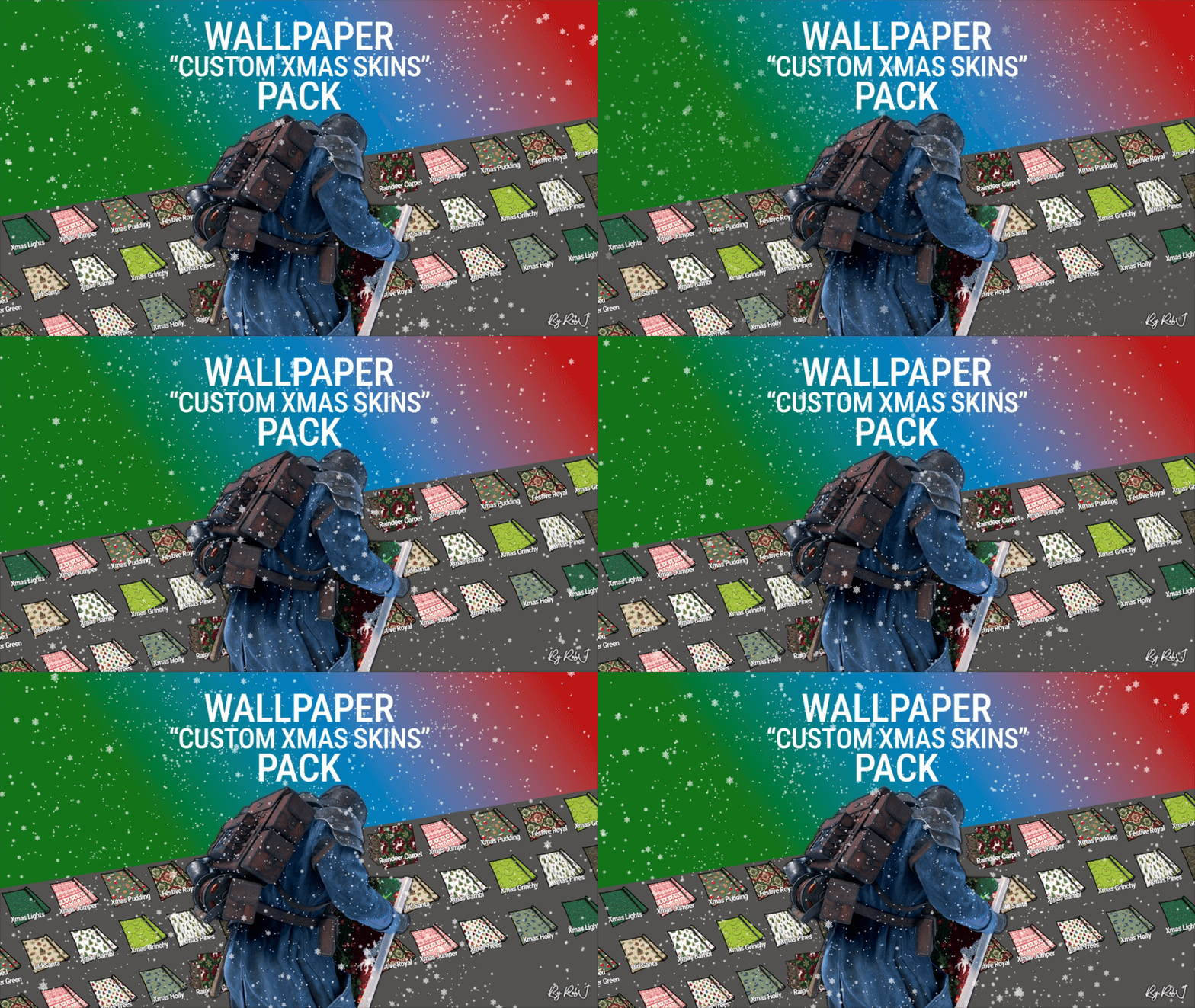
Version 1.0.3
54 downloads
Upgrade your builds this Christmas with this exclusive pack of 14 custom festive floor skins! Each design is handcrafted with care and fully maintained, ensuring your holiday-themed builds look amazing all season long. Perfect for Festive Bases & Events These skins drop straight into any plugin and are fully compatible with my Wallpaper Planner for easy in-game browsing and selection. ✔ Fully Compatible Works with any plugin that supports custom skins, plus seamless integration with WallpaperPlanner. ✔ Ongoing Maintenance When you buy this pack, you’re buying long-term access. I personally maintain and update all skins for every buyer, so they stay fresh, polished, and ready to use. ✔ Each skin is built to high standards and includes four image maps: Albedo (base color) Normal/Bump Ambient Occlusion (AO) Specular These maps work together to simulate real lighting and surface detail, giving your builds depth, warmth, and a realistic festive shine. Bring holiday style, atmosphere, and creativity to every build with this essential Christmas floor-skin collection! Note: Some base layers were enhanced using generative fill for improved visual quality. Auto-Install Plugin Included No manual setup required. Drop the plugin into your Oxide/Carbon plugins folder. Let it run once. Delete the plugin after it completes. Your skins will automatically appear inside WallpaperPlanner.$13.99 -
A lot of the newer wallpapers and making have a better compression which should result in snappier loading times tell me does the new snowman wallpaper seem faster?
-
Changed Status from Pending to Not a Bug
-
That's it downloading from Steam workshop to your client. It should speed up after it not be in the first time but no, there is no way to make it go fast faster.
-
Changed Status from Not a Bug to Closed
-
No so the skin needs uploading as wallpaper floor and wallpaper ceiling
-
Changed Status from Pending to Not a Bug
-
Can i ask who is your server host.
-
Their remakes Fully made by me Inspired by the dlc
-
 Any requests or ideas for a cool wallpaper?
-
Changed Status from Pending to Not a Bug
-
it needs to be uploaded in the two other category's
-
Changed Status from Pending to Not a Bug
-
I understand why the example is not working; it’s using outdated tags, from before we had floor and ceiling functions. https://gyazo.com/bd07cdc79205c7b789359ed67bbdca2d
-
even mine that come with it not working ?
-
have you give it 5 mins to download for the 1st time. is this affecting other wallpapers youve added yourself
-
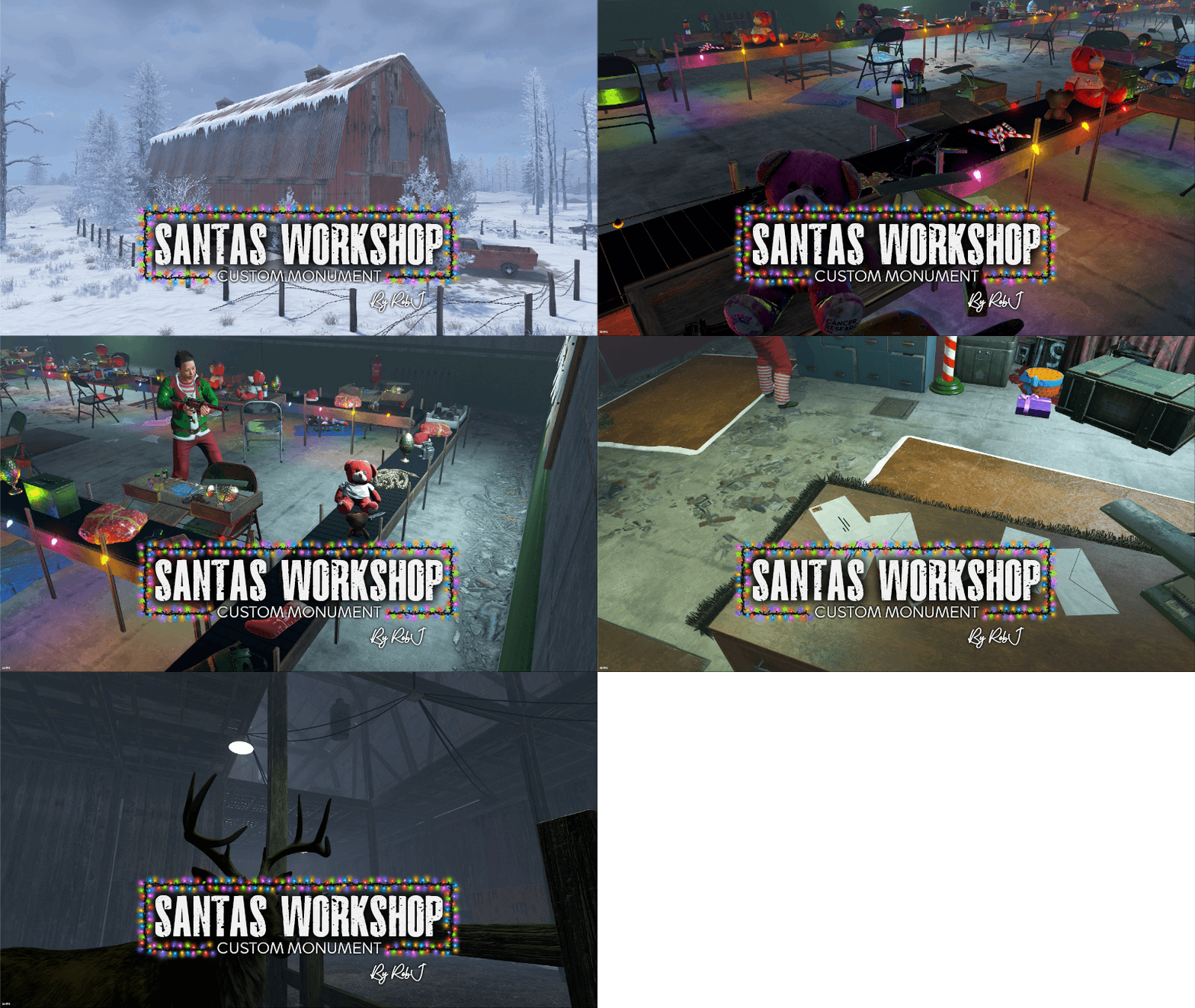
Version 1.0.0
1 download
Let me introduce you to my new monument: Santa's Secret Workshop. It is based in an innocent, unassuming barn in the North Pole, operated by farmers. However, this barn holds a secret—below its floor lies Santa's workshop, where his elves are hard at work on a bustling production line. Quick Start Extract the zip file into your RustEdit install folder. Start Rust Edit. Click on Prefabs at the top & open up your Prefab List. Under the Custom category, you will now find RobJs Premium Prefabs. Double-click on the prefab file, which will spawn it into the map for you. Drag it to the general area you want to place it. Apply the Height Mask, Topology Mask, and Splat Mask. Contact And Help If you need to contact me discord is best: RobJ2210#2553 For help/support my discord group is best: Join RobJ Maps Discord$16.99-
- 2
-

-
- #xmas
- #christmas monument
- (and 2 more)
-
Changed Status from Fixed to Pending
-
Changed Status from Pending to Fixed Changed Fixed In to Next Version
-
ok thank you i will fix in next version
-
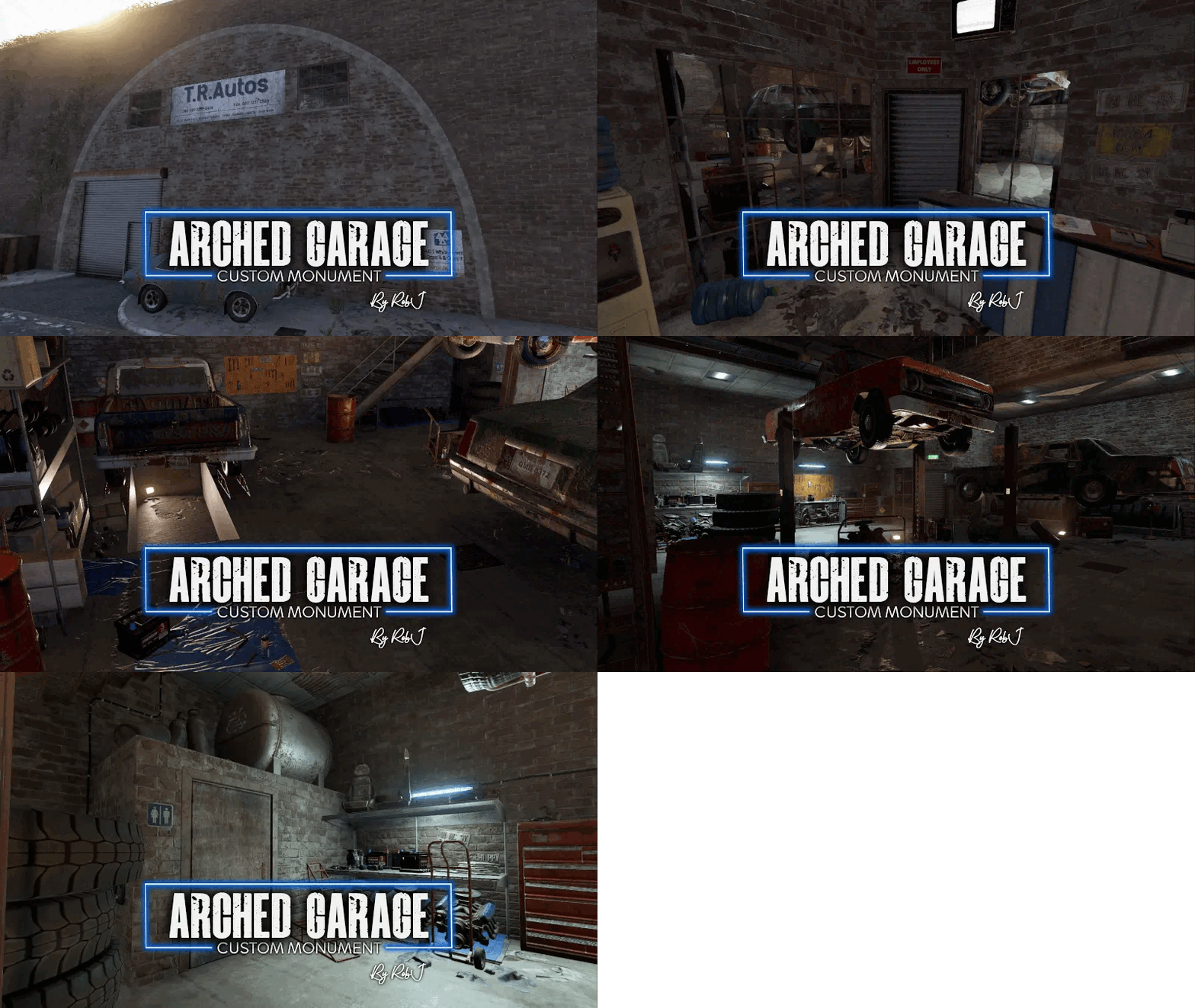
Version 1.0.0
1 download
Introduce my standalone point of interest to your Rust map with T.R. Autos, a fully custom monument built inside the ruins of a collapsed railway bridge. Once a functioning auto repair shop beneath an active rail line, decades of decay, structural failure, and neglect have transformed it into a atmospheric location perfect for exploration and combat. Additionally, I’ve hosted two sign images for you to use or to serve as templates if you wish to create your own signs. These signs are applied using the Sign Artist plugin for added convenience. Quick Start Extract the zip file into your RustEdit install folder. Start Rust Edit. Click on Prefabs at the top & open up your Prefab List. Under the Custom category, you will now find RobJs Premium Prefabs. Double-click on the prefab file, which will spawn it into the map for you. Drag it to the general area you want to place it. Apply the Height Mask, Topology Mask, and Splat Mask. Contact And Help If you need to contact me discord is best: RobJ2210#2553 For help/support my discord group is best: Join RobJ Maps Discord$18.99 -
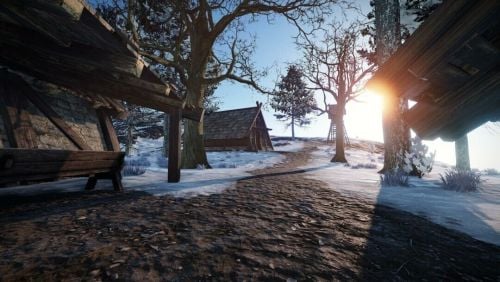
Version 1.0.0
2 downloads
A bundle of 6 Viking houses for roleplay server owners and a little extra. Total Prefab count: 1781 for all included in the pack. No special plugins or anything is needed, paste and play! Contact And Help If you need to contact me discord is best: RobJ2210#2553 For help/support my discord group is best: Join RobJ Maps Discord$19.99 -
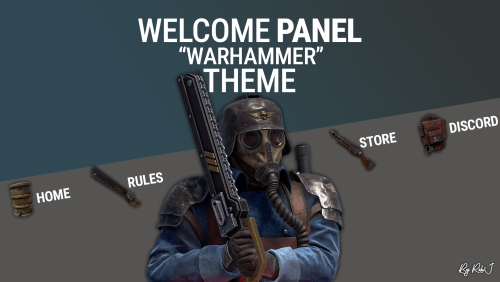
Version 1.0.0
2 downloads
Welcome to my new theme for the popular WelcomePanel plugin — featuring a completely refreshed design inspired by the grim aesthetic of the Death Korps of Krieg from the Warhammer universe. This update includes: A redesigned button layout with 9 fully customized buttons Unique icons modeled after in-game items A coordinated wallpaper and refined color palette for a cohesive look All existing WelcomePanel functions and addons remain fully compatible — now wrapped in a darker, battle-worn Krieg theme. Please note: This is a theme configuration, not the plugin itself. You’ll need the WelcomePanel plugin installed for this theme to work. Quick Start Unload Welcome Panel (If you have it already) Extract the zip file. Place the JSON file in the Oxide/Config folder on your server. Install or Restart the Welcome Panel Plugin The theme should be active now. Adjust the logo and text to align with your server's preferences. Contact And Help If you need to contact me discord is best: RobJ2210#2553 For help/support my discord group is best: Join RobJ Maps Discord$12.99-
- 1
-
-
- #welcomeui
- #welcome ui
- (and 4 more)
-
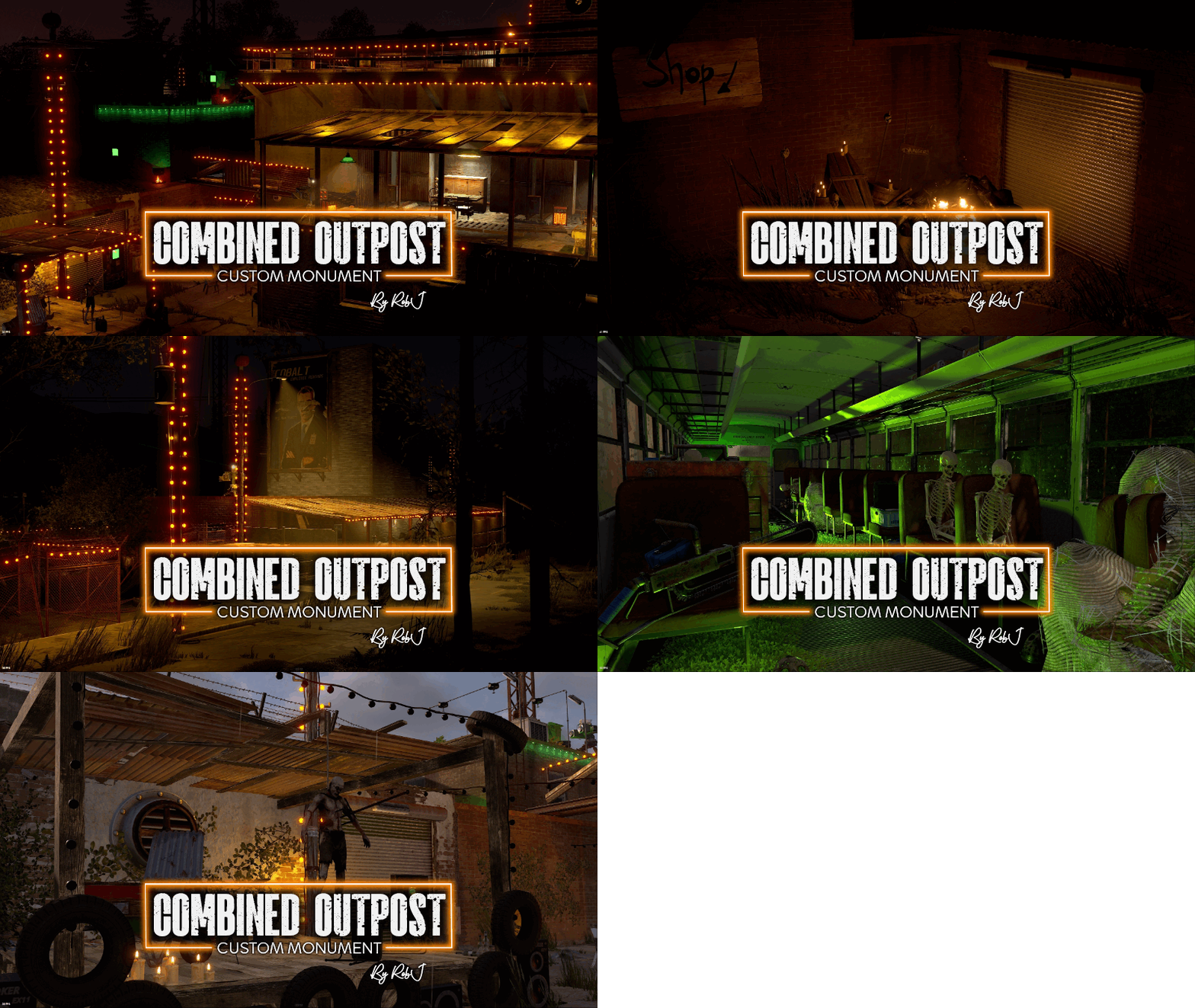
Version 1.0.1
8 downloads
Welcome to my Halloween Combined Outpost, Bandit & Stables prefab! This prefab allows you to transform any standard compound into a all-in-one compound. It includes all the amenities of each location, complete with shopkeepers, vending machines, an Airwolf dealer, and a horse seller. Horse Seller Plugin This plugin includes features that allow you to interact with the horse seller, purchase saddles, and buy your own horse. RustMaps.com An empty map is included with the compound and prefab, ready for upload to RustMaps. Video Install Guides Manual Install Video RustMaps Install Video Contact And Help If you need to contact me discord is best: RobJ2210#2553 For help/support my discord group is best: Join RobJ Maps Discord$9.99- 1 comment
- 1 review
-
- 1
-

-
- #halloween
- #combined
- (and 5 more)
