
Cahnu
-
Posts
422 -
Joined
-
Last visited
-
Days Won
1
Content Type
Profiles
Warranty Claims
Downloads
Forums
Store
Services
Downloads Plus Support
DOWNLOADS EXTRA
Reels
Everything posted by Cahnu
-
I know this one has been pending for a while but I just implemented more safe gaurds for console spam around the OnEntityDeath call. Please let me know if you have any issues on the latest version. Thanks
-
An event marker was one of the highly requested features for this plugin. I've just updated it to include this by default for both the in air heli and the crash site afterwards. I've also made some updates that I hope will resolve the npc spawns sometimes being inside a cliff face. This one is a bit more tough to reproduce & test as a result. Please let me know if you have any trouble with the newest version. Thanks
-
I needed to make another update for the excavator plugin so I went ahead and added a new config option to support your feature request. There is now a config option to exclude the excavator from running as part of the event. It's set to false by default but if you flip it to true and reload the plugin it will leave the excavator as is and just spawn in the npcs, bradleys, & turret. Make sure you let a new config file generate to get this new options. Let me know if you have any trouble with it. Thanks
-
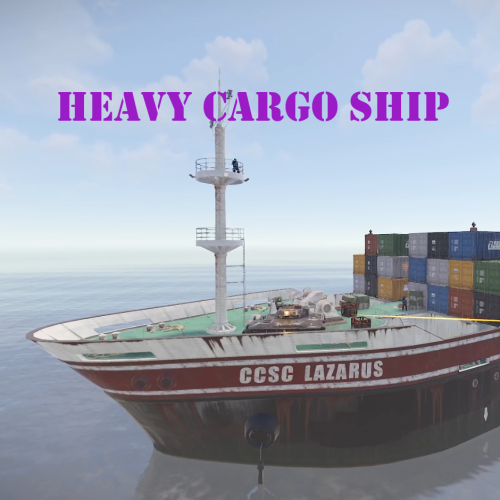 An update was pushed to add some new features to the cargo ship event. The latest version contains these changes. The bottom two points were highly requested. Please everyone let me know if you run into any issues. Thanks! - Added exception guards on onEntityDeath call - Added automatic removal of standard cargo ship - Added config option to disable the cargo ship event from docking
 -
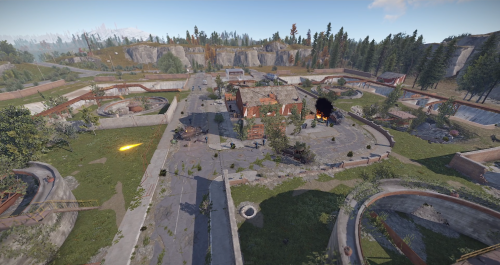 I've troubleshot a few of these type of issues with others and every time it has come down to a conflicting plugin. Somtimes with people running unsupported PVE plugins. Please make a support ticket if you are still having issues on the latest version and let me know if you are running PVE and what plugin you use if so and I can try to help. This plugin currently supports TruePVE for pve support.
 -
Okay sorry to hear that. I've mentioned it a few times but I am running this plugin on my own servers and am not experiencing these issues. I also don't have any other open reports around it. If you decide you want to troubleshoot why your server is experiencing this feel free to reach out. I would need your cooperation in pinpointing it on your server though given I'm not running into the same issue. Thanks
-
Just to be clear this plugin does support TruePVE for PVE servers as shown in the plugin listing page. It does not currently support the paid PVE plugin called PVEMode. So it is suitable for PVE servers as many customers run these type of servers including myself. I also explained this is designed to replace the standard cargo ship and doesn't support multiple cargo ships being on the map. So those two points are not bugs and are as designed. As for the crates issue, I've tested this quite a few times both coming into harbor and leaving and am not seeing any issues with the crates getting stuck. If I can recreate that I'd be happy to fix it. I've mentioned this in other places but if you want to reach out in discord and perhaps provide more details around it I can try to help.
-
If you want to reach out on discord and can respectfully provide details I will take a look and see exactly how involved it is. I don't run this mod on my server and don't own it so I'm not familiar with the details of it. I'm also unclear on how you can think me explaining it is a new feature and you would have to wait for a future version is "argumentative".
-
This support ticket was a feature request not a bug.. Which is why I marked it as such. Feel free to make a support ticket with any issues you are having outside of that and provide details. Thanks
-
@Matnat The plugin shows which other plugins it is compatible with under the listing as other plugins do on the marketplace. It does not list virtual quarries as one of those.. I understand these features feel necessary for you given the other plugins you are running on your server but buying a plugin and then asking for a suite of features to fit your servers specific needs isn't the right approach to the marketplace. I would suggest asking questions to the developer before purchasing in the future around compatible plugins beyond what the listing says. If you have issues that are not new feature requests I'm happy to look into them in a support ticket but I'm not actively adding new features right now. I do have those on my list for future enhancements though as a couple other people have requested compatibility with virtual quarries and PveMode
-
My understanding was the containers are only left floating in the air due to overlapping cargo ships which isn't supported. I currently run this on multiple servers of my own and am not experiencing this issue. Can you confirm if this is happening when there are not other cargo ships clipping through it?
-
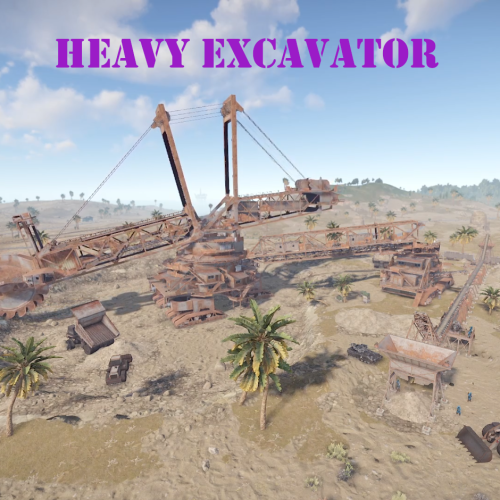 I've fixed issues around console spam on a couple of the heavy events but I haven't seen issues with lag. I run these plugins on a server myself and am not running into issues with lag with the events. Can you make a support ticket around it and provide any details you can around it? For example, when you are noticing the lag. Is it during the events? Is it at a specific point in the events? Thanks
 -
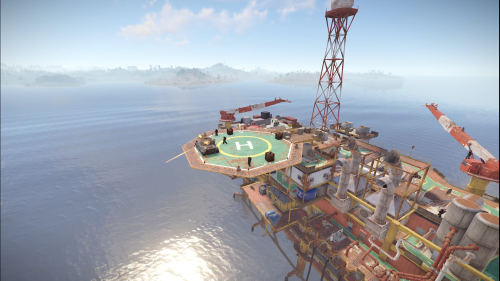 There are no open bug reports at this time and the plugin is again.
 -
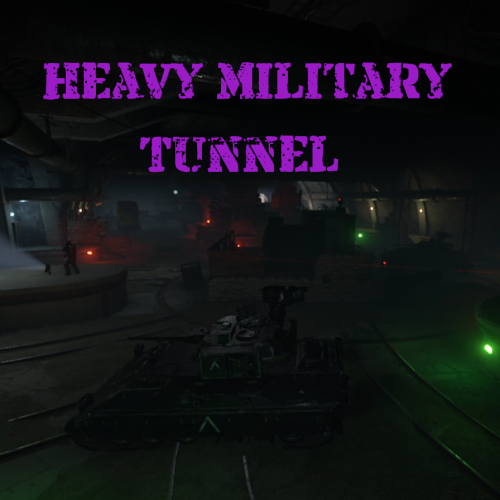 There was an issue addressed in the latest version with console spam being created in some scenarios around the OnEntityDeath hook. There are no open bug reports at this time.
 -
An issue was addressed in the latest version around the -Fixed "Allow turrets to be looted if they are destroyed?" config setting. There are no other open bug reports at this time. I may make this work with other cargo event plugins in the future but it doesn't currently. This plugin is intended to replace standard cargo.
-
Changed Status from Pending to Not a Bug
-
Hello, this plugin isn't designed to work with virtualization. That may be something I consider adding in a future version but for the moment you would need to choose one or the other.. You are also welcome to modify the plugin to fit your servers specific needs. The plugin lists that it is compatible with TruePVE. All of the heavy event plugins work with PVE servers that use TruePVE. Other PVE plugins may not work as intended with it which is why they are not listed as compatible plugins. PveMode support may also be something I can add in a future version though as I've had a few people request support for it. I didn't realize there was an issue with my discord. I believe I've updated the setting so please feel to try reaching out again. Just keep in mind new feature requests are not guaranteed.
-
Changed Status from Pending to Not a Bug
-
Hi, This plugin does support TruePVE but may not work with other PVE plugins. It is recommended to only have one cargo event plugin at a time as they currently don't support avoiding each other and will overlap if they are in the same position as you mentioned.
-
Changed Status from Pending to Not a Bug
-
Hi. This event currently doesn't support those features. This is one of the main reasons it's priced lower than most event plugins. You are welcome to modify it to suit your needs.
-
Changed Status from Pending to Fixed Changed Fixed In to 1.3.5
-
Hi I fixed this setting in the latest version. You can disable the standard cargo ship with the command "cargoship.event_enabled "False". the plugin doesn't handle that part as of now. I may add it in a future update. For now you can set it manually since the event is always running and can replace the standard cargo
-
I'm still not clear on what may be conflicting in looking over that file. That looks like references to those hooks but doesn't give any insight into runtime values from what I can see. You referenced "PVE setting = "players cannot hurt autoturret" - are you saying that is a setting from a PVE plugin? If you could please clarify what that is and if you are using a PVE plugin. Thanks!
-
Are you using any sort of PVE or damage plugins that may be overriding it? I'm not experiencing that issue myself and don't have other reports of it at the moment. The plugin uses the hook 'OnEntityDeath' to clear the loot when it dies if you have AllowTurretLootingOnDestroy set to false. It also uses OnLootEntity` hook to prevent looting with AllowTurretLootingOnCodeLockDisable set to false. if another plugin is using these hooks and returning a conflicting value, it can cause this sort of issue. I would suggest disabling other plugins you have installed that seem like potential conflicts to test which may be conflicting. From there, I can try to point you in the right direction on making them play nicely together.