Cahnu
-
Posts
422 -
Joined
-
Last visited
-
Days Won
1
Content Type
Profiles
Warranty Claims
Downloads
Forums
Store
Services
Downloads Plus Support
DOWNLOADS EXTRA
Reels
Everything posted by Cahnu
-
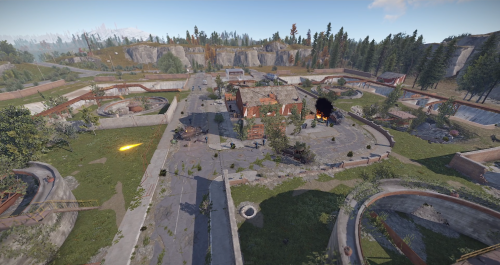 Hello, Everyone. Some new requested features are now live in the latest version: New: Configurable event map marker — radius, transparency, color (MapZoneMarker config).
 -
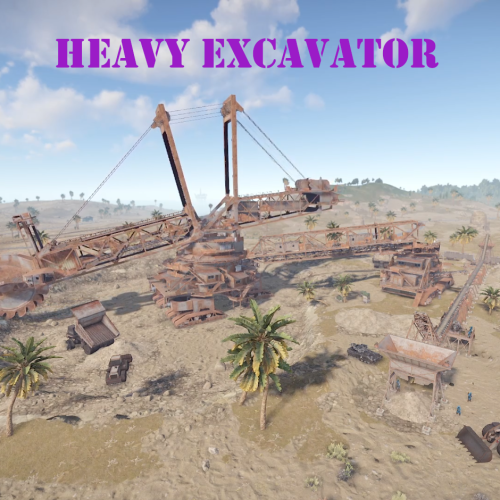 Hello, everyone. Some new requested features are now live in the latest version: New: Configurable event map marker — radius, transparency, color (MapZoneMarker config). New: NPC kit & skin customization (Npc Settings: kit, wear + skin IDs, belt + skin IDs, health, ranges). Requires the NpcSpawn plugin; falls back to default scientists without it. Fix: NullReferenceException in OnEntityDeath during events.
 -
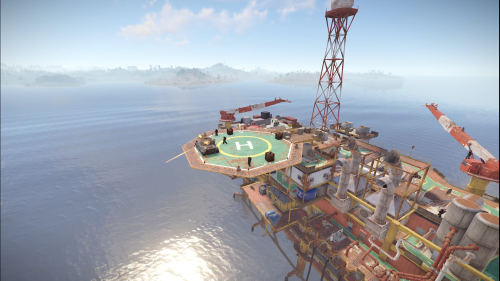 Hello, Everyone. Some new requested feature are now live in the latest version: New: Configurable event map marker — radius, transparency, color (MapZoneMarker config). New: Prevents Oil Rig reset radiation from interfering during the event (on by default; clears radiation already active at start). New: Optional SkillTree XP per action — NPC/Bradley kills, code-lock unlock, crate hacks (SkillTreeRewards config; requires SkillTree; off by default).
 -
 Hello, Everyone. Some new requested features are now live in the latest version: New: Configurable crash-site map marker — a colored radius circle plus a labeled marker (MapZoneMarker config: radius, transparency, color). Both despawn with the loot crate. New commands: HeliCrashHere and HeliCrashAt <x> <z>. New: Custom crash-location list with random jitter (UseCustomLocations, CustomCrashLocations, LocationJitterRadius). New: Base avoidance — keeps crash sites ≥ X m from player bases (AvoidBasesMeters, default 50).
 -
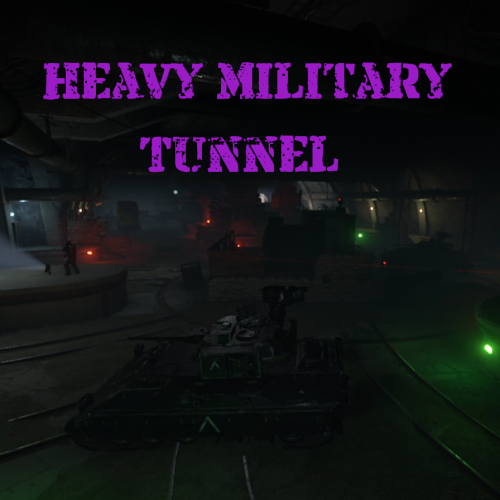 Hello, everyone. Some new requested features are now live for the plugin: New: Configurable event map marker — set the marker's radius, transparency, and color in the new MapZoneMarker config section. New hook: OnHeavyMilitaryTunnelWinner(BasePlayer player) — fires at event end for the top-contributing player (NPC/Bradley kills, code-lock unlock, crate hacks). Weights tunable via WinnerScoring in config file.
 -
Changed Status from Pending to Not a Bug
-
Hello, I believe this is something with NPCSpawn and/or Rust. I did some testing some time ago when you reported this and it wasn't working for me either. Did you ever reach out to the NPCSpawn dev to ask if they had any thoughts? All we do from this plugin is simply pass those config settings to NPCSpawn so there really isn't much to change on my side. I'm going to mark this as not a bug for now since I don't see any way to address this within this plugins scope.
-
Changed Status from Pending to Fixed Changed Fixed In to 1.3.0
-
Hello, I've just released a new version of the plugin and have added some of your requested features There are new admin only commands - HeliCrashHere - which makes it crash at your location HeliCrashAt - <x> <z> I've also added logic that should prevent it from crashing into players bases. These are new features so once you test it if you notice any bugs please let me know so I can address it. Thanks!
-
Changed Status from Pending to Fixed Changed Fixed In to 1.1.8
-
Hello, I've released a new version of the plugin that should address both of these points. It should disable the radiation on the rig while the event is running & adds optional support for skill tree. Various actions award XP and can be modified to your liking within the config. These are new features so please let me know if you run into any issues with it and I'll get them addressed.
-
This one seems to keep resurfacing for a different reason each time. I just pushed a version update that has a fix in that should hopefully address this. Please test the latest version and let me know if you have any more issues. Thanks.
-
This plugin now optionally supports NPCSpawn which allows for the customization of spawned NPCs in the latest version. You can now edit their loadouts through the config file. Make sure to delete the existing config and let it regenerate.
-
Changed Status from Pending to Can't Reproduce
-
I just confirmed on the latest version it spawns correctly for me on the front of the ship. Can you maybe take a screenshot and/or provide more detail as to what's going on?

-
Changed Status from Pending to Can't Reproduce
-
Hi if possible could you provide a screenshot of where you are seeing this? I've confirmed on my server on the latest version they are all spawning in the correct location. I'm not running into any invisible/underground. There was an issue in the previous version where the locations were broken in a Rust update and it caused some scientists to spawn underground but it was addressed in the latest version. Please ensure you are running the latest version of the plugin. it should be 1.1.3, Thanks!
-
Changed Status from Pending to Can't Reproduce
-
Changed Status from Pending to Fixed Changed Fixed In to 1.1.3
-
Looks like this was broken in the most recent update. This should now be fixed with version 1.1.3, Let me know if you run into any other issues after updating to the latest version.
-
Glad I was able to get it resolved for you. Enjoy!
-
Hello, sorry for the delay in getting back to you. I've done some testing on my server recently and am having trouble recreating this issue. Do you get any errors when the plugin loads or when it tries to run? Does it work when you manually run it? Also if you can send me your config I can test with your exact settings. Thank you!
-
Changed Status from Pending to Fixed Changed Fixed In to 1.1.6
-
Hello, It looks like there was a bug introduced recently that created this issue where it only started on the first run and failed to start after that. I have just pushed an update that should resolve it. Please download the latest update (v1.1.2) and let me know if that fixes it for you.