
Death
-
Posts
2,108 -
Joined
-
Days Won
158
Content Type
Profiles
Warranty Claims
Downloads
Forums
Store
Services
Downloads Plus Support
DOWNLOADS EXTRA
Reels
Everything posted by Death
-
Gotcha. How many loadouts can a player save? Will there be a cooldown inbetween uses? A cost?
-
What do you mean by save exactly? Do they not lose it on death? Can they cycle through multiple inventories? Please provide a bit more info.
-
 Correct, view the second to last screenshot for the map. It shows you all the monuments it has.
 -
We've introduced two additions to our content library to allow users to share or sell their Rust bases for use in Rust Raidable Bases, or general designs for Copy and Paste or Fortify! Users can now share or sell their custom configs for plugins in the new customizations section. Not a plugin developer or level designer? No problem! Codefling offers so many outlets for you to monetize your hard work. We look forward to seeing your work rewarded! Get Started https://codefling.com/buildings https://codefling.com/customizations
-
- 6
-

-

-

Version 1.0.5
536 downloads
A lite plugin that allows players to read or share chat history, copy links and ensure no messages are missed. Players can toggle this on/off as they choose. The toggle persists until it is re-toggled by the player or the config option is disabled. Console Commands consolechat.toggle - Enables/Disables consolechat on a per-player basis. This is not an rcon command. Configuration Enable_Toggle: Enables or disables consolechat.toggle command. Output_Color: The color of all ConsoleChat messages that output to console. Time_Format: The time format of all ConsoleChat messages that output to console.Free -
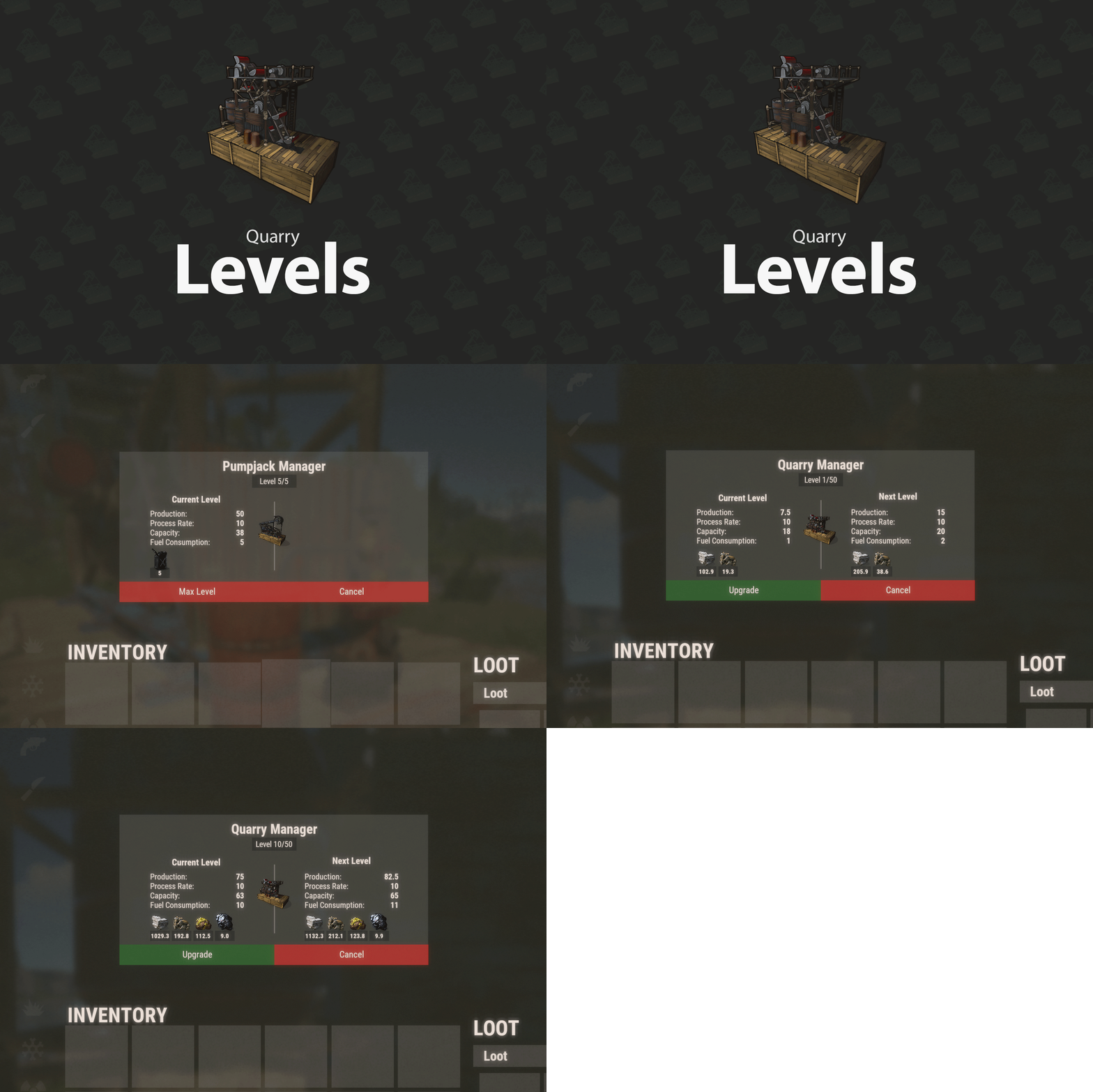 Ah, pumpjacks. I do believe that value is static. I'll see what I can do next update.
 -
It already does this. The deposit does not determine the process rate, only the weight of the resources which currently isn't configurable. You can use the config options I have now to adjust the work needed instead.
-
Yes, have a look at the files description.
-
I'll go ahead and add in the functionality but have an option to disable if you'd prefer using other plugins.
-
@Robis This plugin works with both statics and deployable versions. It's assumed you already have a plugin for oil craters, but I could add that as a native feature. I'll consider adding fuel consumption and production speed as a config option.
-
If that's what you were wanting, I can see about whipping something up this weekend. I'll release it for free.
-
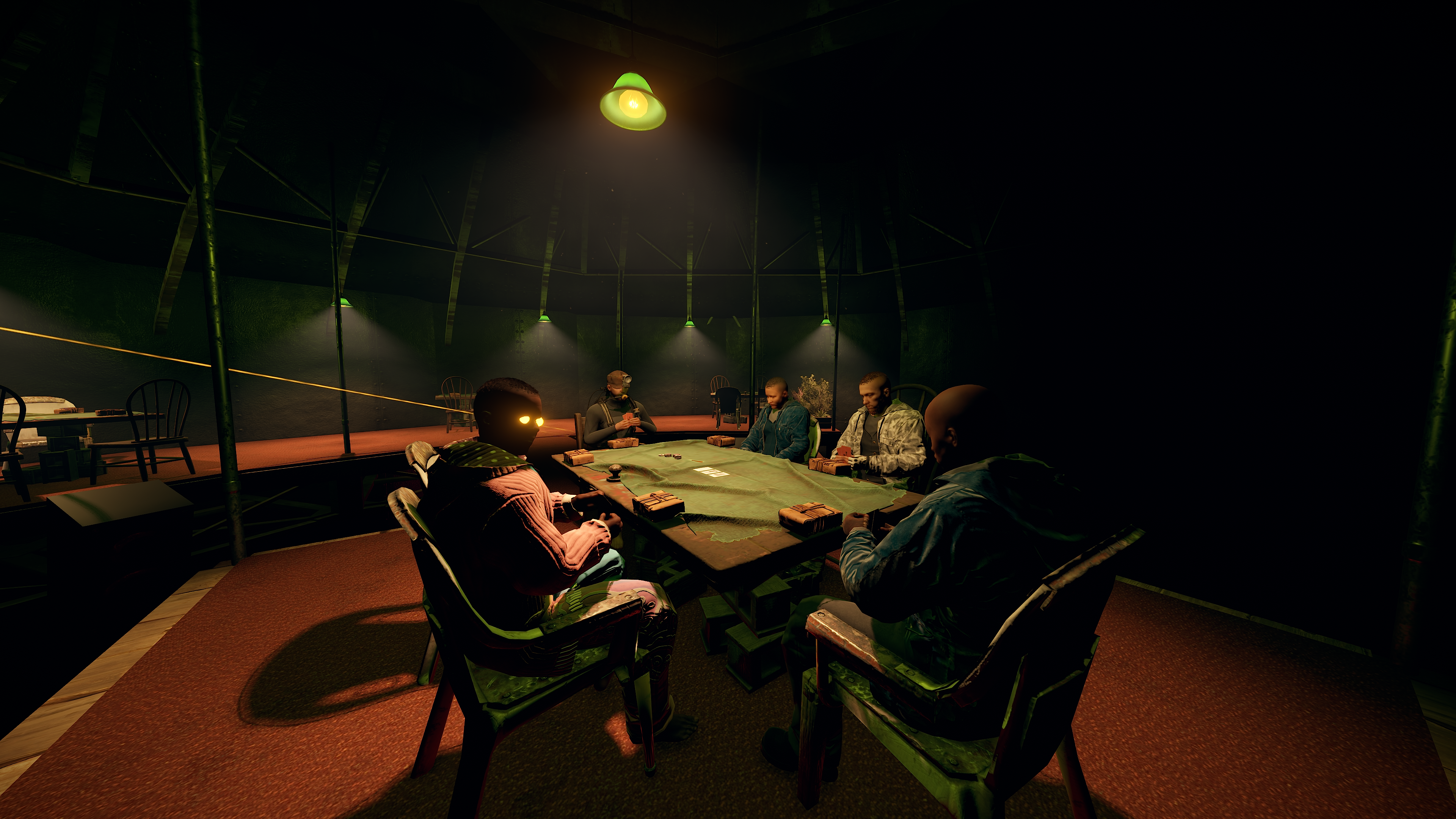
Took some footage of the progress on the HDRP backport!
-
- 3
-
-
 @DJRedNight @Krungh Crow You can browse the pre-made buildings section for Rust bases: https://codefling.com/buildings. Everything is compatible with Copy and Paste and Fortify there.
 -
Every level doubles everything. That was the intent behind the plugin, to stack quarries instead of players spamming them. I think adding additional config options for that would over complicate it. There is a config option to adjust the base output.
-
Your store triggers console commands to give items right? So if I let you set the power output via console command, you could sell generators at any output you'd want instead of relying on permissions.
-
So perhaps a command to give test gens at a certain output so you can sell in stores? Like gen 100 for a generator with 100 output?
-
Update 1.0.1 is now live! https://codefling.com/file/655-quarry-levels/?tab=changelog
- 198 comments
-
- 1
-
-
- #rust plugin
- #custom rust plugin
- (and 2 more)
-
Just to clarify, you want to be able to set the output differently for different permissions?
-
@Midnightxrush This is planned for a future update.
- 198 comments
-
- 2
-
-
- #rust plugin
- #custom rust plugin
- (and 2 more)
-
 @Reagy I uploaded the wrong file. I've uploaded the correct one this time. For the record, I downloaded their version to see why theirs was still broken before I spent time updating this plugin.
- 10 comments
-
- 1
-

-
- #repair
- #durability
- (and 3 more)
-
@MeinRust I've released an update per your request.
- 10 comments
-
- 1
-
-
- #repair
- #durability
- (and 3 more)
-
Changed Status from Work in Progress to Closed Changed Fixed In to 1.0.6
-
Changed Status from Pending to Work in Progress
-
Appreciate the follow up! That looks pretty sexy.