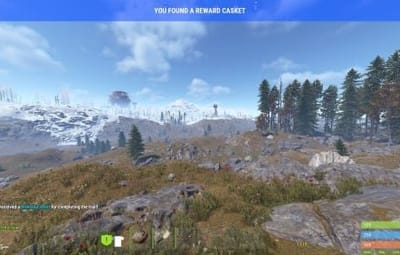
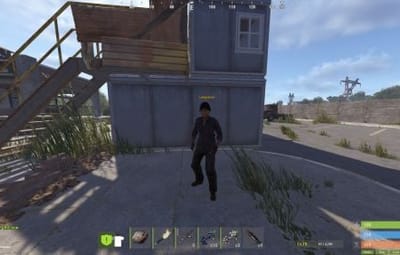
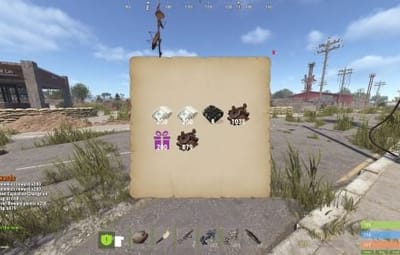



Bring the iconic "Clue Scroll" experience from Old School RuneScape directly into Rust! Treasure Trails adds a dynamic, multi-stage reward system that encourages players to explore the map, engage in diverse activities, and hunt for high-tier loot through a series of challenging tasks.
How It Works
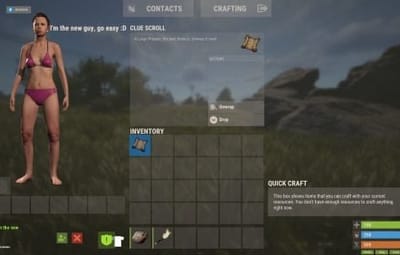
- Discovery: Players find Clue Scrolls as rare drops from loot sources (barrels & crates), and can effortlessly be added to shops, custom loot plugins etc.
- The Hunt: Each scroll contains a specific task. Upon completion, the player is granted the next "step" in the trail.
- The Reward: After completing a set number of steps, the player receives a Reward Casket. Opening a casket grants customizable loot and can even trigger server commands.
Key Features
- Fully Customizable Steps: Server owners have total control. Design unique tasks for every step of the trail to fit your server's theme.
- Dynamic Loot Tables: Reward your players with rare items, blueprints, or currency.
- Command Integration: Caskets aren't just for items—run any console command upon opening (e.g., granting VIP ranks, economic rewards, server rewards, item perk rewards etc).
- Immersive Experience: Keeps players moving across the map and interacting with the world in ways they normally wouldn't.

Every trail is a unique journey.
Players will encounter several distinct types of challenges, each requiring a different set of skills to overcome.

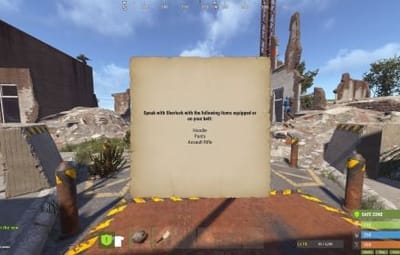
Players are given a list of specific clothing or armor pieces they must equip.
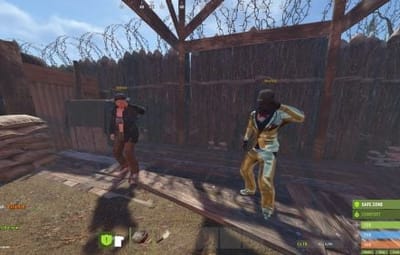
Once dressed correctly, they must locate and speak to a specific NPC to receive their next step.

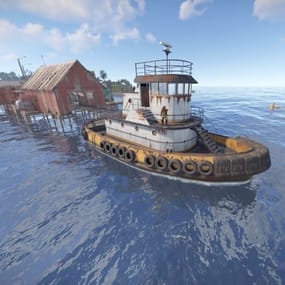
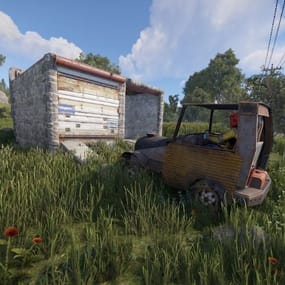
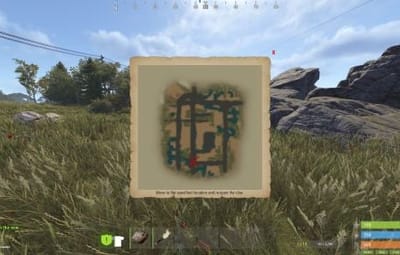
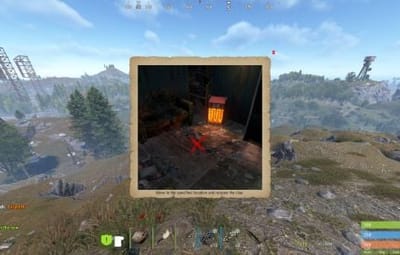
The scroll displays a static image of a location or a hand-drawn style map with a red X.
These clues only appear if the corresponding monument or landmark exists on your current map seed.
Navigate to the exact spot marked on the image to progress.

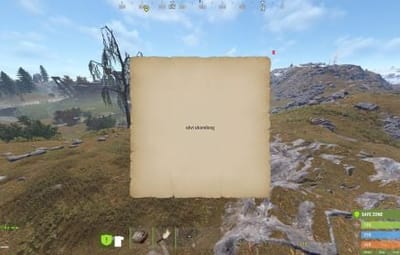
A scrambled name or phrase appears on the scroll.
Solve the anagram to figure out which NPC the clue is referring to, then find and speak with them.

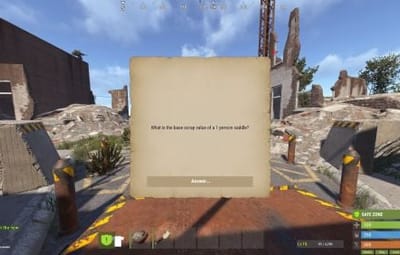
A direct question regarding Rust lore, game mechanics, or server-specific trivia.
Input or provide the correct answer through the clue interface to unlock the next stage.

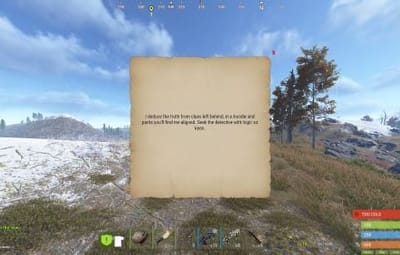
A cryptic poem or mysterious description of an NPC.
Use logic and map knowledge to deduce who the riddle describes and track them down.

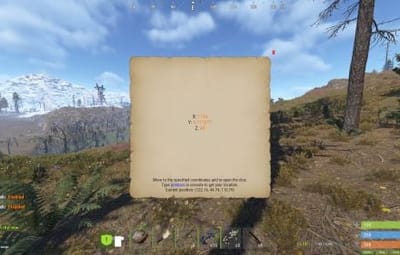
The clue provides a specific set of world coordinates or grid references.
Players must use their map and compass to reach the exact location.

These commands require the treasuretrails.admin permission to be assigned.
Type: Console
Command: tt.giveclue <target>
Description: Gives a clue scroll to the specified target.
Type: Chat
Command: tt.next
Description: Skips the current clue step.
Type: Chat
Command: tt.rewards
Description: Generates a reward cache.
Type: Chat
Command: tt.showcoordinates
Description: Shows nearby coordinates that the coordinate clues can use.
Type: Chat
Command: tt.addnpc <profile>
Description: Adds an Npc with the specified profile at the player's current location (case sensitive).
Type: Chat
Command: tt.addmonumentnpc <profile>
Description: Adds an Npc with the specified profile at the player's location, and register their position to the closest monument. These Npcs will automatically spawn at this monument at the same relative position if it exists on the map.
Type: Chat
Command: tt.map.pos
Description: Prints the closes monument, the player's local position to that monument, and the monument's custom name (if it's a custom monument).
Type: Chat
Command: tt.shownpcs
Description: Shows all Treasure Trail registered Npcs on the map.