.thumb.png.ccf8a947948c9eb1445ad21a7931247b.png)
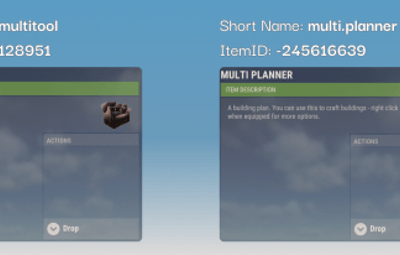
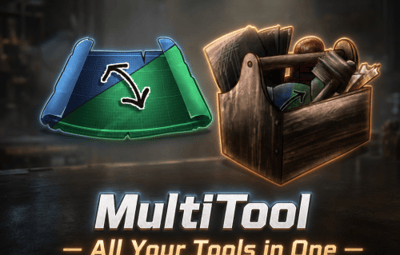

About MultiTool
Tired of swapping tools every time you build, wire, or plumb? MultiTool merges Rust’s most essential construction and utility tools into one smart, easy-to-use item — so you only need a single slot for all your tasks.
 Core Features
-
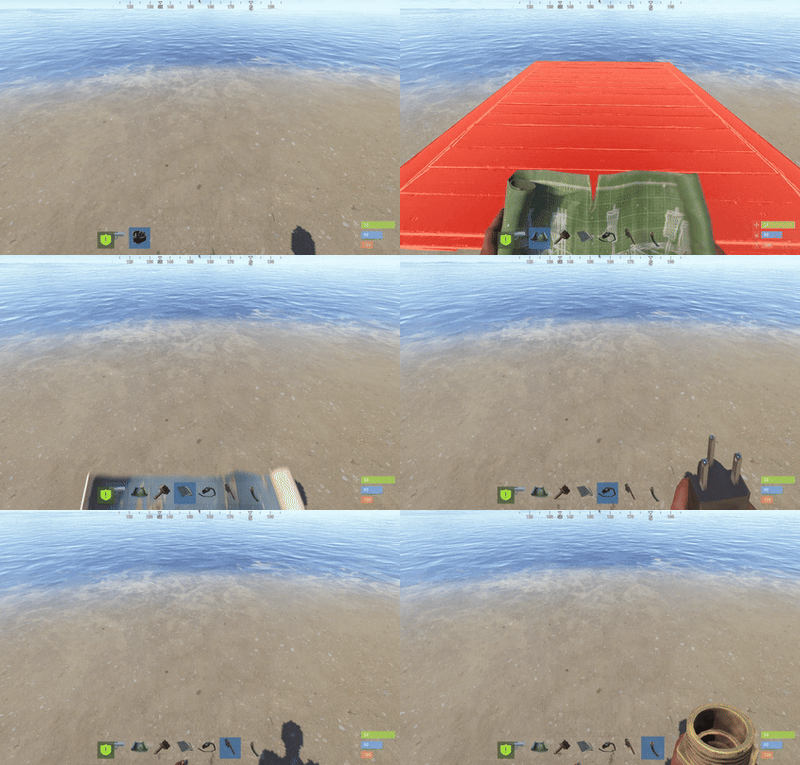
6 Essential Tools in One Slot:
Hammer, building planner, wallpaper tool, wire tool, pipe tool, and hose tool — all combined into a single handy MultiTool item. No more juggling your hotbar or dropping tools when you need them most! -
Instant Mode Switching (by Default: “F” Key):
- To switch tool modes, simply tap your Flashlight key (F by default) while holding MultiTool. Each press cycles to the next available tool type.
- Switch roles on the fly: go from wiring to hammering or from fluid pipe to wall tool in seconds.
-
Automatic Mode Selection:
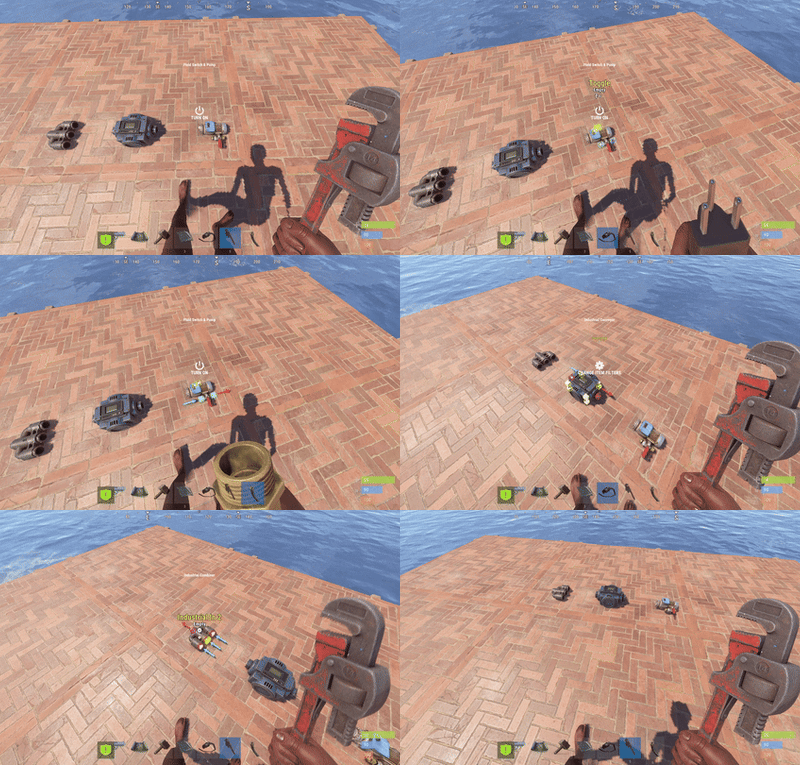
- When enabled in the config, MultiTool can automatically detect what you're aiming at (electric, fluid, or industrial slot) and instantly switch to the correct tool. Just look at the slot — no manual fiddling required.
-
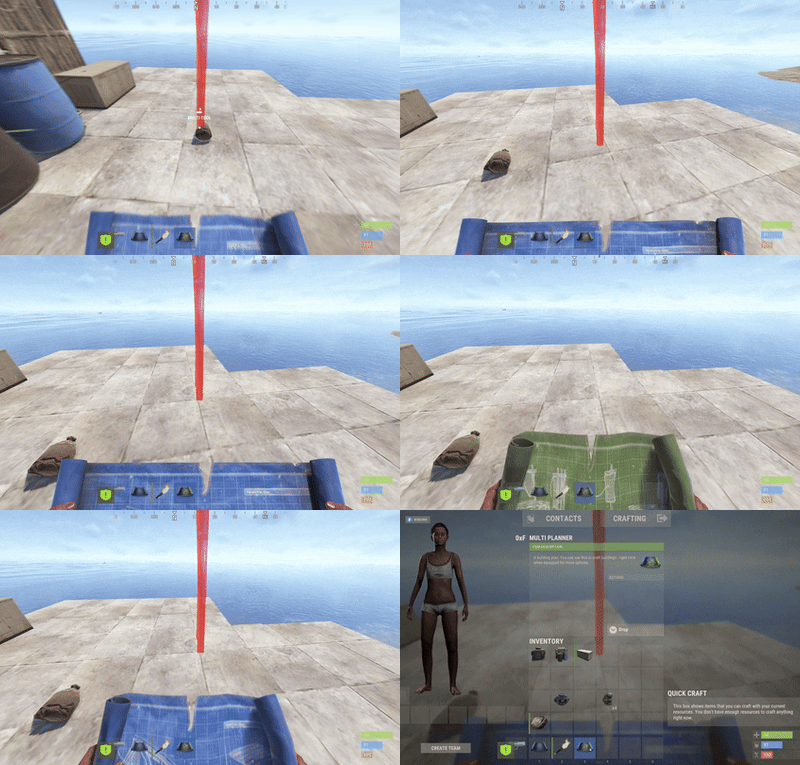
Multi Planner Support:
- Seamlessly swap between standard building and boat planning with a single tool, also by pressing the F (flashlight) key.
-
Colorful ESP Highlighting:
- Visual power-users can enable ESP: all relevant slots or connection points on entities light up in color, making it easy to understand networks or lay out complex base wiring at a glance. ESP visuals, distance, colors, and refresh speed are fully configurable.
-
Wearable or Belt Use:
- MultiTool can optionally be worn on your back (like a backpack) or kept in your belt — you decide!
 How To Use
-
Activate MultiTool:
Equip the MultiTool in your hands. -
Switch Tool Modes:
Press F (or your custom flashlight keybind) to cycle between modes. -
Exit MultiTool:
-
Put the MultiTool away:
- Select the same slot again,
- select an empty slot,
- or jump to slot 7 (the classic “empty hands” slot).
-
Put the MultiTool away:
-
Multi Planner Mode:
- Use F to swap between build and boat planners.
-
Optional:
- Enable “auto-switch” mode in the config, then just look at a wire/fluid/industrial slot — MultiTool will pick the right tool for you!
 Configuration
- Full control: Enable, disable, or reorder included tools as you like.
- Personalize ESP: Set highlight colors, detection distance, refresh rates, and more.
- Auto-mode behavior: Customizable for beginners or expert builders alike.
- Language and item descriptions: Fully translatable and overrideable as you need.
 Why choose MultiTool?
- Instantly free up 5–6 hotbar slots: Keep your essentials just a click away.
- Fast context switching: No more slowing down for base wiring or construction projects.
- Perfect for builders, electricians, and automation fans.
- No custom prefabs or entity overhead: Runs straight out of the box — just install and go!
 Requirements
- Requires just CustomItemDefinitions.
MultiTool saves time, simplifies gameplay, and empowers both casual builders and hardcore engineers.
One tool. Every job. No more clutter.
Give your Rust players the quality-of-life upgrade they deserve!



.thumb.jpg.e6f37a70b0c6594fa1761ed9cc51d870.jpg)





.gif.9100f5179d43e78cc27c910c5be0fcfb.thumb.gif.b28ea972dca389237452fa5c07412809.gif)

.thumb.gif.09c09d0062e9a3d19b233e447f83419c.gif)