.thumb.gif.3c9c0e18006368d634273095544fb983.gif)
Depends on
Required for this file to work correctly.

Works with
Optional integrations and compatible files.
.thumb.png.ac72dca13c4e30a2d2181ddd2b0fdc0a.png)


About HUD Info Panel System
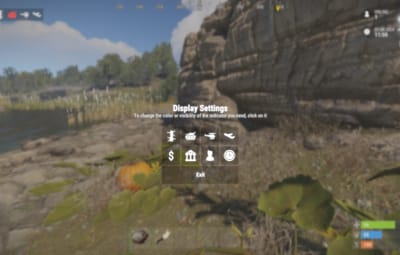
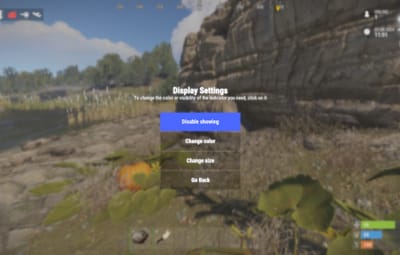
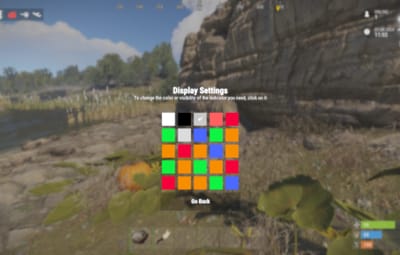
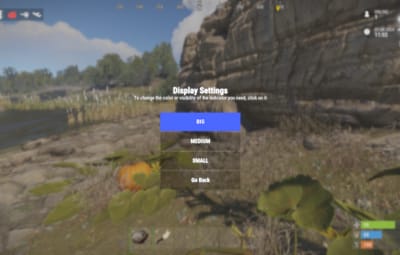
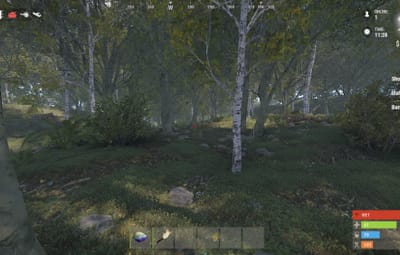
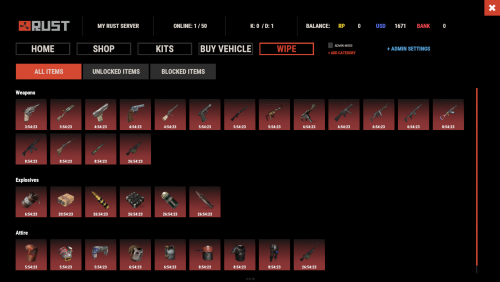
The HUD Info Panel System is a customizable HUD for your Rust server that players can adjust to their liking. It shows server stats and running events in a clean, simple design, and other plugins can connect to it through the API. There are enough settings to fit any play style.
 Features of HUD Info Panel System
- Fully customizable HUD panels with drag-and-drop positioning
- Real-time tracking of 24+ server events and entities
- Built-in economics display (supports Economics/ServerRewards)
- Custom button system with image/command binding
- Dynamic event icons with color customization
- Multi-anchor positioning (UpperLeft/UpperRight)
- Automatic panel hiding system
- Optimized for performance
 Showcase
 Commands
/panel hide - hide panel
/panel show - show panel
 Permissions
The plugin registers permissions for different features and settings. Players need the matching permission to use a given customization option.
 Panel Anchors
UpperLeft
UpperRight
 API
API
Other plugins can report the status of a custom event through an API method. Here is an example call from another plugin:
public class EmptyPlugin : RustPlugin
{
    [PluginReference] private Plugin PanelSystem;

    private void OnServerInitialized()
    {
        EventChangeStatus("UserNotify", true);
    }

    private void Unload()
    {
        EventChangeStatus("UserNotify", false);
    }

    private void EventChangeStatus(string key, bool spawned)
    {
        PanelSystem.Call("OnEventChangeStatus", key, spawned);
    }
}
And the corresponding configuration in PanelSystem:
{
  "Enabled": true,
  "Image": "https://i.imgur.com/asflpJe.png",
  "Permission": "",
  "Type": 7,
  "Panel Settings": {
    "Enabled": true,
    "Permission": "",
    "Switch": true,
    "Color": true,
    "Size": true
  },
  "Size Settings": {
    "Sizes": [
      {
        "Size": 25.0,
        "Lang Key": "sizeBig",
        "Permission": ""
      },
      {
        "Size": 20.0,
        "Lang Key": "sizeMedium",
        "Permission": ""
      },
      {
        "Size": 15.0,
        "Lang Key": "sizeSmall",
        "Permission": ""
      }
    ],
    "Default Size (index)": 0
  },
  "Color Settings": {
    "Default Active Color ID": 0,
    "Default Inactive Color ID": 2
  },
  "Key (MUST BE UNIQUE)": "UserNotify"
}
 Available Panel Types
The HUD Info Panel System has these panel types for server stats and events:
- Online
- Sleepers
- Time
- CH47
- Helicopter
- Bradley
- Airdrop
- Economics
- Custom
- CargoShip
- Button
- WipeBlock
- Convoy
- ArmoredTrain
- Sputnik
- SpaceEvent
- AirEvent
- ArcticBaseEvent
- GasStationEvent
- ShipwreckEvent
- HarborEvent
- JunkyardEvent
- SatDishEvent
- WaterEvent
- PowerPlantEvent
- KillBoss
- TravellingVendor
- Caravan
- DungeonEvents
 Web Config Editor
Manage the PanelSystem settings in our web config editor. You change the config in a browser form instead of editing files on the server by hand.
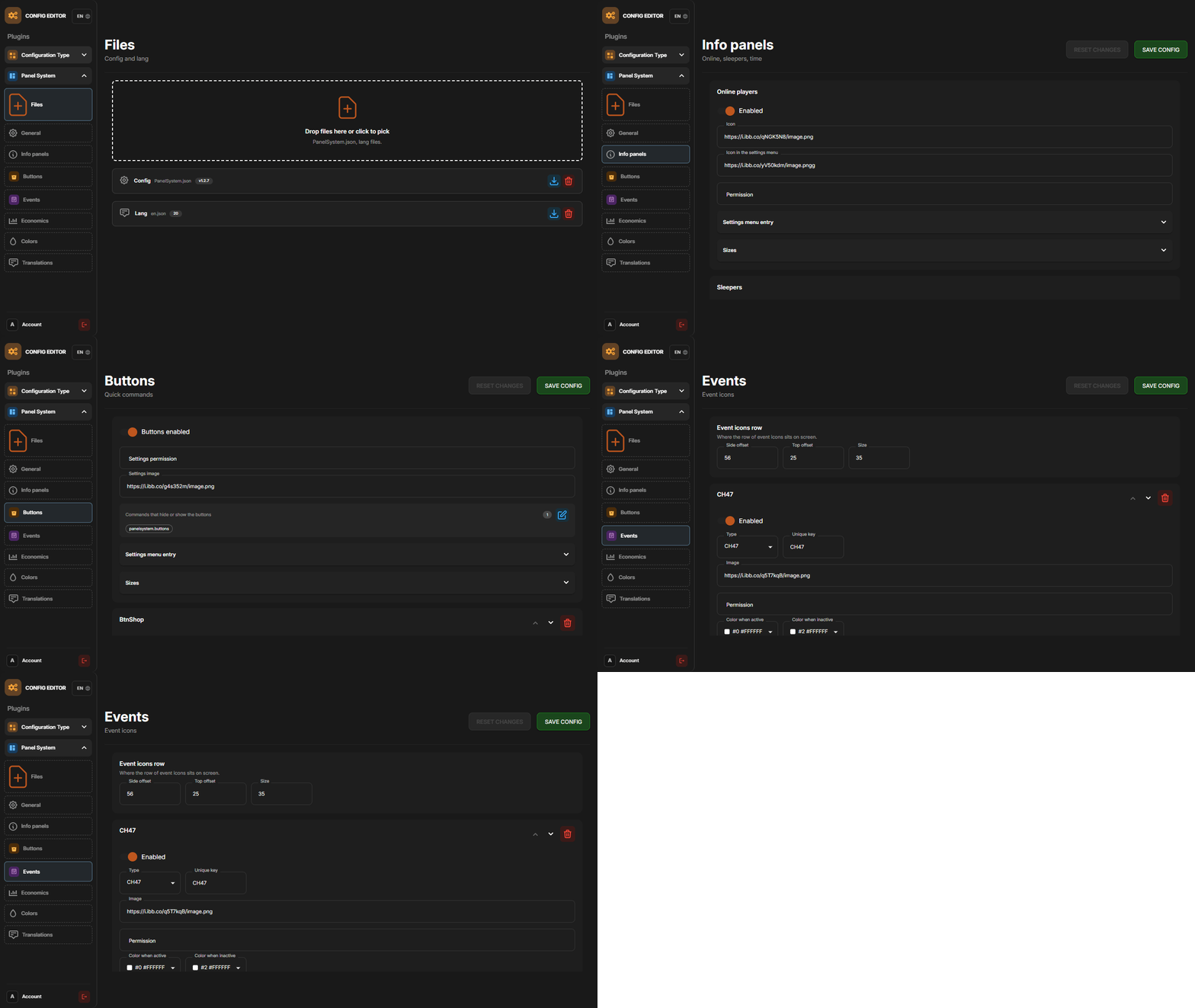
P.S. The web config editor is open to members of the "PanelSystem" group in our Discord server. Join at https://discord.gg/mevent and ask for the group.
 FAQ
FAQ
Q: How do I make the buttons hide when I click on the logo?
A: In the logo settings, specify the command to hide the buttons (panelsystem.buttons). Example: https://pastebin.com/Ksggh718



.thumb.gif.30bb4fb1ad6b9cbba98fad72b9533086.gif)
.thumb.png.bcb832e22f0a48b6833fee517e444bff.png)
.thumb.gif.4707aef13cba7c3b9ad410f5f982b71c.gif)