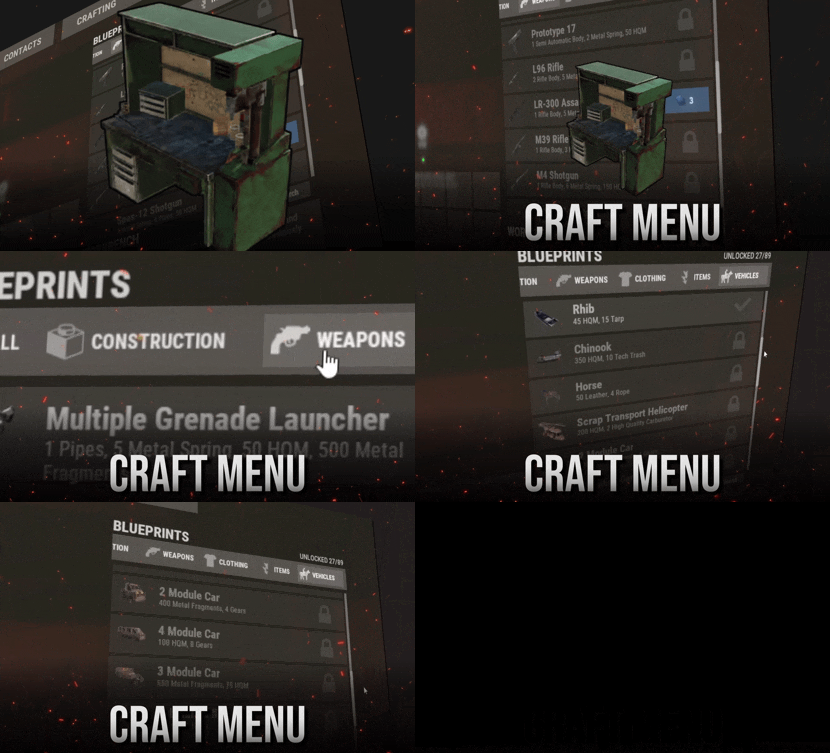
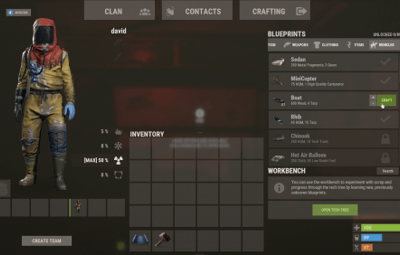
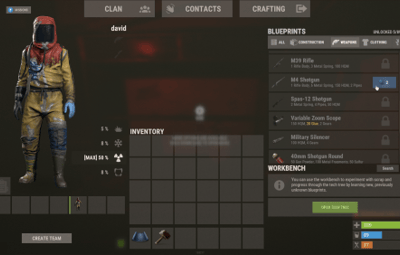
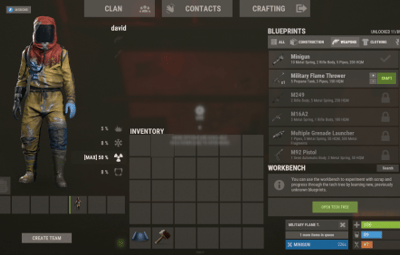
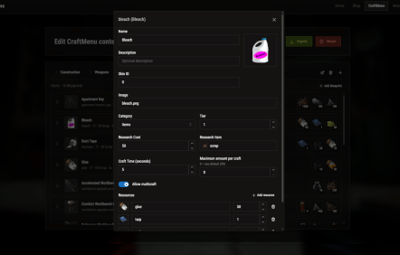


Craft custom items directly from the workbench.
Feature Overview
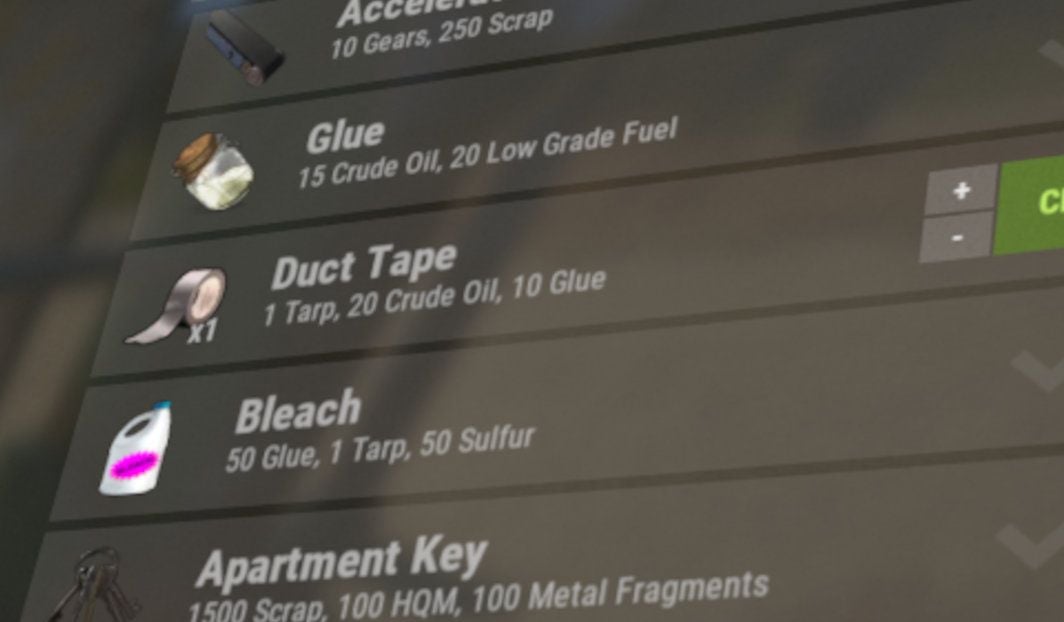
Fully Customizable
Customize everything to fit your server — items, icons, names, workbench requirements, research costs, crafting costs, crafting times, and more.
|
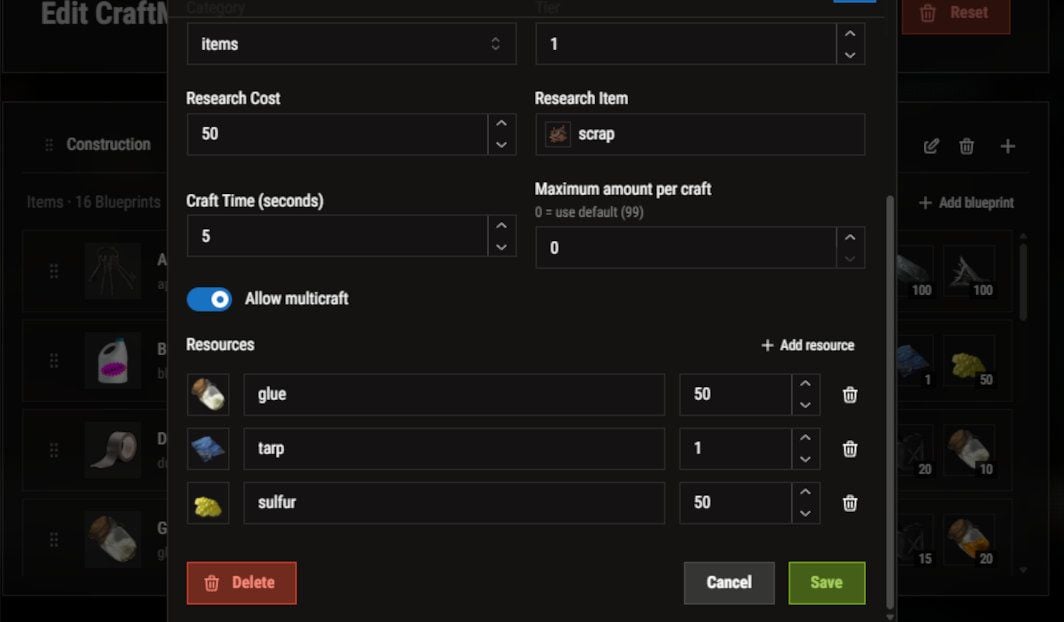
Easy Setup
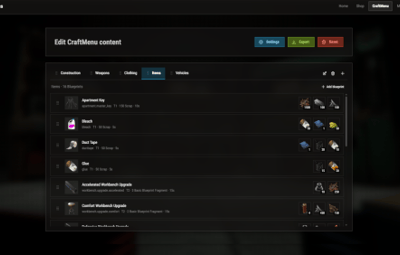
No need to deal with complicated JSON files. CraftMenu includes a full UI editor that lets you create and edit blueprints directly.
|
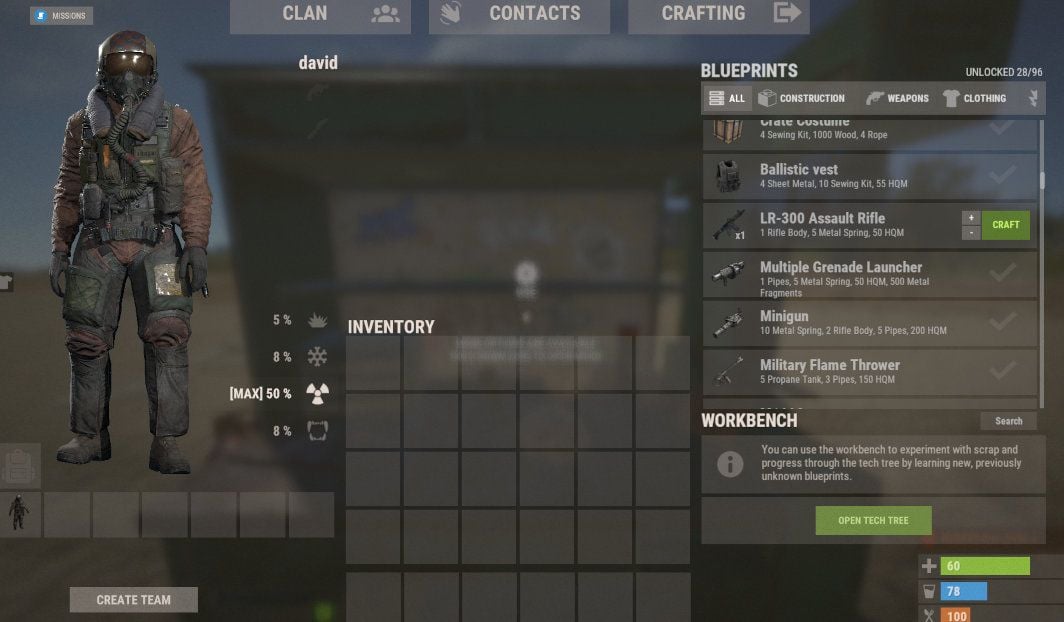
Native UX
Designed to feel like a natural part of Rust's existing interface. No chat commands to remember — players can use CraftMenu just like the native crafting UI.
|
Compatibility
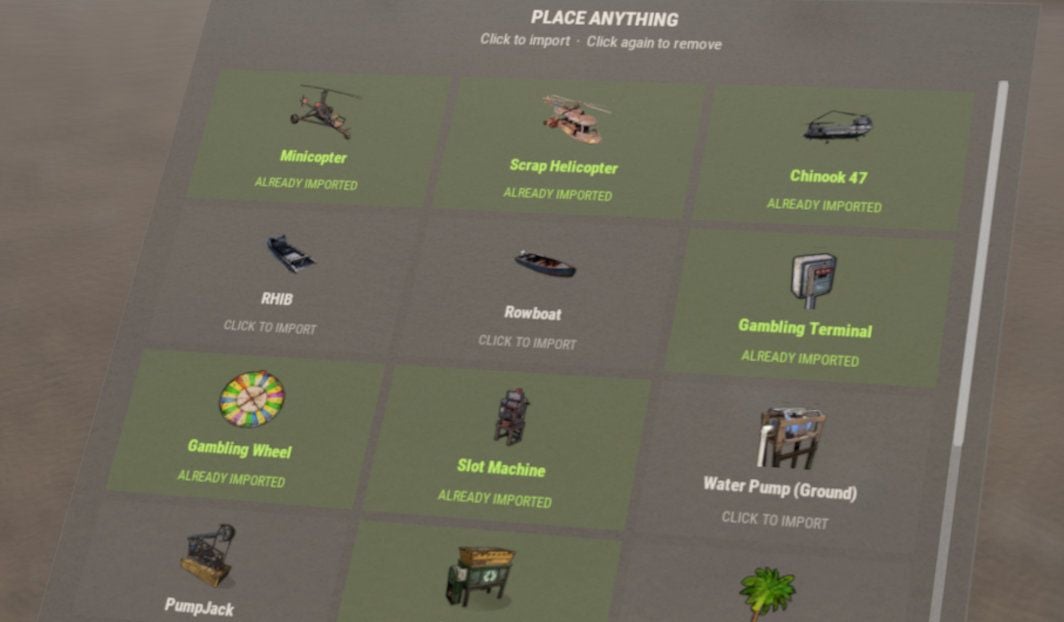
Using plugins like "Portable Vehicles" or "Place Anything"? CraftMenu can import items created by compatible plugins and add them directly to your workbench.
|
Commands
Note
The following commands are admin-only and require auth level 2 (ownerid).
| Command | Description |
|
/craftmenu import CHAT ONLY |
Opens a menu for importing items from compatible plugins. |
| craftmenu config <import code> | Imports a configuration using an import code, without having to edit the config file manually. |
| craftmenu_admin wipeall | Removes all unlocked blueprints from every player. |
| craftmenu_admin wipe <steamid> | Removes all unlocked blueprints from the specified player. |
| craftmenu_admin unlock <steamid> | Unlocks all blueprints for the specified player. |
Frequently Asked Questions
Does CraftMenu come preconfigured with items?
Yes. When you install the plugin, the config is already populated with Rust items that are normally uncraftable.
How do I access the interface for editing the plugin configuration?
Use the web editor at tools.rustplugins.net/craftmenu.
How do I add a custom icon to an item?
Custom item icons are handled through skin IDs. Upload your image to the Steam Workshop, then use the generated skin ID for your custom item. To upload an image as a usable skin, you will need SkinUploader.zip.
I have custom items on my server. How do I use them as crafting reagents?
Use the item's skin ID instead of a shortname in the blueprint resources. CraftMenu will recognize it and only accept items with that specific skin ID as a crafting resource.
Can I set a custom crafting time for items?
Yes. Each item can have its own crafting time. Items with a crafting time set are added to a custom crafting queue that works similarly to Rust's native crafting queue.
Help
|
Have more questions? Reach out to us on Discord if you need support or have a custom request. |
|