Works with
Optional integrations and compatible files.

|
DISCORD · SUPPORT & CUSTOM REQUESTS RustPlugins ● 1,200 members Bug reports, setup questions, or custom development? Reach out to us on Discord. |
|
Features
Your own blueprints, right at the workbench.
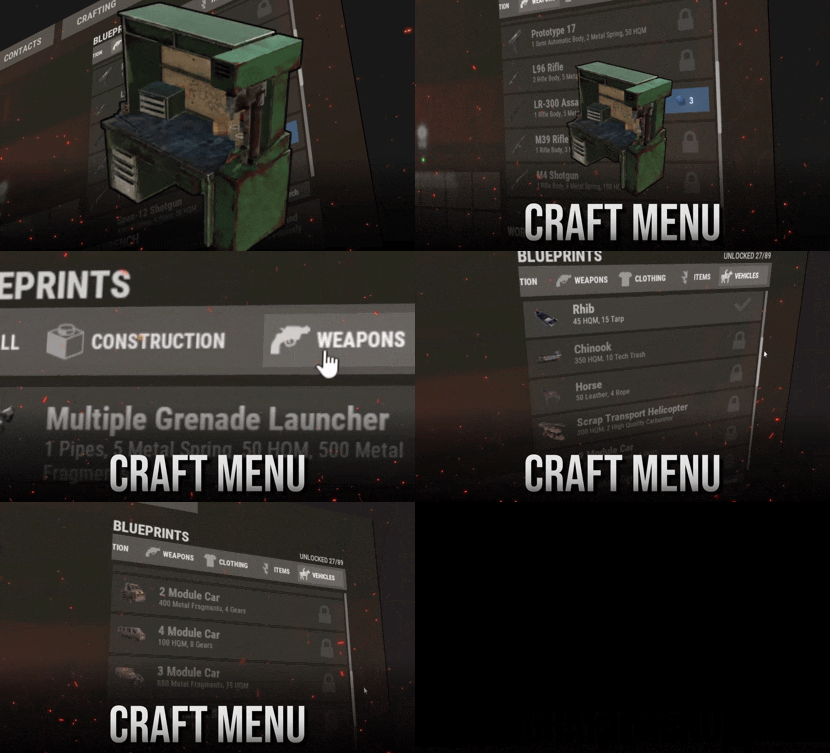
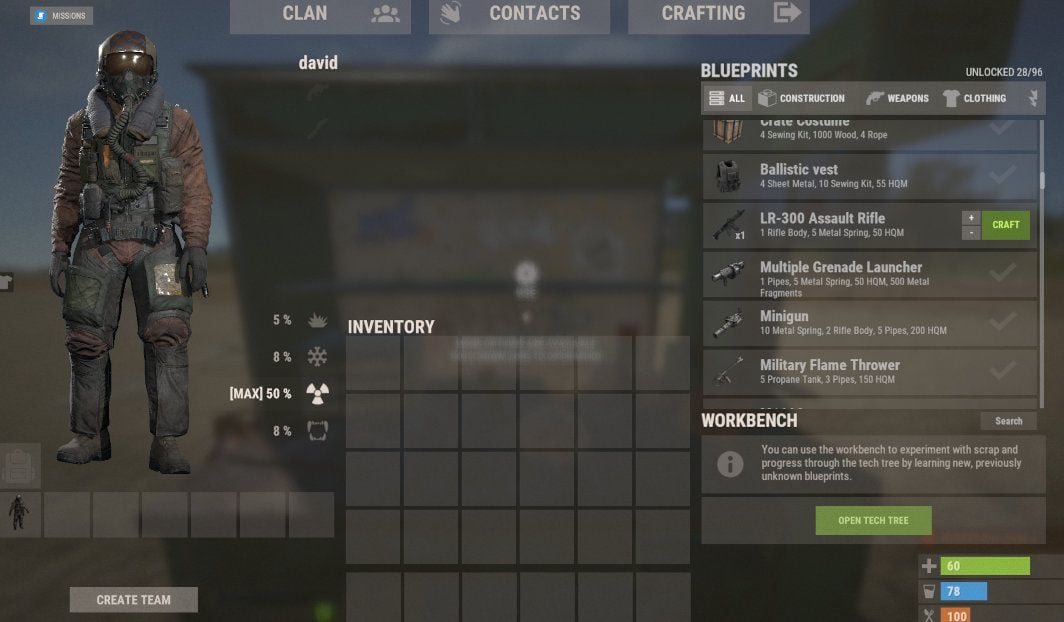
Players research and craft custom items in a menu that looks like Rust's own crafting screen. That includes uncraftable vanilla items, skinned custom items, vehicles, and deployables.
|
Feels like vanilla
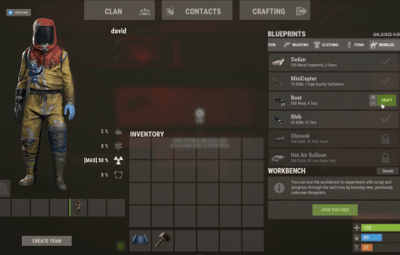
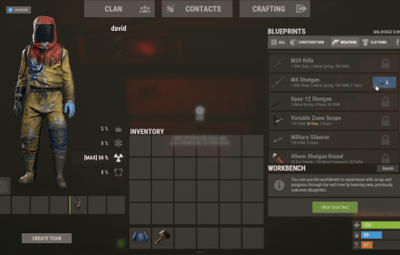
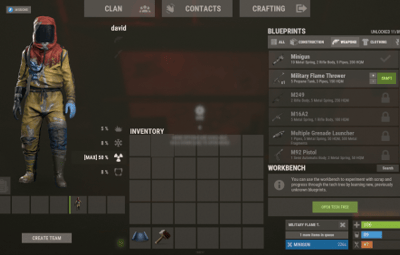
Players open a workbench and the menu is there, with categories, search, and a crafting queue they can reorder. Players never need to type a command.
|
|
Any item, any recipe
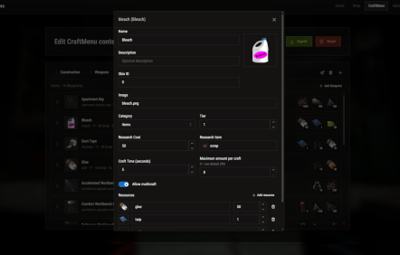
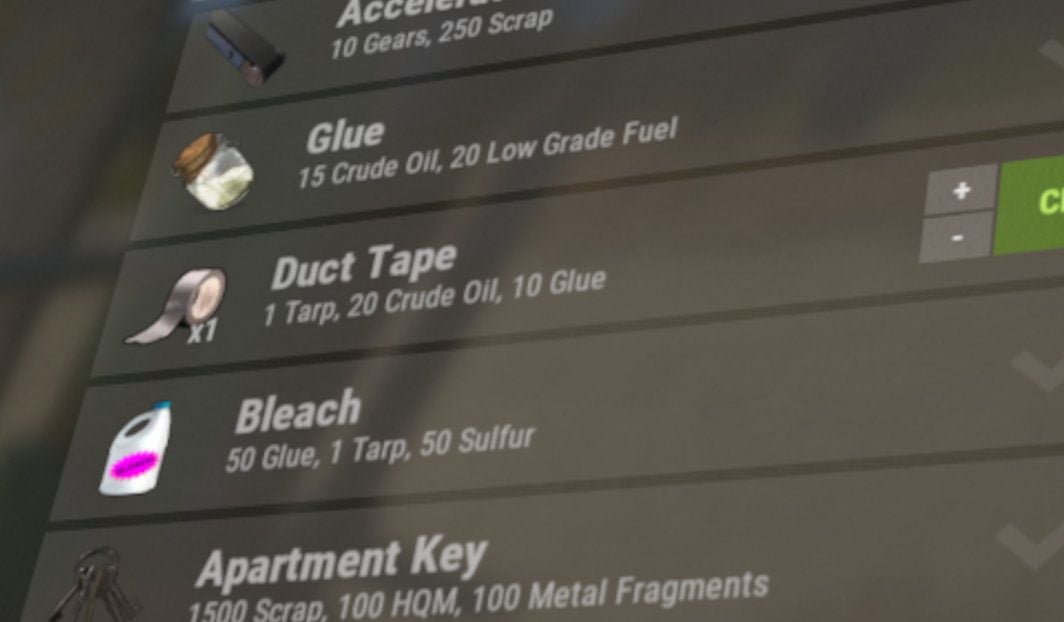
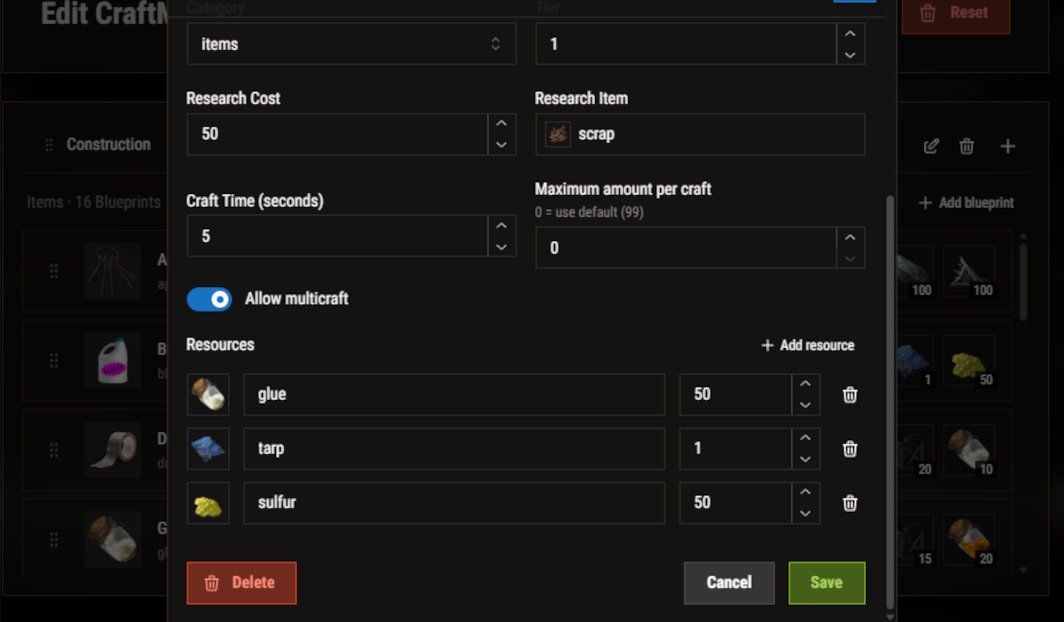
For each blueprint you set the name, icon, skin, category, tier, research cost, ingredients, craft time, and craft limit. Ingredients can be skinned custom items.
|
|
|
Web editor, no JSON
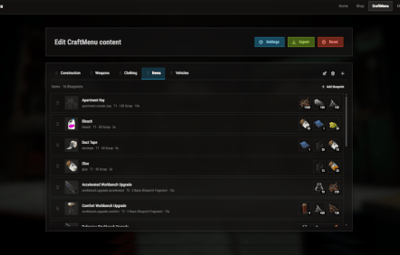
Build blueprints in the browser and copy the share code. Run one command in game and the server downloads the config and applies it. You don't need to restart or reload.
|
|
One-click import
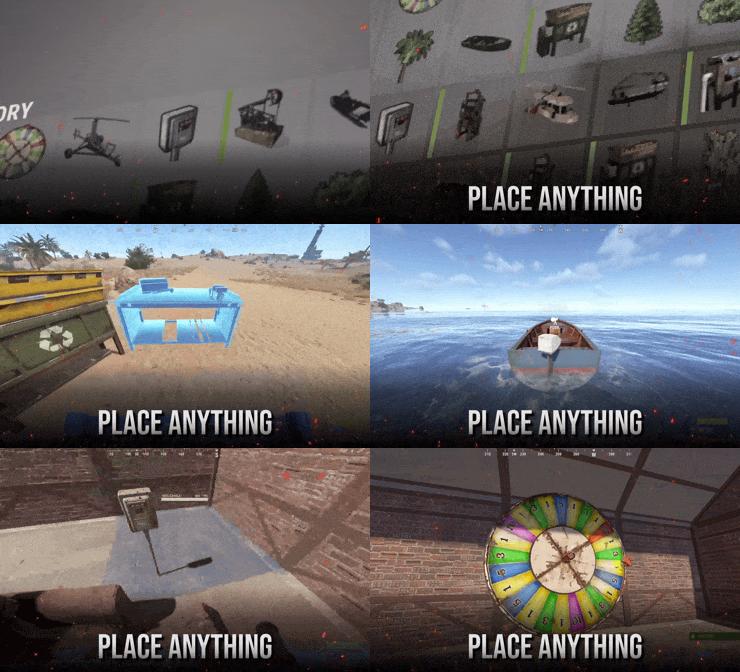
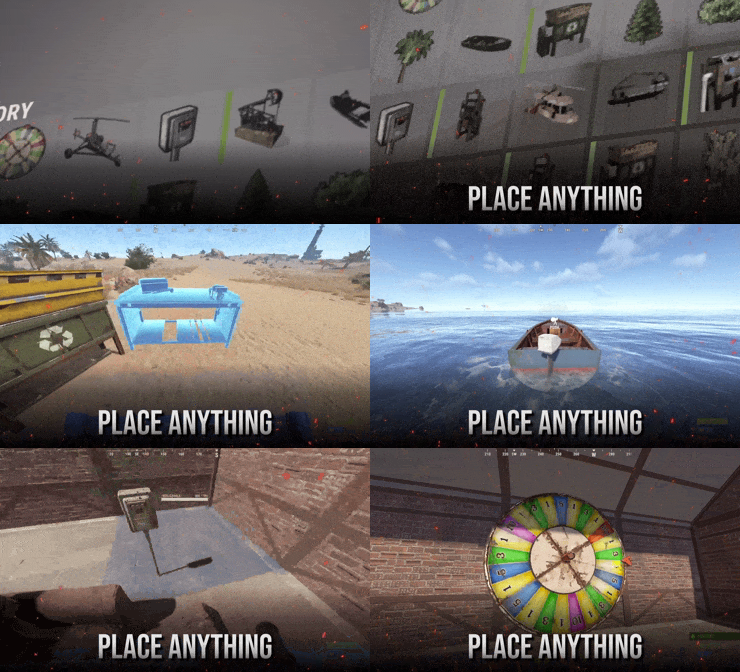
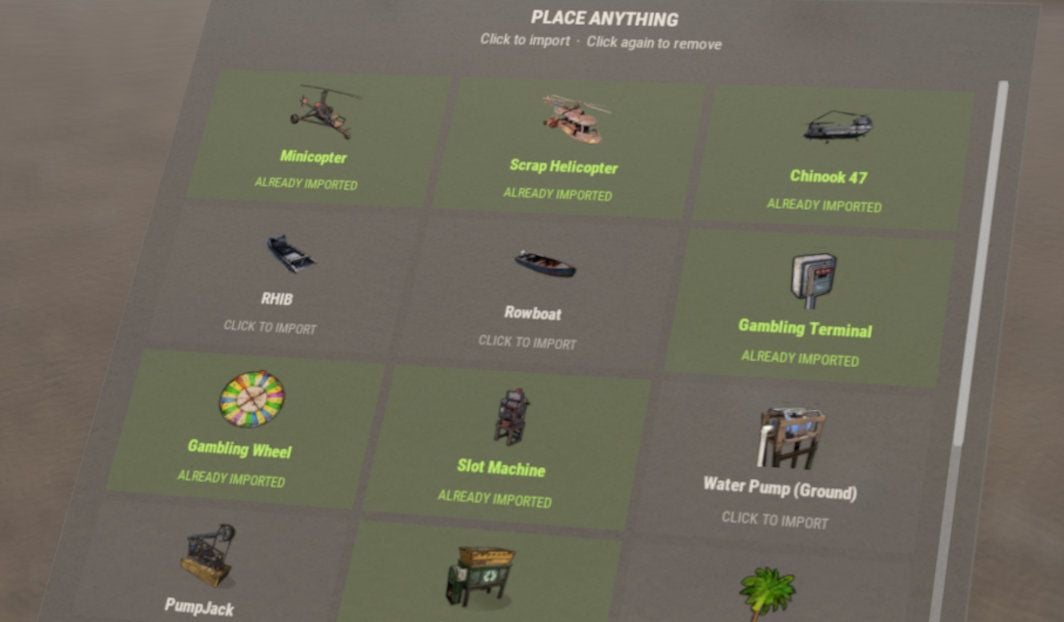
Running Portable Vehicles or Place Anything? Pick their items from a list and they become blueprints with the right skin and tier. Click an item again to remove it.
|
|
Getting Started
Up and running in four steps
|
1
Install
Drop CraftMenu.cs into your plugins folder. The config comes with a set of normally uncraftable items, so the menu works right away.
|
2
Grant the permission DON'T SKIP
Players without this permission see the normal workbench.
oxide.grant group default craftmenu.use |
|
3
Open a workbench
Players see blueprints for that bench's tier and every tier below it. Higher-tier blueprints are marked TIER REQUIRED.
|
4
Research, then craft
Players research each blueprint once. By default it costs scrap at tier 1, basic fragments at tier 2, and advanced fragments at tier 3.
|
Optional plugins: Image Library lets you use image URLs for icons, and Rust Translation API shows ingredient names in each player's language.
Permissions
Who can do what
| craftmenu.use | Shows the menu at workbenches. Every player who should use CraftMenu needs it. |
| craftmenu.import | Opens the Portable Vehicles and Place Anything import menu. Admins have it automatically. |
| craftmenu.config | Imports and exports the config with share codes. Admins have it automatically. |
| craftmenu.<category> | Lets the player craft from one category, for example craftmenu.vehicles. These only exist when category permissions are turned on. |
Commands
For admins only
Players never need these. Tags show where each command works.
| CONFIG & IMPORT | |
|
/craftmenu import CHAT |
Opens the import menu for Portable Vehicles and Place Anything items. |
|
/craftmenu export CHAT |
Shows your current config in a copyable field so you can paste it into the web editor. |
|
craftmenu config <code> CHAT CONSOLE |
Downloads a config from the web editor and applies it immediately. |
| PLAYER BLUEPRINTS | |
|
craftmenu_admin wipeall CHAT CONSOLE |
Removes every player's unlocked blueprints. In chat, use /craftmenu wipeall. |
|
craftmenu_admin wipe <steamid> CHAT CONSOLE |
Removes one player's unlocked blueprints. In chat, use /craftmenu wipe. |
|
craftmenu_admin unlock <steamid> CHAT CONSOLE |
Unlocks every blueprint for one player. In chat, use /craftmenu unlock. |
Configuration
Main settings worth knowing
|
Wipe Blueprints at Map Wipe
Resets all research on a new map. Off by default.
|
Maximum items in queue
How many timed crafts one player can queue at once. The default is 10.
|
|
|
Default maximum amount per craft
The highest amount per craft. The default is 99, and each blueprint can override it.
|
Categories
The category tabs and their icons. Icons can be Rust asset paths, or URLs when Image Library is on.
|
|
|
Permissions required for each category
Puts each category behind its own permission. Use it for VIP-only items.
|
Admins ignore research and craft costs
Lets admins test new blueprints without collecting the resources.
|
|
|
Translate resource item names
Shows ingredient names in each player's language. Requires Rust Translation API.
|
Sound Effects
Plays click and craft sounds in the menu. On by default.
|
|
FAQ
Frequently asked questions
Q. Players open a workbench but the menu doesn't show. Why?
They're missing craftmenu.use. Grant it to the default group. The menu also stays hidden on the workbench upgrade screen, which is expected.
Q. How do I edit blueprints without touching JSON?
Use the web editor at tools.rustplugins.net/craftmenu and copy the share code. Then run /craftmenu config <code> in game. To keep editing your live config, run /craftmenu export first and paste the result into the editor.
Q. How do I give an item a custom icon?
Icons come from skin IDs. Upload your image as a Workshop skin with SkinUploader.zip, then put the skin ID on the blueprint. The crafted item gets that skin too.
Q. Can custom items be crafting ingredients?
Yes. In the blueprint's resources, use the item's skin ID instead of a shortname. CraftMenu then only accepts items with that exact skin.
Q. How do craft times work?
A blueprint with a craft time of 0 crafts instantly. Anything above 0 goes into a queue that works like Rust's own: players can cancel jobs or move them to the front. A player's queue is cleared when they die or disconnect.
Q. Can I make some items VIP only?
Yes. Put them in their own category, turn on category permissions, and grant craftmenu.<category> to your VIP group. Other players still see the items but can't craft them.
Q. Do unlocked blueprints carry over between wipes?
By default, yes. Turn on Wipe Blueprints at Map Wipe to reset them with each new map. You can also wipe them manually with craftmenu_admin wipeall.
|
Have more questions? Reach out to us on Discord if you need support or have a custom request. |

|