

About Automated Messages
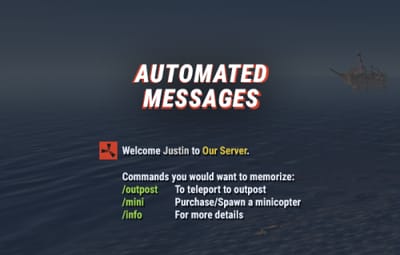
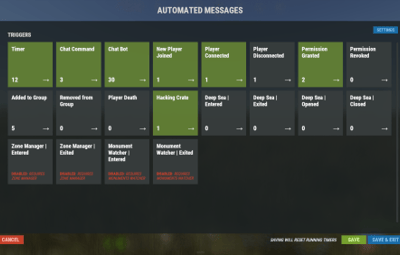
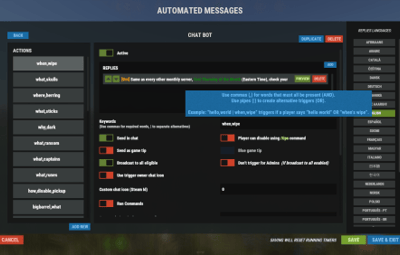
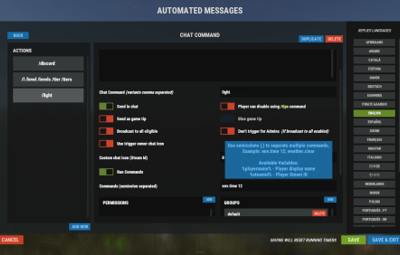
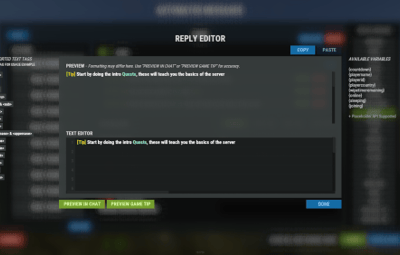
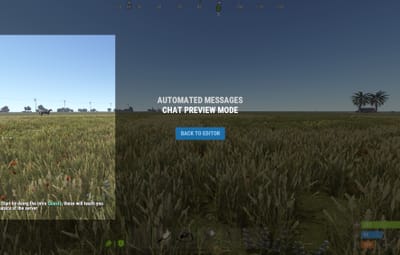
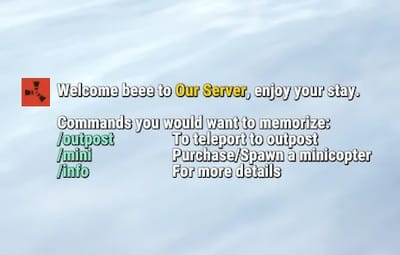
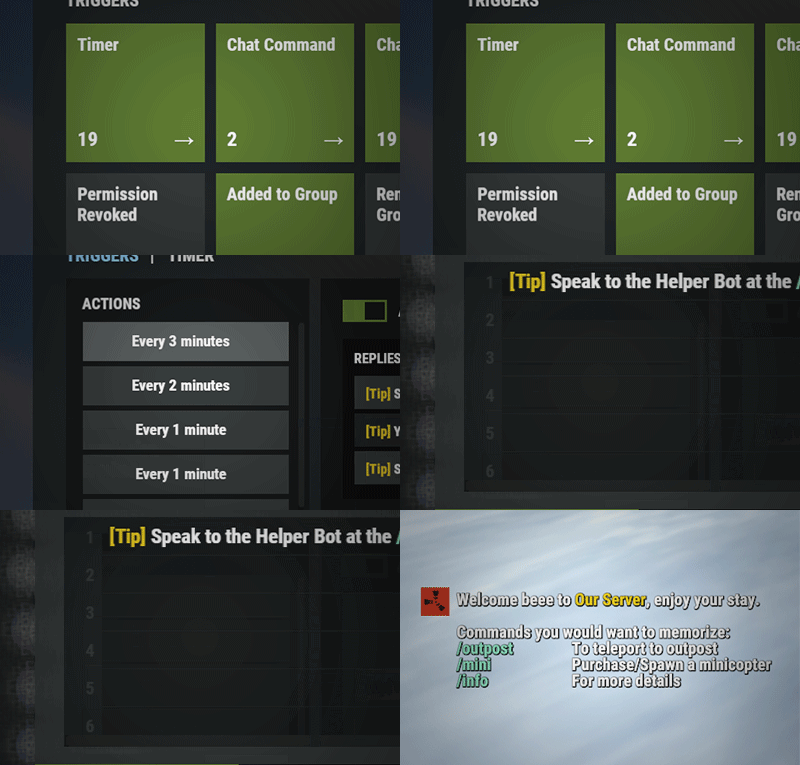
Automated chat messages based on chat keywords, advanced scheduling modes, or various other triggers. In addition to sending messages, the plugin can also automatically run server console commands when an action triggers.
- Admin UI — easy-to-use editor for complete setup
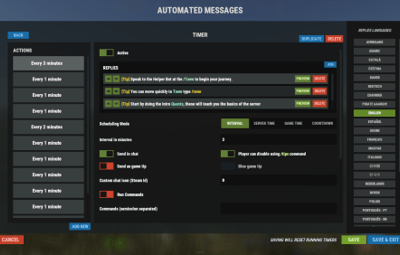
- Scheduling — Interval, Server Time, Game Time and Countdown modes
- Localization — localized replies for every language the game supports
- Targeting — send messages only to specific Groups or Permissions
- Player toggle — players can turn messages on/off if they don't find them useful
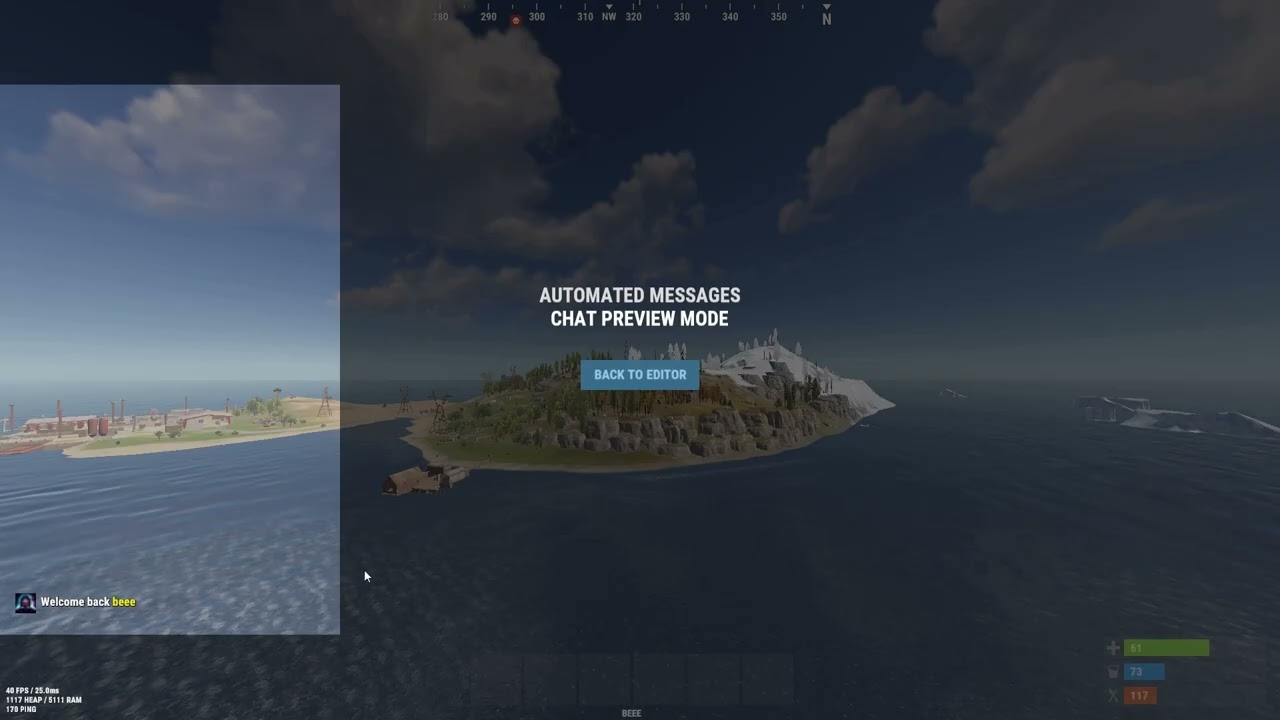
Video
Supported Triggers
-
Scheduling & Chat —
Timed·ChatCommand·AutoReply -
Connection —
NewPlayerJoined·PlayerConnected·PlayerDisconnected -
Permissions & Groups —
PermissionGranted·PermissionRevoked·AddedToGroup·RemovedFromGroup -
Gameplay —
PlayerDead·CrateHacked -
Deep Sea —
EnteredDeepSea·LeftDeepSea -
Zones —
EnteredZone·LeftZone -
Monuments —
EnteredMonument·LeftMonument
Tip
If what you need isn't listed here but still falls within the scope of the plugin, reach out to me.
Commands
| Command | Description | Permission |
|---|---|---|
/am.edit |
Opens the Admin UI for complete setup | automatedmessages.admin |
/tips |
Lets players toggle messages on/off (command name configurable) | — |
Message Localization
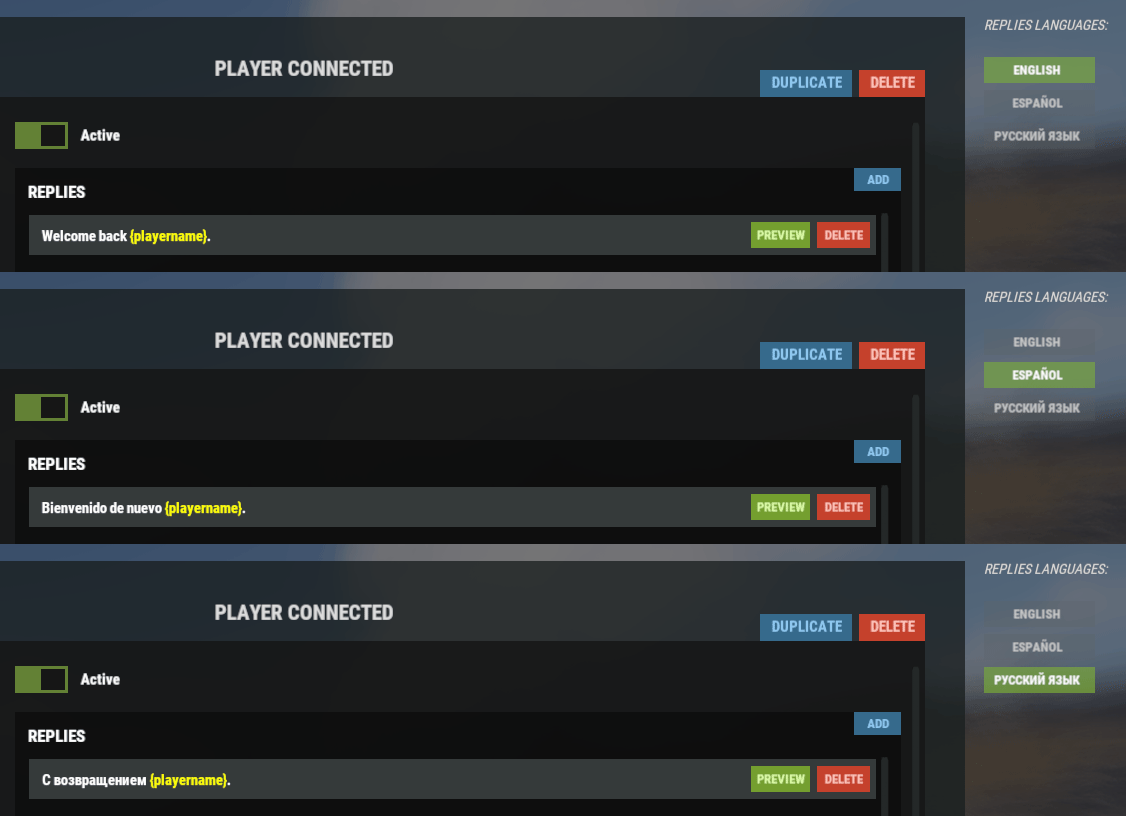
You can switch between languages in the Admin UI to set up localized replies for every language the game supports. See Config Settings below for how to add languages.
Game Tips
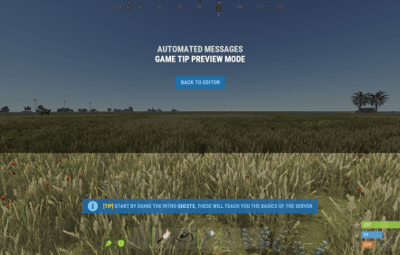
You can use Rust's native game tip UI to show specific messages instead of, or alongside, sending them to chat.


Variables
Variables can be included in message text to show additional info based on the trigger or player. The plugin also supports Placeholder API and its extensive list of variables.
| Variable | Description |
|---|---|
{playername} |
Player name |
{playerid} |
Player Steam ID |
{playercountry} |
Player country |
{online} |
Number of players online |
{sleeping} |
Number of players sleeping |
{joining} |
Number of players joining |
{target} |
The target string associated with the triggered action |
{hacklocation} |
Location of the hacked crate (CrateHacked only) |
{wipetimeremaining} |
Time until wipe, like 2d 5h
|
{wipetimeremaining:d} |
Days until wipe |
{wipetimeremaining:h} |
Hours until wipe (0–23) |
{wipetimeremaining:th} |
Total hours until wipe |
{countdown} |
Live time remaining (Countdown scheduling mode) |
{countdown:m} |
Minutes remaining (0–59) |
{countdown:s} |
Seconds remaining (0–59) |
{countdown:tm} |
Total minutes remaining |
{countdown:ts} |
Total seconds remaining |
Wipe time is based on Rust convar settings if a Missile Silo monument is present.
Config Settings
Note
Only settings not available in the Admin UI are listed below. It's highly recommended to edit triggers and actions using /am.edit.
| Setting | Description |
|---|---|
| Replies Server Languages | Languages your server will support (see list below) |
| Default Server Language | Fallback language if the player's client language has no available replies |
Warning
You must have at least one reply in the Default Server Language for an action to work.
Available Languages
af Afrikaans · ar Arabic · ca Catalan · cs Czech · da Danish · de German · el Greek · en English · en-PT Pirate English · es-ES Spanish · fi Finnish · fr French · hu Hungarian · it Italian · ja Japanese · ko Korean · nl Dutch · no Norwegian · pl Polish · pt-PT Portuguese · pt-BR Portuguese (Brazil) · ro Romanian · ru Russian · sr Serbian · sv Swedish · tr Turkish · uk Ukrainian · vi Vietnamese · zh-CN Chinese (Simplified) · zh-TW Chinese (Traditional)