Monster
-
Posts
1,093 -
Joined
-
Last visited
-
Days Won
10
Content Type
Profiles
Warranty Claims
Downloads
Forums
Store
Services
Downloads Plus Support
DOWNLOADS EXTRA
Everything posted by Monster
-
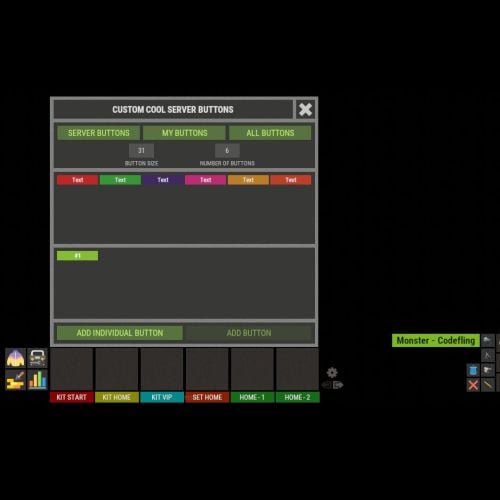 1. Opening inventory happens on the client side, there is no way to track this. You can hide buttons only when the player opens containers or sits at a chair (e.g. computer station). 2. This is still in the plans.
 -
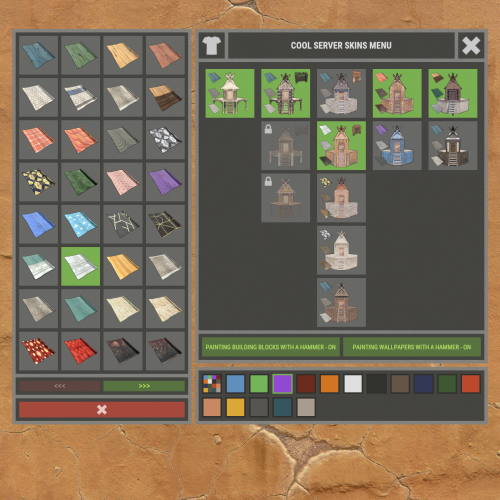 It's done.
 -
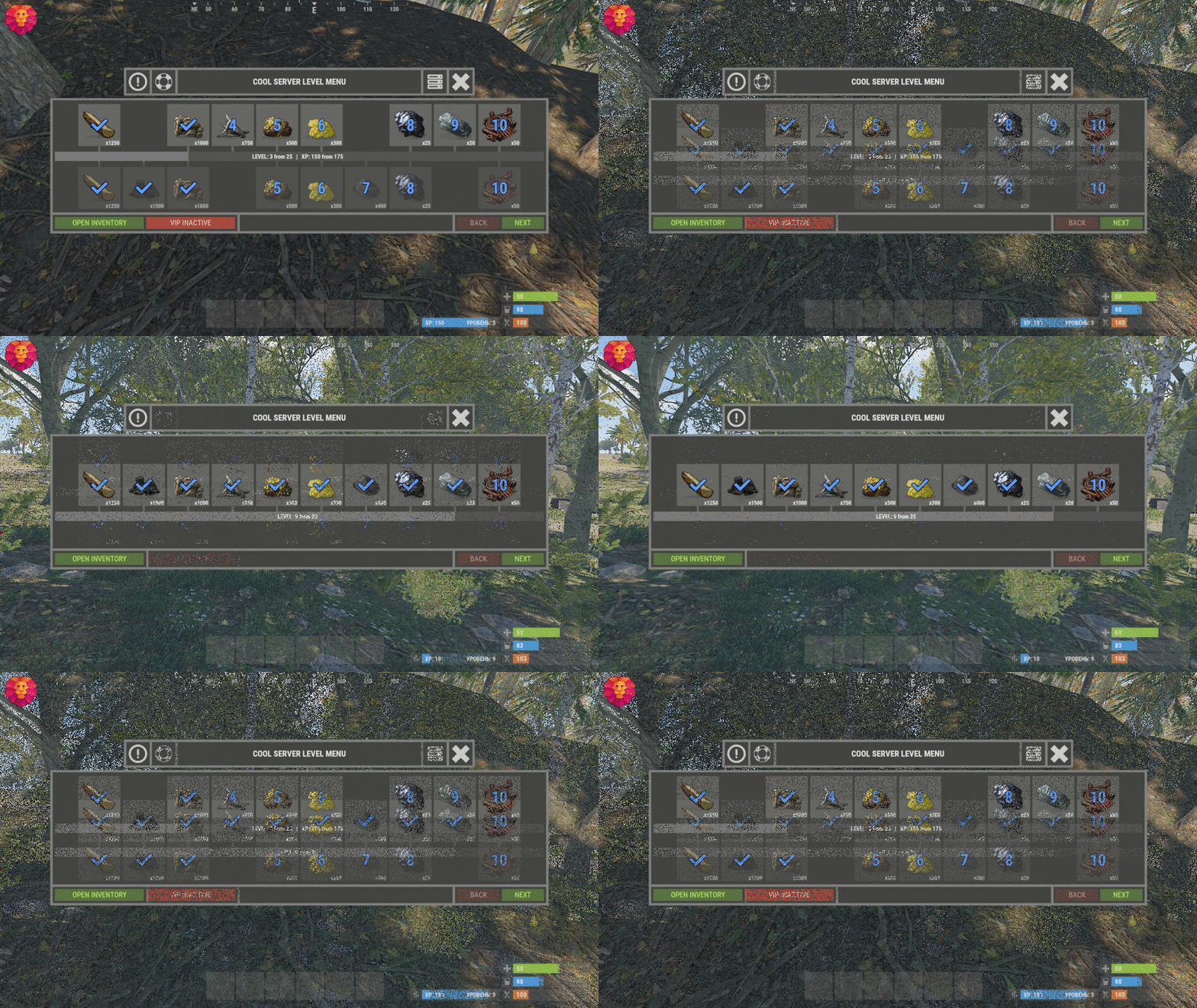 These and a few other entities don't have bonus loot. That's why you can't get XP.
 -
Images are stored in such a file (sv.files.2**.db) in the server folder. Often bytes are broken and the image is no longer displayed. You can turn off the server, delete this file and the file data/ImageLibrary/image_urls.json - then turn on the server and check the images. ( Note that all images will be deleted, including those drawn on the signs. ) This is a rare ImageLibrary problem...
-
 Just change it in the language file.
 -
Config: "Get VIP reward - [ True - only with permission | False - without permission ]": false, "Take VIP Reward - [ True - take only with permission | False - take at any time without permission ]": true, So VIP rewards will be in the inventory, but they will be locked until the player has permission.
-
Send me a PM.
-
December.
-
This has nothing to do with the plugin. It remains functional. And the ImageLibrary plugin is responsible for the images. In order for the images to work correctly after updating the game, you need to delete a few files. The server must be shut down. 1. oxide\data\ImageLibrary - Delete all files. 2. rustserver\server - There are files(DB) sv.files.***.db, they will need to be deleted in case deleting the first one didn't help.
-
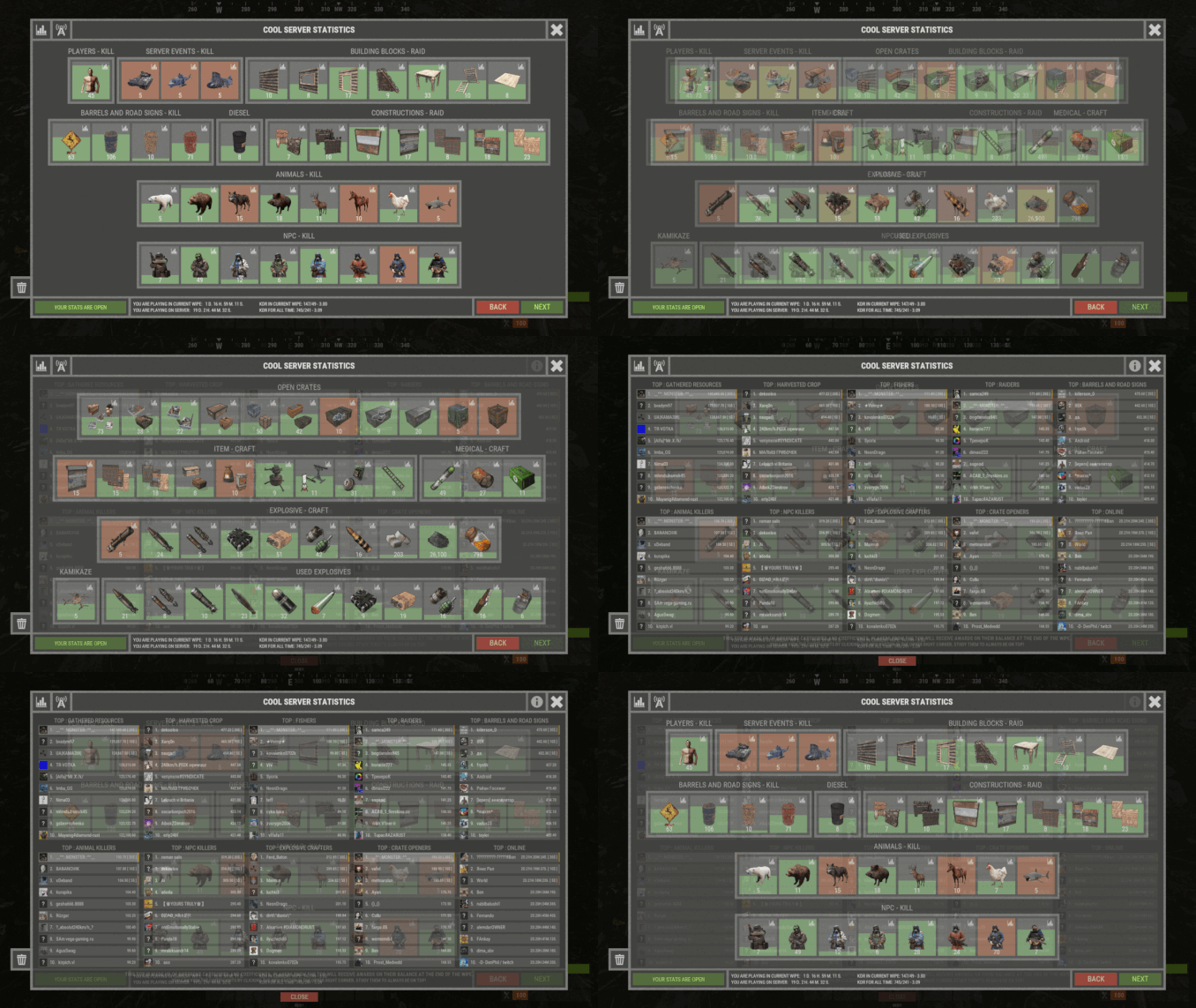 Wires and piping cannot be traced in the plugin. The rest of the things you have listed can be tracked. And you can create different categories for it (batteries, electricity generation, switches, etc.) But note that these items can be set and lifted and then set again. (And that's how you can screw up the stats. So you can use this, but no rewards)
 -
ImageLibrary plugin is responsible for the images. So you need to fix it in it. Reload the plugin, clean up the image database, restart the server - there are many ways that can fix this, but you need to determine exactly what's causing it.
-
 All settings are in the configuration (example configuration is in the description). This is not difficult to do. If you have difficulties with it, there is me for that. I will help you always and with everything.
 -
I will add support in a future plugin update.
-
Because, the full configuration is not sold with the plugin or separately. I give it to everyone who really needs it, and it's like a bonus. The plugin can be customized on its own with many categories and subcategories.
-
@puddingking130 Updated.
-
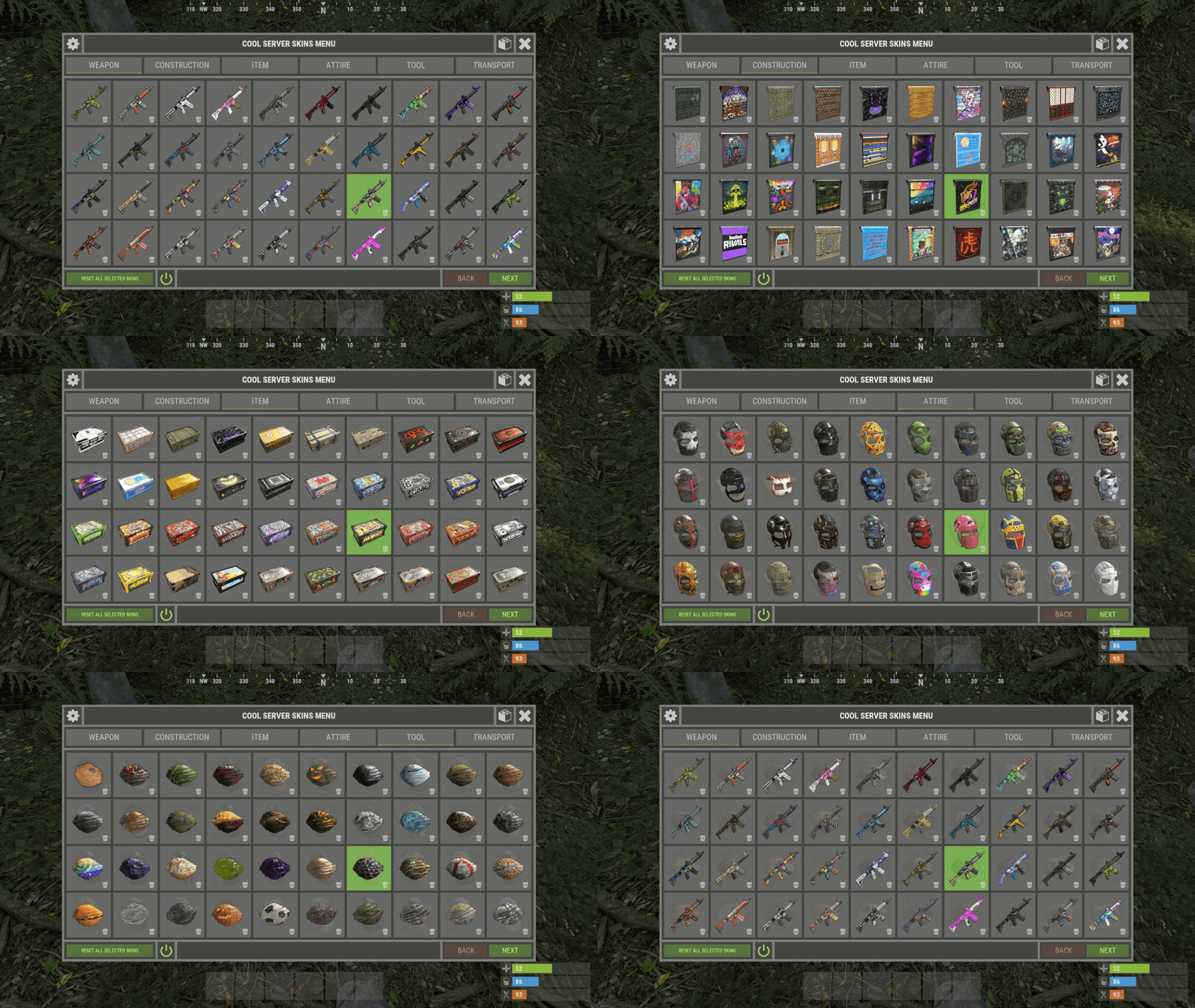 @Emigo Yes, you need to add ("wallpaper": 0) to the configuration. For example ("sleepingbag": 0). If there is no wallpaper in the data as well, then enable skin generation in the configuration or add it manually.
 -
@Hawkhill and everyone else who reads this message: In order to change the skin to wallpaper in XSkinMenu, the first thing that must be in the configuration is the item - wallpaper. Further in the data file Skins.json(or VIP/Admin skins list in config) there should be skins for wallpaper. And most importantly, it is the presence of the player permission to use the command /skinentity or Spraycan. And also in the settings menu(gear in the skins menu) player enabled these options. I recommend using the plugin XBuildingSkinMenu, it is more designed for this.