

Depends on
Required for this file to work correctly.

Works with
Optional integrations and compatible files.

About Welcome Panel
|
DISCORD · SUPPORT & CUSTOM REQUESTS RustPlugins ● 1,200 members Bug reports, setup questions, or custom development? Reach out to us on Discord. |
|
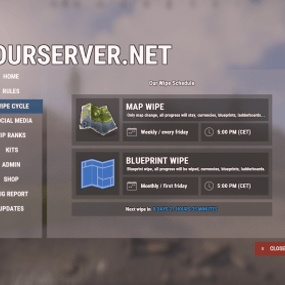
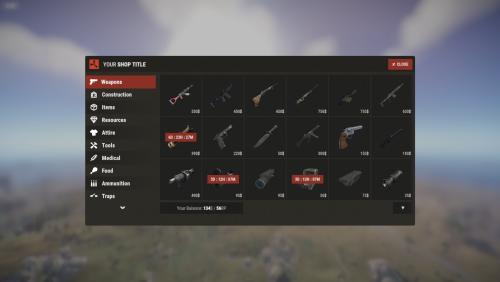
Show players your rules, wipe schedule,
links, shop, kits, and more.
All in one panel.
links, shop, kits, and more.
All in one panel.
Set it up in game from a ready-made template, and bring your other plugins into its tabs.
Compatible plugins
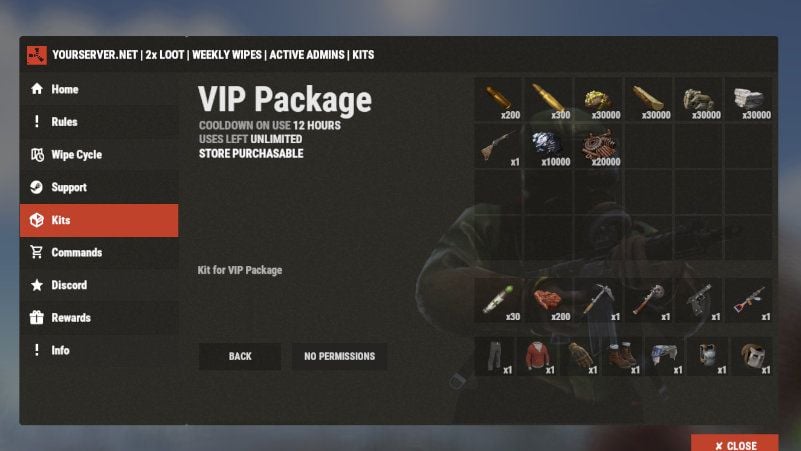
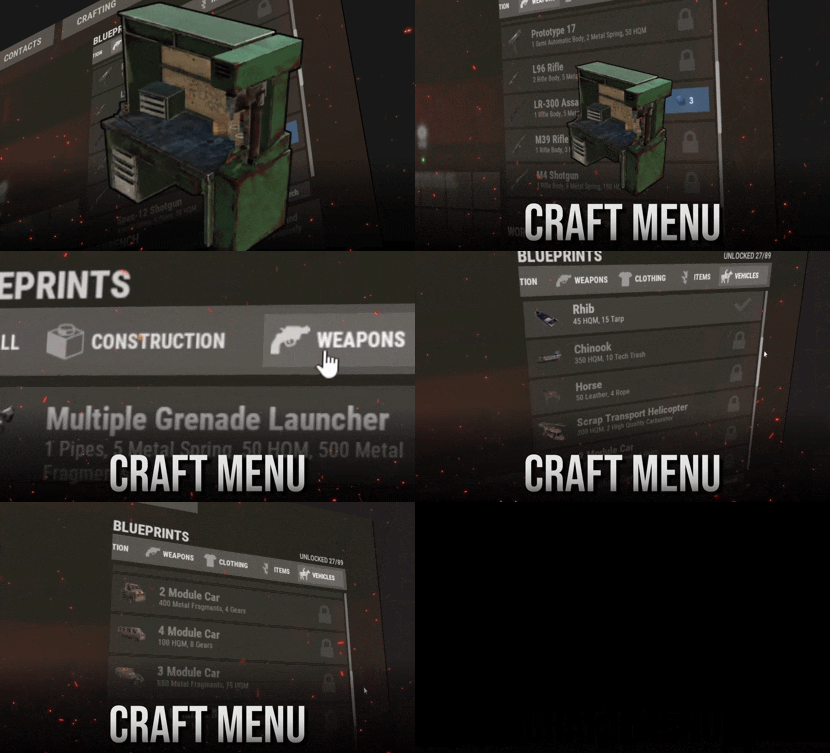
Kits
Welcome Panel Addons · $14.99
|
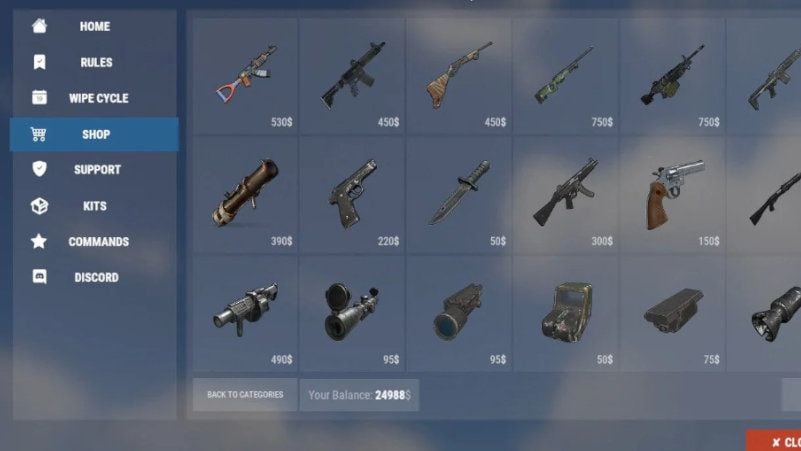
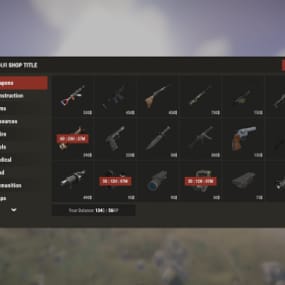
Shop
Shop UI · $32.99
|
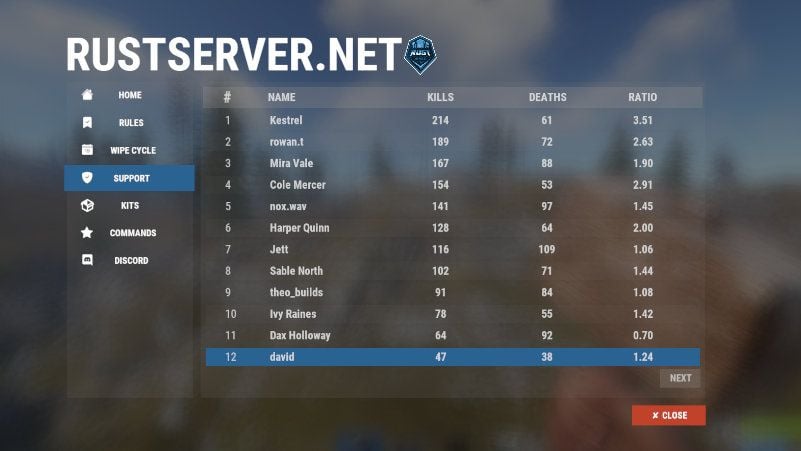
Simple Stats
Welcome Panel Addons · $14.99
|
|
$38.90
LIMITED OFFERPurchase as a bundle (Welcome Panel, Shop, and Welcome Panel Addons) Available only now, before the major feature update. Find the bundle purchase option on the right side of this page. |
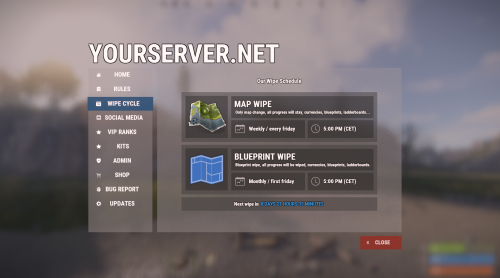
Four layouts to start from
Preview them in game with /welcomepanel template. Applying one replaces your current config.
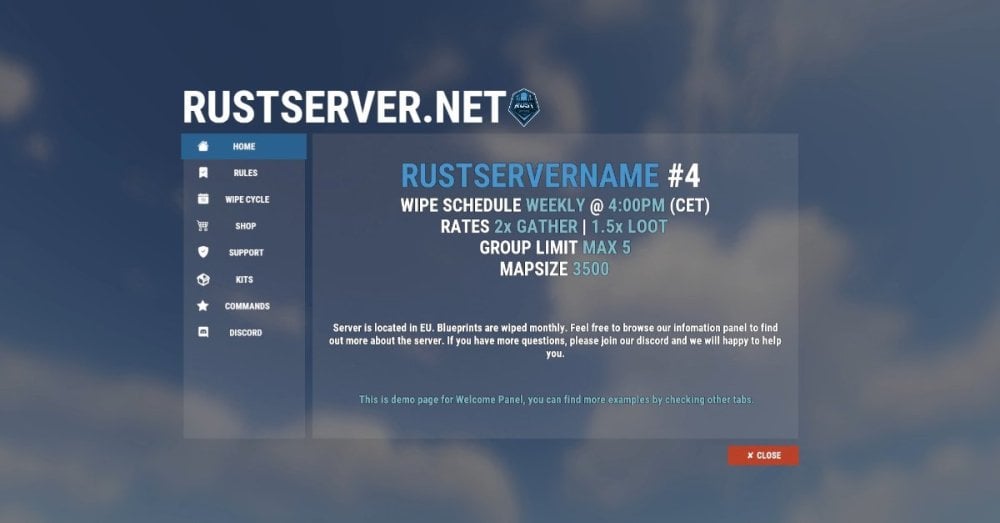
Template 1
A large title above a side menu and see-through panels.
|
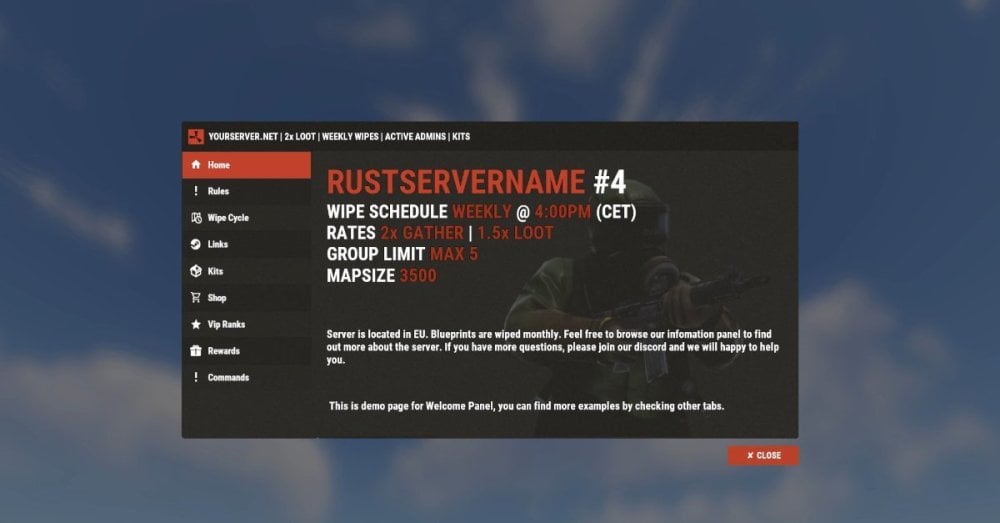
Template 2
A compact dark window with a header bar and side menu.
|
|
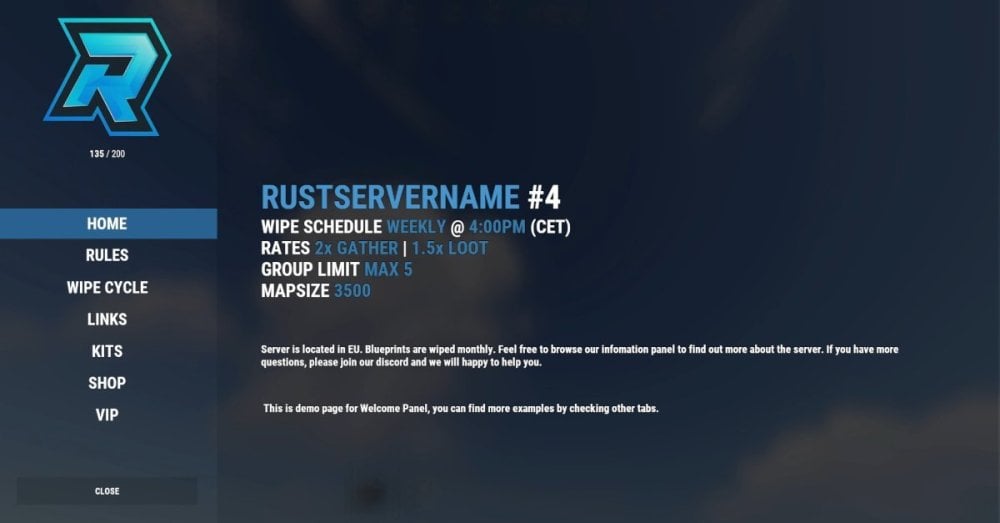
Template 3
Full screen, with your logo and menu in a left sidebar.
|
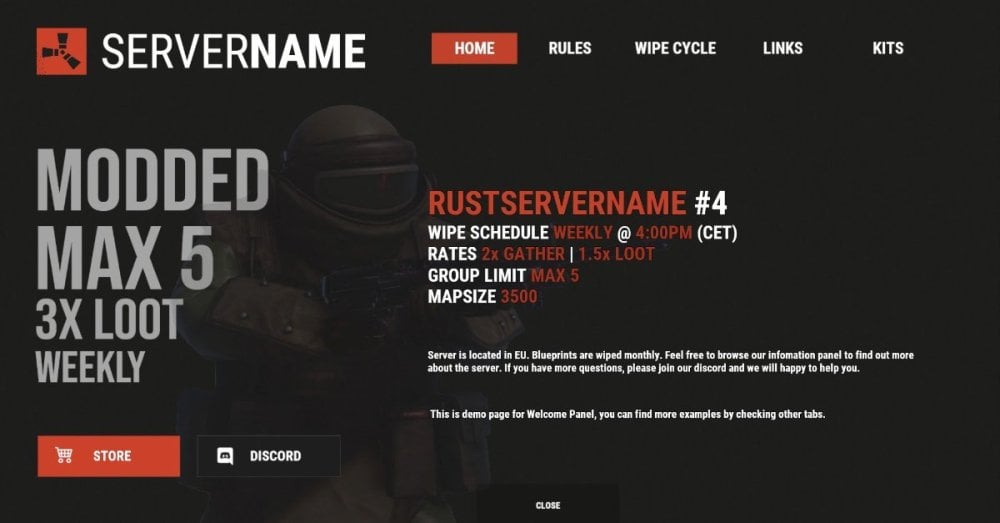
Template 4
Full screen, with a top menu and store and Discord buttons.
|
|
How to edit
|
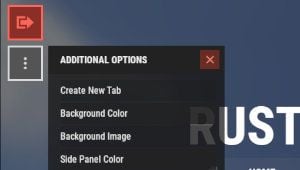
Enter edit mode
Open the panel as an admin and click the green button in the top-left corner of the screen. It turns red while edit mode is on. Click it again to leave. Changes save as you make them.
|
|
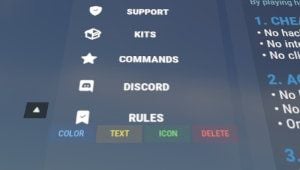
Edit tabs
Click a tab and four buttons appear under it: COLOR, TEXT, ICON, and DELETE. Use the arrows beside the tab to move it. To add a tab, click the three-dot button under the green one and choose Create New Tab.
|
|
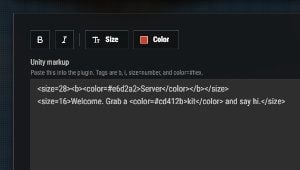
Edit text
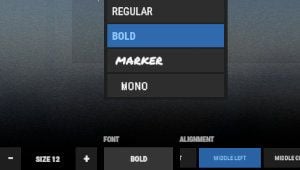
Click into the text and start typing. Typing Unity rich text tags in game can cut your text off, so use our online rich text tool for styled text. Build it there with a live preview, then paste it back in game.
|
|
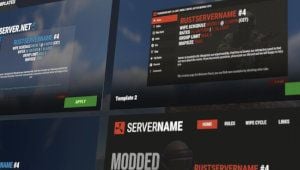
Change template
Run /welcomepanel template, click APPLY on a layout, and confirm with YES. This replaces your whole config, including your text and tabs, and can't be undone.
|
|
Add new commands
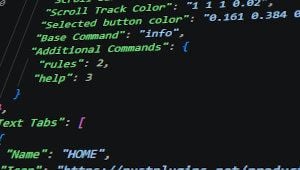
Commands are set in the config, not the in-game editor. Open WelcomePanel.json and add a lowercase command name and tab number under Additional Commands, such as "kits": 4. Reload the plugin to apply it.
|
|
Add add-ons
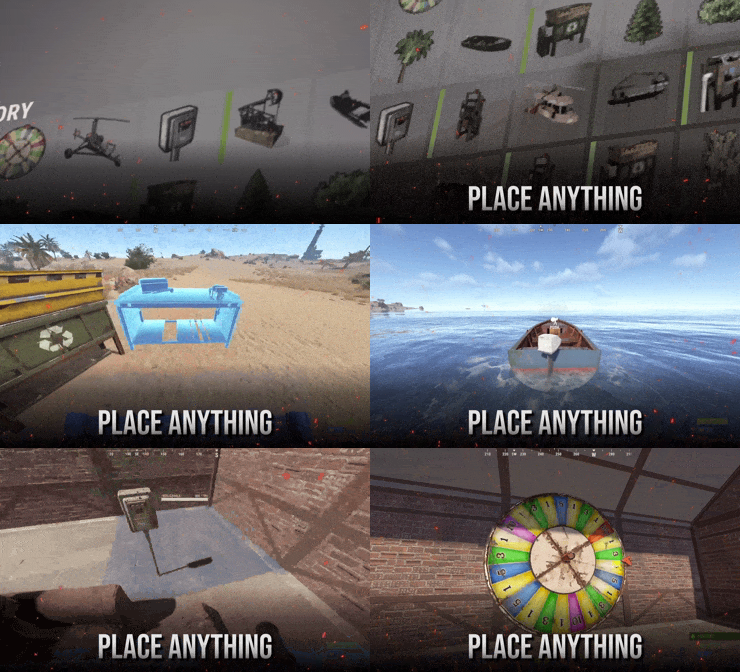
Click a tab and pick one from the ADDON dropdown. It opens inside that tab. The matching plugin has to be loaded. Kits, Social Links, VIP Ranks, Wipe Cycle, and Simple Stats come from Welcome Panel Addons. Shop UI and Vote Map are separate plugins.
|
|
Have more questions? Reach out to us on Discord if you need support or have a custom request. |

|