About Vote Reward
Reward players who vote for your server

The Vote Reward bundle includes Vote System, Custom Rewards, and a customizable catalogue of 30 rewards. Players find your voting links in Rust, cast their vote on the voting site, then claim their rewards in-game.
Oxide and Carbon · Five included menu layouts
Open the PimpMyRust configurator →
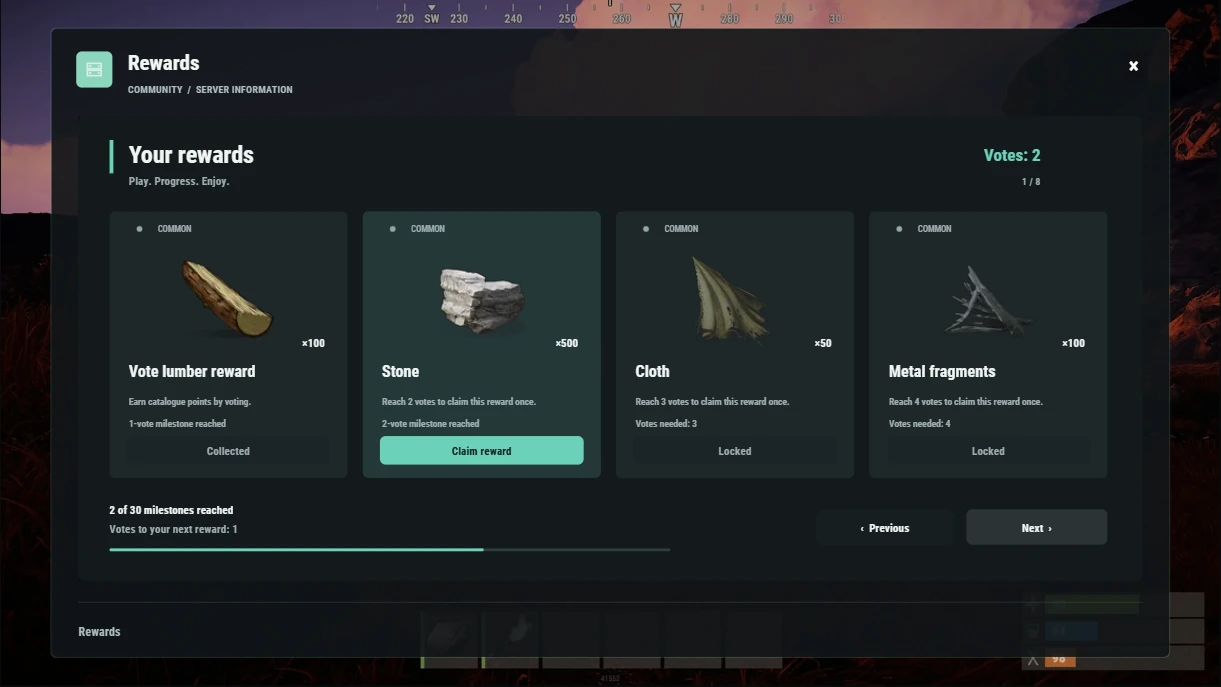
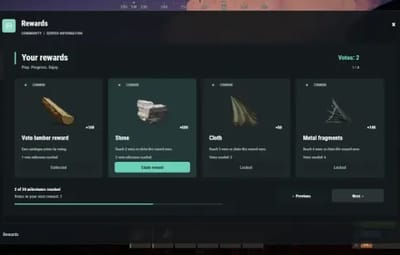
Gallery · the vote catalogue at 2 votes
From casting a vote to claiming a reward
-
Find a voting site. Players type
/votesitesto find your links and choose a voting site. - Count the vote. Vote System collects votes and credits them to players.
-
Claim the rewards. Players type
/votes. Vote Reward opens a menu with their vote count, claimable rewards and the next milestone. Custom Rewards delivers the rewards they select.
In the included catalogue, 1 vote unlocks 100 wood, 2 votes unlock 500 stones, and 3 votes unlock 50 cloth. Each starter reward can be claimed once. After claiming the wood and stones, players still have 2 votes and can work toward the next milestone.
Supported voting sites
- Top-Serveurs.net
- Top-Games.net
- Rust-Servers.net
On Top-Serveurs.net and Top-Games.net, players enter their SteamID64 in the nickname field. You can also enable nickname voting for either service. Anyone can enter that nickname. Rust-Servers.net uses Steam voting.
Choose what players earn
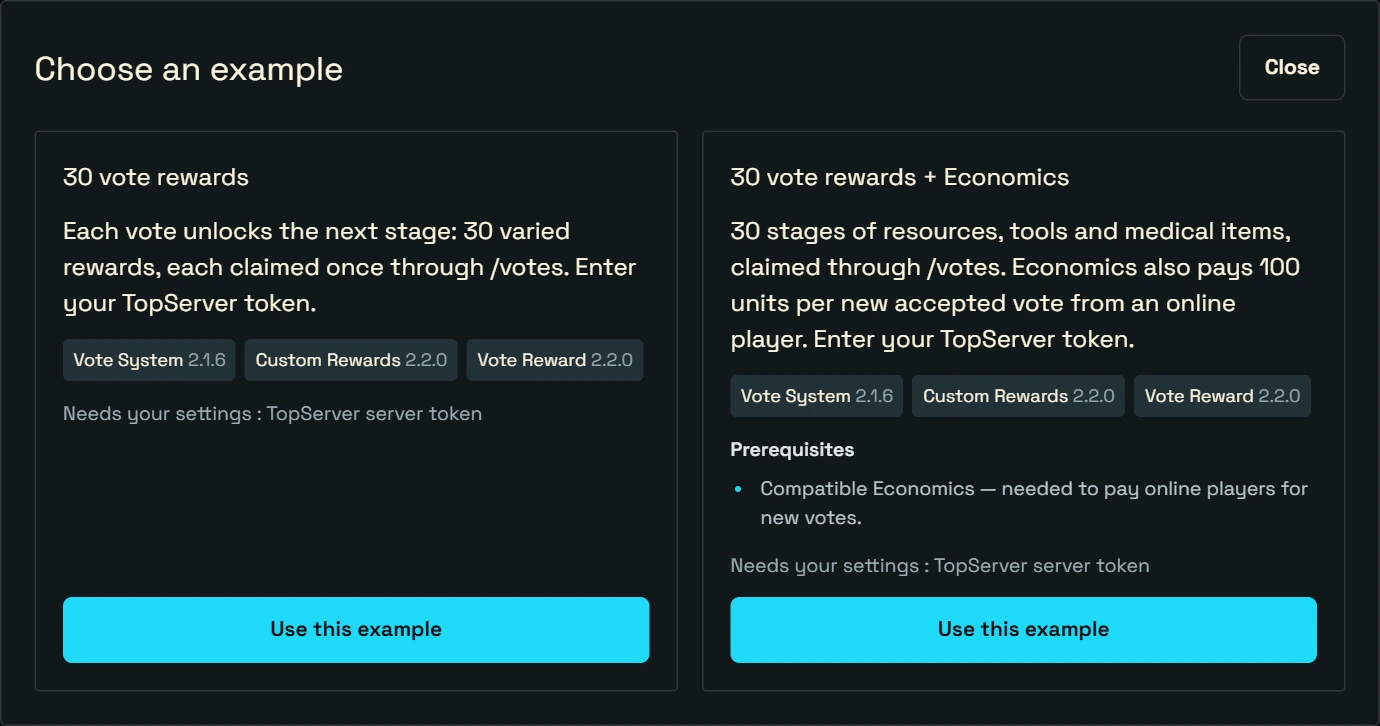
Keep the 30 starter rewards or replace them. Choose the milestone and contents for each reward. Give out Rust items, grant access to a group, or run a command. You can also require a permission to claim a reward.
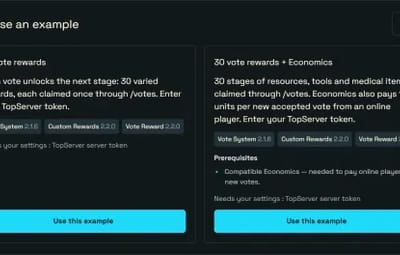
The bundle counts votes by default. A points mode is available if you already use point-based milestones. With the optional Economics plugin, you can also pay players who are online when their votes are recorded.
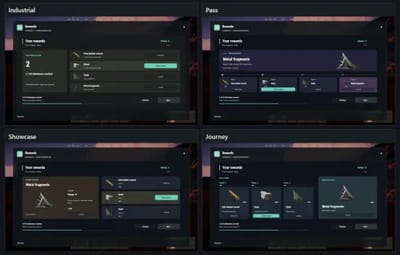
Five layouts for the /votes menu
Gallery displays rewards as cards, as shown in the first screenshot. Here are the other four layouts using the same vote catalogue.
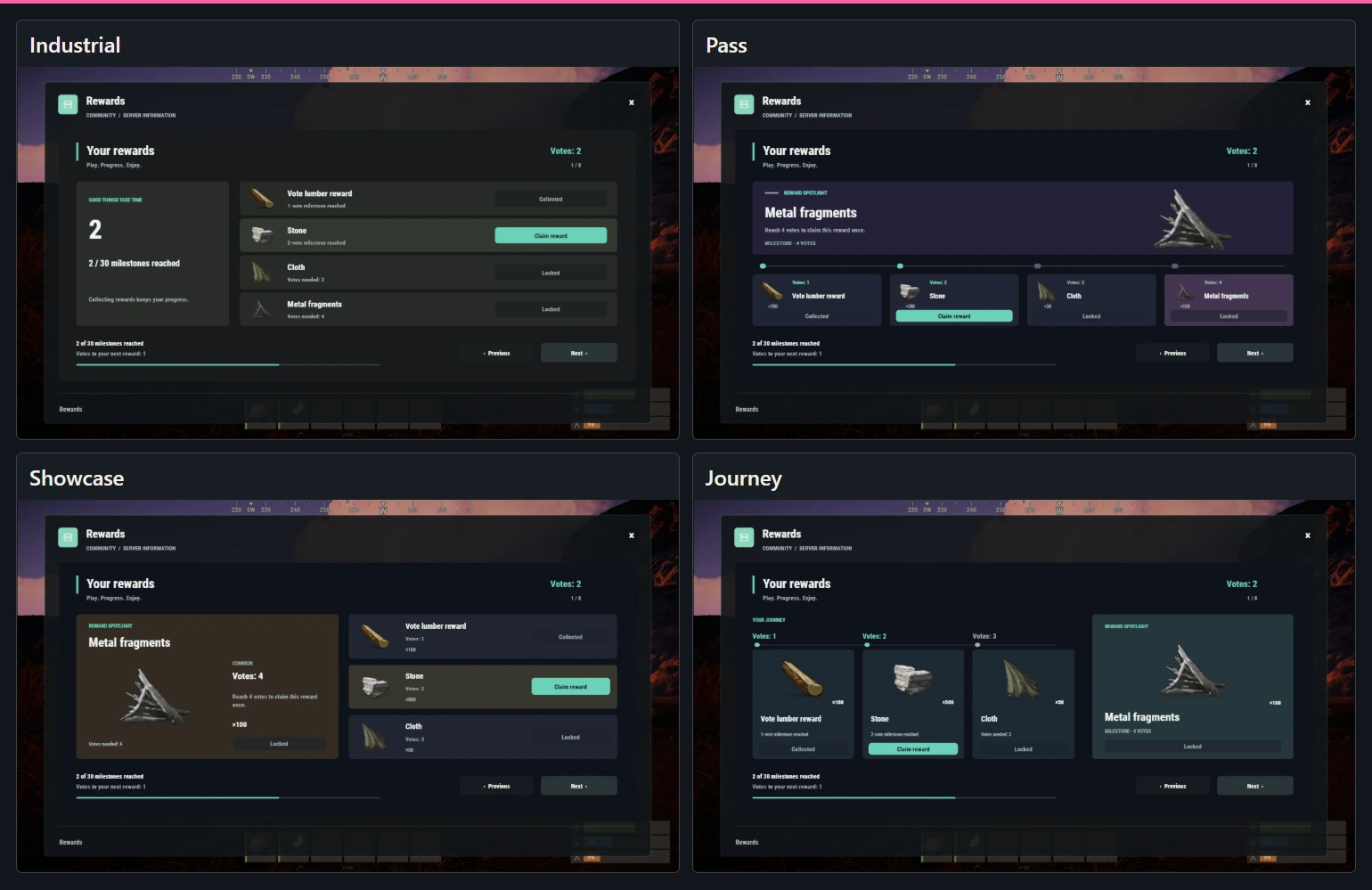
In the PimpMyRust configurator, select the catalogue file and open Appearance to choose a layout and change its colors, titles and illustrations.
Manual installation
-
Extract the ZIP and merge its folders into
oxide/orcarbon/. -
The ZIP includes VoteReward, VoteSystem, CustomRewards and PimpMyCUI 1.4.0. Keep the manifest and five layouts in
data/PimpMyCUI/plugin-pages/customrewards/. Inconfig/VoteSystem.json, enable a voting site and enter its API token and voting URL. Load PimpMyCUI, CustomRewards, VoteSystem and VoteReward. -
Grant
customrewards.votesystem.useand test/votesitesand/votes.
PimpMyCUI and the included layout files are required for /votes. If you already use CustomRewards or VoteSystem, keep one copy of each plugin and merge the settings into your existing files.
You can edit the JSON directly or use the optional PimpMyRust configurator.