Works with
Optional integrations and compatible files.

About Vote System
Vote System
For developers and advanced server admins. VoteSystem stores vote points for other plugins to use through its API and hooks. By itself, it has no reward interface, item delivery or player /vote command.
Looking for voting with rewards included? Get the Vote Reward pack →
Vote Reward includes VoteSystem, CustomRewards, player chat commands and a preconfigured starter catalogue. Add your provider tokens and adapt the rewards to your server.
Collect votes from three supported providers

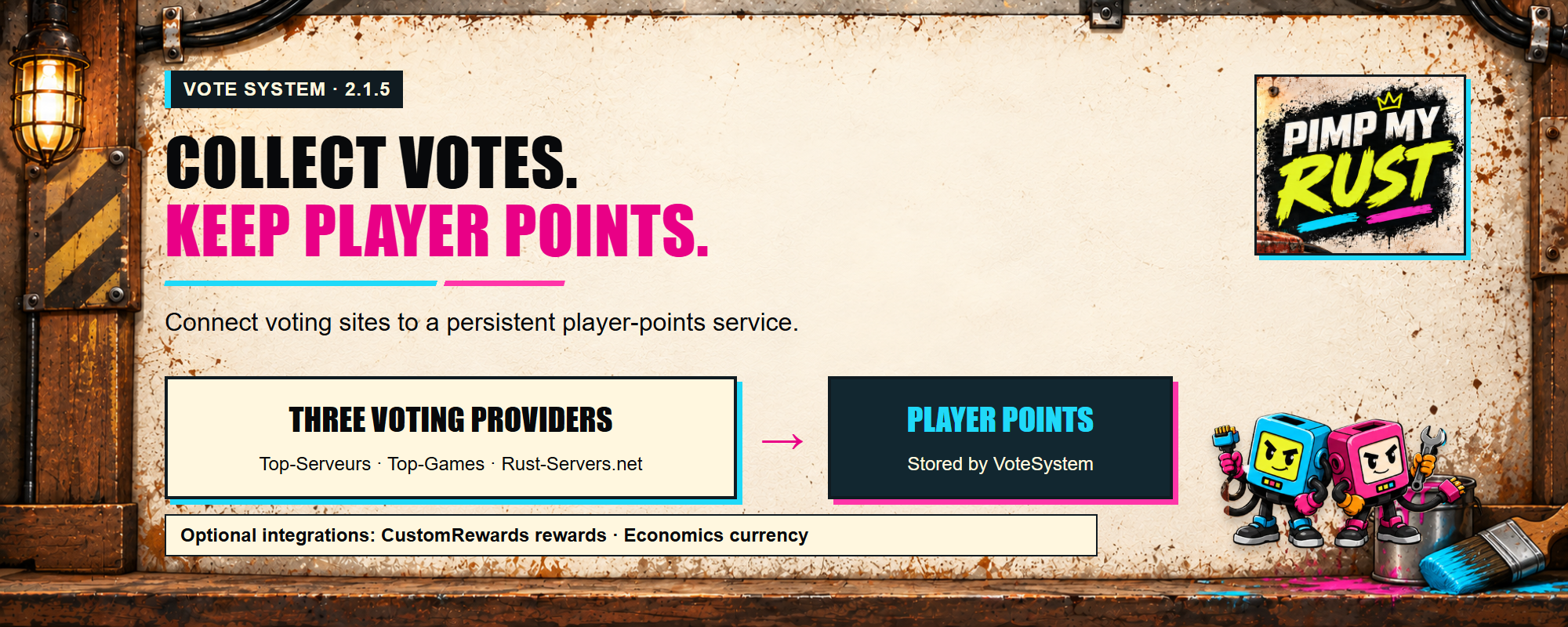
Collect votes from Top-Serveurs, Top-Games and Rust-Servers.net, then turn them into player points. Use those points in your own integration, connect a CustomRewards catalogue, or reward voters through Economics.
CustomRewards and Economics are optional integrations.
- Top-Serveurs and Top-Games: assign new votes using the voter's SteamID64. No administrator nickname dictionary is needed.
- Rust-Servers.net: use its SteamID ranking feed and Steam OpenID voting support.
- Separate settings for each site: choose the providers, points per vote and check intervals.
- Saved player points: other plugins can read the existing point API and hooks.
PimpMyCUI is not required.
Set up providers and rewards in the browser
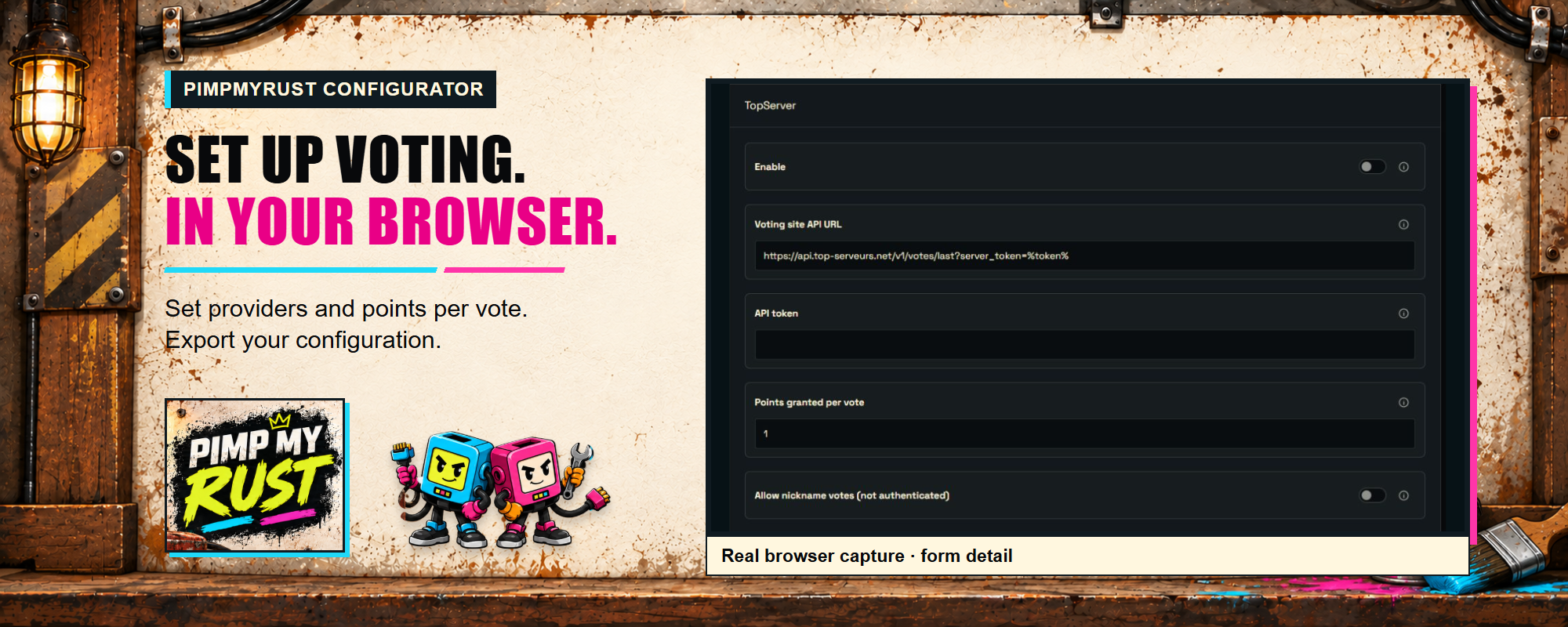
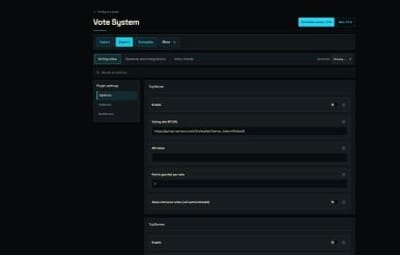
Set provider tokens, points per vote, check intervals and reward integrations with labelled fields instead of editing the JSON by hand. Import your current configuration and export the file for your server.
Configure Vote System on PimpMyRust →
All providers start disabled. Add your own API tokens before enabling them. The minimum check interval is 15 seconds.
Choose how to reward votes
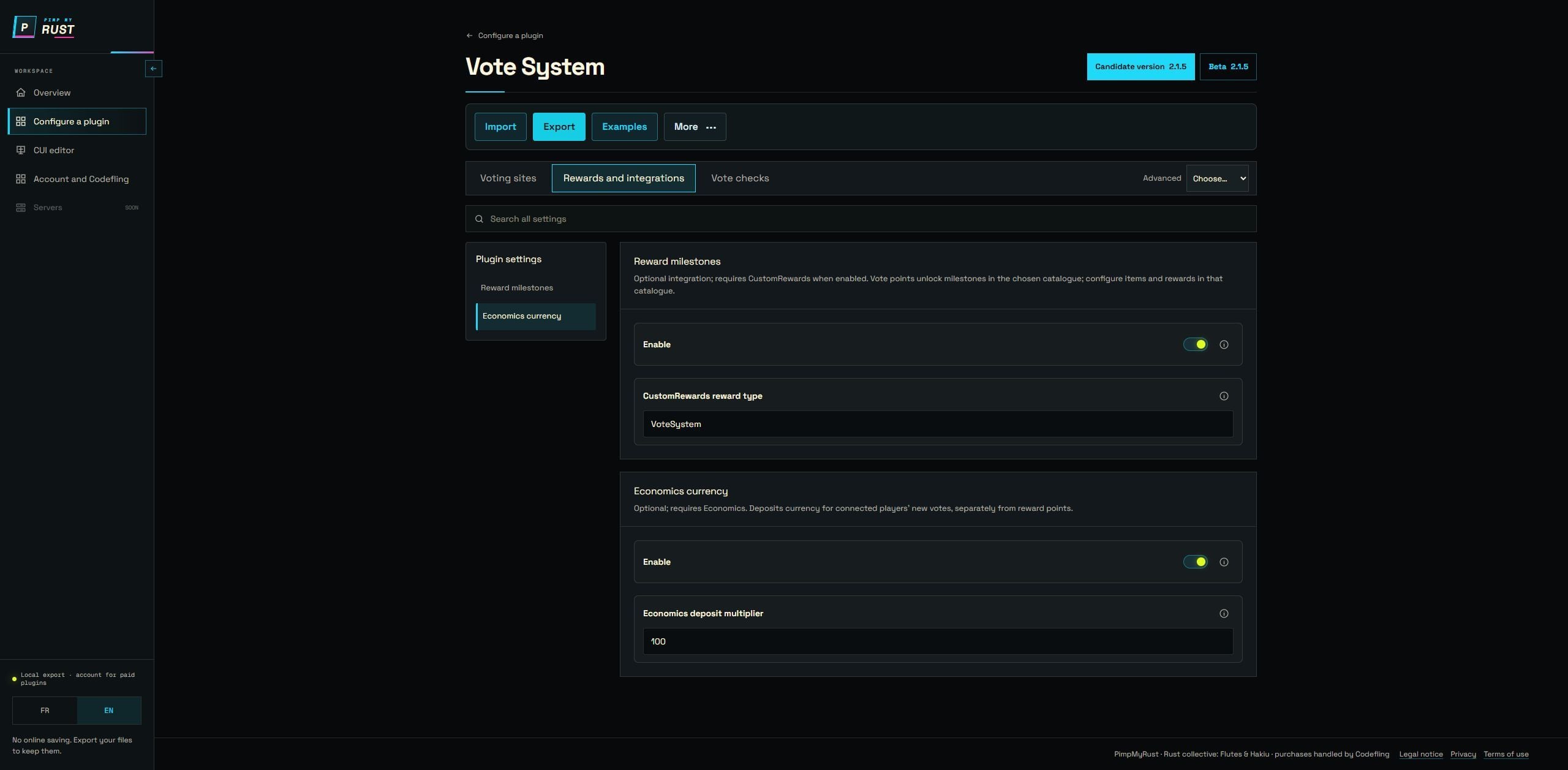
- Points only: use VoteSystem without either optional reward plugin.
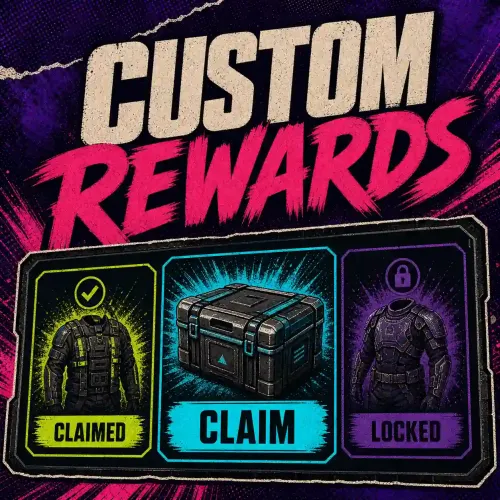
- Items and other configured rewards: connect CustomRewards. It supplies the catalogue, item/command delivery and reward interface.
- Economics deposits: enable the Economics integration and set its deposit multiplier. Disable this integration if your server does not use Economics.
-
A complete player-facing vote pack: Vote Reward combines VoteSystem, CustomRewards and chat entry points such as
/vote.
Optional integrations are enabled in the generated default settings, but their plugins are not required to collect and store votes. Review these switches during setup.
The image is a browser capture of the configurator, not a standalone VoteSystem reward interface.
The current build is also on PimpMyRust
PimpMyRust also offers VoteSystem 2.1.5 through its beta channel. This is the vote-points service, not a separate PimpMyCUI layout edition. Both current configurator channels use the 2.1.5 configuration; neither adds a player interface or requires PimpMyCUI.
View the VoteSystem beta channel →
Sign in to PimpMyRust, link your Codefling account and refresh your purchases to access the beta download as a verified VoteSystem buyer. Install only one VoteSystem build at a time.
How players identify themselves
For Top-Serveurs and Top-Games, players enter their SteamID64 in the site's nickname/player-name field. VoteSystem assigns the new votes to that account.
To allow server nicknames, enable Enable nickname votes for that provider. The plugin matches an exact name known to the Rust server. Duplicate or unresolved names wait; it does not choose a player through a partial search.
Nickname voting is off by default because a name entered on a voting site is not proof of identity. Someone can enter another player's name. SteamID64 avoids nickname matching, but neither mode authenticates the Top-Serveurs or Top-Games voter through Steam OpenID.
Install or update
-
Back up
oxide/config/VoteSystem.json,oxide/data/VoteSystem/andoxide/data/VoteSystem_nodelete/. -
Install the supplied
VoteSystem.csin your server's plugin directory. On a new installation, loading creates the configuration. - Set up your providers and optional rewards, then reload and check the console.
Existing users should keep their configuration and data. The example JSON is a reference, not a replacement for private tokens or recorded progress.
Updating from 2.1.3 or 2.1.4 reads existing explicit nickname mappings once and transfers their recorded balances to the specified Steam accounts. Previously unbound historical nickname balances are not assigned automatically. Old payments and reward hooks are not replayed.
The guide covers migration, wipe commands, provider recovery and reward hooks. A wipe rebuilds the Rust-Servers baseline, not the lifetime totals of Top-Serveurs or Top-Games. Hooks and Economics deposits require a connected player when a vote is accepted; stored vote points remain available on return.
Read the setup and migration guide →
Requirements and support
Rust with Oxide or Carbon, plus your own account/API token for each enabled provider.
For support, include the plugin/framework version, provider and first relevant error. Redact API tokens and private player data.
Codefling support · PimpMyRust Discord







.thumb.gif.b404fe75a865c5970e3e6d6e58fe53ad.gif)