Jump to content

2 Screenshots

  • 32.5k
  • 89
  • 54.87 kB
  • Update details
    v2.0.0
    Released
    Download size54.87 kB
    Total versions5
    Time between versions 1028 days
    Typical update pace About every 270 days
    Freshness 4 days ago

About Raid Time Protection
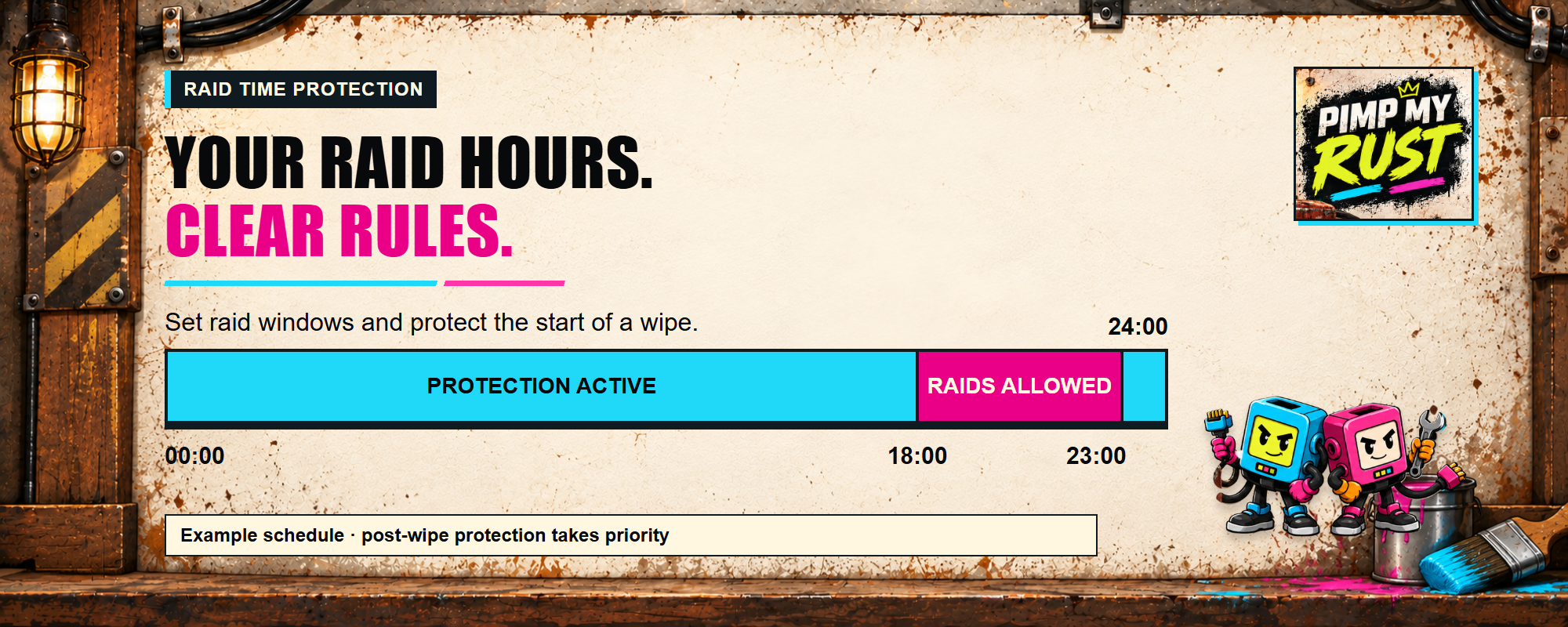
Give players a predictable weekly raid schedule with configurable post-wipe protection, practical exclusions, and a public next-transition command.

At a glance

  • Define one raid-allowed window for every day of the week.
  • Support windows that cross midnight.
  • Evaluate the schedule with a fixed UTC offset.
  • Keep protection active for a configurable period after a wipe.
  • Allow TC-authorized players to damage their own protected building.
  • Exclude reviewed prefabs or optional Zone Manager zones.
  • Show localized state-change alerts and /raid_date status.
  • Preserve safety when configuration or an optional integration is invalid.

How it helps

Raid Time Protection turns an informal raid-hours rule into a consistent server policy. Players can see whether protection is active and when the next change occurs, while administrators retain explicit scheduling and exclusion controls.

Key features

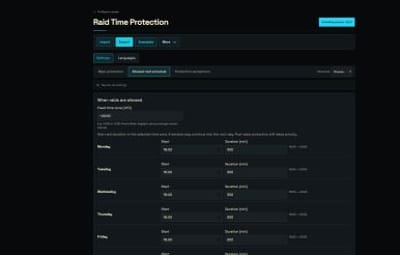
  • Seven-day schedule with hour, minute, and duration.
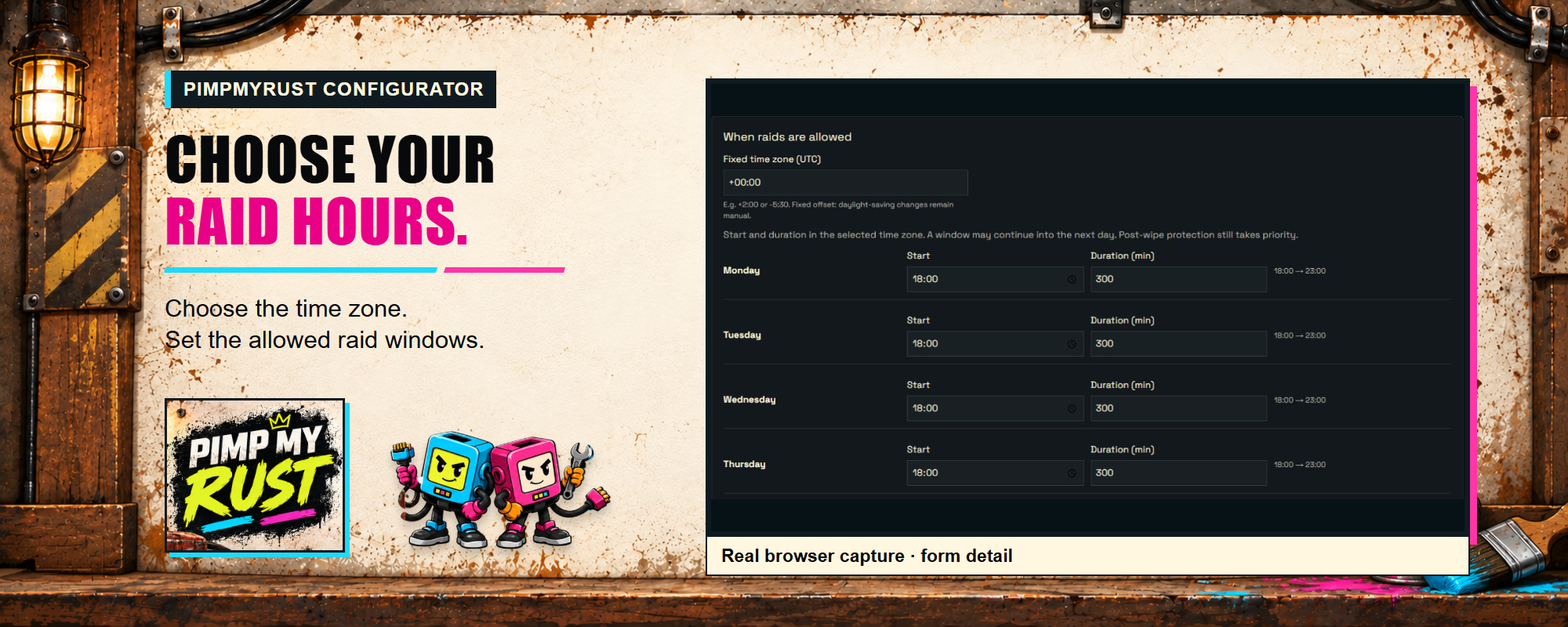
  • Half-open windows: the start is included and the end is excluded.
  • Fixed offset in minutes for servers that do not operate on UTC.
  • Fractional post-wipe duration in hours.
  • Built-in localized chat alerts without a required notification plugin.
  • Cached prefab and Zone Manager exclusions.
  • Recoverable migration of readable legacy configuration.
  • Fail-closed behavior for eligible protected hits when policy evaluation is unhealthy.

How it works

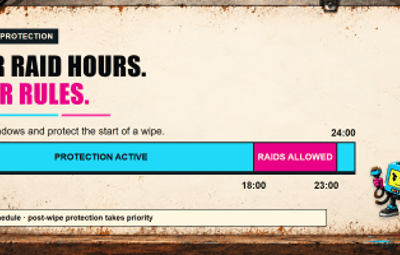
When global protection is enabled, post-wipe protection takes priority. After that period, raiding is allowed inside the current weekly window and protected outside it. A window can continue into the next day.

/raid_date

The public read-only command reports the current protection state and the next scheduled transition in UTC. It does not change server state and requires no permission.

Requirements and compatibility

  • Rust server using Oxide or Carbon.
  • Framework-provided JSON support.
  • Zone Manager is optional. If it is absent, fails, or returns an unsupported result, no zone exclusion is applied.

The current policy covers the documented owned-building path where the target is an owned DecayEntity with building privilege and the hit is attributed to a player. Do not interpret it as blanket coverage for every current Rust damage or entity path.

Setup

  1. Back up the existing RaidTimeProtection.json.
  2. Install RaidTimeProtection.cs in the framework plugin directory.
  3. Reload the plugin and review the generated configuration.
  4. Set the fixed UTC Offset Minutes for your chosen schedule.
  5. Configure each daily start time and duration.
  6. Review wipe duration, prefab exclusions, and optional Zone Manager zone IDs.
  7. Test protected and allowed states with /raid_date.
  8. Keep the .v1.bak file if a legacy configuration is migrated.

Commands and permissions

Command | Purpose | Authorization

/raid_date | Show whether protection is active and the next transition | Public, read-only

Version 2.0.0 has no permission and no state-changing command.

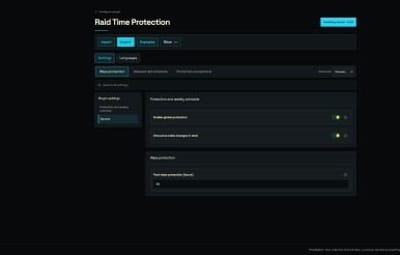
Configuration highlights

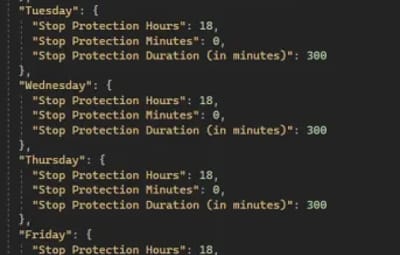
This example uses UTC+2, keeps 48 hours of post-wipe protection, and allows Friday raiding from 22:00 until Saturday 04:00:

{ "Schema Version": 2, "UTC Offset Minutes": 120, "Wipe Protection Time (in hours)": 48.0, "Global Protection": { "Enabled": true, "Show Alert (recquires Notify plugin)": true, "(ZoneManager) Disabled protection zones": [], "Disable protection prefabs (optional)": [], "Friday": { "Stop Protection Hours": 22, "Stop Protection Minutes": 0, "Stop Protection Duration (in minutes)": 360 } } }

The UTC offset is fixed and does not adjust automatically for daylight saving time. Update it manually when your local policy changes.

Practical tutorials

Tutorial: create an evening raid schedule

  1. Choose the schedule's fixed offset.
  2. For every day, set the local raid start hour and minute.
  3. Set the allowed duration in minutes.
  4. Use a duration that crosses midnight when needed; for example, 22:00 plus 360 minutes ends at 04:00 the next day.
  5. Reload and use /raid_date before, during, and after the window.
  6. Repeat the check after the next daylight-saving change if you use a non-zero offset.

Tutorial: add a Zone Manager exclusion

  1. Install and verify Zone Manager separately.
  2. Add the exact zone ID to (ZoneManager) Disabled protection zones.
  3. Reload Raid Time Protection.
  4. Test an eligible owned-building hit inside and outside the zone.
  5. Remove the dependency and confirm the same target remains protected outside a healthy exclusion result.

Authorization and exclusions

For the documented eligible path:

  • TC-authorized players may damage the target.
  • Configured prefabs may bypass protection.
  • A matching optional Zone Manager zone may bypass protection.
  • Decay, electric, NPC player, Bradley APC, and CH47 damage are excluded from this policy.
  • An otherwise eligible player-attributed hit is reduced to zero while protection is active.

Indirect damage without an attributable player is not claimed as protected.

Troubleshooting

  • The schedule is shifted: verify UTC Offset Minutes; it is not a timezone name and does not follow daylight saving automatically.
  • A cross-midnight window ends early: set one start plus the complete duration on the starting day.
  • Protection remains active after wipe: verify the configured wipe duration and wipe timestamp.
  • A Zone Manager exclusion is ignored: verify the exact zone ID and the integration response; failure preserves protection.
  • A legacy configuration will not load: restore the backup, correct unreadable values, and keep the .v1.bak produced by a successful migration.

FAQ

What happens when global protection is disabled?

A healthy configuration allows damage regardless of the weekly and post-wipe schedule. Invalid or unreadable configuration cannot disable protection.

Is /raid_date restricted?

No. The command is intentionally public so the raid schedule can be communicated to players.

Does the plugin require Notify?

No. State-change alerts use built-in server chat. The historical configuration label is retained for compatibility.

Support

Use the Codefling support section with the plugin version, framework, fixed offset, relevant daily window, protection state, target type, and a redacted configuration excerpt.


User Feedback

About Us

Codefling is the largest marketplace for plugins, maps, tools, and more, making it easy for customers to discover new content and for creators to monetize their work.

Downloads
2.8m
Total downloads
Customers
11.8k
Customers served
Files Sold
167.3k
Total sales
Payments
3.6m
Processed total
×
×
  • Create New...

Important Information

We have placed cookies on your device to help make this website better. You can adjust your cookie settings, otherwise we'll assume you're okay to continue.