.thumb.gif.30bb4fb1ad6b9cbba98fad72b9533086.gif)
Depends on
Required for this file to work correctly.


Works with
Optional integrations and compatible files.


About Kits
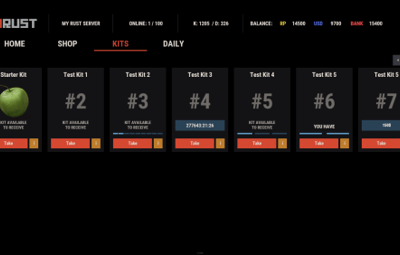
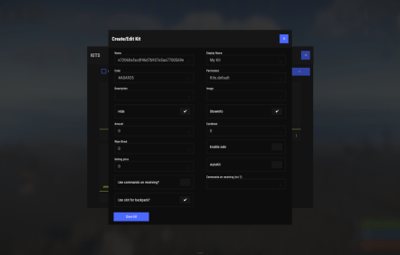
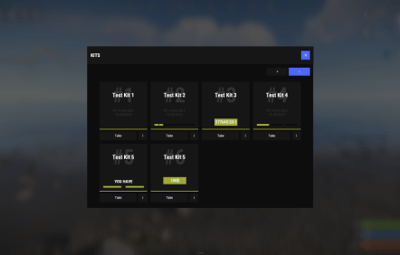
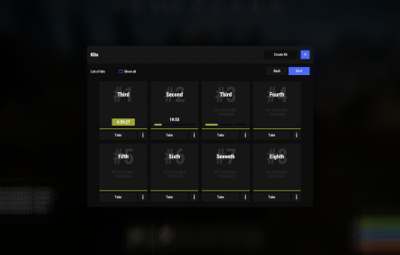
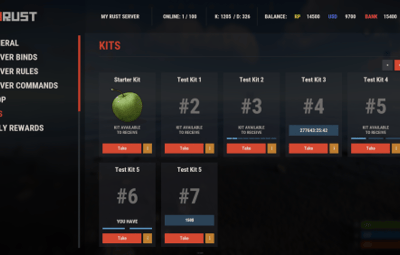
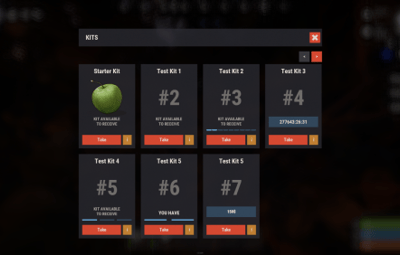
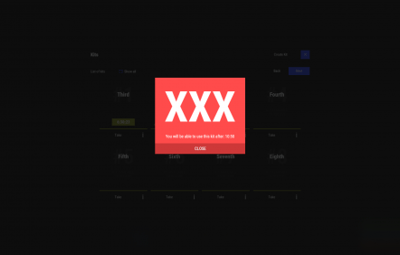
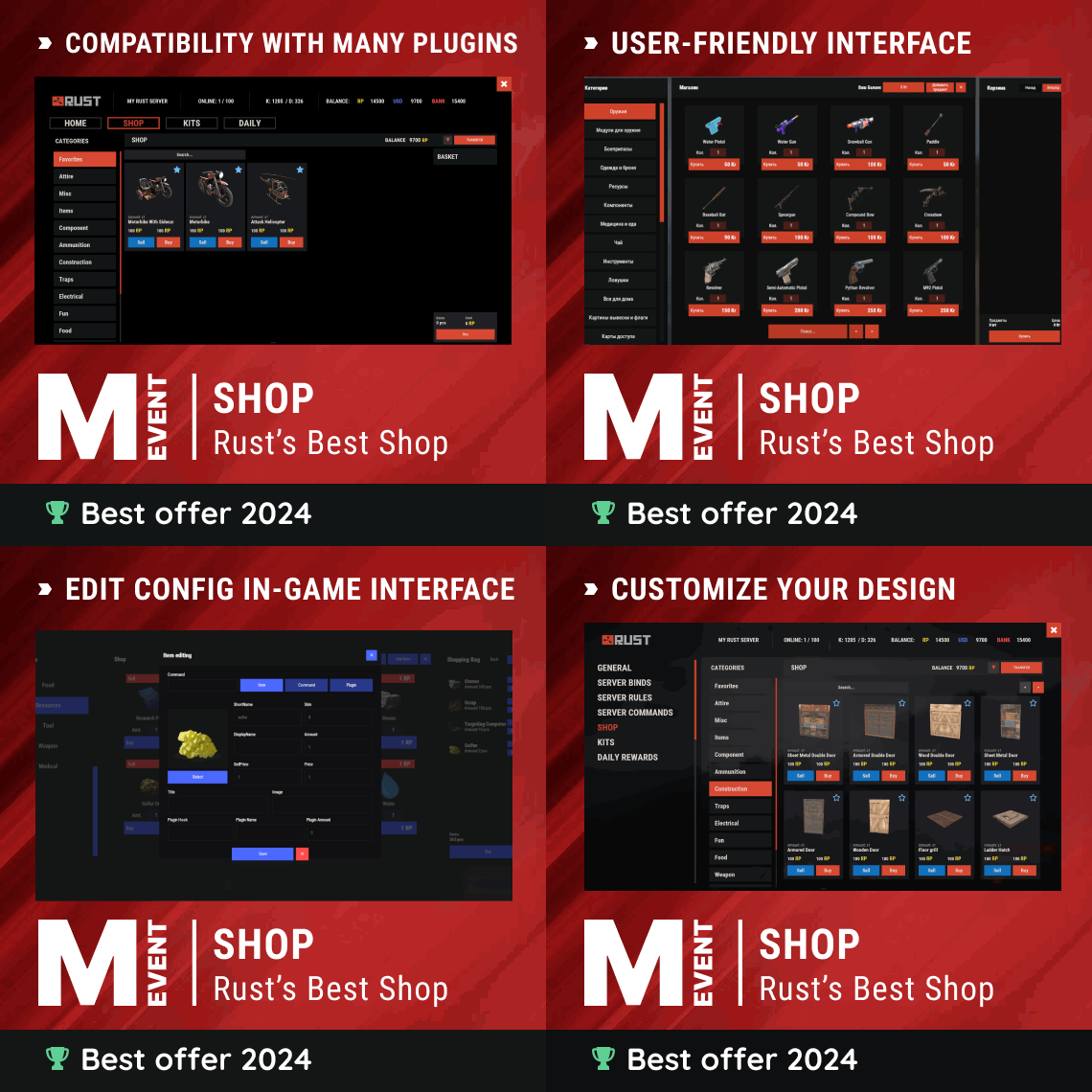
A kit system with a wide feature set and a clean design. It suits you (no need to dig through the config every time and fill in confusing values: you edit items right in the game) and your players (a convenient, clear and informative interface).

 Features of Kits
- Beautiful user interface: A clean design that is easy to use.
- High performance: Optimized to run fast and reliably.
- Automatic kit conversion (uMod): Convert your existing kits.
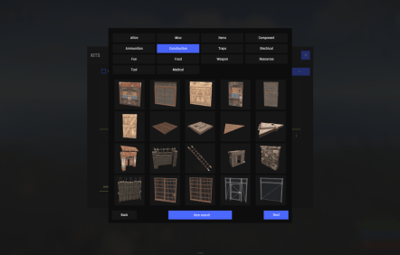
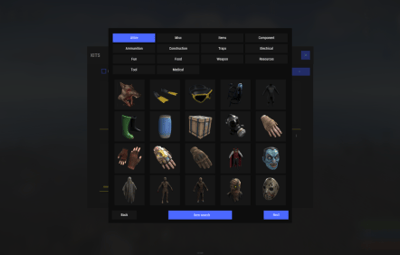
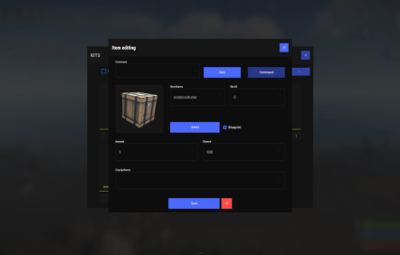
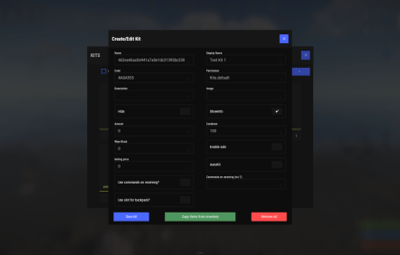
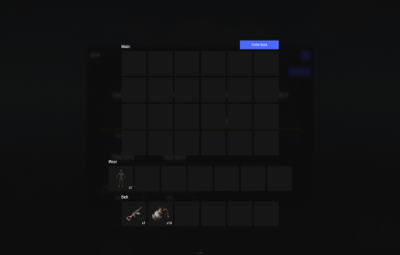
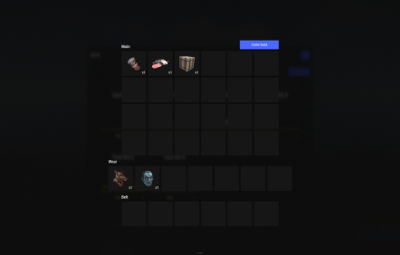
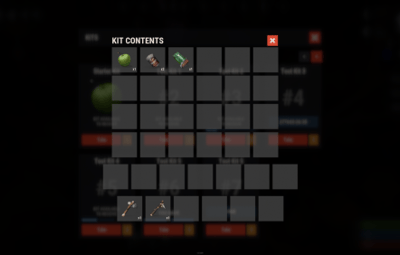
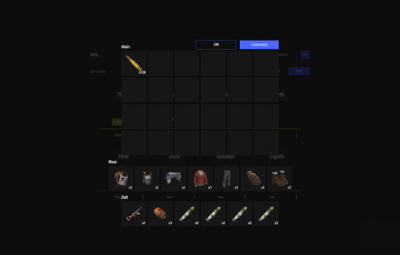
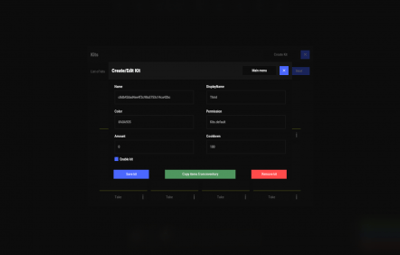
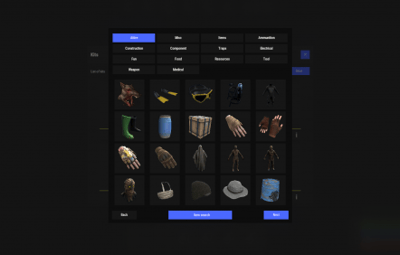
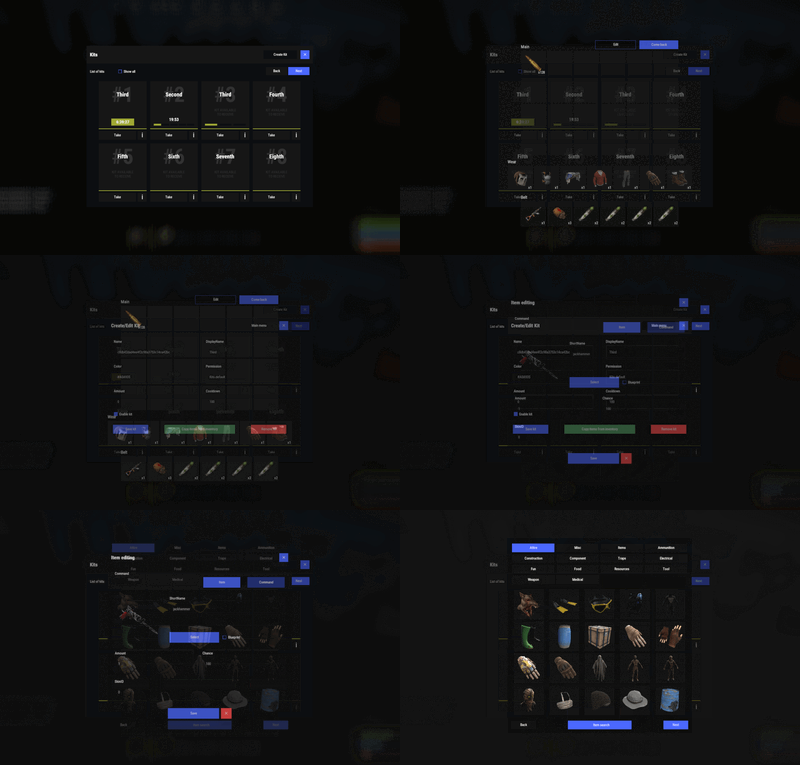
- In-game kit and item setup: Configure kits directly in the game.
- Auto kits & wipes (optional): Automate kit distribution and server wipes.
- Custom items & commands: Add your own items and commands to kits.
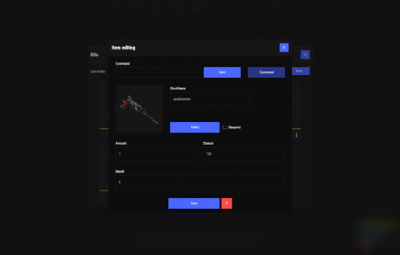
- Advanced item settings: Detailed settings for every item.
- CopyPaste integration: Works with CopyPaste.
- Optional features: Delays after wipes, set blocking in Building Block, logging, and item chances.
- Skills & ServerPanel support: Works with Skills and ServerPanel.
 Commands
- kit - open the kit interface
- kit help - get help with kits
-
kit autokit - enable or disable automatic kit.
Requires the "kits.changeautokit" permission. You can set this permission up in the plugin configuration under "Permission to enable/disable autokit". - kit list - display all available kits
- kit [name] - redeem a specific kit
- kits.resetkits - delete all kits
- kits.give [name/steamid] [kitname] - grant a kit to a player
- kits.convert - convert from uMod Kits
- kits.wipe - clear players data
-
kits.reset - resets the player data or kits in the kits system.
-
kits.reset data [<targetID>/all] - resets the data of a player or all players.
Parameters:
<targetID>: The ID of the player whose data is to be reset. If you specify all, the data of all players will be reset. - kits.reset kits - resets all kits in the data
-
kits.reset data [<targetID>/all] - resets the data of a player or all players.
-
kits.template <interface_type> <interface_style> <template> [template_version] - lets the administrator change the look of the kits interface by choosing between
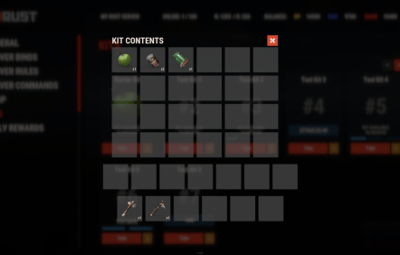
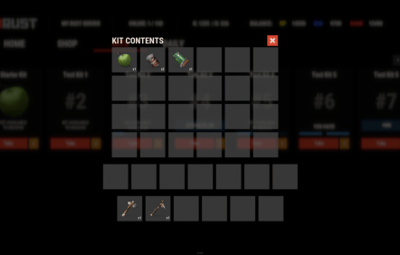
fullscreenandinmenumode. Different styles and templates are available for each interface type. The old style (old) is only available for fullscreen mode, while the new Rust style (rust) is available for both interface types. When using the Rust style, you must specify a specific template such asnormal,content,categoriesorcontent_categories. Forinmenu rusttemplates, you can also specify the ServerPanel template version (1or2).
Parameters:-
<interface_type>: The type of interface template. Valid values:-
fullscreen: Fullscreen interface template. -
inmenu: Menu interface template.
-
-
<interface_style>: The style of the interface. Valid values:-
old: The old interface style (fullscreen only). -
rust: New Rust interface style (for fullscreen and inmenu).
-
-
<template>: The name of the target template. Valid values depend on the interface style:- normal, content, categories, content_categories.
-
[template_version]: (Optional, only forinmenu rust) ServerPanel template version. Valid values:1or2. Specifies the template version to be used with the selectedinmenu rusttemplate.
-
kits.template fullscreen old- Sets the fullscreen interface to the old style. -
kits.template fullscreen rust normal- Sets the fullscreen interface to the Rust style with the normal template. -
kits.template fullscreen rust content- Sets the fullscreen interface to the Rust style with the content template. -
kits.template fullscreen rust categories- Sets the fullscreen interface to the Rust style with the categories template. -
kits.template fullscreen rust content_categories- Sets the fullscreen interface to the Rust style with the content_categories template. -
kits.template inmenu rust normal 1- Sets the menu interface to the Rust style with the normal template for ServerPanel version 1. -
kits.template inmenu rust content 2- Sets the menu interface to the Rust style with the content template for ServerPanel version 2. -
kits.template inmenu rust categories 1- Sets the menu interface to Rust style with the categories template for ServerPanel version 1. -
kits.template inmenu rust content_categories 1- Sets the menu interface to the Rust style with the content_categories template for ServerPanel version 1.
-
 Video
Video
P.S. This video shows the old version. A video for V2+ is in development.
 Showcase
Full screen templates
- Template OLD STYLE

- Template NEW RUST

Default:

Content:

Categories:

Content & Categories:

In-menu templates
- Template V1 (V1.1)

Default:

Content:

Categories:

Content & Categories:

- Template V2

Default:
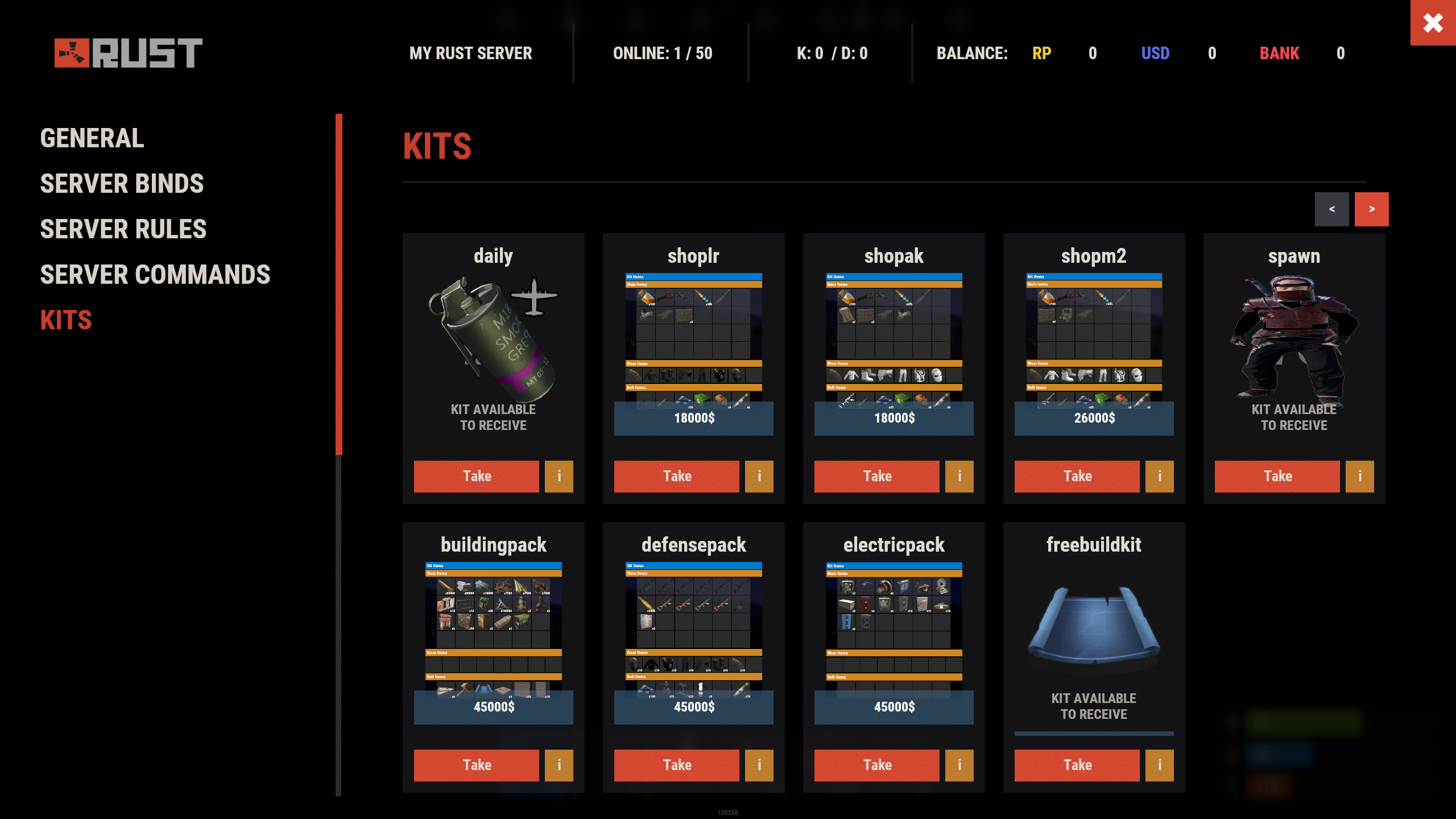
Content:

Categories:

Content & Categories:

- Template V4
Default:

Content:

Categories:

Content & Categories:

Editor
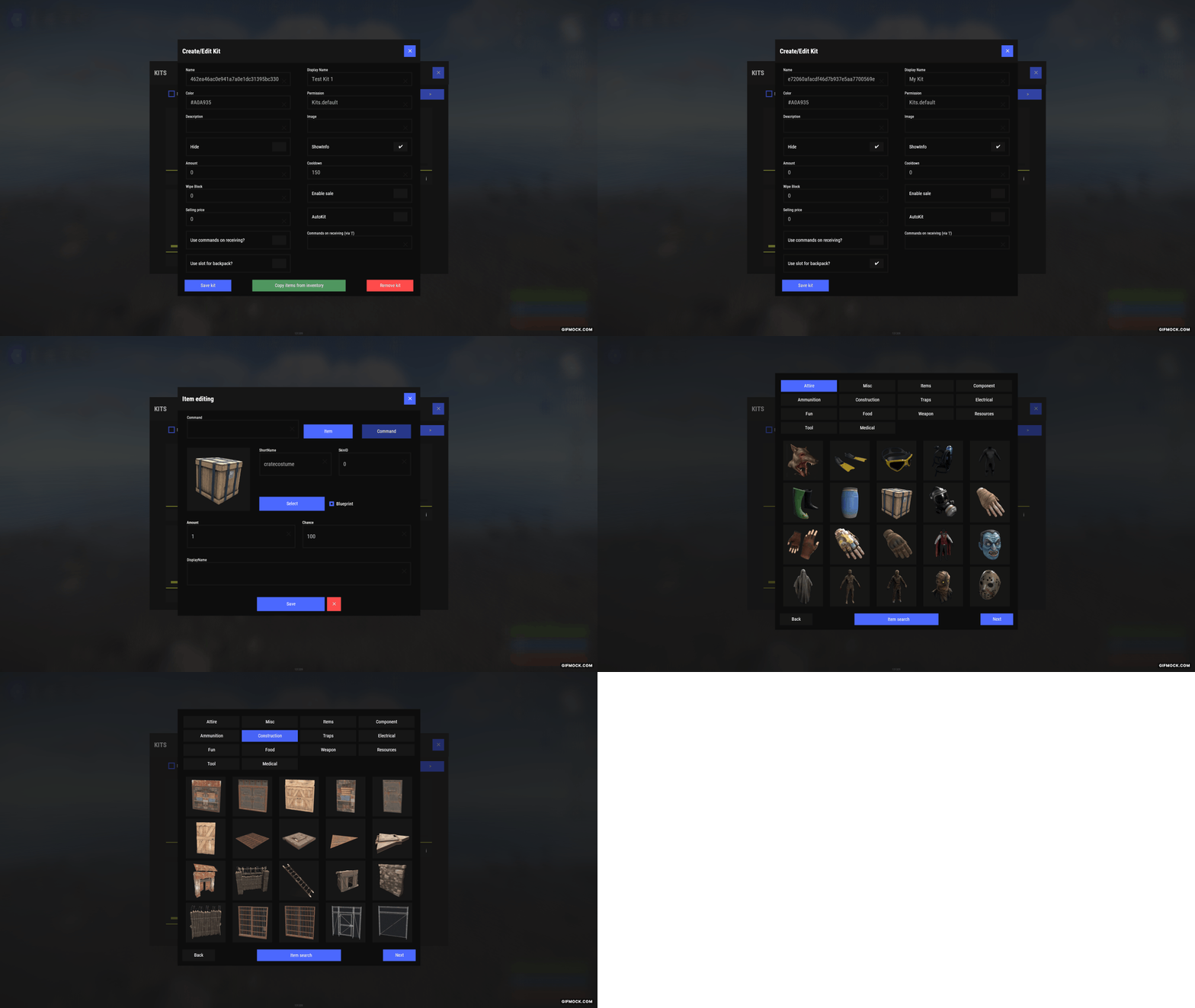
 Web Config Editor
Manage the Kits settings in our web config editor. You change the config in a browser form instead of editing files on the server by hand.
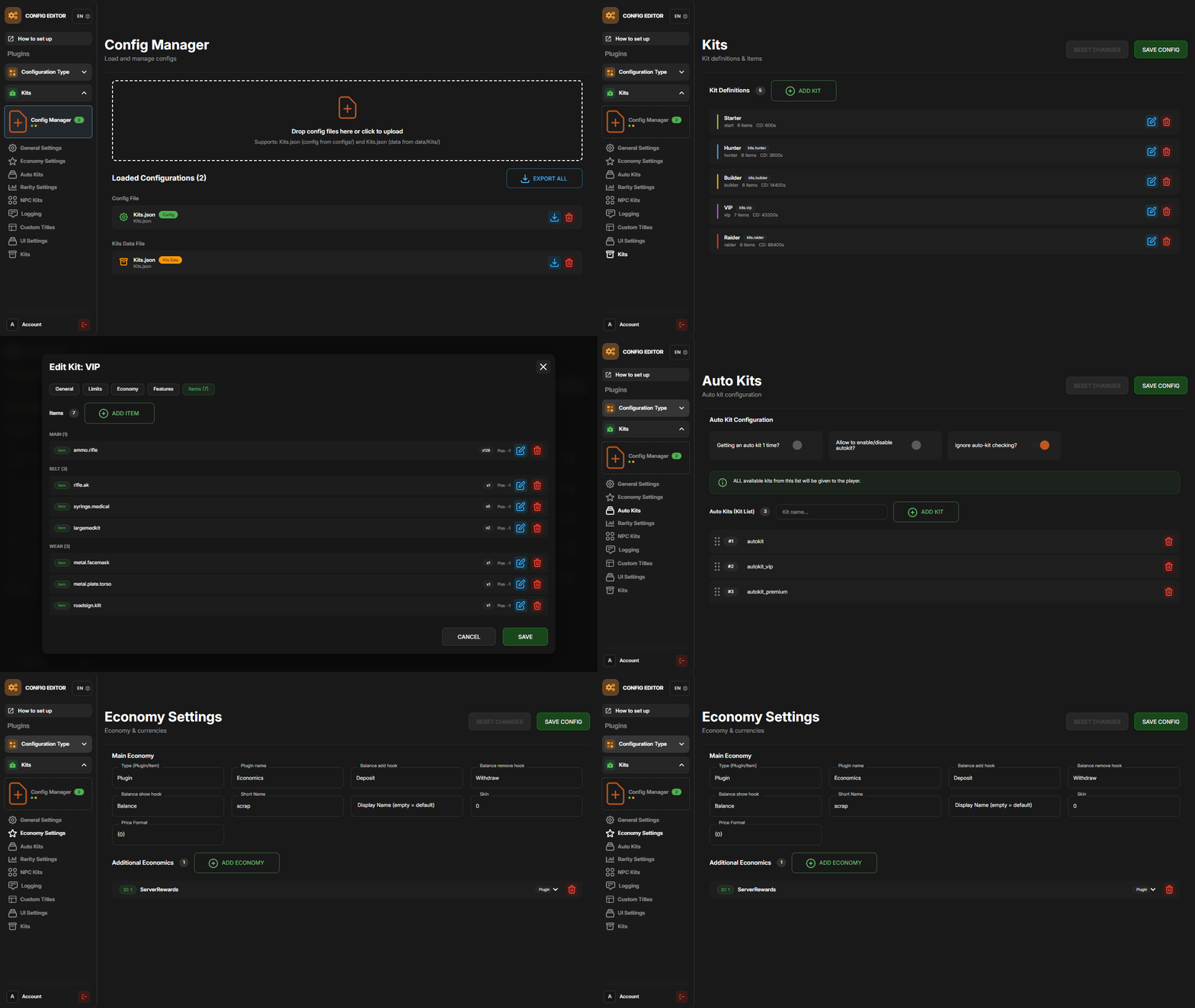
P.S. The web config editor is open to members of the "Kits" group in our Discord server. Join at https://discord.gg/mevent and ask for the group.
 TEST SERVER
Join our test server to try all these features yourself.
Copy the IP address below to start playing.
connect 155.103.86.38:28015
 FAQ
FAQ
Q: Where can I see an example of a config?
A: Config
Q: Where can I see an example of the data?
A: Data
Q: How do I add Kits to ServerPanel?
A: To add Kits to your ServerPanel, create a new category in your ServerPanel configuration with these settings:
"Type": "Plugin",
"Plugin Name": "Kits",
"Plugin Hook": "API_OpenPlugin".
Q: Does the Kits plugin support other plugins?
A: Yes, this Kits plugin has an API similar to other popular kits plugins. If a plugin works with Kits, it works with this plugin too.
Q: How do I enable the sale of kits?
A: You need to configure the plugin economy (which plugin, its hooks, etc.), enable "Enable sale" in the Kits data (oxide/data/Kits/Kits.json or carbon/data/Kits/Kits.json) and set the price to "Selling price"
"Enable sale": true,
"Selling price": 100,
Q: How do I use Economics to pay for kits?
A: Example configuration settings:
  "Economy": {
    "Type (Plugin/Item)": "Plugin",
    "Plugin name": "Economics",
    "Balance add hook": "Deposit",
    "Balance remove hook": "Withdraw",
    "Balance show hook": "Balance",
    "ShortName": "",
    "Display Name (empty - default)": "",
    "Skin": 0
  },
Q: How do I use ServerRewards to pay for kits?
A: Example configuration settings:
  "Economy": {
    "Type (Plugin/Item)": "Plugin",
    "Plugin name": "ServerRewards",
    "Balance add hook": "AddPoints",
    "Balance remove hook": "TakePoints",
    "Balance show hook": "CheckPoints",
    "ShortName": "",
    "Display Name (empty - default)": "",
    "Skin": 0
  },
Q: How do I use scrap to pay for kits?
A: Example configuration settings:
  "Economy": {
    "Type (Plugin/Item)": "Item",
    "Plugin name": "",
    "Balance add hook": "",
    "Balance remove hook": "",
    "Balance show hook": "",
    "ShortName": "scrap",
    "Display Name (empty - default)": "",
    "Skin": 0
  },
Q: How do I resize the kit image?
A: You can do this in the config, here's an example of the image setup (-32 and 32 are width, and -75 and -11 are height). The setup looks like this:
    "Kit Image": {
      "AnchorMin": "0.5 1",
      "AnchorMax": "0.5 1",
      "OffsetMin": "-32 -75",
      "OffsetMax": "32 -11"
    },
Q: How can I remove the numbers on the kits ("#1", "#2", etc.)?
A: You need to turn off "Show Number?" in the config:
"Show Number?": false,
Q: How do I make it so that others can see kits with different permissions without being able to claim them?
A: You need to turn on "Show All Kits?" in the config:
"Show All Kits?": true,
Q: Where can I edit the names in the plugin or add my own language?
A: You can edit lang files that are located (for example) at "oxide/lang/en/Kits.json" or "carbon/lang/en/Kits.json".
Q: Menus open without images and the console shows "IMAGE LIBRARY IS NOT INSTALLED." How to fix?
A: On Oxide the plugin loads its images through ImageLibrary (Carbon has its own image database and does not need it). Solutions:
- Install the ImageLibrary plugin if it's not installed.
- Make sure ImageLibrary is loaded and running properly (check with o.plugins command).
- Restart the server after installing ImageLibrary.
- Check server console for ImageLibrary errors and fix them.
Q: I see black images with Rust logo or get error 429 when loading images. What should I do?
A: This happens when images fail to download from the internet. The Kits plugin sends images to ImageLibrary but is not responsible for the downloading process itself. Error 429 typically occurs due to rate limits imposed by image hosting services like Imgur (see HTTP 429 documentation for more details). To fix this, enable Offline Image Mode, which uses local images instead:
-
Enable the mode in config:
- Open "oxide/config/Kits.json" (or "carbon/config/Kits.json" for Carbon)
-
Set
"Enable Offline Image Mode": true
-
Set up the images:
- Create folder "TheMevent" in "oxide/data" (or "carbon/data" for Carbon)
- Download PluginsStorage (click "CODE" → "Download ZIP")
- Extract the ZIP and copy all contents to the "TheMevent" folder
-
Reload the plugin:
-
Type
o.reload Kits(Oxide) orc.reload Kits(Carbon)
-
Type
Note: If you want to add your own custom images, place them in the "TheMevent" folder and reference them with the "TheMevent/" prefix. For example: "TheMevent/Icon1.png", "TheMevent/MyCustomIcon.jpg", etc.
Q: What placeholders are available for commands and what do they do?
A: You can use these placeholders in kit commands and they will be automatically replaced:
- %steamid% - Replaced with the player's Steam ID (e.g., "76561198000000000")
- %username% - Replaced with the player's display name (e.g., "PlayerName")
- %player.x% - Replaced with the player's X coordinate position
- %player.y% - Replaced with the player's Y coordinate position
- %player.z% - Replaced with the player's Z coordinate position
Example usage in kit commands:
"Commands on receiving (via '|')": "say Welcome %username%!|teleport %steamid% %player.x% %player.y% %player.z%"
Note: Multiple commands can be separated by the "|" character, and they will be executed in sequence when the kit is redeemed.
 HOOKS
HOOKS
private string[] canRedeemKit(BasePlayer player)
private void OnKitRedeemed(BasePlayer player, string kitName)
private double  OnKitCooldown(BasePlayer player, double cooldown)
 API
API
private bool TryClaimKit(BasePlayer player, string name, bool usingUI)
private string[] GetAllKits()
private object GetKitInfo(string kitname)
private string[] GetKitContents(string kitname)
private double GetKitCooldown(string kitname)
private double PlayerKitCooldown(ulong ID, string kitname)
private int KitMax(string kitname)
private double PlayerKitMax(ulong ID, string kitname)
private string KitImage(string kitname)
private bool IsKit(string kitname)
private bool isKit(string kitname)
private void GetKitNames(List<string> list)
private double GetPlayerKitCooldown(ulong userId, string name)
private double GetPlayerKitCooldown(string userId, string name)
private void SetPlayerCooldown(ulong userId, string name, int amount)
private int GetPlayerKitUses(ulong userId, string name)
private int GetPlayerKitUses(string userId, string name)
private void SetPlayerKitUses(ulong userId, string name, int amount)
private JObject GetKitObject(string name)
private int GetKitMaxUses(string name)
private string GetKitDescription(string name)
private string GetKitImage(string name)
private bool GiveKit(BasePlayer player, string name, bool usingUI)
private bool HasKitAccess(string userId, string name)
private int GetPlayerKitAmount(string userId, string name)



.thumb.png.bcb832e22f0a48b6833fee517e444bff.png)
.thumb.gif.4707aef13cba7c3b9ad410f5f982b71c.gif)