Rust / Server Plugins
ApartmentsPlus
Custom Apartment LayoutsAdmin & Staff Tools
One monument. Your rooms. A complete rental experience.
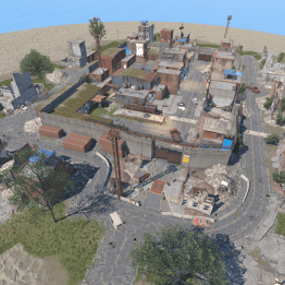
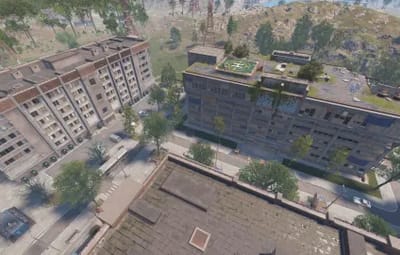
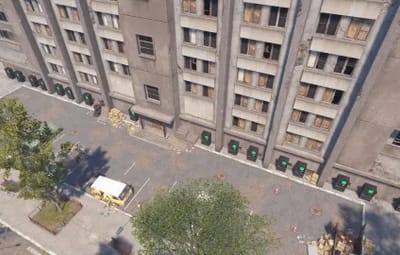
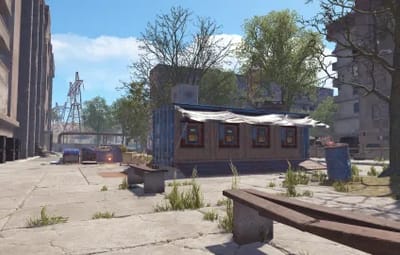
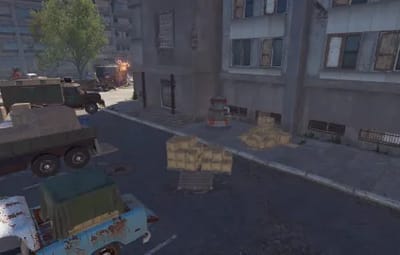
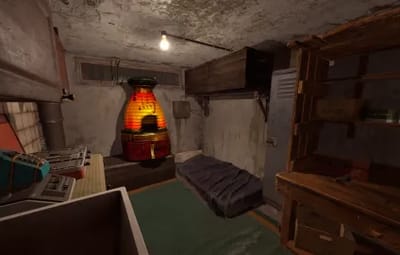
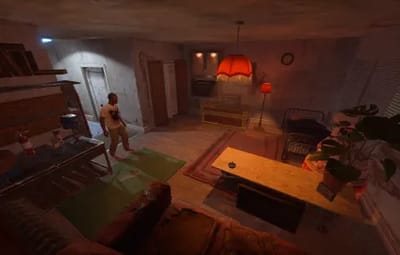
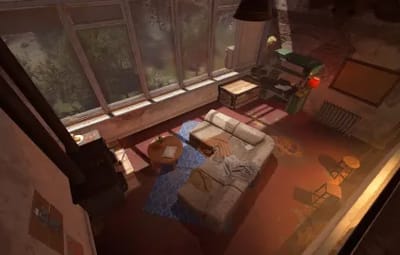
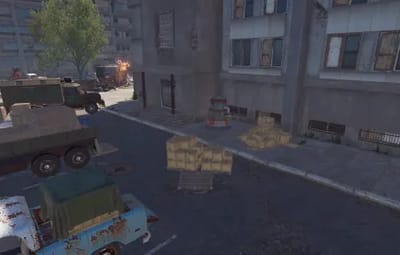
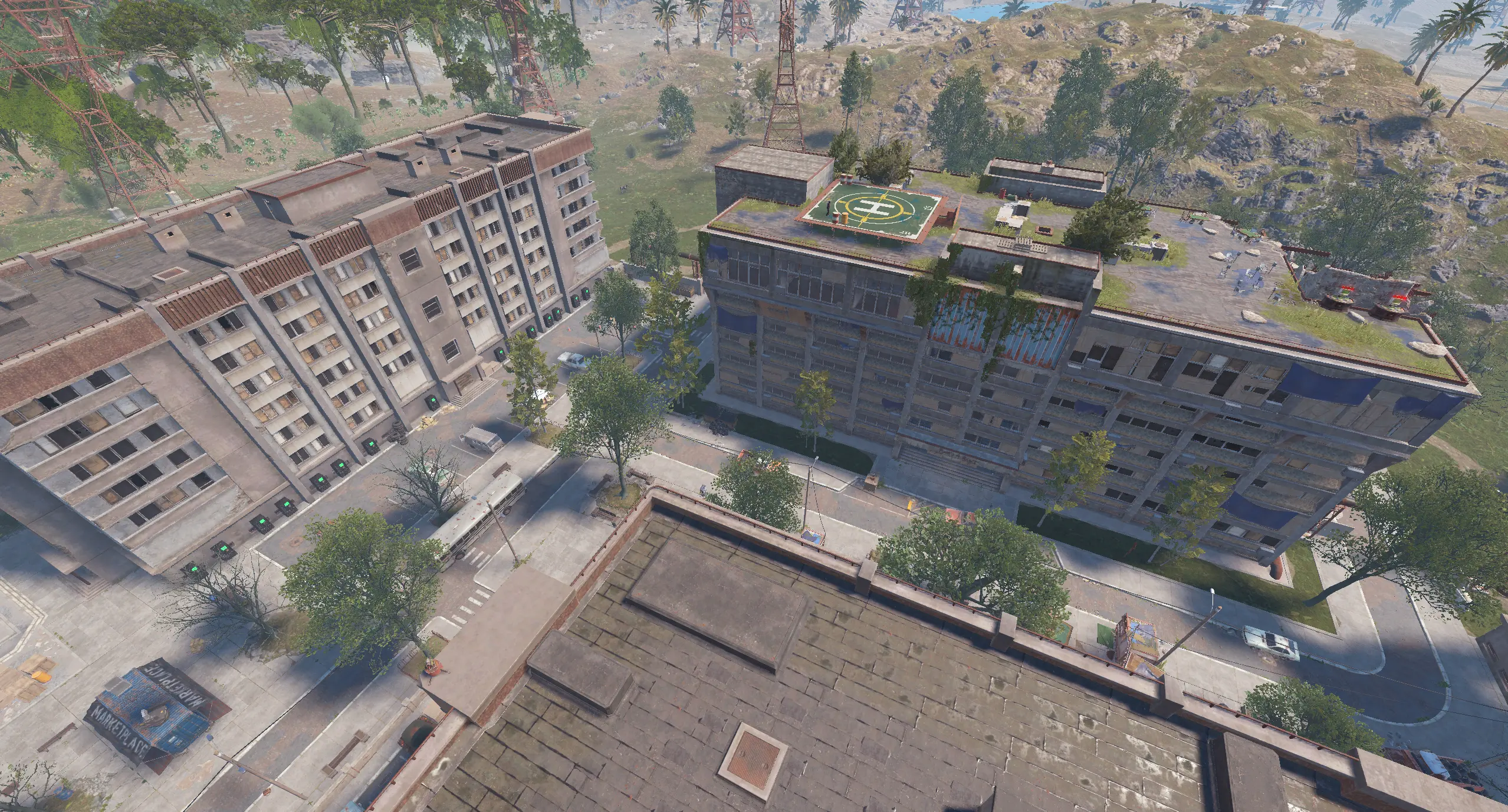
Customize Rust’s apartment monument with saved room layouts, additional deployables and monument-wide services. Bring Outpost, Bandit Camp, stables and apartments together in one location with the included setup and optional additions.
|
Individual rooms Unique designs by room number |
Shared layouts Defaults for each room type |
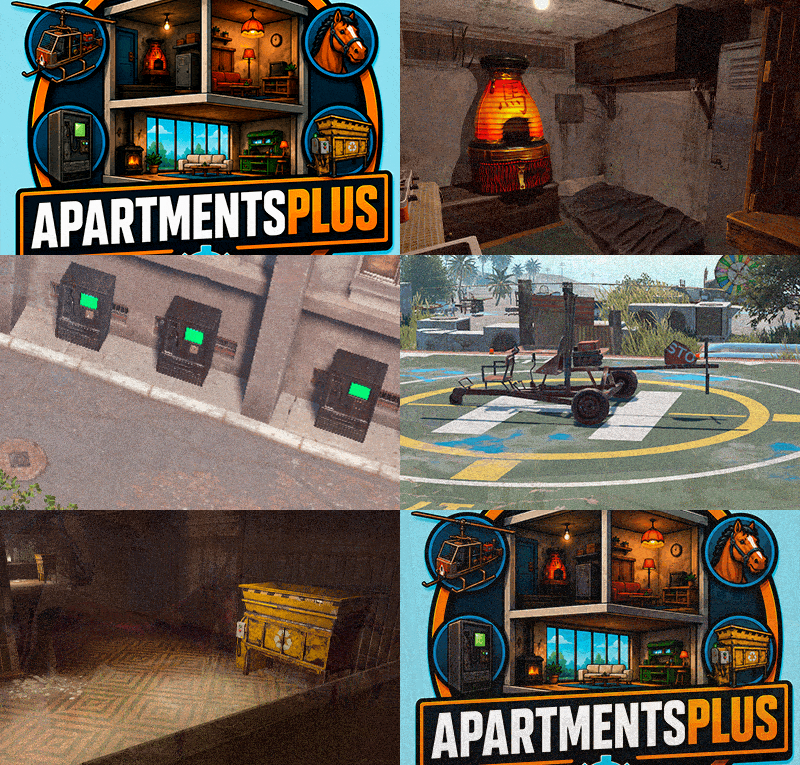
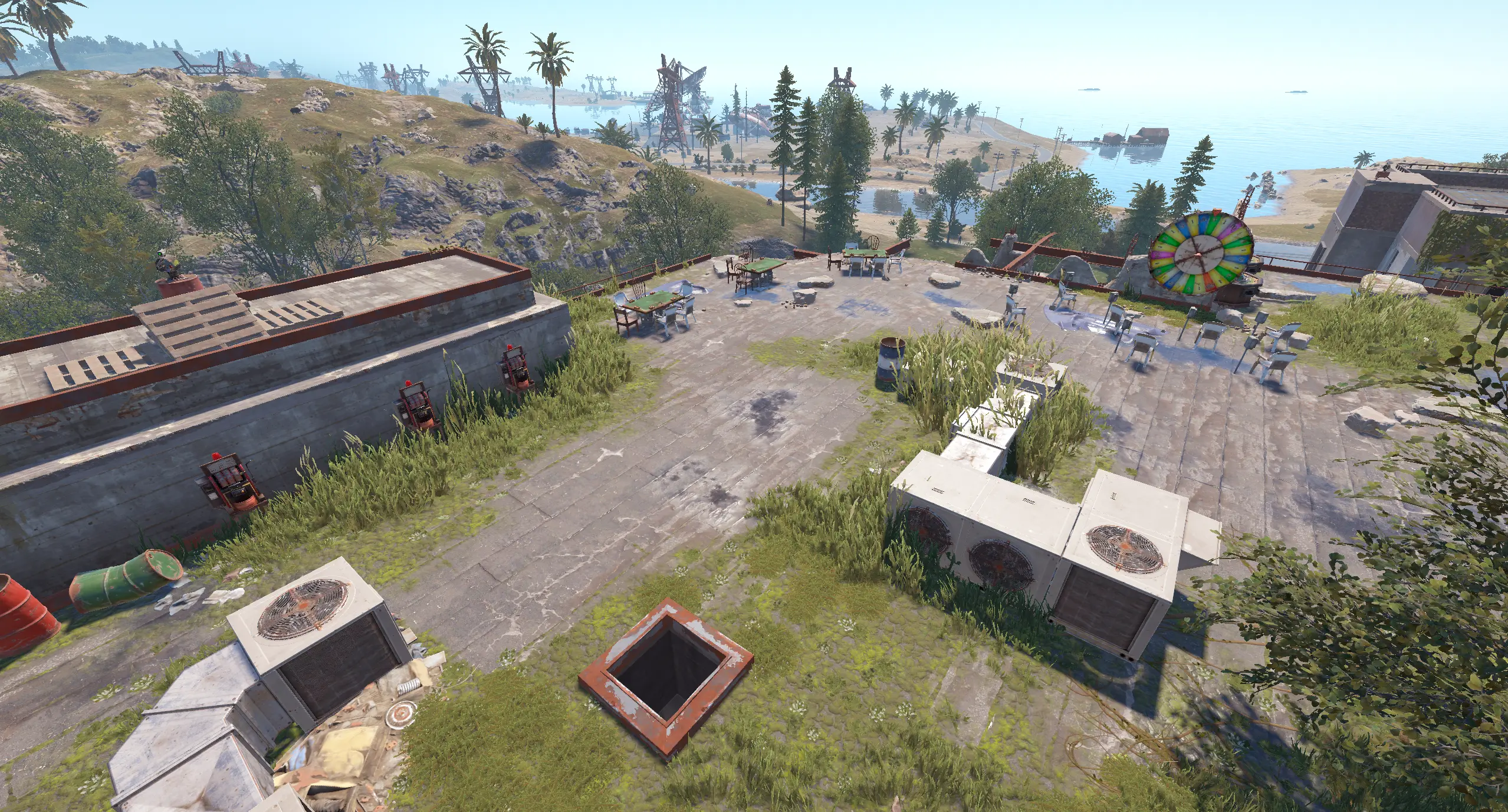
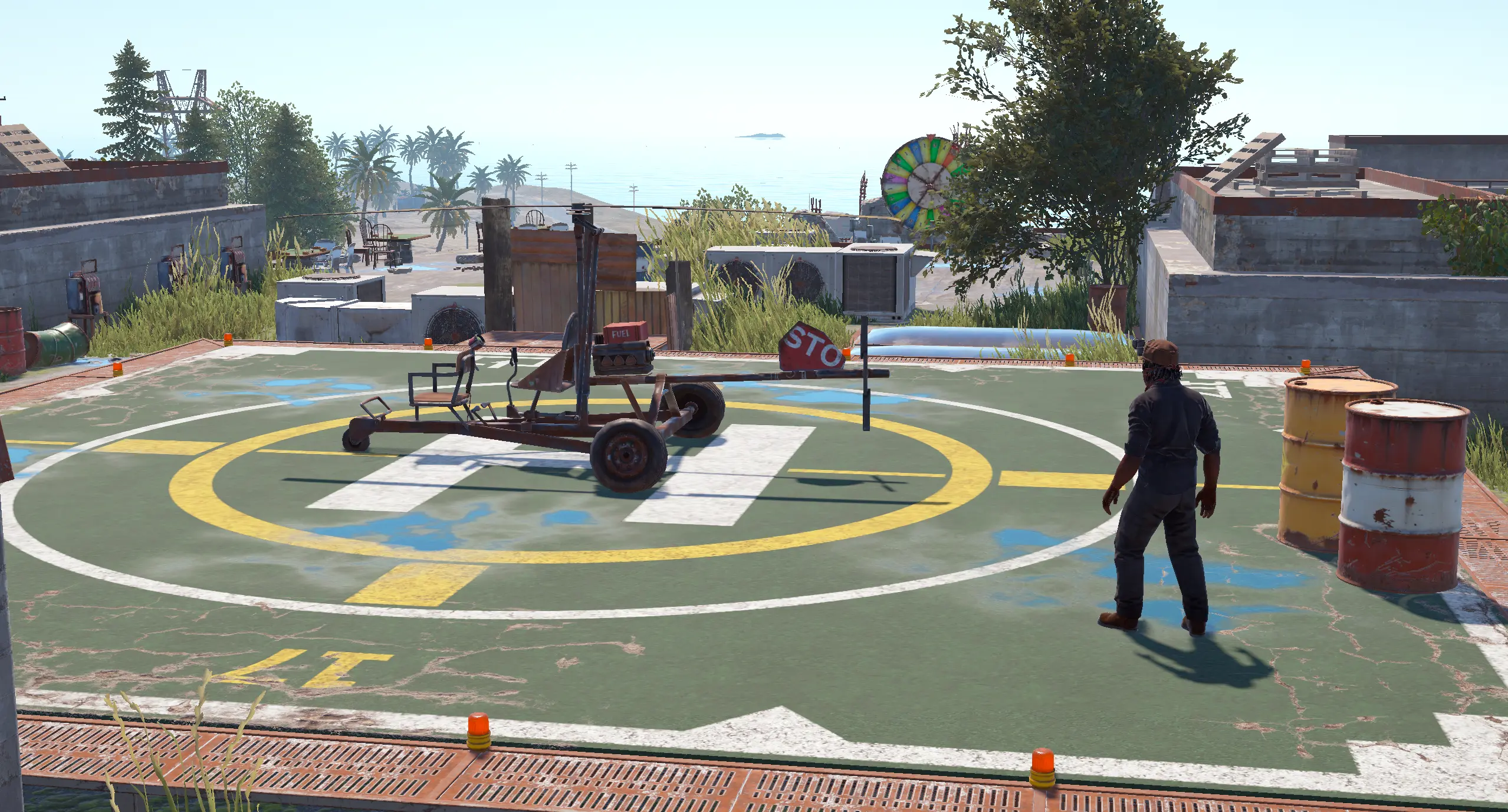
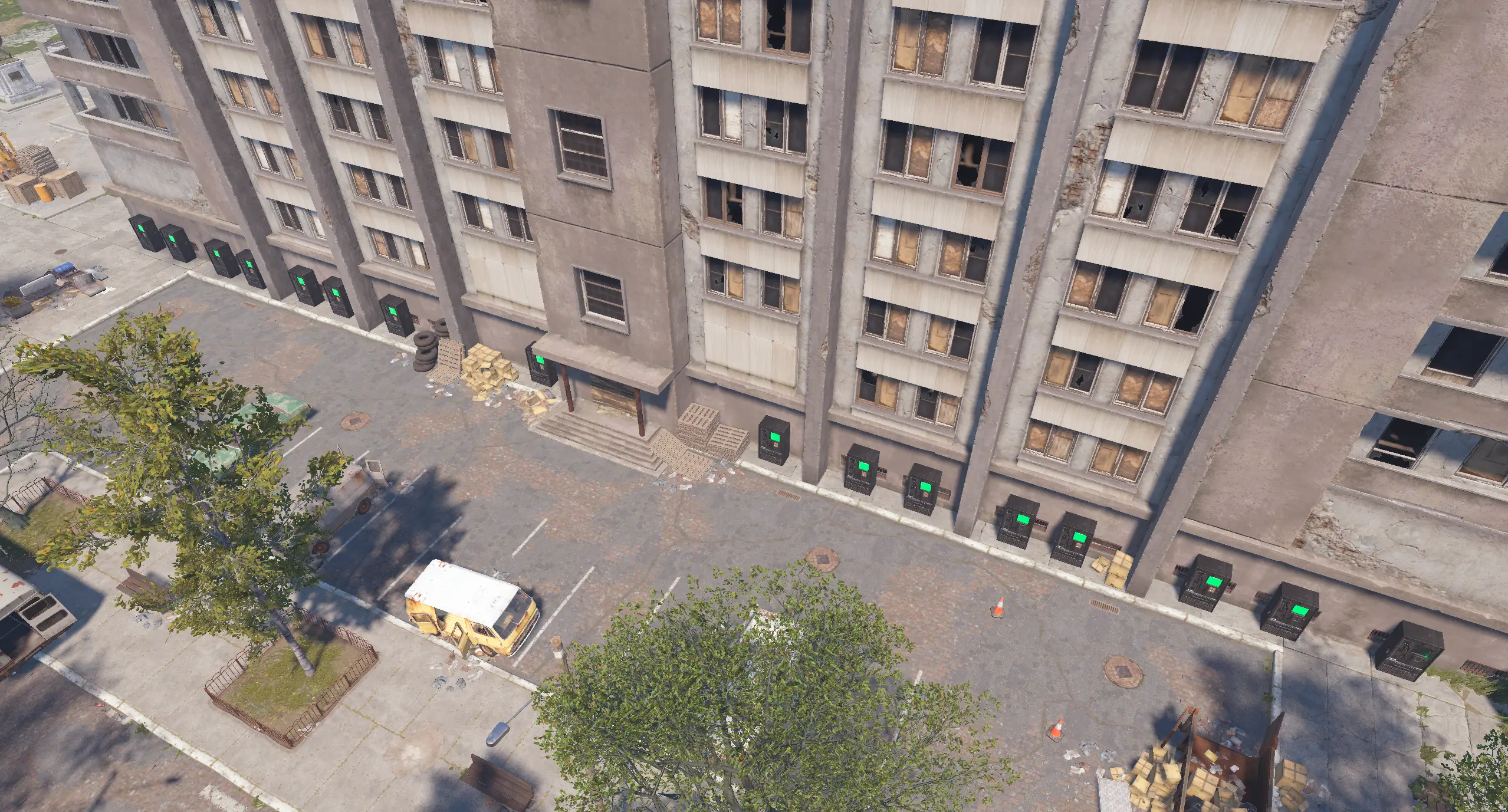
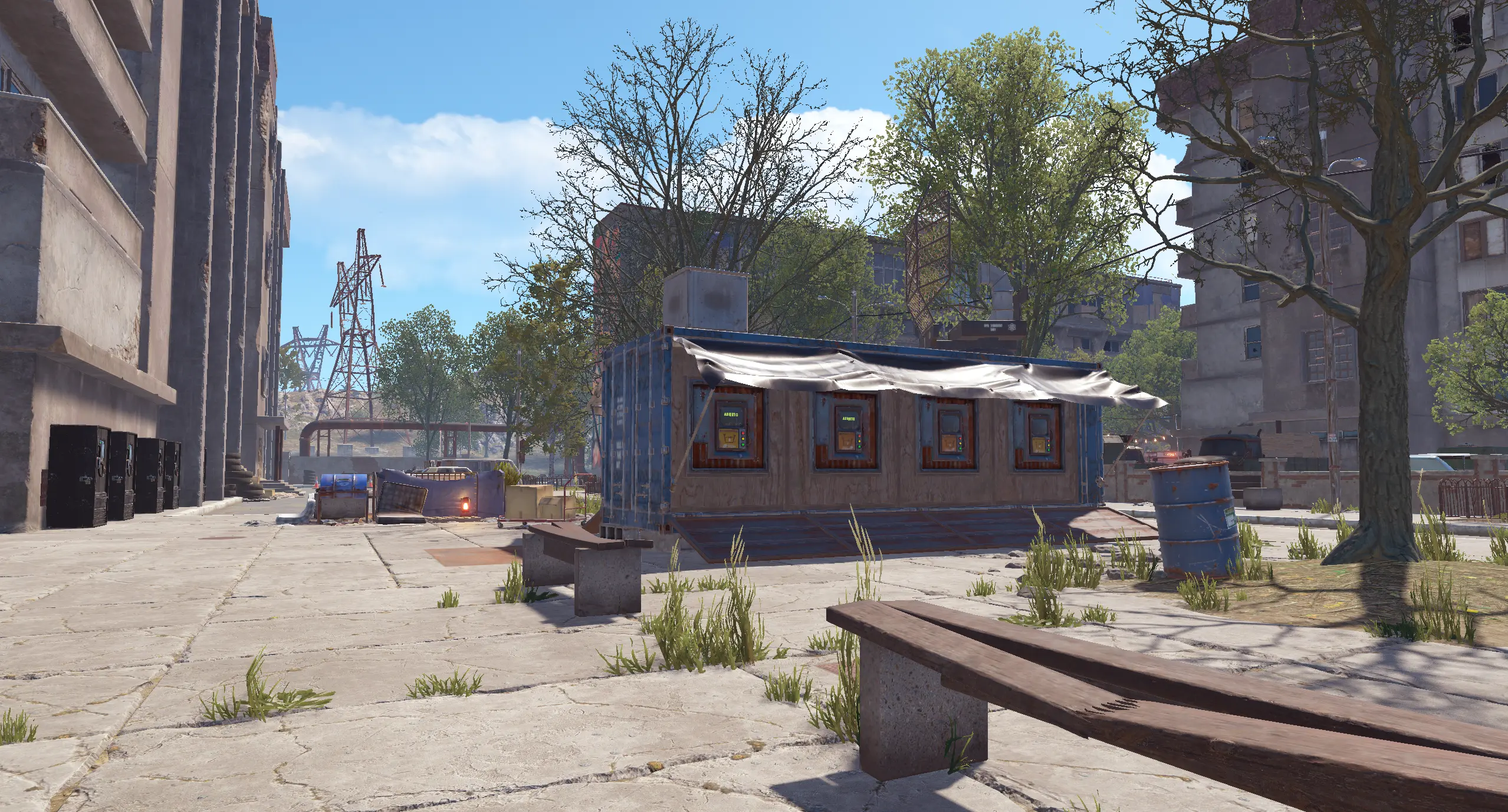
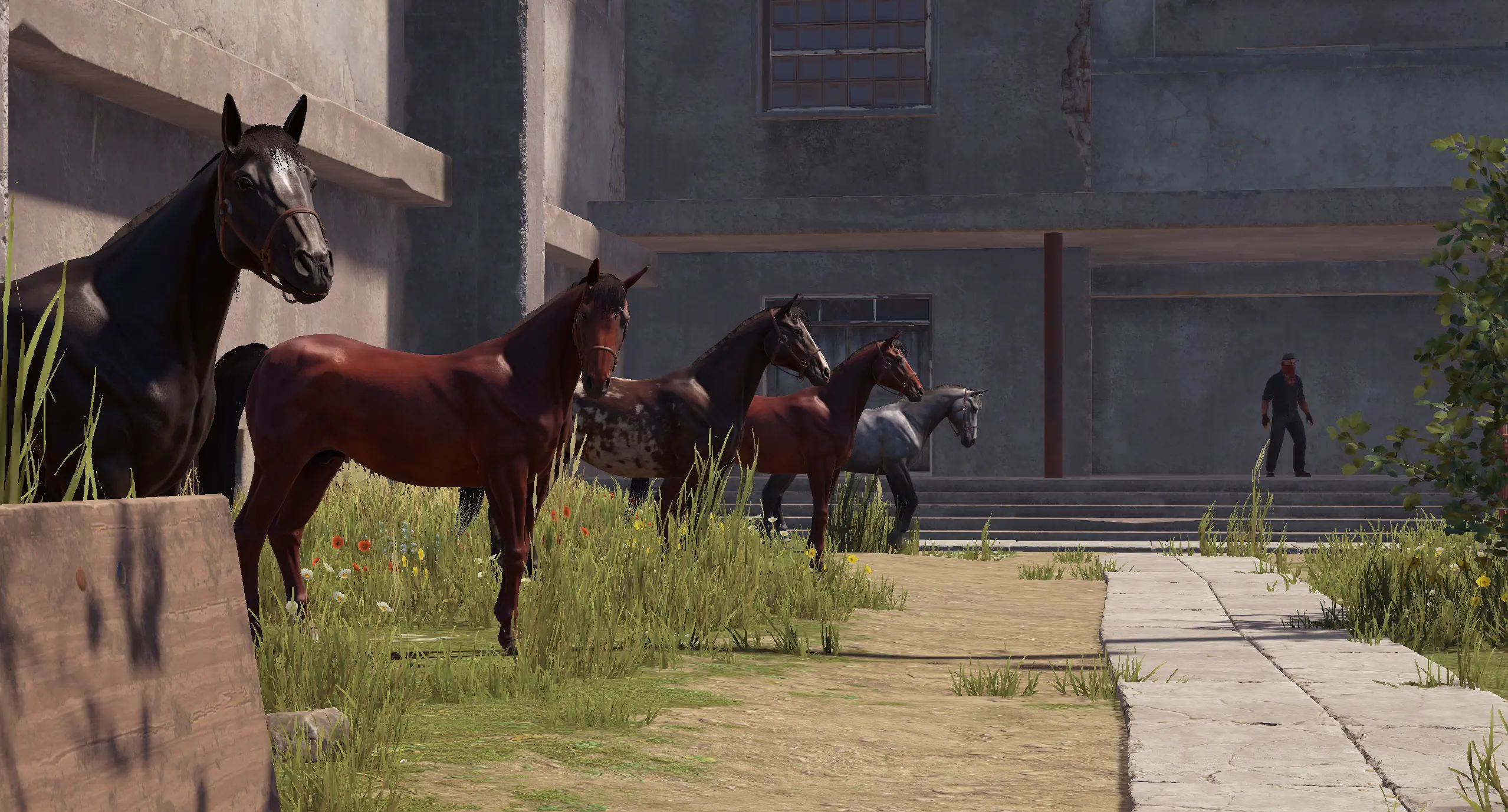
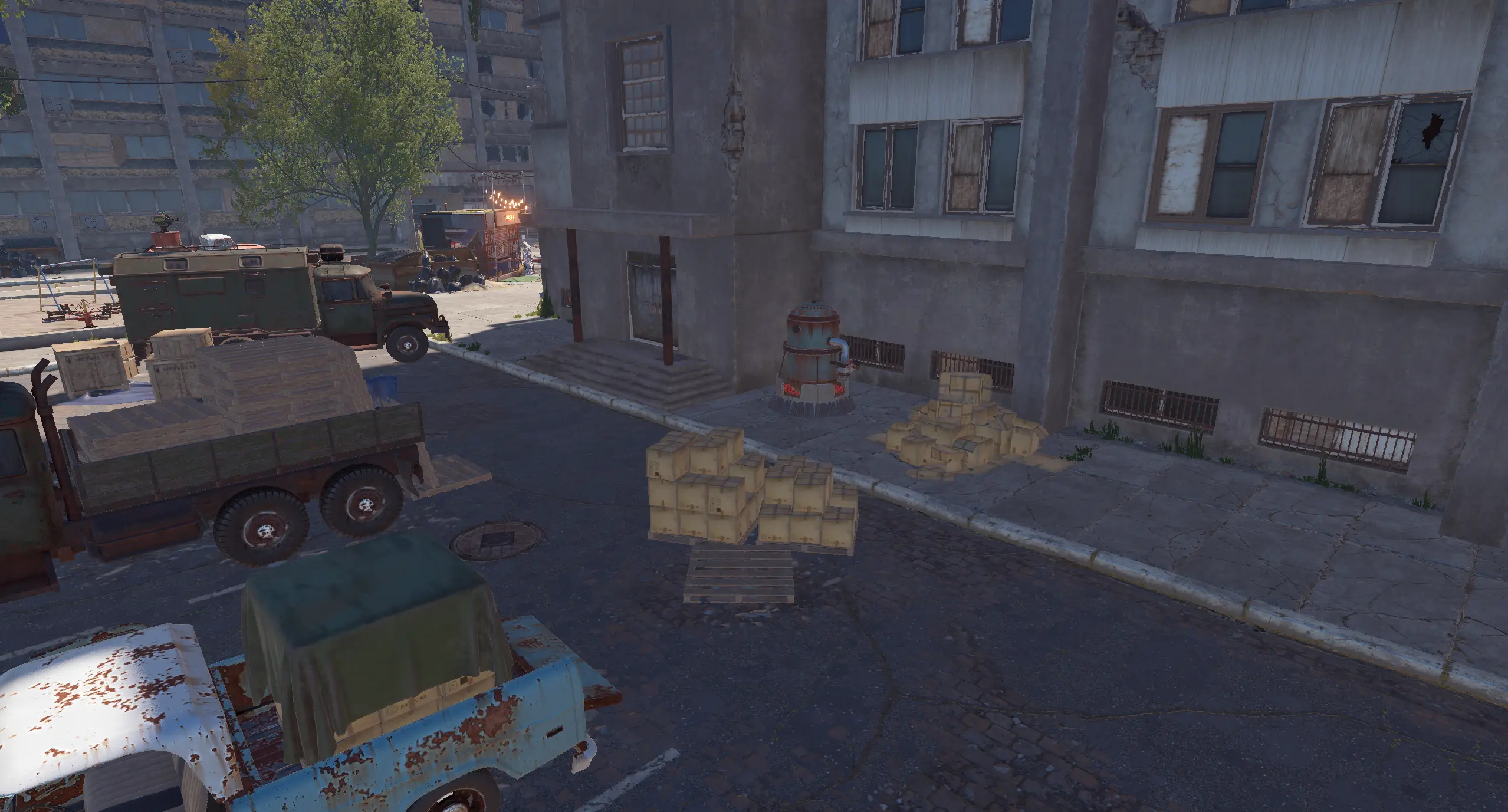
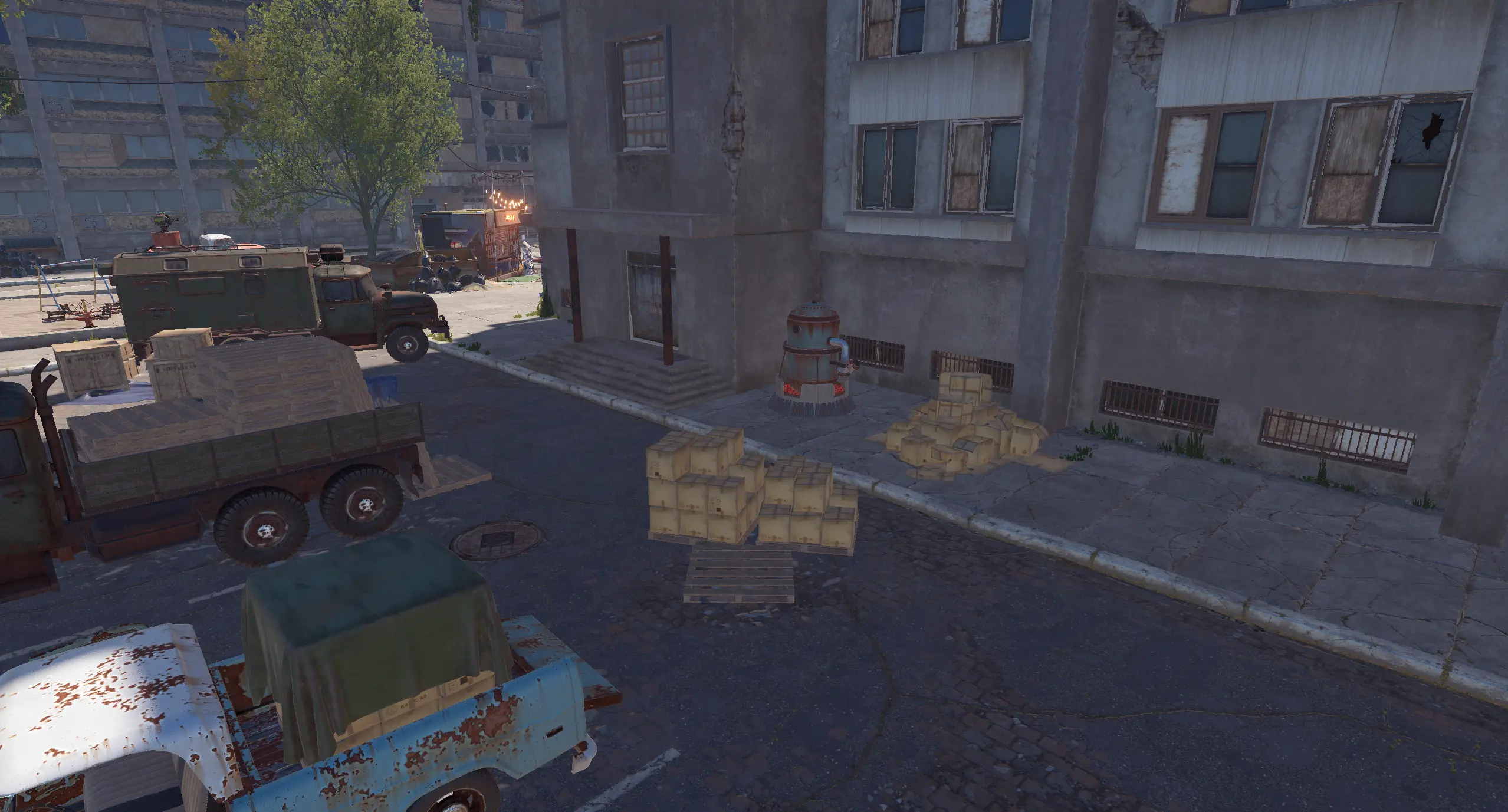
Monument extras Vendors, horses and casino setups |
01 / Video demo
See ApartmentsPlus in action
Explore the apartment setup and customization possibilities.
02 / Installation
Upload the included data folder
These files contain the included monument additions and room-type layouts. Without them, the plugin can load, but the ready-made layouts and monument additions supplied with the purchase will not be applied.
Run the plugin on a Rust server with Oxide or Carbon. The RustEdit extension is required for helicopter vendors, stable vendors and horse spawners; the room editing and layout features do not require it.
03 / Room layouts
Design one apartment or an entire category
Individual room profiles
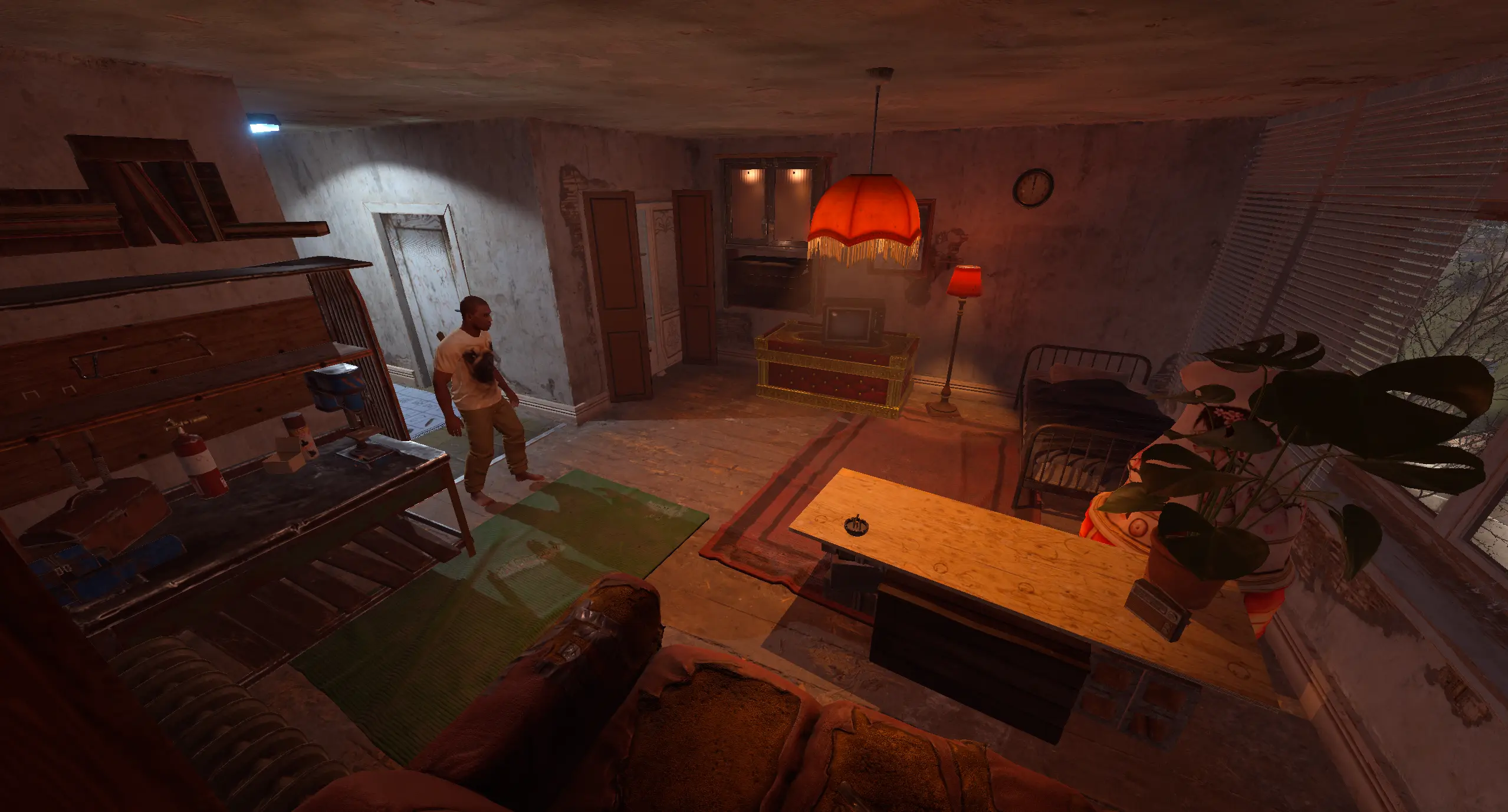
Save a layout for a specific room number when you want that apartment to have its own furniture, decorations and deployables.
Room type defaults
Create shared default layouts for small, medium or large apartment types. Individual room profiles take priority over the room-type default.
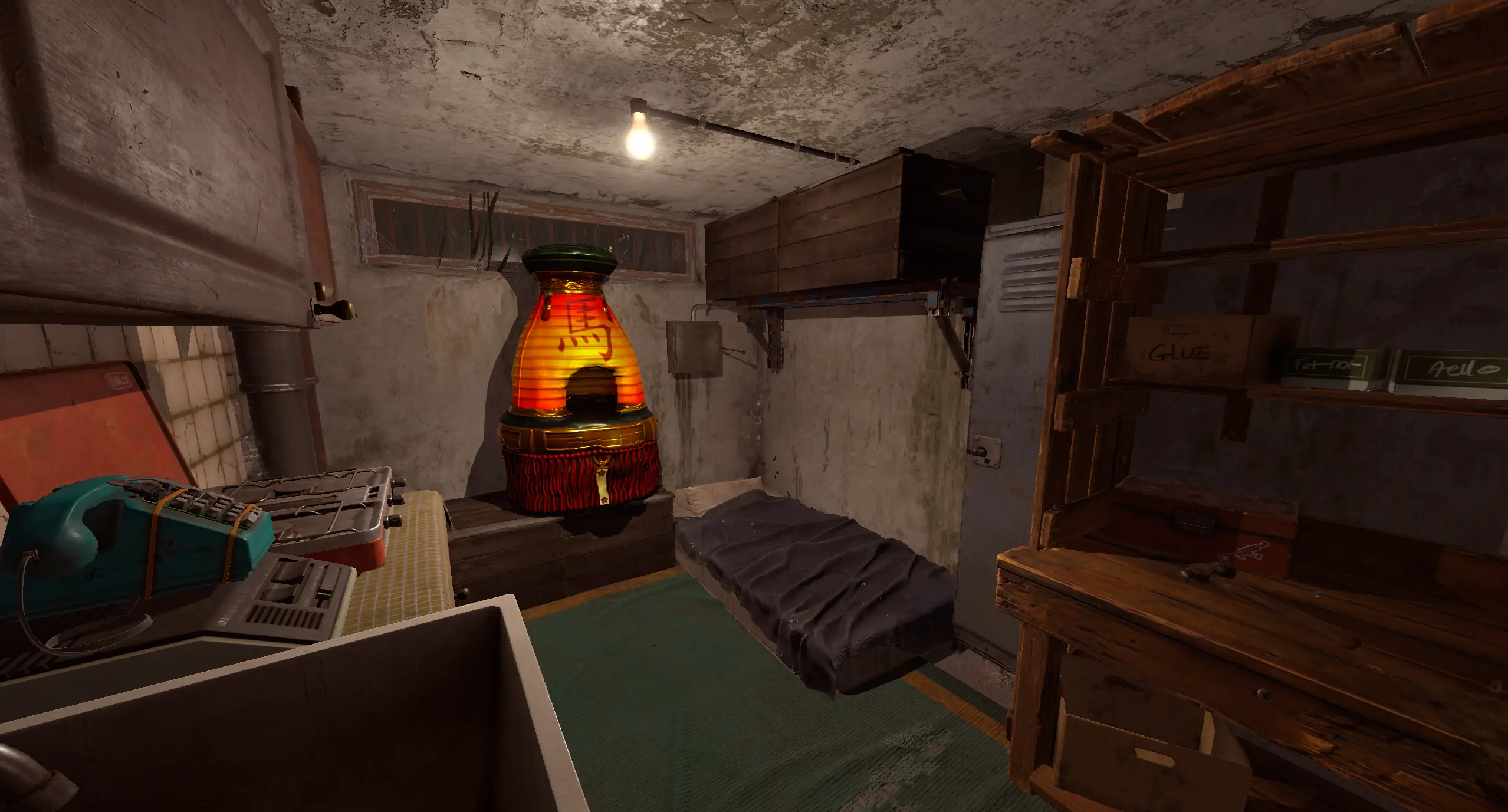
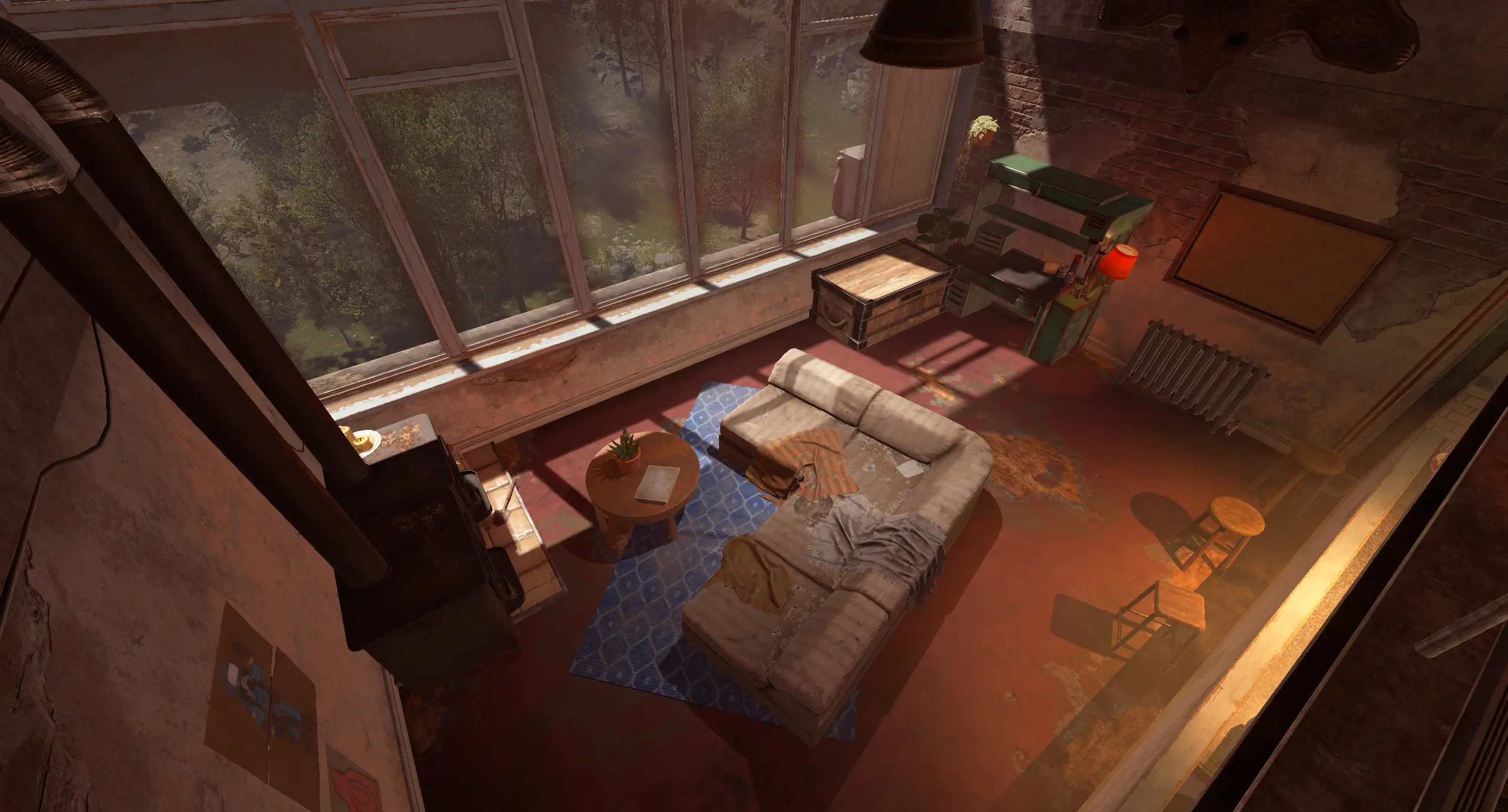
The included layouts add storage, furnaces, workbench changes and workshop skins. Edit them to suit your server’s rental experience.
04 / In-game editing
Build and save your layouts from inside Rust
- Select the room you are standing in with /ap edit, or target an exact room with /ap edit 602.
- Look at an entity and save it as an extra. Move the last edited room extra by local offsets and rotate it by yaw.
- Apply a skin to an identifiable saved room extra, including an existing extra already present in the apartment.
- Remove saved extras, then save and reapply the individual room layout or its room-type default.
- Room editing supplies add and remove hammers. Hit entities with the appropriate hammer to capture them or remove their saved extra. Automatic saving is configurable.
Building-piece profiles can also capture the building grade and wallpapers on the internal and external sides, including wallpaper rotation.
05 / Extra entities
Save deployables relative to the room
Add boxes, lockers, furnaces, lights, decorations and other supported deployables. Profiles store the prefab, enabled state, local position, local rotation and skin ID.
Local transforms keep the layout relative to its room or monument, so it can be reapplied after restarts and reused after wipes when the saved data is retained.
Automatic IO power
Enable automatic power for compatible electrical extras as they spawn. Configure the power amount for lights and other IO deployables that should operate without a complete wiring setup.
06 / Monument services
Add more reasons to visit the apartments
Save global entities as monument extras separately from apartment room layouts. These additions are reapplied to each matching apartment monument instance.
Helicopter vendor
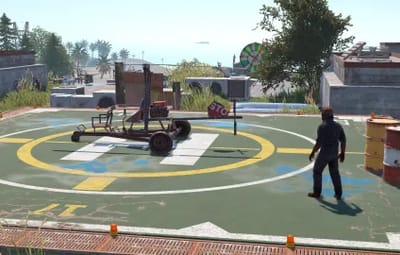
Optionally spawn a helicopter vendor and a helicopter spawn point at configured local positions and rotations. Requires the RustEdit extension.
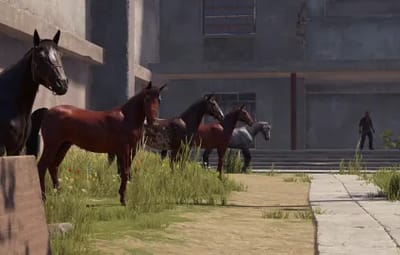
Stable vendor and horse spawns
Add a stable shopkeeper, its linked invisible vending machine and configured horse spawn points. Optionally populate the stable’s default sales, including saddles, horse armor, horseshoes and plant exchange orders. Requires the RustEdit extension.
Functional casino setups
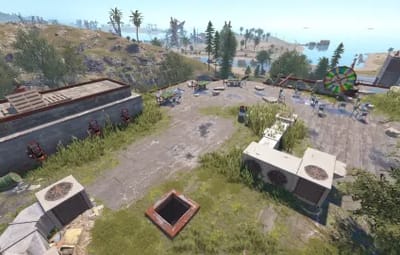
Save the big wheel and betting terminals as monument extras. ApartmentsPlus connects terminals to the nearest wheel and can automatically create their static chairs at a fixed offset. The casino and automatic chair creation can be configured.
07 / Permission & commands
A toolset for administrators and staff
Grant apartmentsplus.admin to access all ApartmentsPlus commands. Players experience the configured apartments; editing is controlled by staff.
| Command | Purpose |
|---|---|
| /ap | Show command help. |
| /ap here | Show information about the current apartment room. |
| /ap edit | Select the current room for editing and receive the editing hammers. |
| /ap edit <room number> | Select a specific room, for example /ap edit 602. |
| /ap ent | Save the looked-at entity as a room extra, or a monument extra when no room is resolved. |
| /ap ent monument | Explicitly save the looked-at entity as a monument extra. |
| /ap move <x> <y> <z> | Move the last edited room extra by local offset, for example /ap move 0 0.1 0. |
| /ap rot <yaw> | Rotate the last edited room extra, for example /ap rot 90. |
| /ap skin <skinid> | Apply and save a skin on the looked-at saved room extra, for example /ap skin 2843382048. |
| /ap remove | Remove the looked-at saved extra from its configuration. |
| /ap save | Save and reapply the current individual room layout. |
| /ap save default | Save and reapply the default layout for the current room size/type. |
The chat command defaults to /ap and can be changed in the configuration.
08 / Data & configuration
Keep your room designs and monument additions
- Keep the included data/ApartmentsPlus/ files on the server.
- Room profiles are stored by individual room number or room type/size; monument extras use a separate data file.
- Configure the chat command, look distance, automatic saving and add/remove hammer skin IDs.
- Configure storage-container support, automatic IO power, vendors, horse spawn points, casino linking and automatic chairs.
- Entity data records local transforms and skins; building profiles can additionally preserve grade and wallpaper data.
Edit the configuration generated by your installed version and retain the data files when moving the setup to another server or carrying it across a wipe.
09 / Gallery
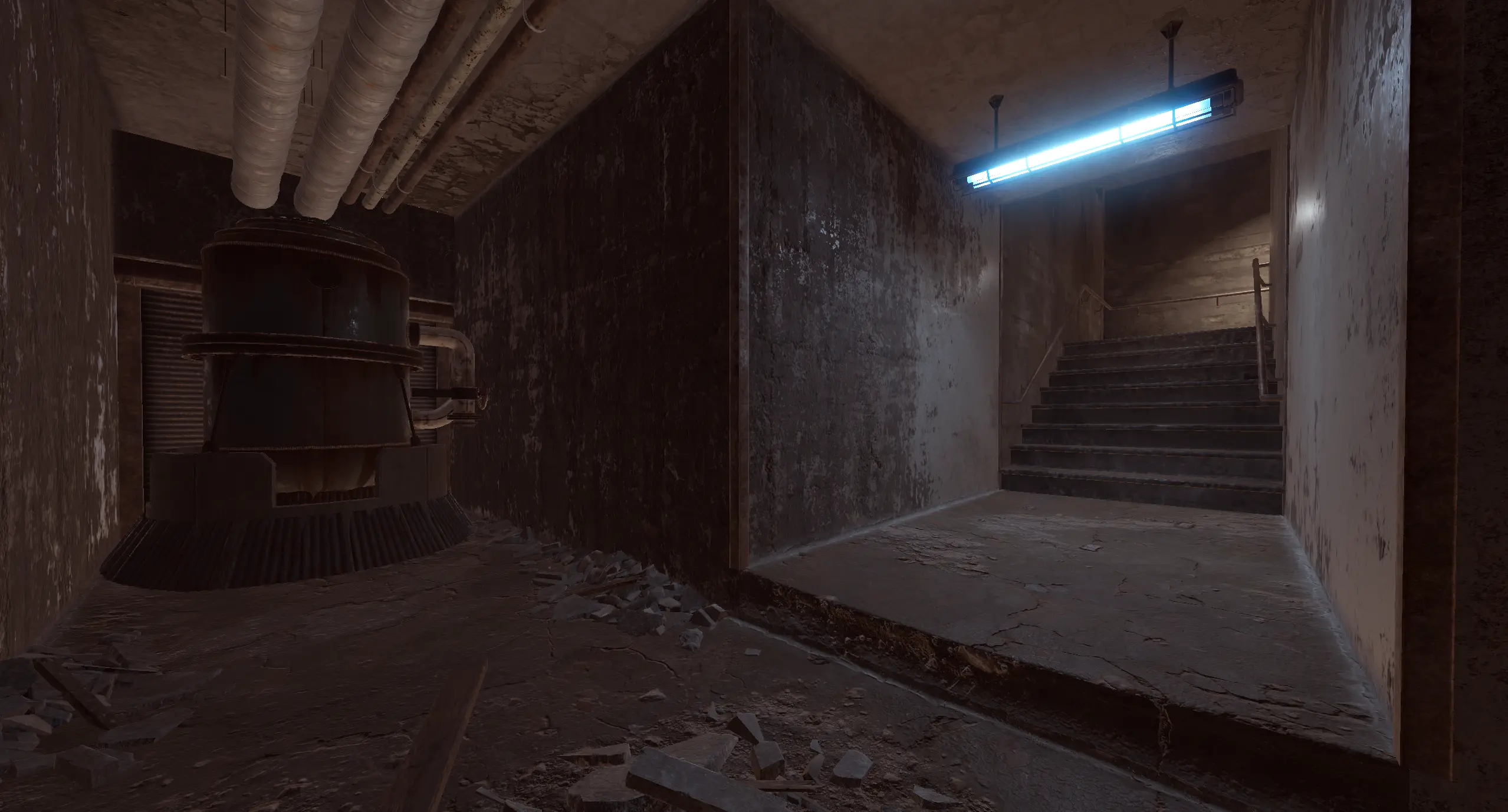
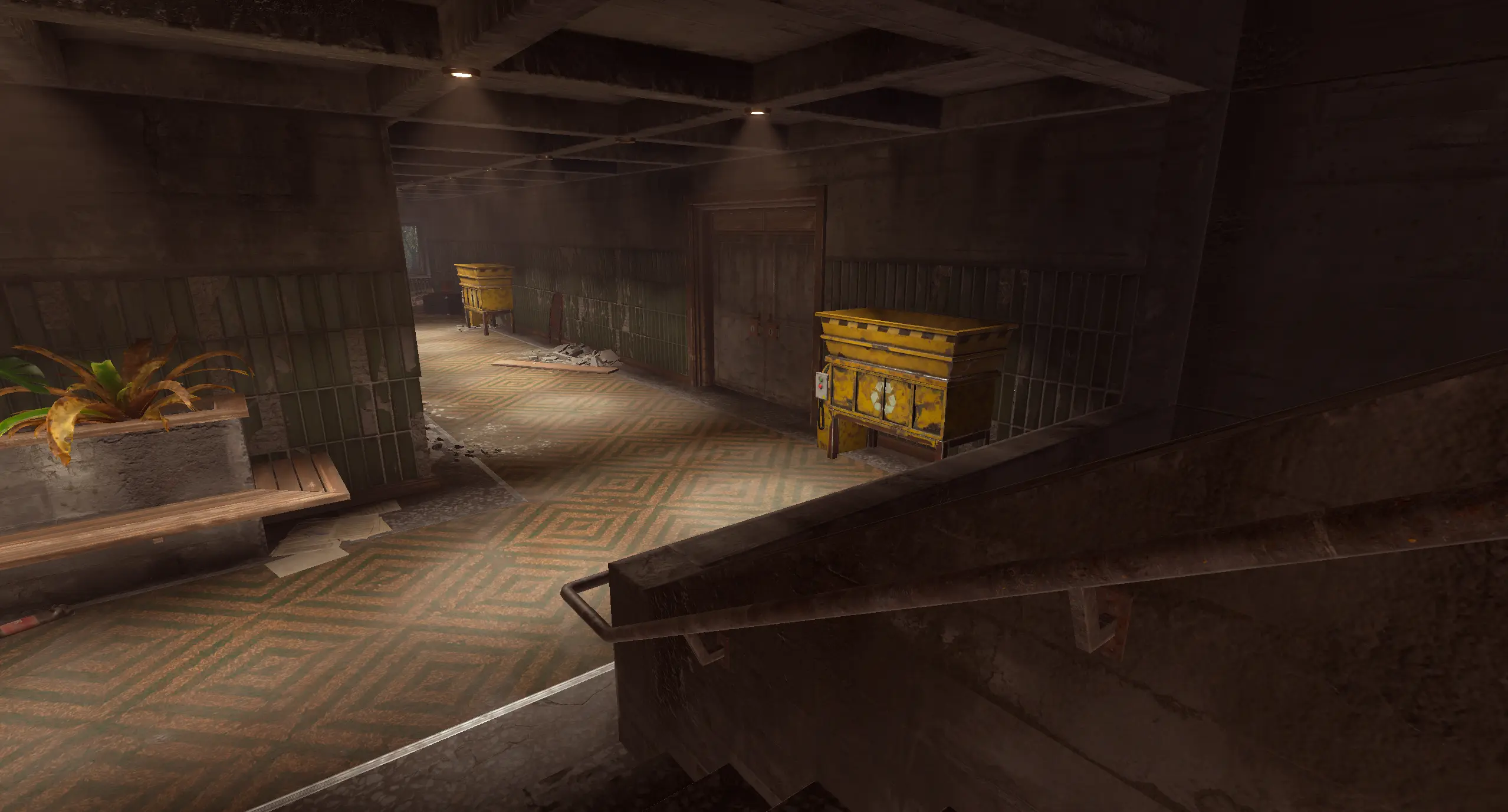
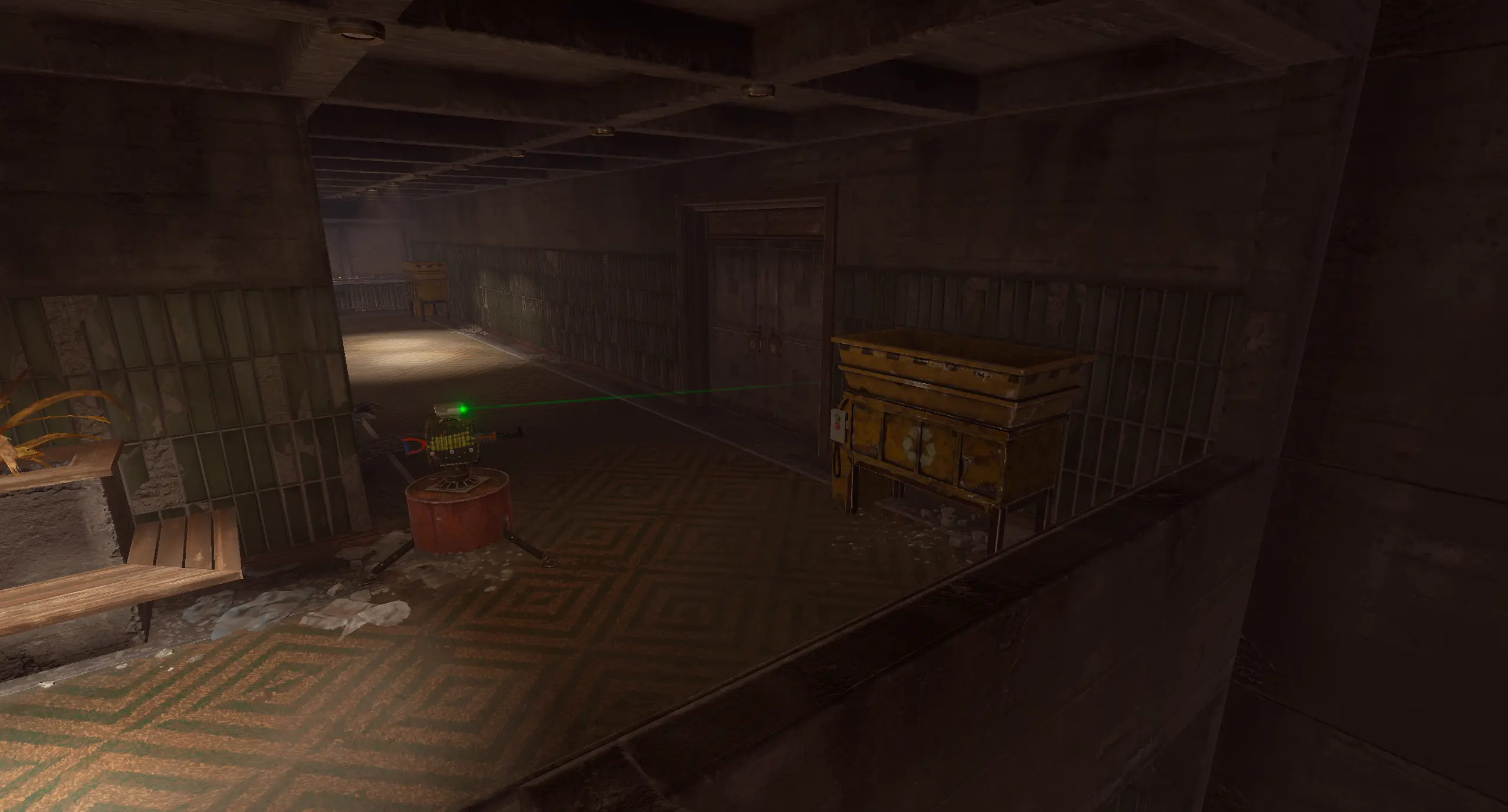
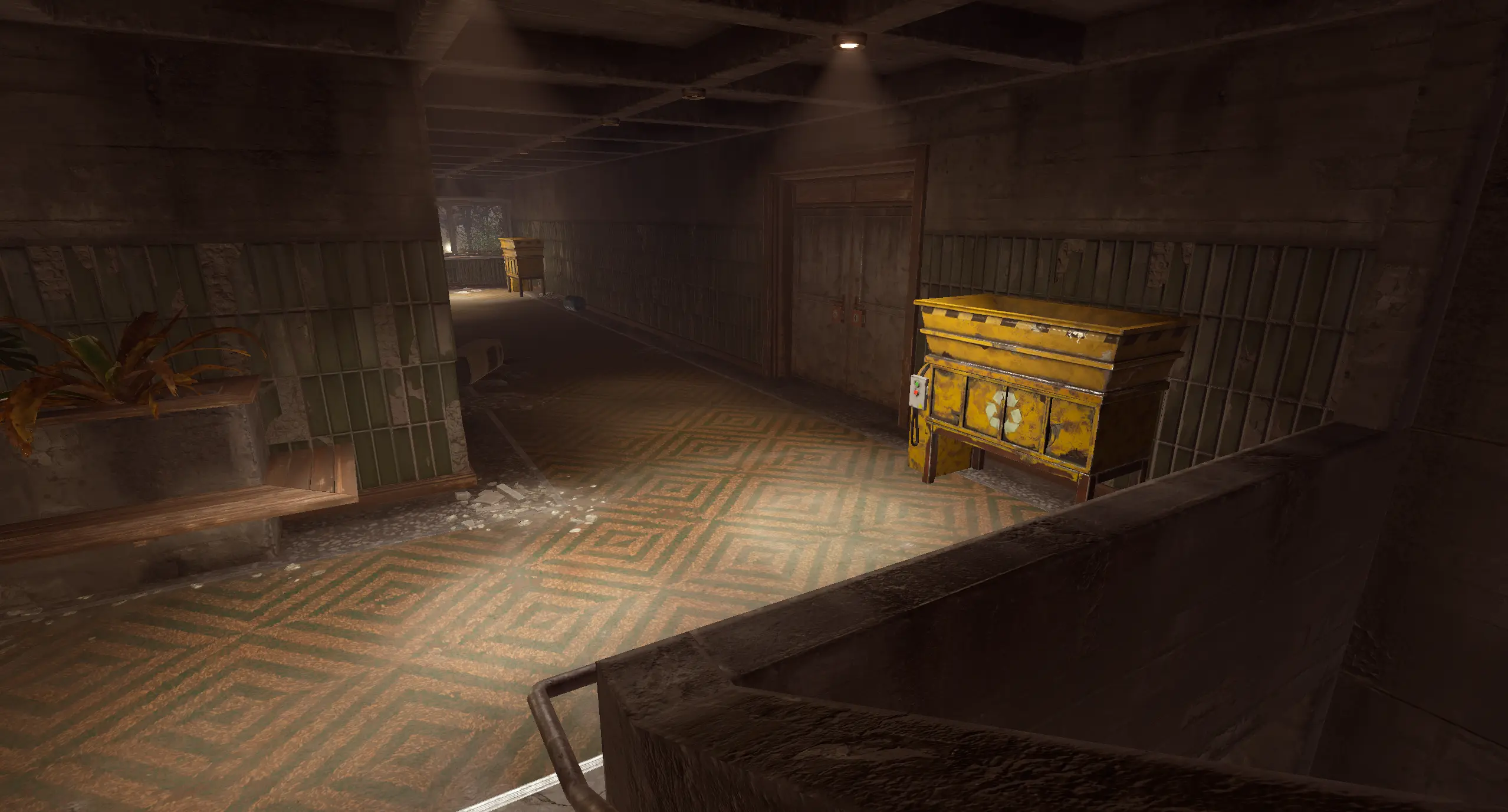
Take a closer look at the included setup
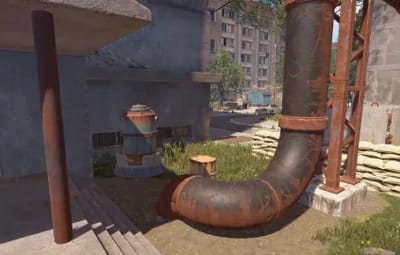
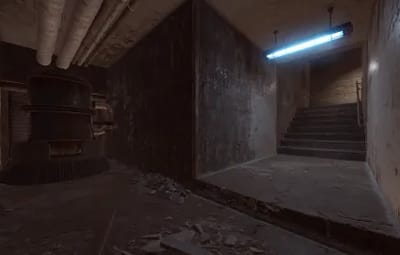
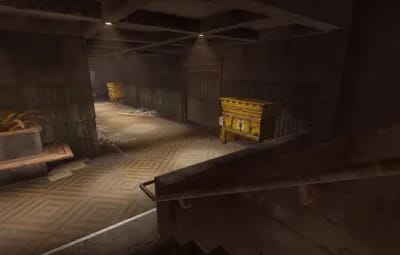
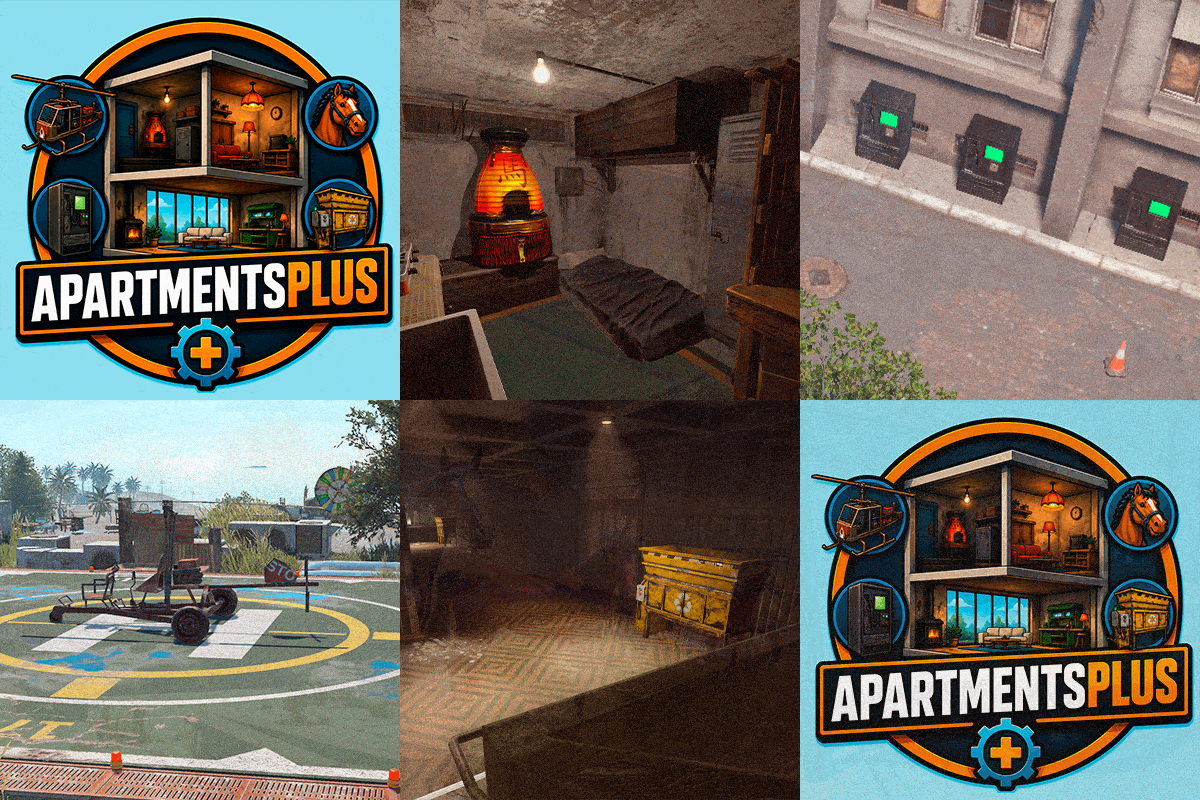
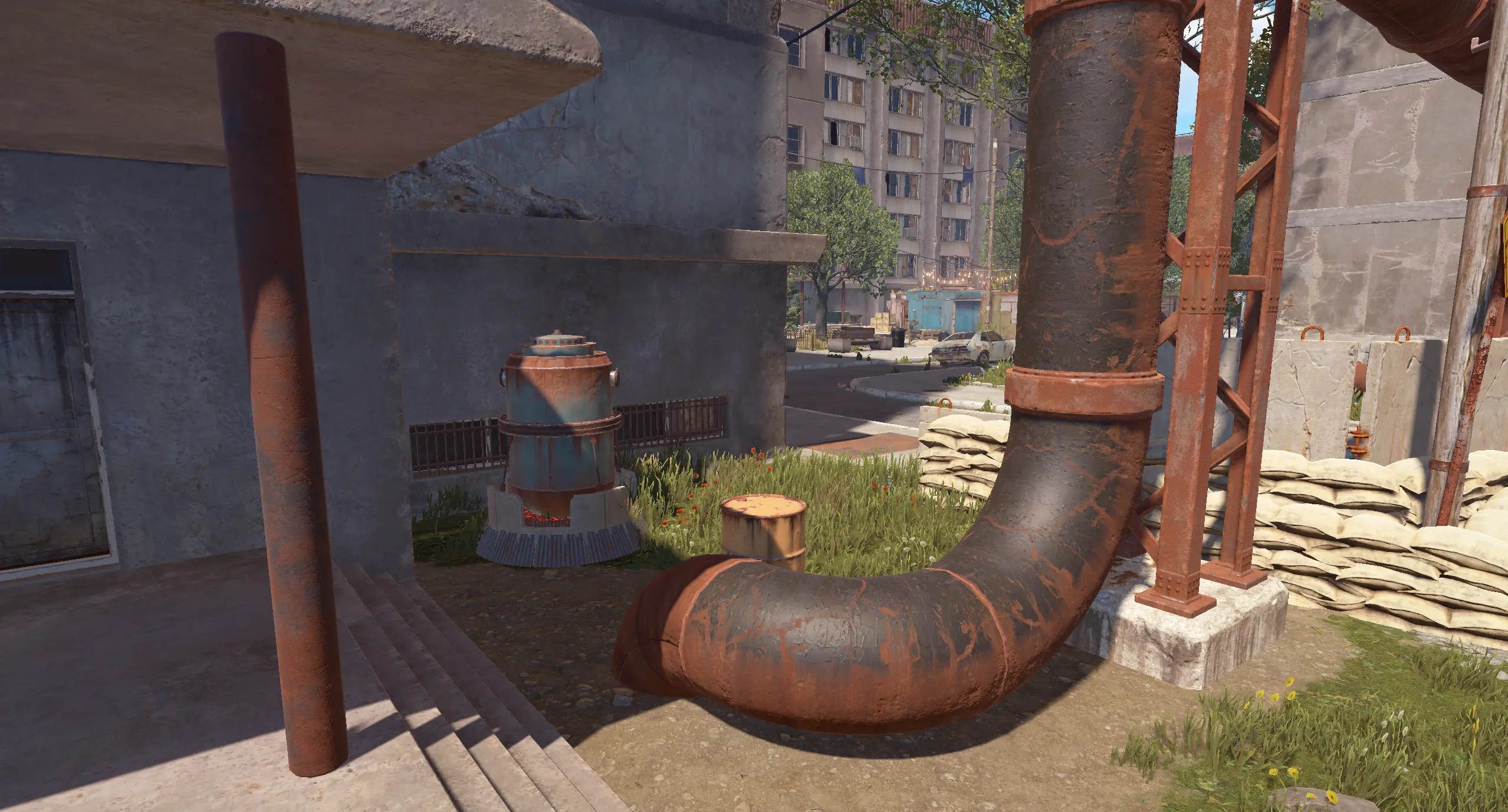
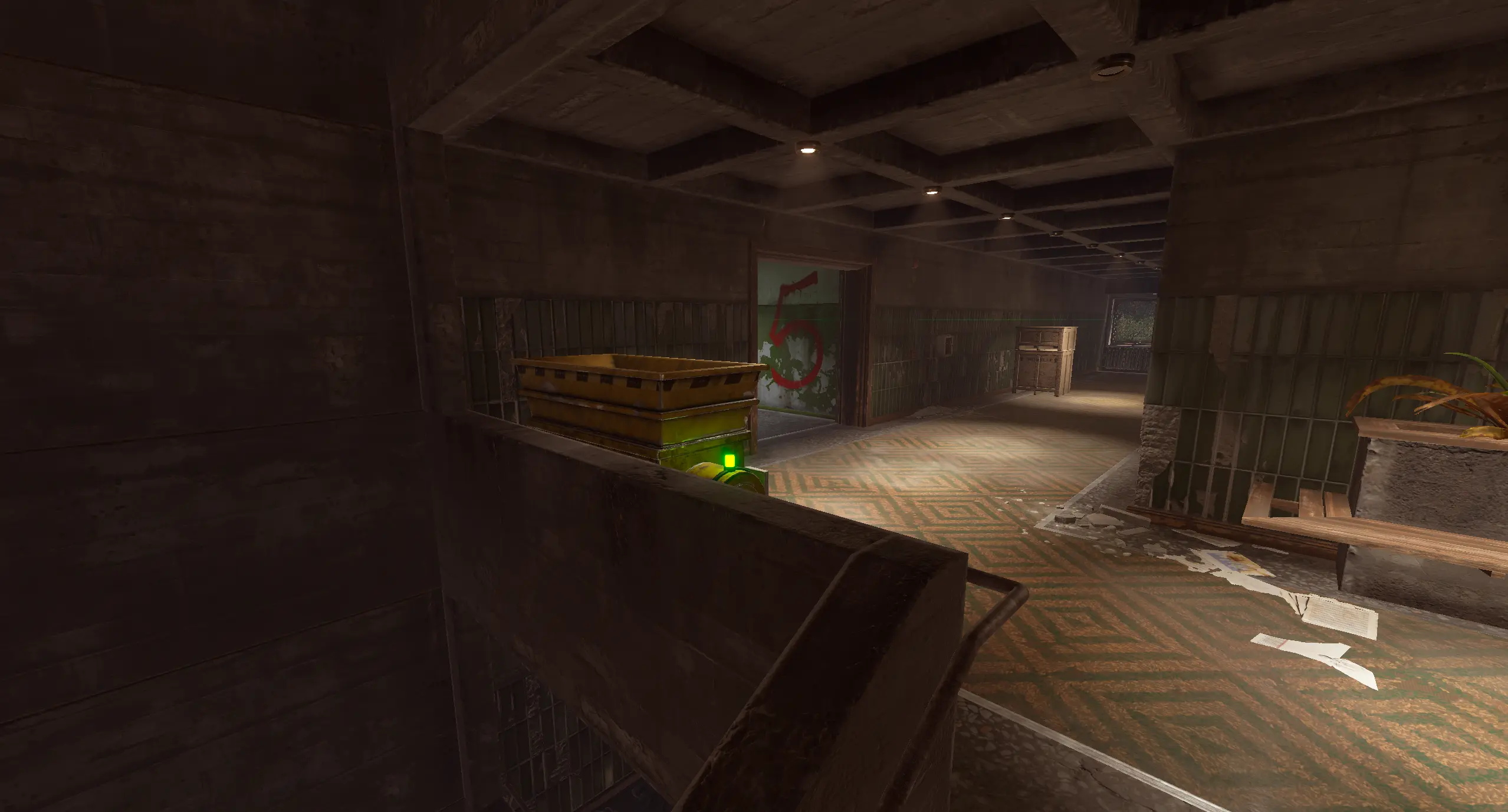
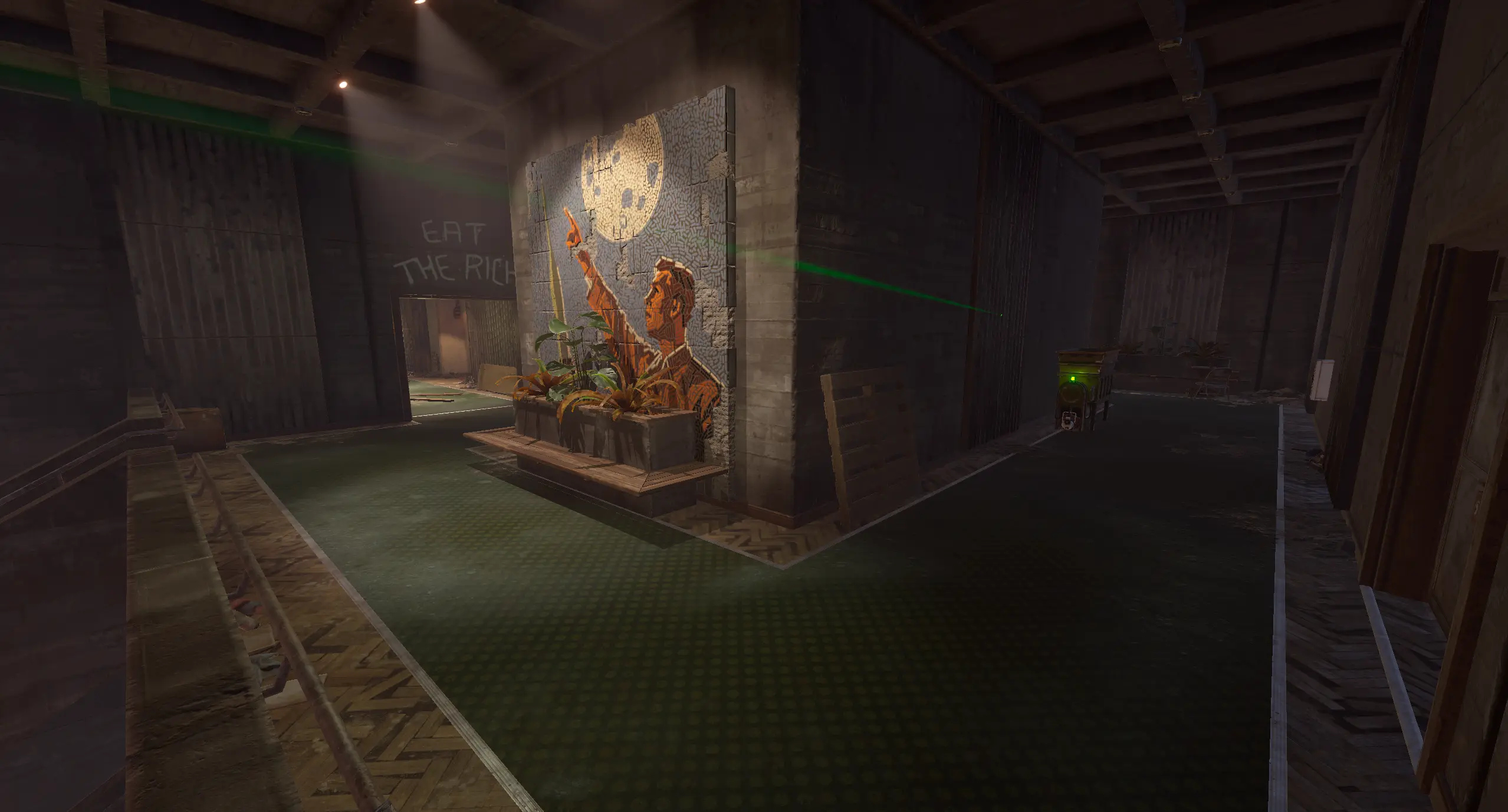
Original gallery from the ApartmentsPlus listing. Select an image to open the full-size version.
|
|
|
|
|
|
|
|
|
|
|
|
|
|
|
|
|
|
|
10 / Support
Make the apartments fit your server
For questions, suggestions or assistance, contact ninco90 on Discord.
Custom configuration tailored to your server is also available for an additional fee.