




Rust / Server Plugins
Wagon Plus
Set the resource amounts carried by your server's wagons.
Configure independent minimum and maximum quantities for fuel, coal, metal and sulfur wagons. Wagon Plus applies your settings to existing wagons when loaded and automatically configures new wagons as they spawn.
4 supported resources Automatic application Configuration only
01 / Automatic resource amounts
Configure once, apply across your wagons
- Existing wagons: when the plugin initializes, it searches the server for existing unloadable train wagons and applies the configured quantities to supported cargo.
- New wagons: supported wagons receive their configured quantities automatically when they spawn.
- Independent ranges: choose a minimum and maximum amount for each of the four resource entries. A new amount is randomly selected from the corresponding range.
- Original resource types: the plugin changes quantities while retaining the resource type already carried by the wagon.
02 / Supported wagons
Tune each resource separately
Fuel wagons
Adjust the amount of low grade fuel carried by fuel wagons independently of the ore wagon settings.
Configuration entry: lowgradefuel. Default settings: Amount Min 300 / Amount Max 500.
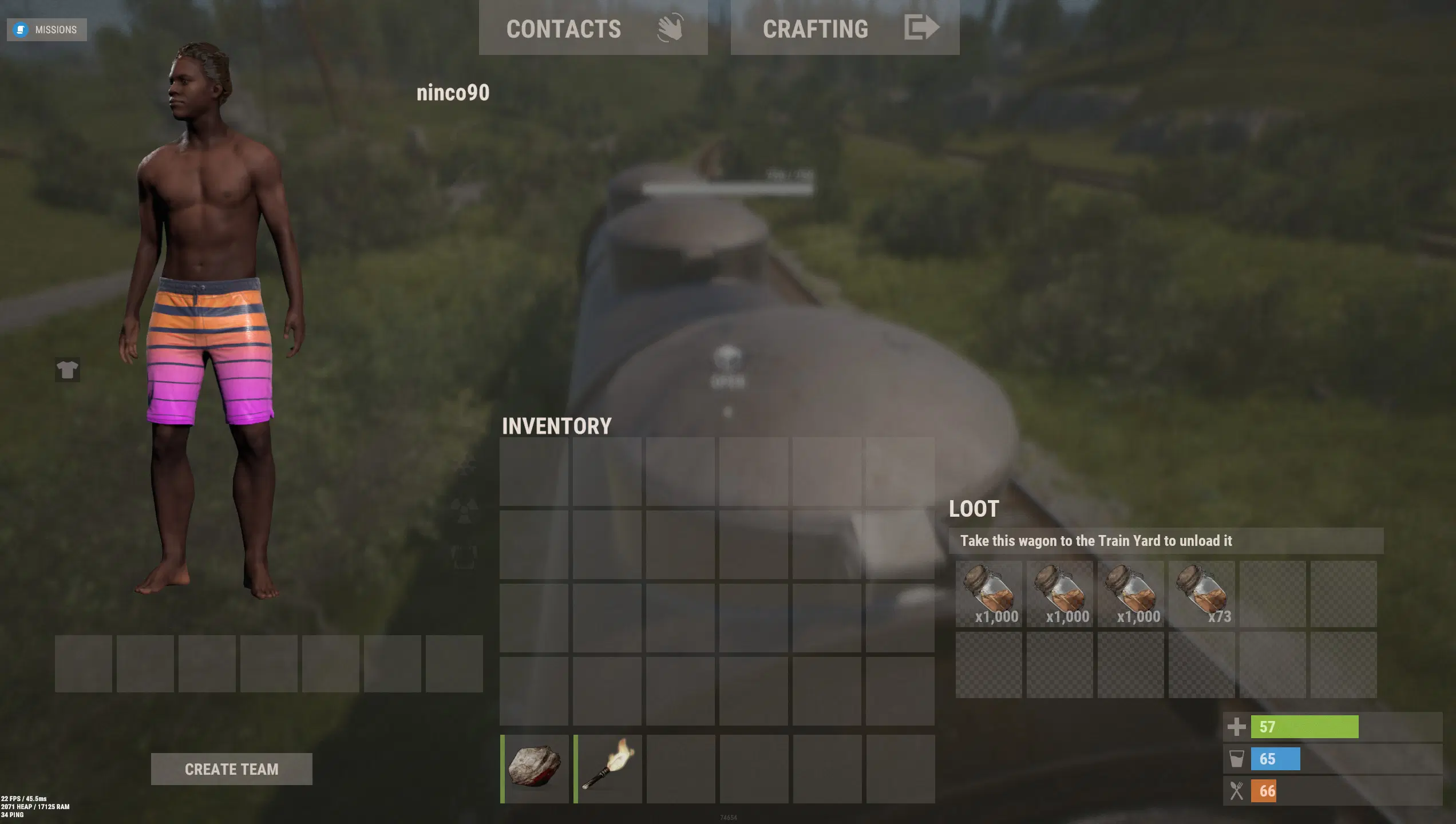
Fuel wagons — example of a customized cargo quantity. Screenshot quantities are illustrative and are not the default configuration.
Coal wagons
Adjust the amount of charcoal carried by coal wagons. The resource entry used by the plugin is charcoal.
Configuration entry: charcoal. Default settings: Amount Min 4,000 / Amount Max 6,000.
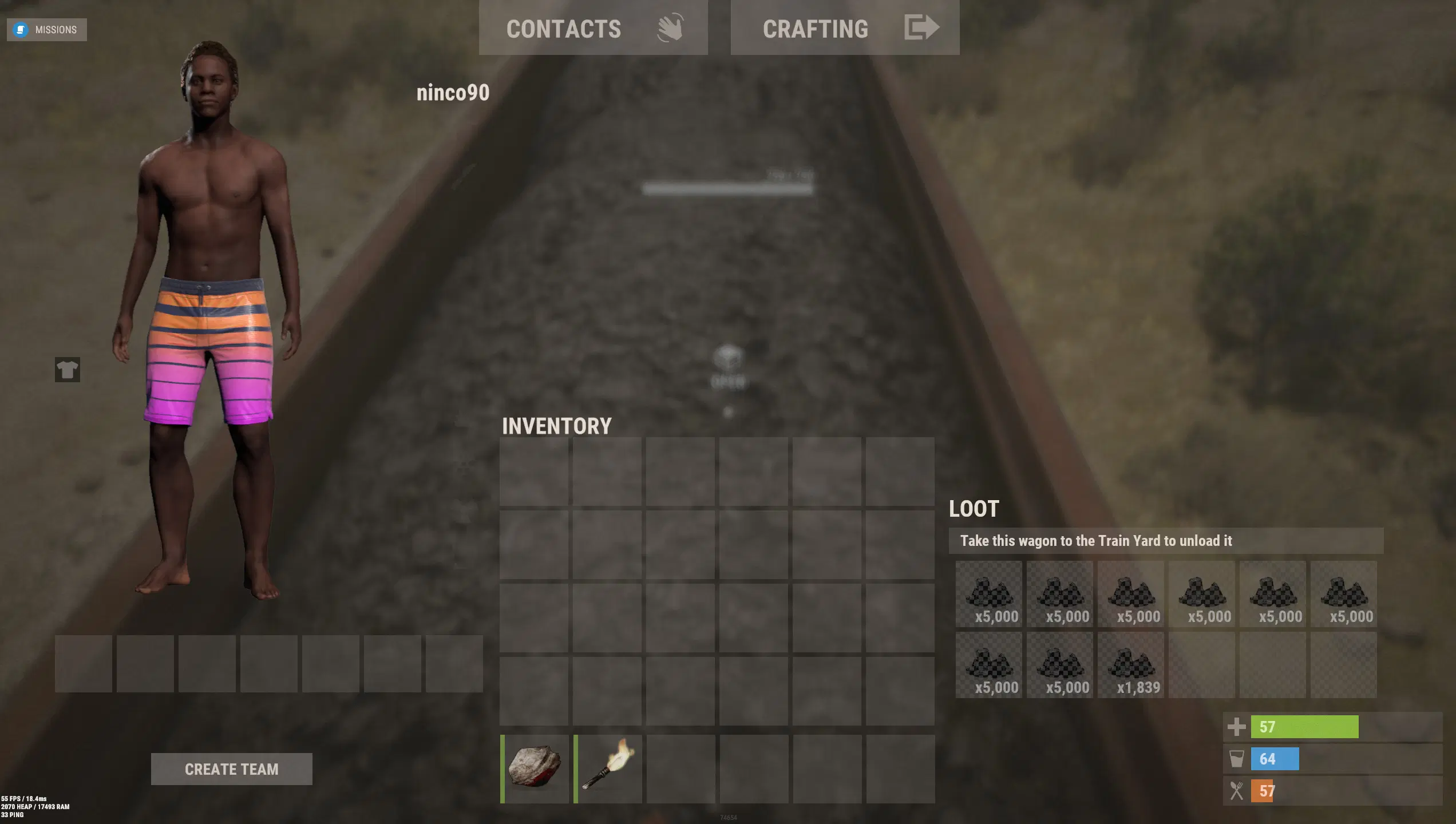
Coal wagons — example of a customized cargo quantity. Screenshot quantities are illustrative and are not the default configuration.
Metal wagons
Adjust the amount of raw metal ore carried by metal wagons.
Configuration entry: metal.ore. Default settings: Amount Min 7,000 / Amount Max 8,000.
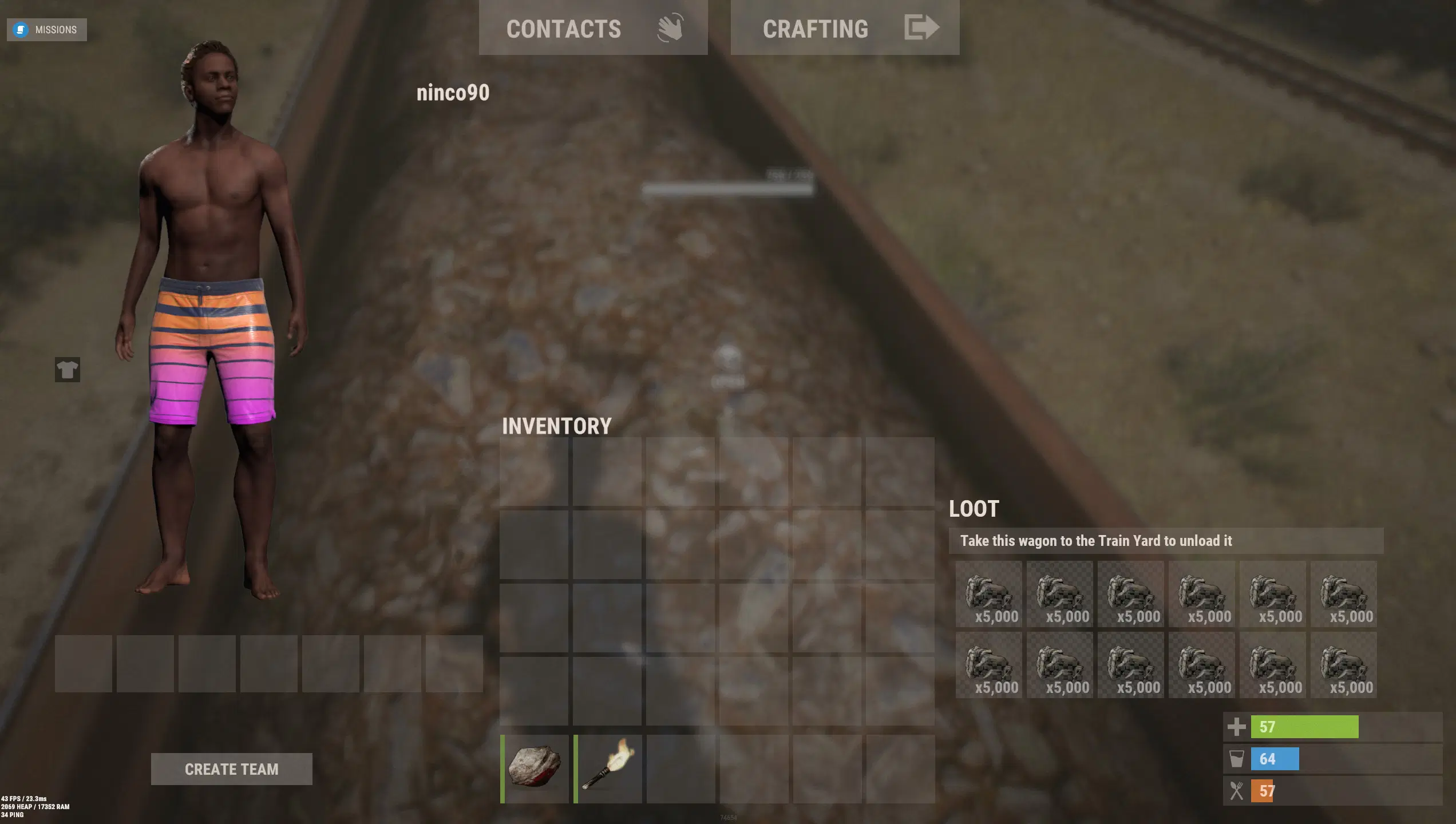
Metal wagons — example of a customized cargo quantity. Screenshot quantities are illustrative and are not the default configuration.
Sulfur wagons
Adjust the amount of raw sulfur ore carried by sulfur wagons.
Configuration entry: sulfur.ore. Default settings: Amount Min 4,000 / Amount Max 6,000.
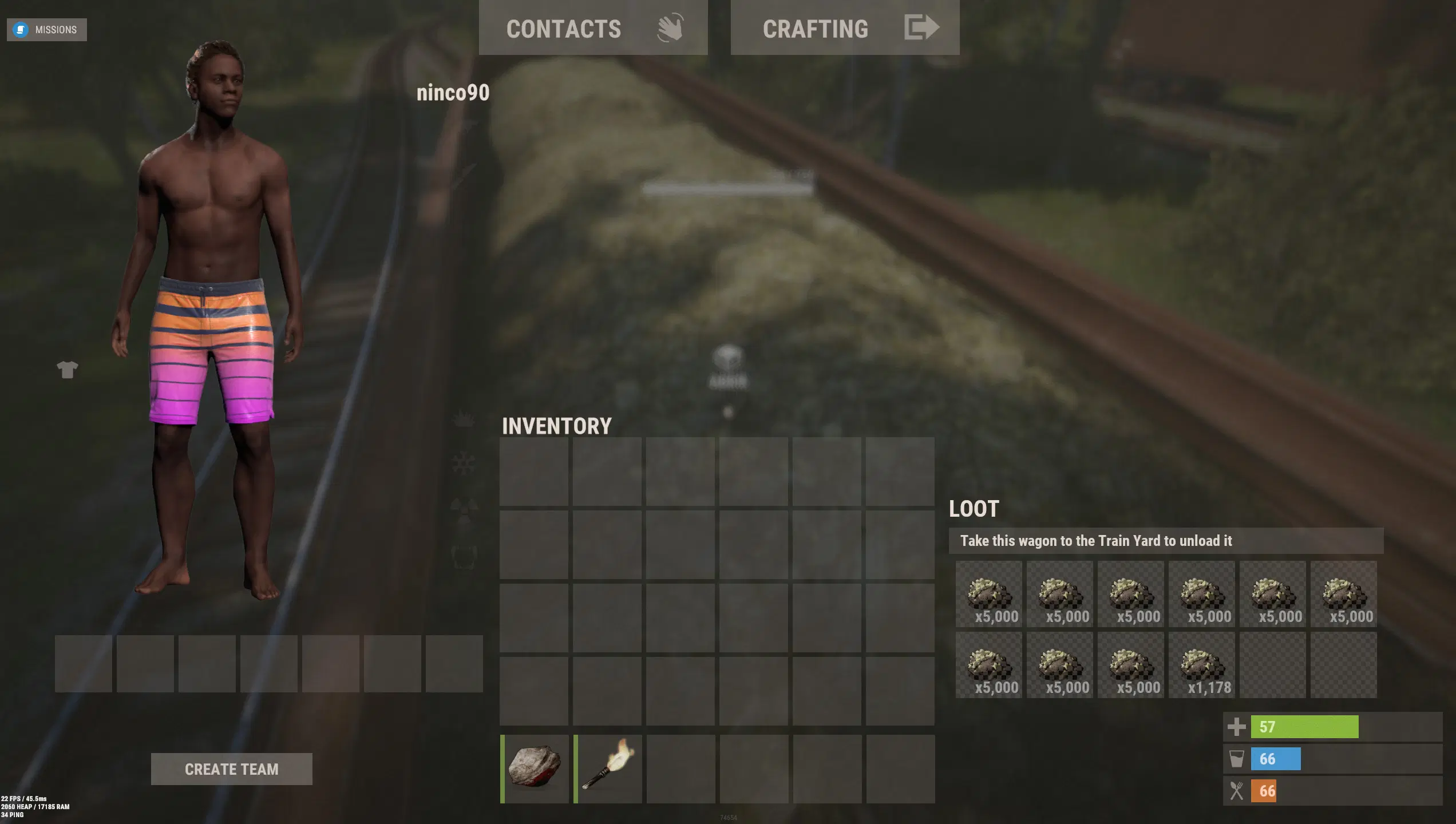
Sulfur wagons — example of a customized cargo quantity. Screenshot quantities are illustrative and are not the default configuration.
03 / Configuration
Choose your minimum and maximum amounts
Edit WagonPlus.json in your server's plugin configuration directory, then reload the plugin to apply the new settings. The complete default configuration for version 1.1.3 is shown below.
{
  "resource": {
    "metal.ore": {
      "Amount Min": 7000,
      "Amount Max": 8000
    },
    "sulfur.ore": {
      "Amount Min": 4000,
      "Amount Max": 6000
    },
    "charcoal": {
      "Amount Min": 4000,
      "Amount Max": 6000
    },
    "lowgradefuel": {
      "Amount Min": 300,
      "Amount Max": 500
    }
  }
}
- resource: contains the settings for each supported resource shortname.
- Amount Min: the inclusive lower bound used when choosing the resource amount.
- Amount Max: the exclusive upper bound used by the integer random selection. For example, 300 / 500 selects between 300 and 499.
- Keep resource shortnames unchanged and use sensible, non-negative integer amounts with the minimum below the maximum.
04 / Scope and setup
A simple configuration-driven plugin
- Loot wagon boxes are not modified. Wagon Plus targets ore and fuel cargo quantities; it does not change the loot inside box-carrying wagons.
- No cooked-resource conversion. Metal and sulfur remain raw ores. Providing already cooked materials has been explored, but is not an available feature.
- No commands or permissions. Administrators manage the plugin through its configuration file.
- No separate data file. The plugin does not create a persistent data file for wagon settings.
- No language file. The plugin does not provide a Lang file or player-facing localized messages.
- No additional plugin dependencies. There are no integrations to configure for the resource quantity adjustments.
05 / Support
Wagon resources, balanced for your server
Set the resource ranges that suit your server and let Wagon Plus apply them automatically. For questions, problems or suggestions, contact ninco90 on Discord. Suggestions are welcome and will be reviewed.
Wagon Plus — original product artwork.