
Razor
-
Posts
2,146 -
Joined
-
Days Won
19
Content Type
Profiles
Warranty Claims
Downloads
Forums
Store
Services
Downloads Plus Support
DOWNLOADS EXTRA
Reels
Everything posted by Razor
-
 You need to create a zone with zone manager the zone is used to keep the ball in play so it does not go out of bounds. you can use any map and build a arena with the in game building items. and the arena can be built anywhere as long as you add the zone around the arena. Most people use copy paste to save there arena for map changes if they do not have a built in one in the map.
-
Version 1.2.2
38 downloads
Create a Game event using cars and a ball 2 to 6 players . See video for gameplay. Grant yourself permission "rustleague.admin" Build your arena and use zonemanager to put a zone around the arena. the zone will be used to bounce your ball off of if tryed to fly out top of arena. in the center of your arena type /rl center Where you want red to score /rl red you can adjust size in config. Where you want blue to score /rl blue you can adjust size in config. in config set your zoneID of the zone you created around the arena. Currently this is in bata so i want admins to monitor the event so for now to start event. /rl open will wait 60 seconds for players 2 to 6 if not then will wait 60 again. It will take players in 2's so 2 4 6. event will auto close after rounds numbers you set in config. you can close event with /rl close players join event with /rl You can set cost and prize for event. dismount button will shoot rockets and amount can be set in config for per round. swap seats will push the car useful if car is flipped. Video By Supporters { "Settings": { "PermissionAdmin": "rustleague.admin", "RoundSeconds": 120.0, "MaxRounds": 4, "WinPoints": 5, "ArenaZoneID": "", "autoEvents": false, "nextEventSeconds": 320, "playersOnlineNeeded": 2 }, "Ball Settings": { "BallMaxvelocity": { "x": 100.0, "y": 108.0, "z": 100.0 } }, "Item settings": { "winItemEnable": false, "winItem": -932201673, "winItemAmount": 100, "joinItemEnable": false, "joinItem": -932201673, "joinItemAmount": 50 }, "Car information": { "totalRockets": 2, "carFrame": "assets/content/vehicles/modularcar/car_chassis_2module.entity.prefab", "carSlot0": 1559779253, "carSlot1": -1501451746, "carSlot2": 0, "carSlot3": 0, "tierFixUp": 2 }, "Event Location information": { "eventCenter": { "x": 1167.33386, "y": 3.69761777, "z": 1592.65881 }, "RedZone": { "x": 1165.883, "y": 3.07808065, "z": 1489.669 }, "RedZoneSize": { "x": 20.0, "y": 18.0, "z": 3.0 }, "RedZoneRotation": 357.8081, "BlueZone": { "x": 1167.10522, "y": 4.46679068, "z": 1694.1842 }, "BlueZoneSize": { "x": 20.0, "y": 18.0, "z": 3.0 }, "BlueZoneRotation": 184.378128 }, "Version": { "Major": 1, "Minor": 0, "Patch": 26 } }$15.00 -
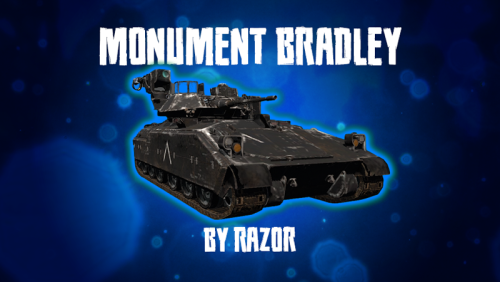
Version 2.0.4
901 downloads
Version 2.0.0 New Bradley AI, Better custom path generation tool, Random road spawns, Stock monument premade paths. Airfield, Trainyard, Dome, Powerplant, Harbor, Junkyard and WaterTreatment. Spawn Bradly at some monuments. You can create custom paths for custom monuments with the path tool. Permissions needed monumentbradley.admin Chat Commands. Chat Command for path tool is /mb Version 2.0.* Version 1.0.0$25.00 -

Version 1.3.4
69 downloads
Throw down a turret while in battle. Config the time and ammo amount. Permissions dropturret.use //permission is needed to get a turret via command Commands /dropturret // Get your self a drop turret dropturret <playerID> // Gives a player a drop turret via counsel command { "Default": { "Seconds to stay alive": 20, "Can toss when in air": false, "Turret Spawn No Less then 4.0 seconds after tossed": 4.0, "Ammunition amount": 128, "Turret SkinID": 1800326923, "Cooldown before command usage again": 0, "Cooldown before turret placement": 0, "Turret Gun ID": 1545779598 }, "Vip settings": { "VipInfo": { "dropturret.vip": { "live": 20, "spawnTime": 4.0, "ammo": 128, "cooldownTime": 0, "cooldownTimeturret": 0, "TurretGun": -1812555177 } } }, "Version": { "Major": 1, "Minor": 0, "Patch": 10 } }$10.00 -

Version 5.1.3
221 downloads
Bring roaming mounted enemies to your Rust server. Armed NPC riders patrol the map, detect and chase players, fight from horseback, and drop configurable loot when killed. FEATURES • Three ready-to-use profiles and support for additional custom profiles • Automatic population management and queued spawning • Configurable biomes, rider names, health, weapons, and horse equipment • Random loadouts with individual item skin IDs • In-game configuration editor with save, discard, and delete confirmations • Support for Rust’s legacy and newer navigation systems • Optional Kits and AlphaLoot integration PROFILES AND LOADOUTS Set rider and horse health, horse breed, roaming and chase speeds, vision, hearing, weapon damage, targeting rules, spawn biomes, and population limits for each profile. Available biomes are All, Temperate, Arid, Tundra, and Arctic. Create reusable loadouts with rider weapons and clothing, horse armor, horseshoes, saddlebags, and other supported equipment. Assign multiple loadouts to a profile and one will be chosen at random when a pair spawns. COMBAT AND DETECTION Riders aim, shoot, reload, and pursue targets while mounted. Configure accuracy, firing intervals, attack distance, target-loss distance, reserve ammunition, and damage scaling. They can detect players through sight, hearing, and player-generated noise, and respond when either the rider or horse is attacked. Riders do not attack players inside safe zones and drop their target if the player enters one. NAVIGATION AND PERFORMANCE Spawn checks avoid water, monuments, Tool Cupboard areas, player bases, deployables, rocks, cliffs, and steep terrain. Horses avoid deep water and can return to their last safe land position. Dismounted riders can return to their horse and remount. When no eligible players are nearby, the plugin can suspend combat, navigation, target scanning, and horse input processing. Pairs wake when a player approaches or attacks them. DEATH AND LOOT Riders leave corpses containing their inventory. AlphaLoot can optionally populate rider corpses. Horses create their own corpses, and horse corpse containers can optionally be locked. COMMANDS /npchorsespro config — Open the in-game configuration editor. /npchorsespro spawn [profile] — Spawn a pair at the position you are viewing. Uses Set1 if no profile is given. /npchorsespro — Short command to spawn Set1. /npchorsespro remove — Remove all active pairs managed by the plugin. /npchorsespro status — View active and sleeping pairs, population by profile, and navigation counts. PERMISSION npchorsespro.admin — Access all commands and the configuration editor. Server administrators have command access automatically. Grant a player: oxide.grant user STEAMID npchorsespro.admin Grant a group: oxide.grant group admin npchorsespro.admin Revoke a player: oxide.revoke user STEAMID npchorsespro.admin OPTIONAL INTEGRATIONS Kits supplies rider kits. AlphaLoot supplies rider corpse loot profiles. Neither plugin is required. INSTALLATION Place NpcHorsesPro.cs in oxide/plugins, let it load, grant the admin permission, then run /npchorsespro config. The default configuration includes three example profiles and loadouts.$15.00 -

Version 1.2.3
143 downloads
Suck Up some poo on the ground with options to add Industrial adapters to Composter & Trough.... Perm: farmeraddons.vacuum Command: poovacuum { "Settings": { "PooVacuum SkinID": 2994321494, "Allow adding storageadapter to Trough": false, "Allow adding storageadapter to Composter": false, "PooVacuum Trigger Size": { "x": 2.8, "y": 2.0, "z": 2.8 } }, "Version": { "Major": 1, "Minor": 0, "Patch": 1 } }$15.00 -
Fixed in 1.3.4
-
Changed Status from Pending to Gremlins Changed Fixed In to 1.3.4
-
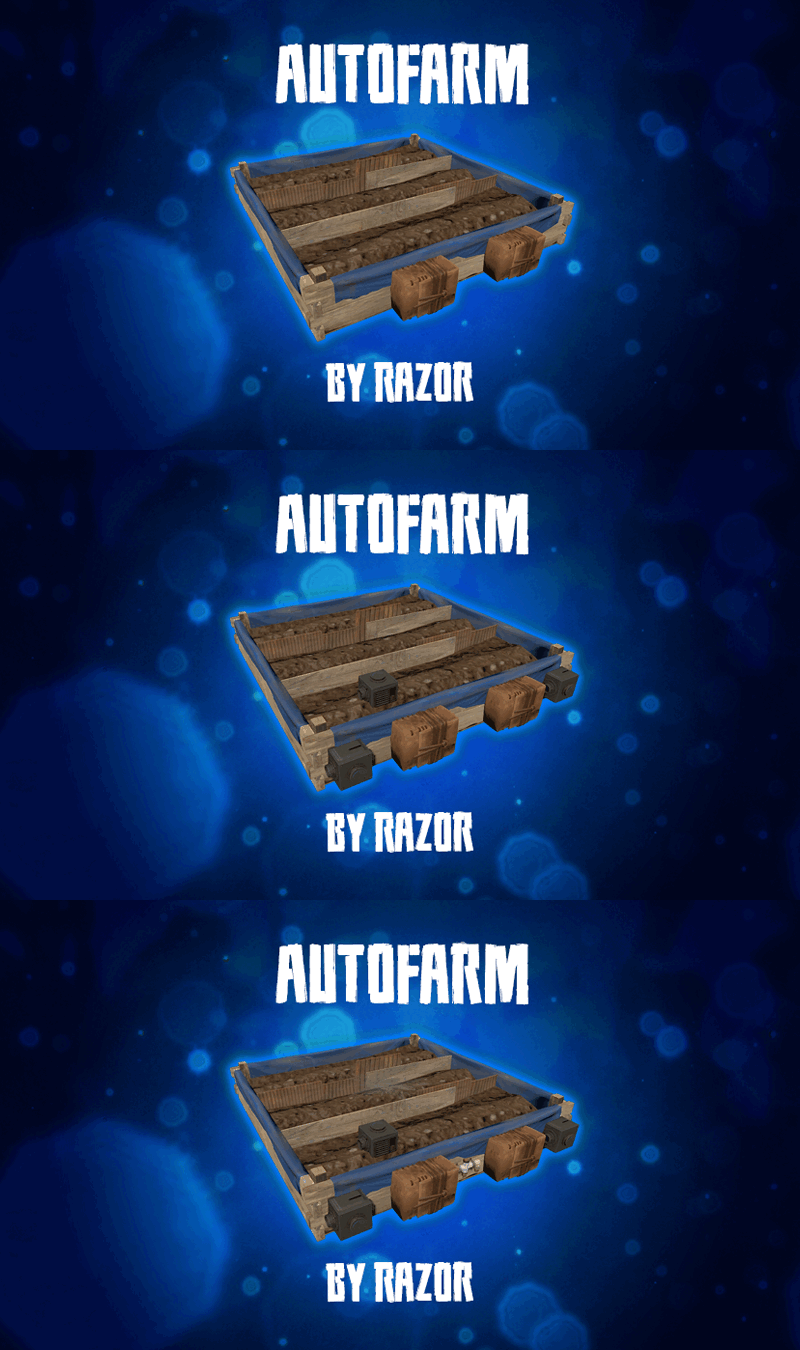 the planter can now be breakable. first set "Sprinkler needs water hookup to work": false, With this set to false the following logic can be run. "Large Box Sprinkler On Soil Saturation Level": 5100, <--- When below this number sprinklers turn on "Large Box Sprinkler OFF Soil Saturation Level": 6000, <--- When above this number sprinklers turn off I hope this clears things up.
-
 first run /mmc monument to add the boom box (or /mmc mylocation, /mmcmaponly) then hit the boom box with a hammer, next run /mmc extend this will add a speaker at your feet. ( you can run /mmc extend to Multiple locations) next, reload the pluging. hitting the Speaker or boom box three times with the hammer will remove them.
-
This plugin does not make planter boxes indestructible. The stashes on the planter boxes are indestructible to prevent players from breaking their auto farms. If the planter boxes are indestructible on your server that must be caused by another plug-in. Could you test this on a test server and then try unloading plugins to see which one is conflicting?
-
 Could you please link me a copy of your data file?
-
I have just tested this and it seems to work on my end. Can you verify the version that you have? Perhaps you have an outdated data file. If you archive and or delete your data file and reload the plugin to generate a new data file this will give you an updated data file.. If it's still not working could you please give a little bit more detail of the problems that you're experiencing? Is the plugging compiling? If so what aspect of the plugin is not working?
-
 I can see you bought the Attack Helicopter Modifier https://codefling.com/plugins/attack-helicopter-modifier
-
Ya ill add that in next update. Witch messages?
-
Is there NPC there where the shops are? If so you can /talking_npc remove <the npc's name> If not you may need to reload plugin or reboot
-
 remove the 0 usage ones "1": 0, "2": 0, "3": 0, "4": 0, "5": 0, "6": 1, "7": 0, "8": 1, "9": 0, "10": 1 to "6": 1, "8": 1, "10": 1
-
 I May be able to do something ill look into this on next update.
-
Changed Status from Pending to Closed
-
Glad ya got it working.
-
Witch guns do you have in there kits?
-

Version 1.0.5
110 downloads
Adds homing target component to entity's that you currently can not lock onto with the lock on rocket launcher. { "Component Settings": { "EntityTypes": { "assets/prefabs/npc/m2bradley/bradleyapc.prefab": { "Enabled": false, "Damage Scale - Default 1.0": 1.0, "Center Point Offset y": 0.0 }, "assets/content/vehicles/boats/tugboat/tugboat.prefab": { "Enabled": false, "Damage Scale - Default 1.0": 1.0, "Center Point Offset y": 2.0 }, "assets/content/vehicles/boats/rowboat/rowboat.prefab": { "Enabled": false, "Damage Scale - Default 1.0": 1.0, "Center Point Offset y": 0.0 }, "assets/prefabs/npc/autoturret/autoturret_deployed.prefab": { "Enabled": false, "Damage Scale - Default 1.0": 1.0, "Center Point Offset y": 0.0 } } }, "Version": { "Major": 1, "Minor": 0, "Patch": 0 } }$10.00 -
Changed Status from Pending to Closed
-
Increase your chance "Random Timer chance 1-100": 20, when the timer hits it will role 1-100 if the number is lower then you set 20 then it will not happen if you want it to happen every time the timer hits set your chance to 100 if you dont want it every time start around 50 then its a 50/50 chance.
-
Will the event run if you manually type /jet event? Post your config setings.