-
Posts
71 -
Joined
-
Last visited
Content Type
Profiles
Warranty Claims
Downloads
Forums
Store
Services
Downloads Plus Support
DOWNLOADS EXTRA
Reels
Everything posted by xkirax20ax
-
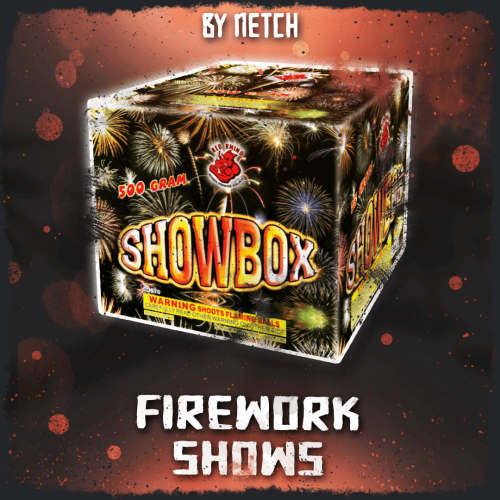 Absolutely fantastic plugin! This plugin makes it incredibly easy to create beautiful and impressive fireworks shows. The included shows are very well designed, and the timing and presentation are excellent. You can really feel the developer’s great sense for creating a spectacular show. What impressed me just as much as the plugin itself was the support. Whenever I had a question or encountered an issue, the developer responded very quickly and kindly, and worked to help resolve it. A great product from a developer I can trust. I’m very happy with my purchase and would gladly continue supporting and using their plugins in the future. Highly recommended!
 -
 This review is based on my own experience and honest opinion. I tested the map on my own Rust test server and was genuinely impressed by its exceptional quality. The world is vast and beautiful, with plenty of carefully designed areas for players to explore and build. What impressed me most was the attention given not only to the map’s appearance, but also to server performance. The creator has carefully reduced unnecessary prefabs and entities while preserving a detailed and enjoyable environment. This is especially valuable for server owners who use many plugins or host a large number of players. The creator was also extremely kind, responsive, and professional. When I requested some custom modifications, he listened carefully, understood exactly what I wanted, and completed the work remarkably quickly and to an excellent standard. He even updated the map again to support Rust’s new electrical features. Both the quality of the map and the support I received greatly exceeded my expectations. I can confidently recommend this map and its creator to other Rust server owners. Thank you very much for your wonderful work!
-
- 1
-

-
- #custom map
- #4500k
- (and 44 more)
-
Thank you so much for confirming the issue and providing the fix so quickly! I will apply the replacement code and test both the purchase and refund functions. I really appreciate your quick support and detailed explanation.
-
Hi nivex, Thank you very much for your continued work and support with Raidable Bases. I would like to report a possible issue with the custom item currency payment system in Raidable Bases version 3.1.5. The Expert raid purchase price is correctly displayed as 1,500 scrap. The configuration is also set to: Custom costs: enabled Economics costs: disabled ServerRewards costs: disabled Expert custom cost: 1,500 scrap However, when a player purchased an Expert raid while carrying a stack of 10,000 scrap, the entire 10,000-scrap stack disappeared instead of only 1,500 scrap being removed. Expected result: 10,000 → 8,500 scrap Actual result: 10,000 → 0 scrap Our server uses a stack-size plugin, so I am wondering whether there may be a compatibility issue with the following item withdrawal process: var taken = slot.amount > amountLeft ? slot.SplitItem(amountLeft) : slot; taken.Drop(Vector3.zero, Vector3.zero); amountLeft -= taken.amount; Could SplitItem() or dropping the split item at Vector3.zero possibly cause the original oversized stack to be removed entirely when used with a stack-size plugin? I am not certain that this is the exact cause, so I would greatly appreciate it if you could check the payment handling. I can provide the current configuration, plugin file, and any other information needed for testing. Thank you very much for your time and for always supporting the community.
-
Hello, A NullReferenceException occurred when a player attempted to purchase an Industrial Recycler. Plugin version: IndustrialRecycler v1.8.94 Error: Failed to call hook 'ConfirmPurchaseIndustrial' on plugin 'IndustrialRecycler v1.8.94' NullReferenceException: Object reference not set to an instance of an object The stack trace points to the following methods: IndustrialRecycler.RemoveItems(...) IndustrialRecycler.CheckAndRemoveBuyItems(...) IndustrialRecycler.ConfirmPurchaseIndustrial(...) The Industrial Recycler purchase cost is currently configured with multiple item types: Scrap: 1,000 High Quality Metal: 50 Metal Fragments: 1,000 The issue may be occurring while removing multiple required item types from the player's inventory. In RemoveItems(), it appears that both player.inventory.Take(...) and item.Remove() are being called for the same item stack. This may leave an invalid reference to an already removed item in the previously collected item list, which could then cause a NullReferenceException when item.info.shortname is accessed during the next iteration. Could you please check this issue? Thank you very much for your continued support.

-
thankyou for fix!!
-
hello Im sorry for rushing you. but how is it goin so far?
-
Thankyou!
-
Thank you as always. I have been using your plugin for a long time, and I really appreciate your work. After the recent Rust update, roulette wheels and other casino items can no longer be removed or picked up. Previously, I believe these items could be removed/recovered by hitting them with a hammer, but this no longer seems to work. Could you please check whether this issue is related to the recent update? Thank you very much for your help.
-
20260703-1639-16.6957174.mp4
-
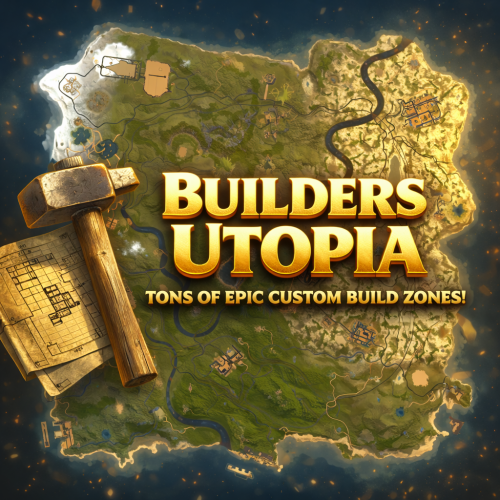 Amazing work! I own many of this creator’s maps, and they are all excellent. The quality and design are always impressive. The creator is also very kind and responded quickly when I had a request. My server players really enjoy these maps. Thank you as always for your wonderful work. Highly recommended!
-
- 1
-
-
- #cave
- #buildable monument
- (and 17 more)
-
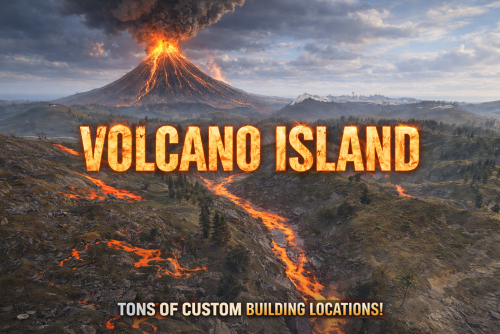 Amazing work. I absolutely love it. The creator was very kind and always helped me whenever I had questions. I will definitely purchase from you again in the future.
- 7 comments
-
- 1
-
-
- #4500k
- #custom map
- (and 32 more)
-
samehere Im using Oxide
-
OK thankyou Im looking forward for your update. Thankyou for your hard work.
-
Hello. I reached to help. After rust update, can't complie or use this plugin. I think need to be update. Would you please check it? Thankyou.
-
at my server manually putting them into the troft.
-
Hello. Same situation is happening in my server too and need help.
-
Hello, Thank you for your great plugin. I would like to request an improvement regarding trap and turret behavior when using SimplePVE together with ZoneManager. Currently, I am using ZoneManager to create specific PVP areas. In SimplePVE, I have enabled the setting so that PVE rules are disabled inside those ZoneManager areas. The player damage rules switch correctly when entering the PVP zone. However, traps and turrets such as Auto Turrets, Shotgun Traps, Flame Turrets, Bear Traps, and Landmines still do not target or attack players inside the PVP zone. My desired behavior is: In normal PVE areas: - Auto Turrets, Shotgun Traps, Flame Turrets, Bear Traps, Landmines, etc. should not target or attack players. - This is important to prevent unnecessary ammo consumption. Inside ZoneManager PVP areas: - Those same traps and turrets should target and attack players normally. - They should work like normal PVP behavior inside the PVP zone. At the moment, the setting “Disable Traps (BearTrap, LandMine, GunTrap, FlameTurret, AutoTurret)” seems to disable trap targeting globally, even inside ZoneManager PVP areas. Would it be possible to add support so that trap and turret targeting also respects ZoneManager PVP areas? For example: If the player and the trap/turret are inside a ZoneManager area where PVE rules are disabled, SimplePVE should allow the trap/turret to target the player. Outside those zones, SimplePVE should continue blocking trap/turret targeting as it currently does. This would allow server owners to keep traps disabled in normal PVE areas for safety and ammo-saving reasons, while still allowing them to function properly in PVP event areas. Thank you very much for your time and support.
-
Thank you for confirming. I understand that this is the intended behavior. However, from the plugin description, I understood that the scientists would actively defend the area and behave aggressively toward nearby players. If the current behavior is intended, would it be possible to clarify this on the plugin page? Also, if possible, I would really appreciate an option in the future to make the NPCs actively attack players without needing to be attacked first. Thank you as always for your work.
-
Hello, I tested the latest version and noticed that the NPCs do not actively attack players. They mostly stand still, and only start attacking after I attack them first. Is this the intended behavior? I was expecting the scientists to behave aggressively and defend the area on their own, as described on the plugin page. Could you please confirm whether this is working as intended, or if something is wrong?
-
Hello, Your plugin has been extremely helpful for me and my server. Thank you very much for your continued work and support. I would like to ask for your help regarding one of your plugin’s features — the Discord notification when the server goes offline or comes online. When the server starts (scheduled restart), the “server online” notification is sent too quickly. I would like to know if it is possible to add a delay before this notification is sent. Players see this notification and try to join immediately, but in reality the server is not fully ready yet, so they cannot connect. In some cases, many players attempt to join at the same time, which can even cause the server to crash. I apologize for bothering you while you are busy, and I would greatly appreciate your response. Thank you very much.
-
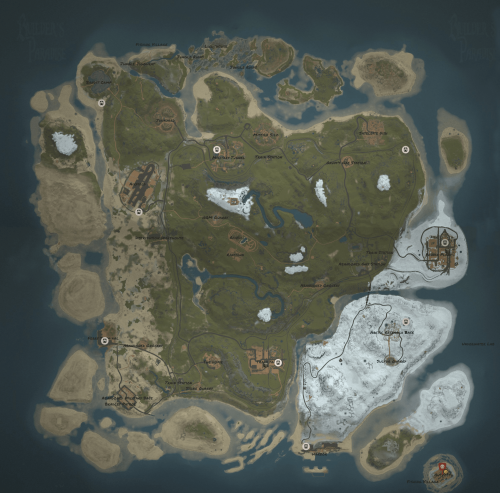 An amazing map with outstanding quality and attention to detail. The layout is beautiful, well-balanced, and clearly created with great care and passion. The developer is extremely kind, reliable, and helpful when problems arise, which makes them someone you can truly trust. My players and I really enjoy this map, and I highly recommend it to anyone looking for a high-quality Rust map.
 -
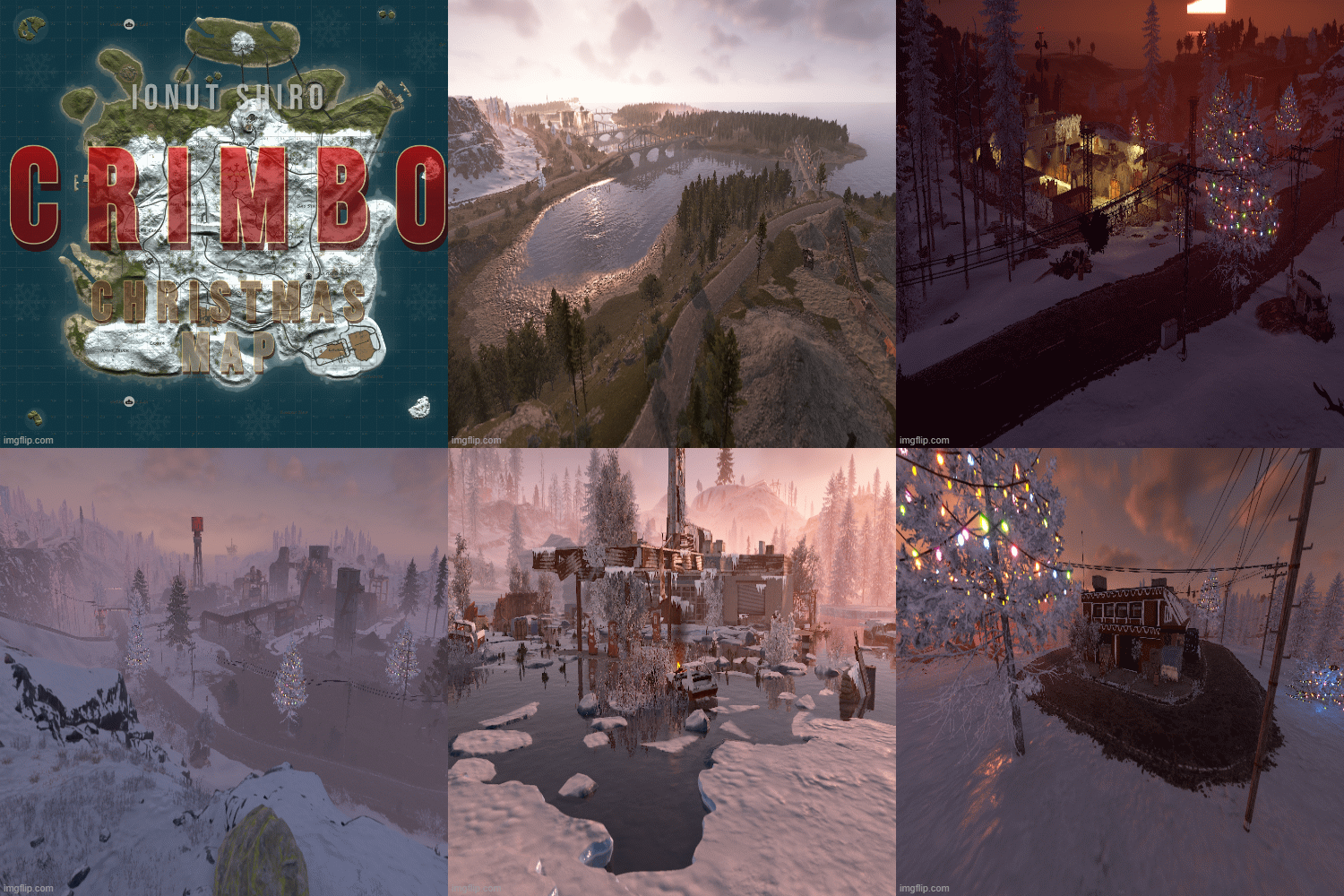 I would like to sincerely thank this developer, who has always been very helpful and supportive. First of all, I want to express my appreciation and let everyone know that this is a truly reliable and trustworthy developer. Not only for this map, but also for their plugins and services, whenever there is a problem or a bug, they respond kindly, quickly, and accurately. As for this map, it features many beautiful Christmas decorations and original monuments, and the players on my server are really enjoying it. In particular, the buildable monuments are very popular with our community. Please keep up the great work — I fully support and recommend this developer!
 -
Thank you so much for the update and for fixing the issues! I’ve checked the details of version 1.8.92 and I fully understand the changes. I also appreciate you blocking access in certain situations to prevent bugs. If possible in the future, I would be very happy if access on the Cargo Ship could be allowed again. I understand if it’s difficult, but it would be amazing if it becomes possible someday. Thanks again for your hard work!
-
Good evening, I sent you a direct message the other day, and I was told to post it here instead, so I’m writing it here. I tried to use the virtual recycler (command /irec) while on the cargo ship and while flying a minicopter, but it didn’t work. Please take a look at the attached video for details — even when I press the “OK” button, nothing happens. Is this the intended behavior (a specification)? Or is there any setting or configuration that would allow it to work in these situations? Sorry for bothering you when you’re busy, but I’d really appreciate it if you could check this. 20251103-1614-21.4686395.mp4