
-
Posts
65 -
Joined
-
Last visited
Content Type
Profiles
Warranty Claims
Downloads
Forums
Store
Services
Downloads Plus Support
DOWNLOADS EXTRA
Reels
Support Center
Everything posted by Buzlu
-
 When I'm looking at my config file, the "Auto Remove DLC and Paid Skins from Imports": true," line is ok. It's true. But in game, they still in skinner. I cant remove them from my game. pls help me for this. thx.
 -
{ "Skin Request Notification Discord Webhook": "", "Remove player data after inactivity (days)": 14, "Use on itemcraft hook (skin items after crafting - not required when using skinauto)": false, "Apply workshop names to skins": true, "Override spraycan behaviour": false, "Use spraycan effect when holding spraycan and skinning deployables": true, "Periodic Data Saving (minutes 0 - on unload only)": 0.0, "Debug Skin Imports": false, "Blacklisted Skins (skinID)": [], "Blacklisted Items (itemID)": [], "Import Skin collections (steam workshop ID)": [], "Command based cooldowns ('permission' : 'command' seconds": { "Default30CD": { "skin": 30.0, "skinitem": 30.0, "skincraft": 30.0, "skincon": 30.0, "skininv": 30.0, "skinteam": 30.0, "skinbase": 60.0, "skinall": 60.0 } }, "Skin Import Settings": { "Dev Mode - unlocks all skins": false, "Cache player skins (Better for performance, requires relogging to update skins list": true, "Auto Remove DLC and Paid Skins from Imports": true, "Allow Owned Skins": true, "Allows skin sharing for teams": false }, "UI Settings": { "Disable Skin Sets and Options UI": false, "Add Search Bar UI": true, "Custom Page Change UI Positon anchor/offset 'min x, min y', 'max x', max y'": [ "0.5 0.0", "0.5 0.0", "198 60", "400 97" ], "Custom Search Menu UI Positon anchor/offset 'min x, min y', 'max x', max y'": [ "0.5 0.0", "0.5 0.0", "240 635", "572 660" ], "Custom Set Selection UI Positon anchor/offset 'min x, min y', 'max x', max y'": [ "0.5 0.0", "0.5 0.0", "250 610", "573 633" ] }, "Command Settings": { "Skin Commands (skin items in you inventory": [ "skin", "s", "skinbox", "sb" ], "Skin Items Commands (skin items you have already placed": [ "skinitem", "si", "skindeployed", "sd" ], "Set default items to be skinned": [ "skincraft", "sc" ], "Automatically set all items in you inventory to your default skins": [ "skininv", "sinv" ], "Automatically set all items a container to your default skins": [ "skincon", "scon" ], "Automatically skin all deployables in your base": [ "skinbase", "skinbuilding" ], "Automatically skin all items in your base": [ "skinall", "sall" ], "Automatically skin all items that are moved into you inventory": [ "skinauto", "sauto" ], "Skin your teams inventories with your skin set": [ "skinteam", "stm" ], "Request workshop skins via workshop ID": [ "skinrequest", "sr" ], "Approve workshop skin requests": [ "skinrequests", "srs" ], "Set your selected skin set": [ "skinset", "ss" ], "Import Custom Skins": [ "skinimport", "sip" ], "Remove Custom Skins": [ "skinremove" ], "Import Workshop Collection Command": [ "colimport", "cip" ] }, "Imported Skins List": {} }
-
I was originally using the Skinbox plugin, but I switched to this one because it's more performant. I tested it myself; I installed the plugin by default and didn't do anything extra, but for example, when I want to skin a garage door, I see approved skins that aren't available to me. I don't know your language, so I'm using translation. Please excuse any typos.
-
Subject: Issue with Approved Skins Auto-Importing Hello, I'm using the Skinner plugin, but I have an issue I cannot resolve. My "ImportedSkins.json" file is completely empty, and I have set the following in my config: - "Dev Mode - unlocks all skins": false - "Auto import approved skins": false (I added this manually) - "Import Skin collections": [] Despite these settings, players on my server can still see and use approved/workshop skins that I never imported. How can I completely disable ALL approved skins and workshop skins from appearing on my server? I only want custom skins that I manually add.
-
I'm using the BradleyDrop plugin. Players summon Bradleys that attack them. The Bradley's config file is enabled to deal damage to player houses, but does the SimplePVE plugin prevent Bradley from dealing damage?
-
"Bradley'i oyuncular tarafından inşa edilen üslere hasar verebilecek şekilde yapılandırmanın bir yolu var mı?" "Bradley'in oyuncular tarafından inşa edilen yapılara hasar verebilmesini istiyorum. Bunu etkinleştirmek mümkün mü?"
-
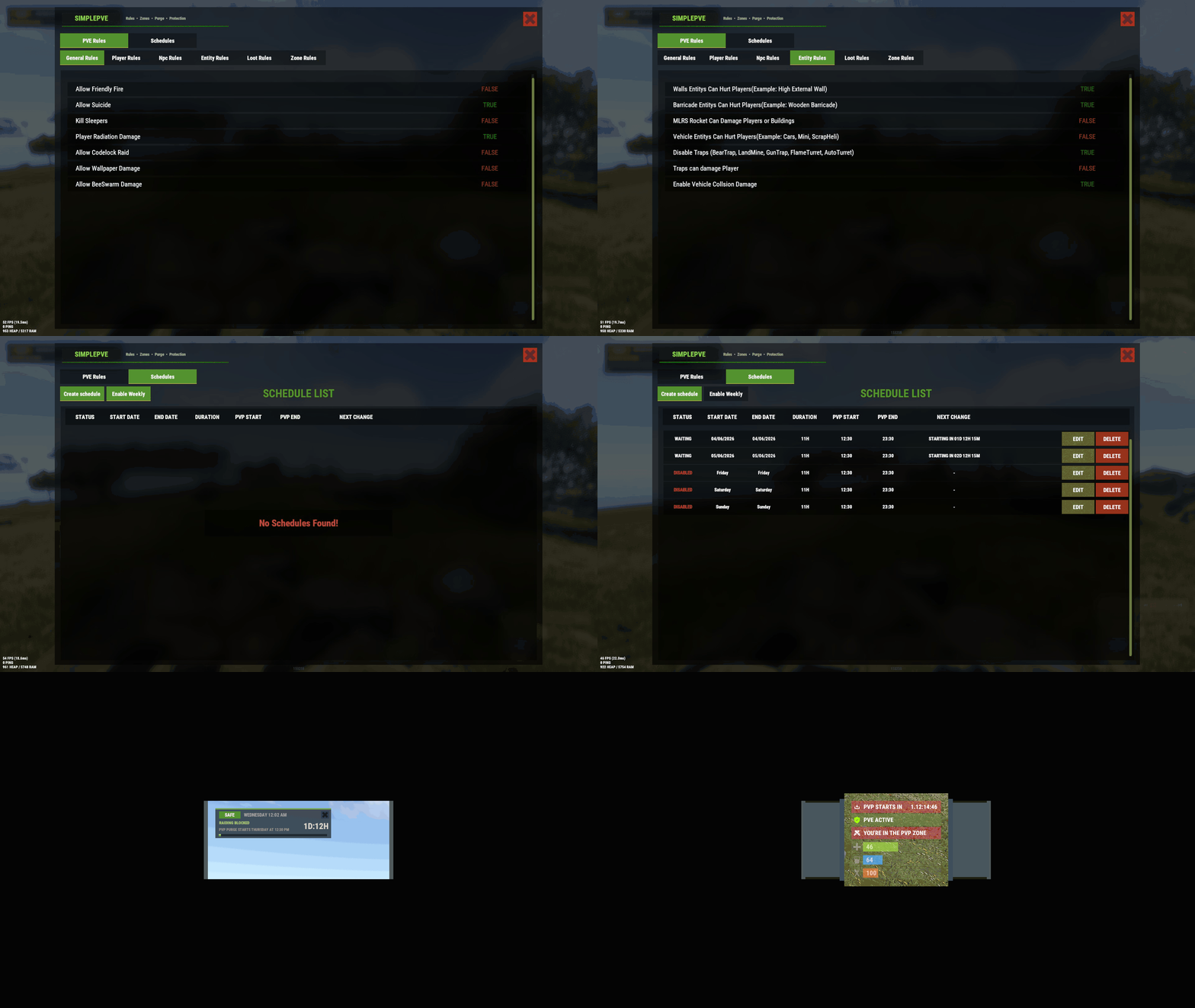 “I want the Bradley event to be able to deal damage to player-built structures. How can I achieve this?”
 -
"Is there a way to configure Bradley so it can deal damage to player-built bases?" "I want Bradley to be able to damage player-built structures. Is it possible to enable this?"
-
'Upgrader v0.6.5' eklentisinde 'OnPlayerRespawned' kancasını çağırma başarısız oldu (NullReferenceException: Nesne başvurusu bir nesne örneğine ayarlanmadı) ItemContainer.CanAcceptItem (Item item, System.Int32 targetPos) [0x000b5] konumunda <4290a31928ec49b7b2c75f8ca53a1d2b>:0 adresinde Item.CanMoveTo (ItemContainer newcontainer, System.Int32 iTargetPos) [0x0000b] konumunda <4290a31928ec49b7b2c75f8ca53a1d2b>:0 adresinde Item.MoveToContainer (ItemContainer newcontainer, System.Int32 iTargetPos, System.Boolean allowStack, System.Boolean ignoreStackLimit, BasePlayer sourcePlayer, System.Boolean allowSwap) [0x001dc] in <4290a31928ec49b7b2c75f8ca53a1d2b>:0 at Oxide.Plugins.Upgrader.OnPlayerRespawned (BasePlayer player) [0x00095] in <26c21fd2419944528c35b64026a829ff>:0 at Oxide.Plugins.Upgrader.DirectCallHook (System.String name, System.Object& ret, System.Object[] args) [0x001d5] in <26c21fd2419944528c35b64026a829ff>:0 at Oxide.Plugins.CSharpPlugin.InvokeMethod (Oxide.Core.Plugins.HookMethod method, System.Object[] args) [0x00079] in <42f9bedc659b4f4786eb778d3cd58968>:0 at Oxide.Core.Plugins.CSPlugin.OnCallHook (System.String name, System.Object[] args) [0x000de] in <15f61ddda771464d8246ebdce8ff4811>:0 at Oxide.Core.Plugins.Plugin.CallHook (System.String hook, System.Object[] args) [0x00060] in <15f61ddda771464d8246ebdce8ff4811>:0
-
Hello, I'm using the Bradley Drops plugin on my PvE server. When players summon a Bradley of any difficulty with flares, they build around it to trap it, making it easier to destroy. How can I prevent them from trapping Bradley with builds?
-
Hey, I have a problem with the wallpaper plugin. In my server, when the players using this plugin its not working right. The placed to indoor side wallpapers are ok but placed to outdoor side are disapearing in few moments. Could you help me for this? We want to use wallpaper to the walls' outdoor side. thx.
-
Can we set NPCs to spawn inside houses and fight inside houses?
-
Thank you, my problem is solved, you are great. Thank you very much,
-
Thank you very much, I will try your suggestions and get back to you
-
I deleted all loot files of easy, medium, expert and nightmare bases. Than I started the raidbase plugin with nothing loot file. with this situation, a base is spawning with a million stone and hq. If I start plugin with my loot file with my loot settings, again a base spawning with same amount of stone and hq. The plugin never apply my settings. I cant do it. Can you help me for this problem?
-
Raid regime houses drop metals and high-quality metals that are not included in loot. How can I fix this? Even if I clear the loot rules and use an empty loot amount, a lot of metals and high-quality metals continue to drop. How can I prevent this?
-
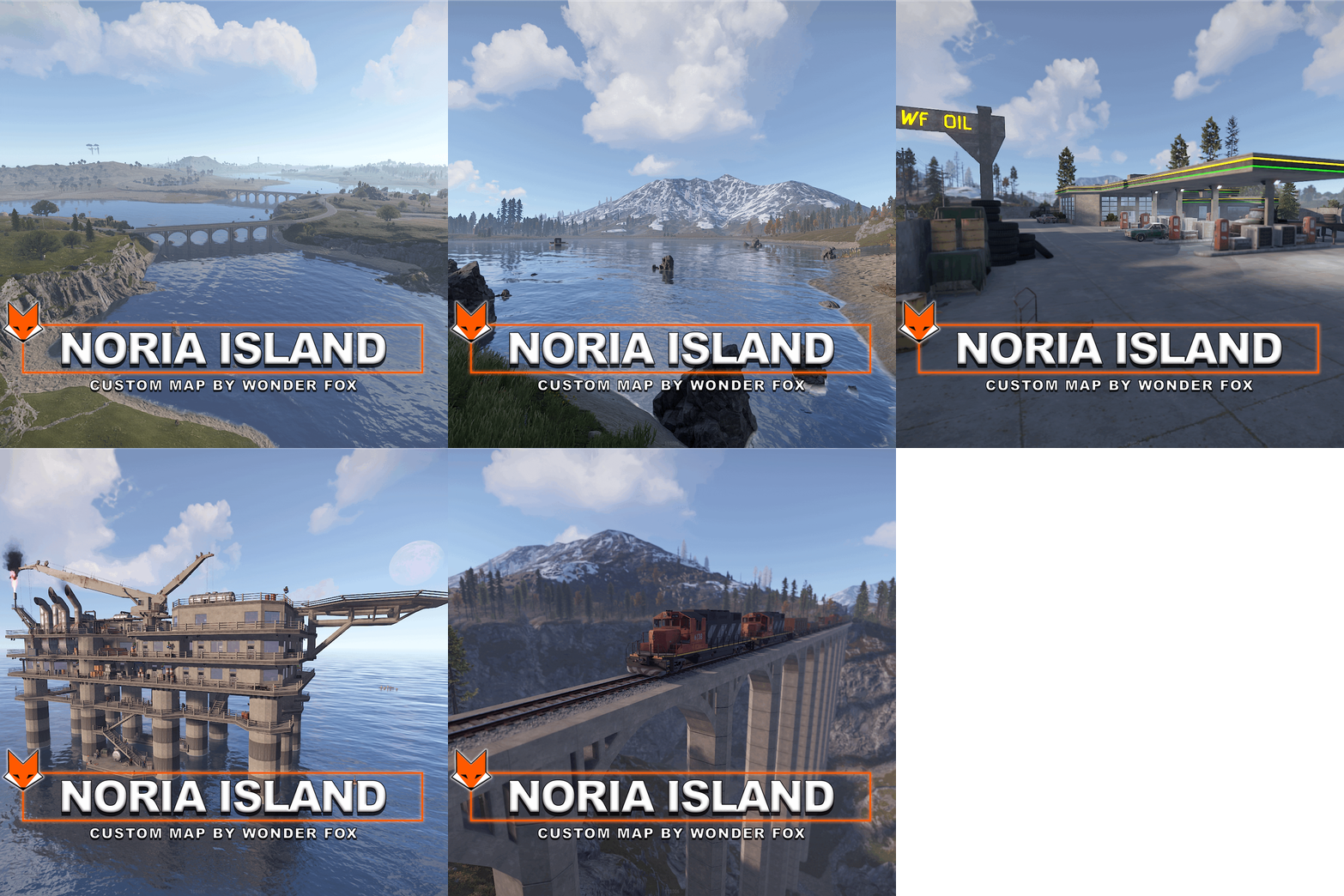 What should I do after adding lootpresent and vending present files to rust edit?
 -
I opened the map in Rust Edit but I don't understand how to use the vprof files and what they do. Can you enlighten me on how to use these files and what I need to do?
-
 izin nasıl verebilirim